

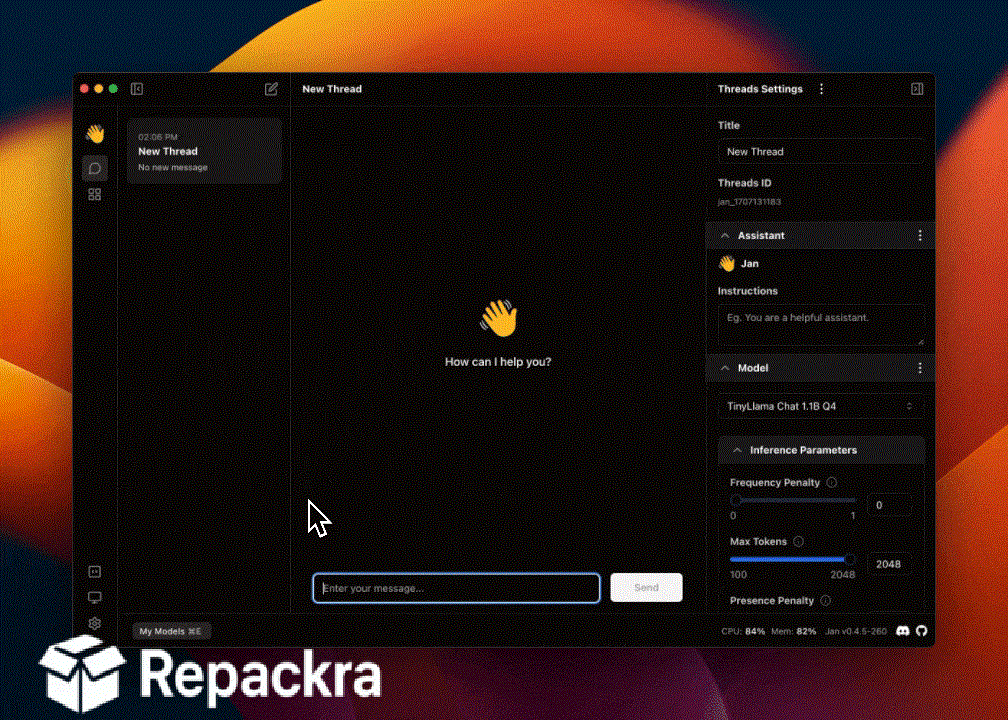
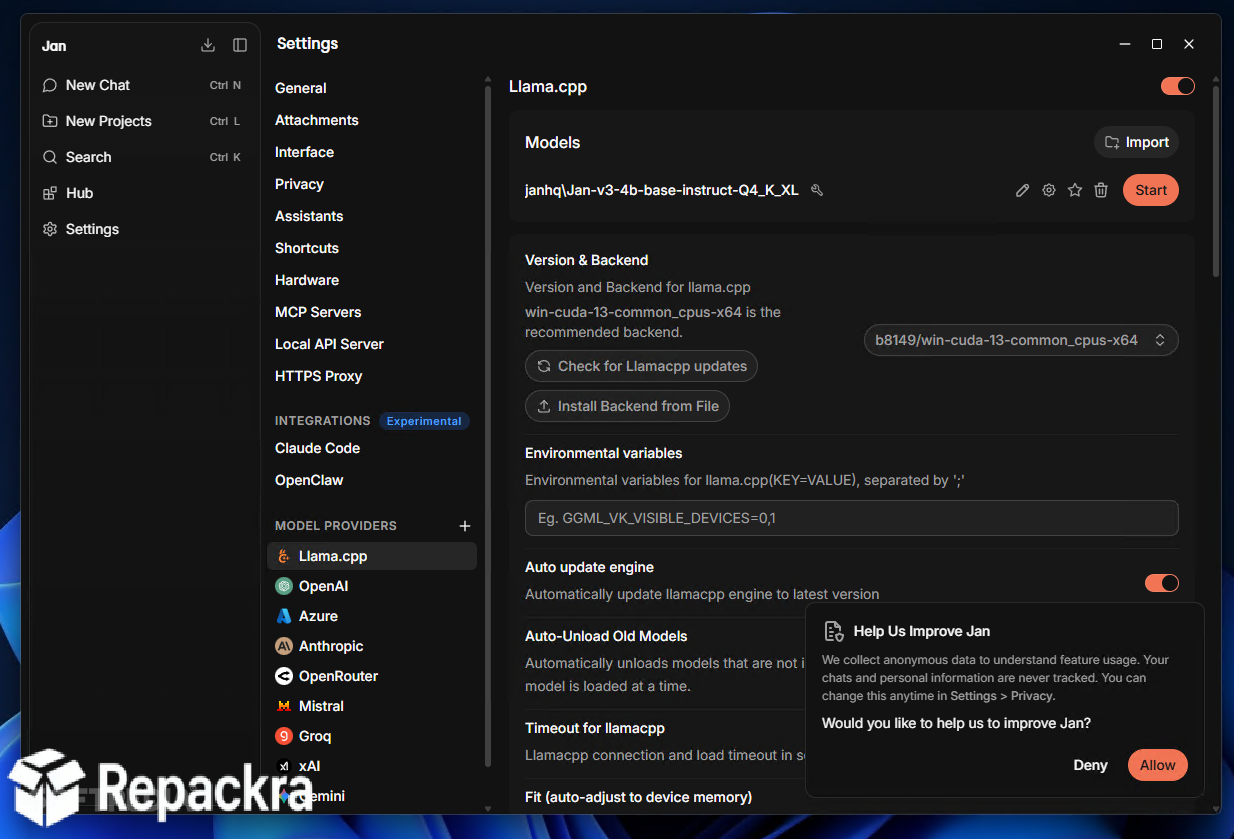
Jan.ai for Mac is the local AI assistant that runs powerful open-source language models entirely on your own hardware instead of sending your prompts and files off to someone else’s cloud servers. Version 0.8.4 brings a more refined and reliable experience for anyone who wants ChatGPT-style conversations while keeping full control over their data.
I keep it around whenever I need to work with sensitive documents or just want an AI assistant that doesn’t depend on an internet connection to function.
Jan.ai Overview
Jan.ai for Mac is a free and open source desktop application that lets you download, manage, and chat with open-source LLMs directly on your Mac, with the option to connect to cloud providers like OpenAI, Claude, or Gemini whenever you need extra horsepower. It runs a local, OpenAI-compatible API server so other apps and workflows can tap into your models too, and every conversation stays on your device unless you choose otherwise.
Jan.ai for Mac is one of the most complete ways to build your own private AI assistant on Apple Silicon. Anyone who wants an even simpler way to pull down and run models from the command line alongside Jan will find Ollama for Mac a natural companion, handling the model serving layer that a lot of local AI tools quietly build on top of.
Key Features:
- Run open-source language models entirely offline on your Mac
- Optional connection to cloud providers including OpenAI, Claude, Gemini, and more
- Built in native web search and web fetch tools for models
- OpenAI-compatible local API server for other apps to connect to
- Custom assistants with their own instructions and settings
- Metal accelerated inference on Apple Silicon for faster responses
- Built in model hub connected to the Hugging Face catalog
- MCP support for connecting external tools and services
- Fully open source under the Apache 2.0 license with no hidden fees
- Fully compatible with macOS on Apple Silicon (M1 and newer)
What’s New in Version 0.8.4
- Added native web search and web fetch tools so models can search and read pages without extra setup
- Settings and credentials moved to a secure backend-managed store, with secrets now stored in the OS keyring
- Added per-model chat template settings for more accurate local model behavior
- Added a token counter for remote and MLX providers
- Fixed macOS hide-on-close behavior so the app now hides to the tray when the Local API Server is running instead of quitting
- Several stability fixes across chat, MCP, and provider connections
System Requirements
- macOS on Apple Silicon (M1, M2, M3, or M4); Intel Macs are not supported
- 8 GB RAM minimum, 16 GB or more recommended for larger models
- 500 MB storage for the application, plus additional space for downloaded models
- Apple Silicon processor with Metal acceleration
- Internet connection required only for downloading models or using cloud providers
How to Install Jan.ai on Mac
- Download Jan.ai 0.8.4 for Mac.
- Open the downloaded file and drag Jan into Applications.
- Launch Jan.ai from your Applications folder.
- Download a model from the built in Hub or connect a cloud provider.
- Start chatting immediately, entirely on your own machine.
How to Download Jan.ai for Mac
- Visit the official Jan.ai website.
- Click the Download button for the Mac version.
- Wait for the installer to finish downloading.
- Open the downloaded file from your Downloads folder.
- Follow the setup steps to complete installation.
Supported Websites
- Jan.ai Official Website
- GitHub (janhq/jan)
- Softpedia
- MajorGeeks
- Uptodown
- 1000+ other trusted sources
Why Use Jan.ai for Mac?
What makes Jan.ai for Mac the go to local AI app for most people who try it is simply how much control it gives you without any subscription cost attached. Running a capable language model entirely on your own hardware means your prompts and documents never leave your Mac unless you decide to connect a cloud provider yourself.
The built in API server makes it genuinely useful beyond just chat since other apps and workflows can tap into your local models the same way they would a cloud service. People who want a more visual, chat-first interface for experimenting with different local models side by side often reach for LM Studio for Mac, which covers that same local-first philosophy with a layout built around comparing and switching between models quickly.
For anyone who wants a private, fully customizable AI assistant without handing their data to a third party, the openness Jan.ai for Mac offers makes it the obvious choice over closed, cloud-only alternatives.
Jan.ai vs Other Local AI Apps
| Feature | Jan.ai | Others |
|---|---|---|
| Free and Open Source | Yes | Varies |
| Fully Offline Capable | Yes | Varies |
| Local API Server | Yes | Limited |
| Cloud Provider Support | Yes | Limited |
| Mac Optimized | Yes | Varies |








