
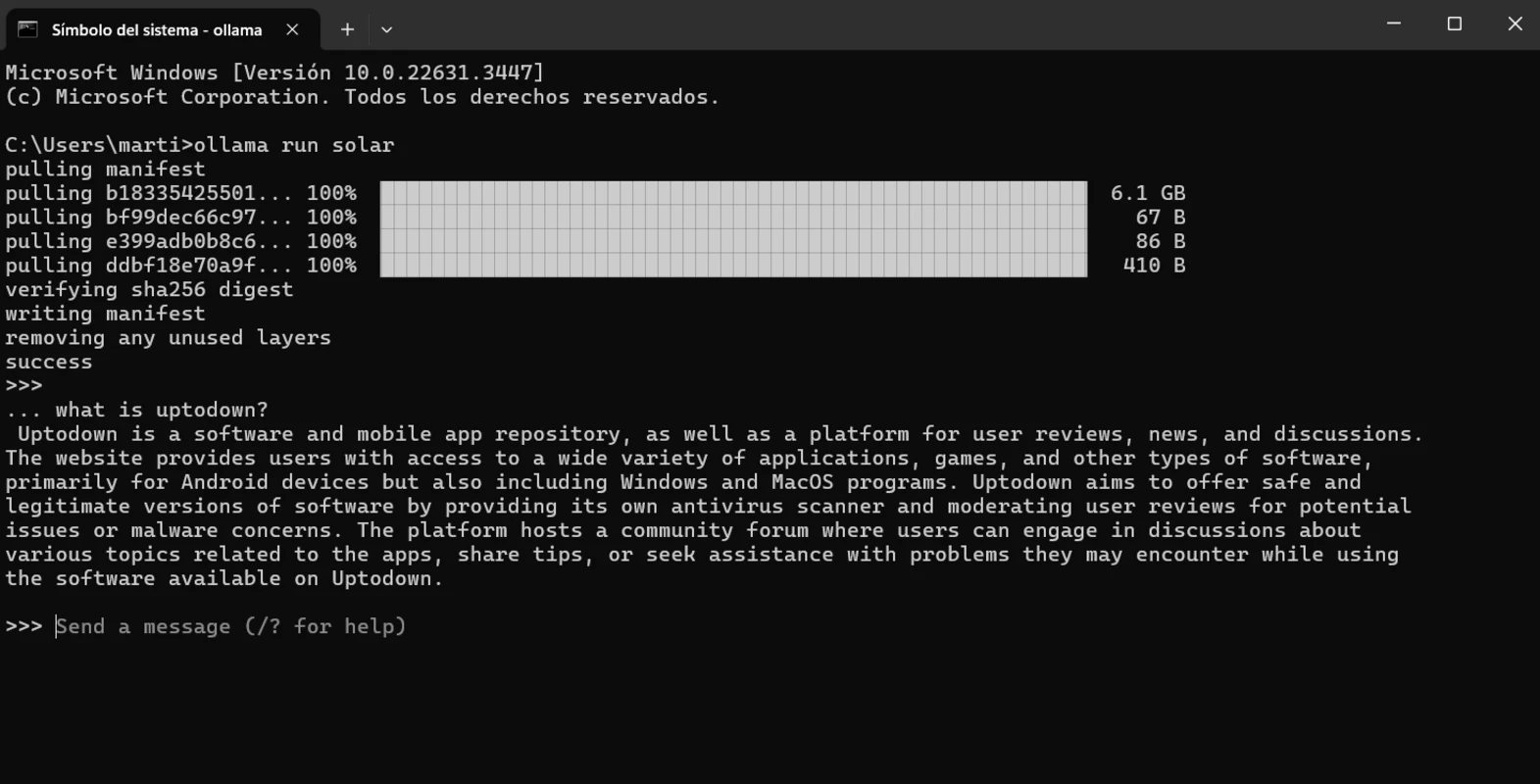
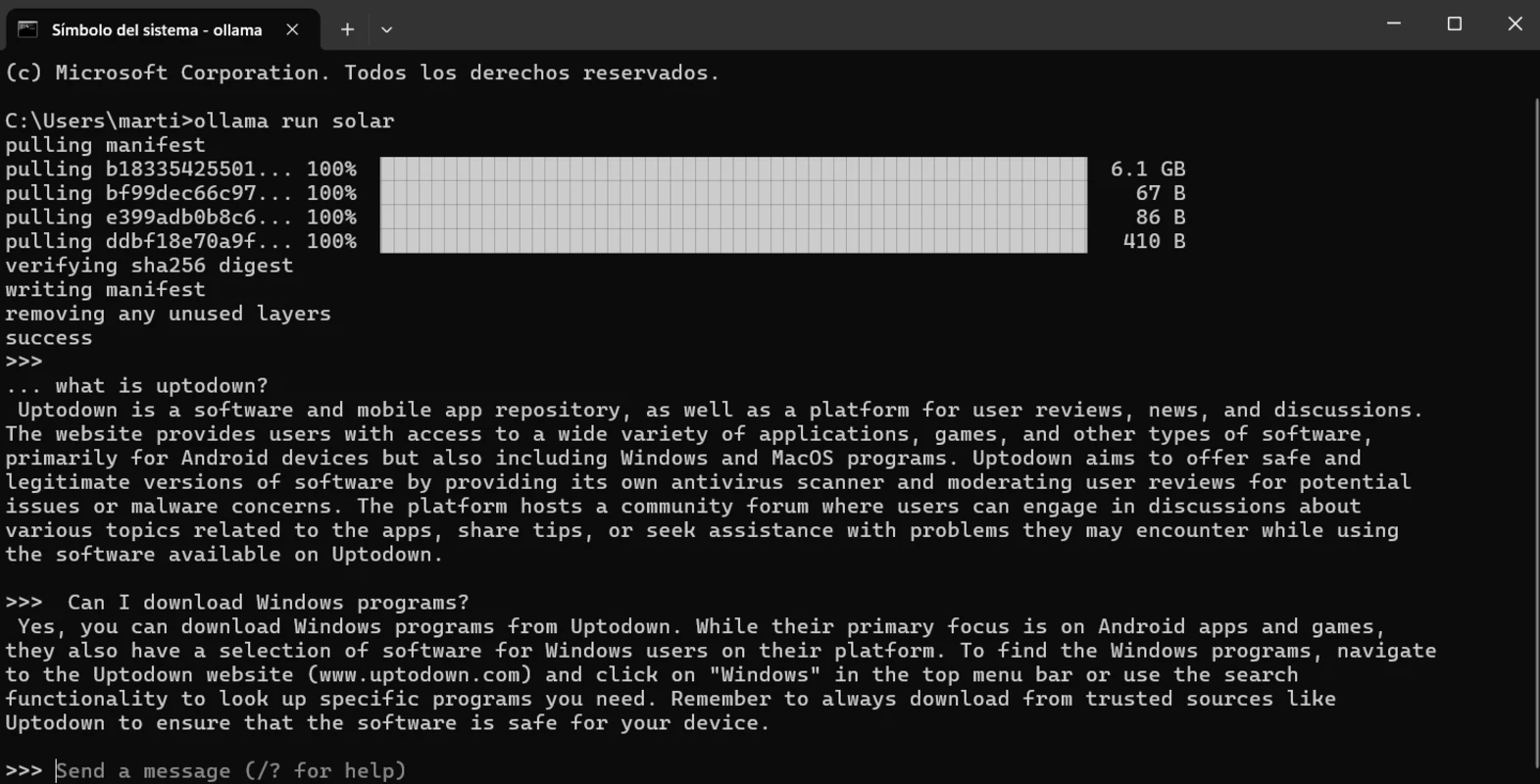
Ollama for Mac is the local AI runtime that lets you download and run powerful open-source language models directly on your own hardware instead of relying on a cloud service for every single request. Version 0.32.13 brings a more refined and reliable experience for anyone who wants a fast,
private way to work with large language models right from the terminal. I keep it installed at all times because it gives me instant access to models like Llama, Mistral, and Gemma without a single line of setup complexity.
Ollama Overview
Ollama for Mac is a free and open source platform for running, managing, and deploying large language models directly on your local hardware, widely considered the industry standard for local AI thanks to how simple it makes the entire process. A single command downloads and runs a model,
and Ollama’s MLX engine takes full advantage of Apple Silicon’s unified memory to deliver genuinely fast performance. Ollama for Mac is one of the most reliable ways to run serious AI models locally without sending a single prompt to the cloud.
Key Features:
- One-command setup to download and run any supported model
- Massive model library including Llama, Mistral, Gemma, Qwen, and more
- MLX engine for accelerated inference on Apple Silicon
- Fully offline operation with no data sent to external servers
- Interactive agent mode for coding and delegating tasks from the terminal
- Local OpenAI-compatible REST API for integrating with other tools
- Built in web search and fetch support for agent workflows
- Works seamlessly with tools like Claude Code, LangChain, and VS Code extensions
- Cross platform support across macOS, Windows, and Linux
- Fully compatible with macOS on both Apple Silicon and Intel
What’s New in Version 0.32.13
- Added developer instruction support for qwen3.8 models
- Various stability and compatibility fixes across the agent and model pipeline
- Continued refinements building on the latest MLX and llama.cpp engine updates
System Requirements
- macOS 11 Big Sur or later
- 8 GB RAM minimum, 16 GB or more recommended for larger models
- Apple Silicon or Intel processor (Apple Silicon recommended for MLX acceleration)
- Sufficient free storage depending on the size of models downloaded
- Internet connection required only for downloading models
How to Install Ollama on Mac
- Download Ollama 0.32.13 for Mac.
- Open the downloaded file and drag Ollama into Applications.
- Launch Ollama from your Applications folder.
- Open Terminal and run a model with a single command, such as ollama run llama3.
- Start chatting with your model immediately, entirely on your own machine.
How to Download Ollama for Mac
- Visit the official Ollama website.
- Click the Download button for the Mac version.
- Wait for the installer to finish downloading.
- Open the downloaded file from your Downloads folder.
- Follow the setup steps to complete installation.
Supported Websites
- Ollama Official Website
- GitHub (ollama/ollama)
- Softpedia
- MacUpdate
- Uptodown
- 1000+ other trusted sources
Why Use Ollama for Mac?
What makes Ollama for Mac the go to local AI runtime for most people who try it is simply how little friction stands between you and running a real language model. A single command gets a model downloaded and running, something that used to require significant technical setup with other local AI tools.
The MLX engine makes daily use genuinely fast since it’s built specifically to take advantage of Apple Silicon’s unified memory architecture. For anyone who wants privacy, speed, and developer control without depending on the cloud, the simplicity Ollama for Mac offers makes it the obvious choice over more complex local AI setups.
Ollama vs Other Local AI Tools
| Feature | Ollama | Others |
|---|---|---|
| Free and Open Source | Yes | Varies |
| One-Command Setup | Yes | Limited |
| Apple Silicon Optimization | Yes | Varies |
| Local API Server | Yes | Limited |
| Mac Optimized | Yes | Varies |