

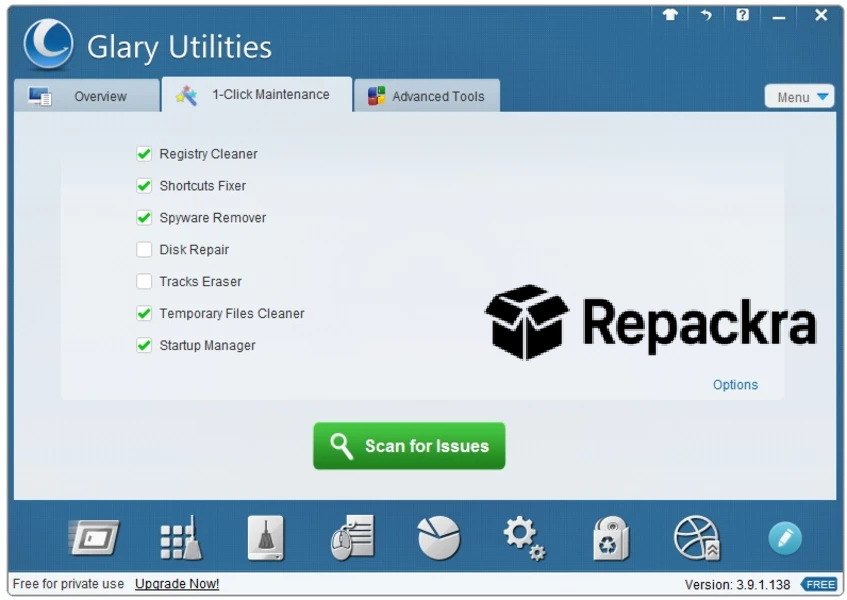
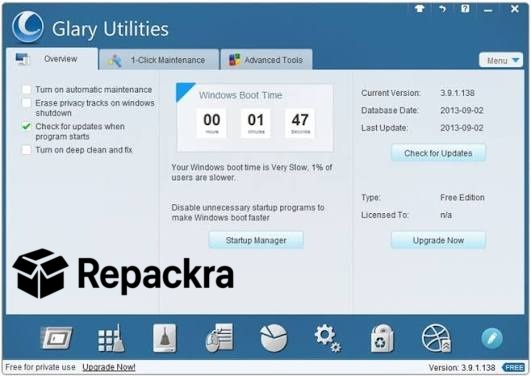
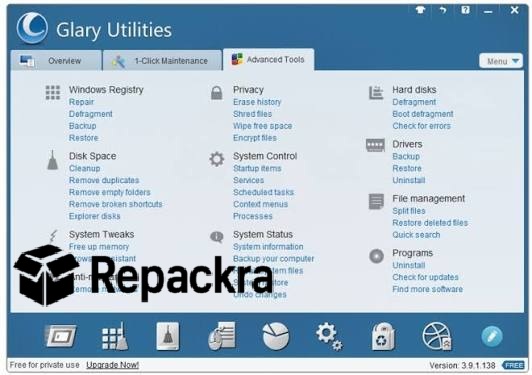
Glary Utilities for PC is the all in one system optimization tool that keeps your Windows machine running clean, fast, and completely clutter free. Glary Utilities for PC 6.46.0.50 handles everything from junk file removal and registry cleaning to privacy protection and startup management all from one beautifully organized dashboard.
I use it every single week because having every essential maintenance tool in one place saves an enormous amount of time and keeps my PC feeling sharp and responsive no matter how long it has been running. It does the work of a dozen separate tools without ever making things complicated, and for anyone who wants an additional dedicated option for quick everyday junk cleaning, CCleaner for PC is worth having installed alongside it.
Glary Utilities Overview
Glary Utilities for PC is a comprehensive system maintenance and optimization suite built for everyday Windows users who want a faster and healthier machine without needing technical expertise. It scans your entire system and surfaces everything that is slowing it down, wasting storage, or creating unnecessary security risks.
You can run a complete one click maintenance pass or dive into individual tools for more targeted control over specific parts of your system. It handles registry issues, startup bloat, duplicate files, browser traces, and much more without ever feeling overwhelming. It even offers scheduled automatic maintenance so your PC stays optimized without you having to remember to run it manually.
Key Features of Glary Utilities for PC
- One click maintenance for full system cleanup
- Disk cleaner and junk file remover
- Registry cleaner and repair tool
- Startup manager to speed up boot times
- Duplicate file finder and remover
- Privacy cleaner for browser and app traces
- Software uninstaller with leftover removal
- Memory optimizer for better performance
- Empty folder finder and cleaner
- Context menu manager
- File splitter and joiner tool
- Process manager for running applications
- Scheduled automatic maintenance
- Tracks eraser for complete privacy protection
- Fully optimized for Windows 10 and Windows 11
What’s New in Glary Utilities 6.46.0.50
- Improved one click maintenance engine for faster and more thorough system scans
- Full Windows 11 compatibility with zero display or performance issues
- Registry cleaner updated with better detection of invalid and orphaned entries
- Enhanced privacy cleaner covering more browser traces and app data
- Several bug fixes and stability improvements for a more dependable experience
System Requirements
- OS: Windows 10 or later
- RAM: At least 2 GB
- Storage: 100 MB of free space
- Processor: Intel or AMD processor supported
How to Install Glary Utilities on PC
- Download Glary Utilities for PC 6.46.0.50 full version.
- Extract the downloaded file.
- Open the installer file.
- Follow the on screen installation steps.
- Launch Glary Utilities for PC.
- Run your first one click maintenance scan immediately.
How to Download Glary Utilities Using PC
- Visit the official Glary Utilities website.
- Click the Download button on the homepage.
- Wait for the installer file to finish downloading.
- Open your Downloads folder.
- Run the installer file to begin installation.
Supported Websites
- Glary Utilities Official Website
- Softpedia
- MajorGeeks
- FileHippo
- Fosshub
- Filehorse
- 1000+ other trusted sources
Why Use Glary Utilities for PC?
Glary Utilities for PC replaces an entire folder of separate maintenance tools with one clean and capable suite that handles everything your Windows machine needs to stay in peak condition. The one click maintenance pass alone is worth it because it scans, cleans, and optimizes your system in minutes without requiring you to understand what is happening under the hood.
The startup manager consistently delivers noticeable boot time improvements by cutting out unnecessary programs that quietly add seconds to every single startup. Privacy cleaning, duplicate removal, and registry repair all live in the same dashboard so switching between tasks takes seconds rather than opening and closing multiple different applications.
Glary Utilities for PC is the kind of tool that earns a permanent place on every Windows machine because the difference it makes to day to day performance is something you notice immediately and appreciate every single day.
Glary Utilities vs Other PC Optimizers
| Feature | Glary Utilities for PC | Others |
|---|---|---|
| One Click Maintenance | Yes | Limited |
| Registry Cleaner | Yes | Limited |
| Duplicate File Finder | Yes | No |
| Startup Manager | Yes | Limited |
| Privacy Cleaner | Yes | Limited |
| Windows Optimized | Yes | No |








