
Audacity for Mac is the audio editor that professionals and creators reach for when they need serious recording and editing capability without a subscription standing between them and their work. Version 4.0.0 marks the most significant release in the project’s history,
delivering a completely modernized experience that finally matches the quality of the tools surrounding it on macOS. Podcasters, musicians, educators, and audio engineers choose Audacity for Mac because the depth of its toolset and the price of entry make it impossible to overlook.
Audacity Overview
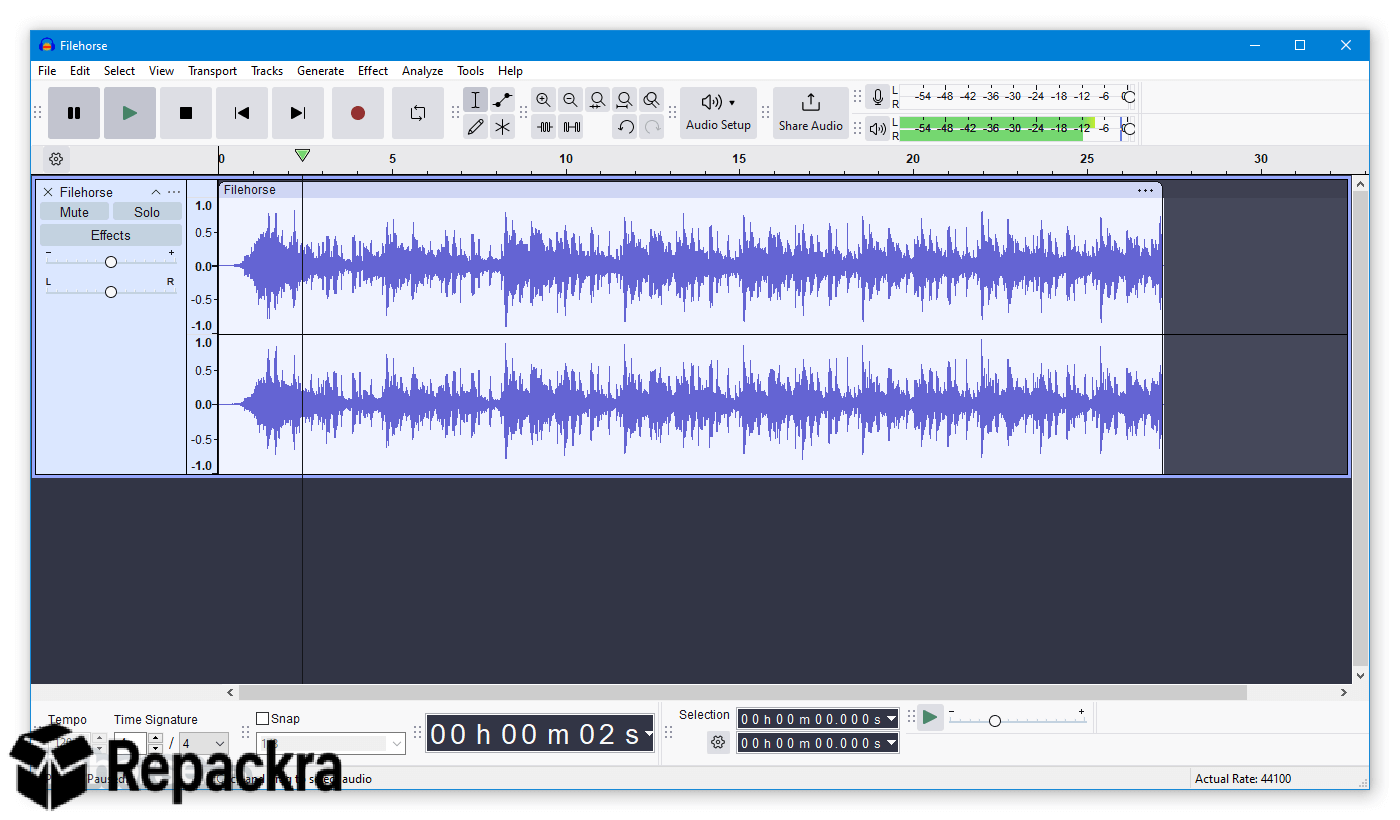
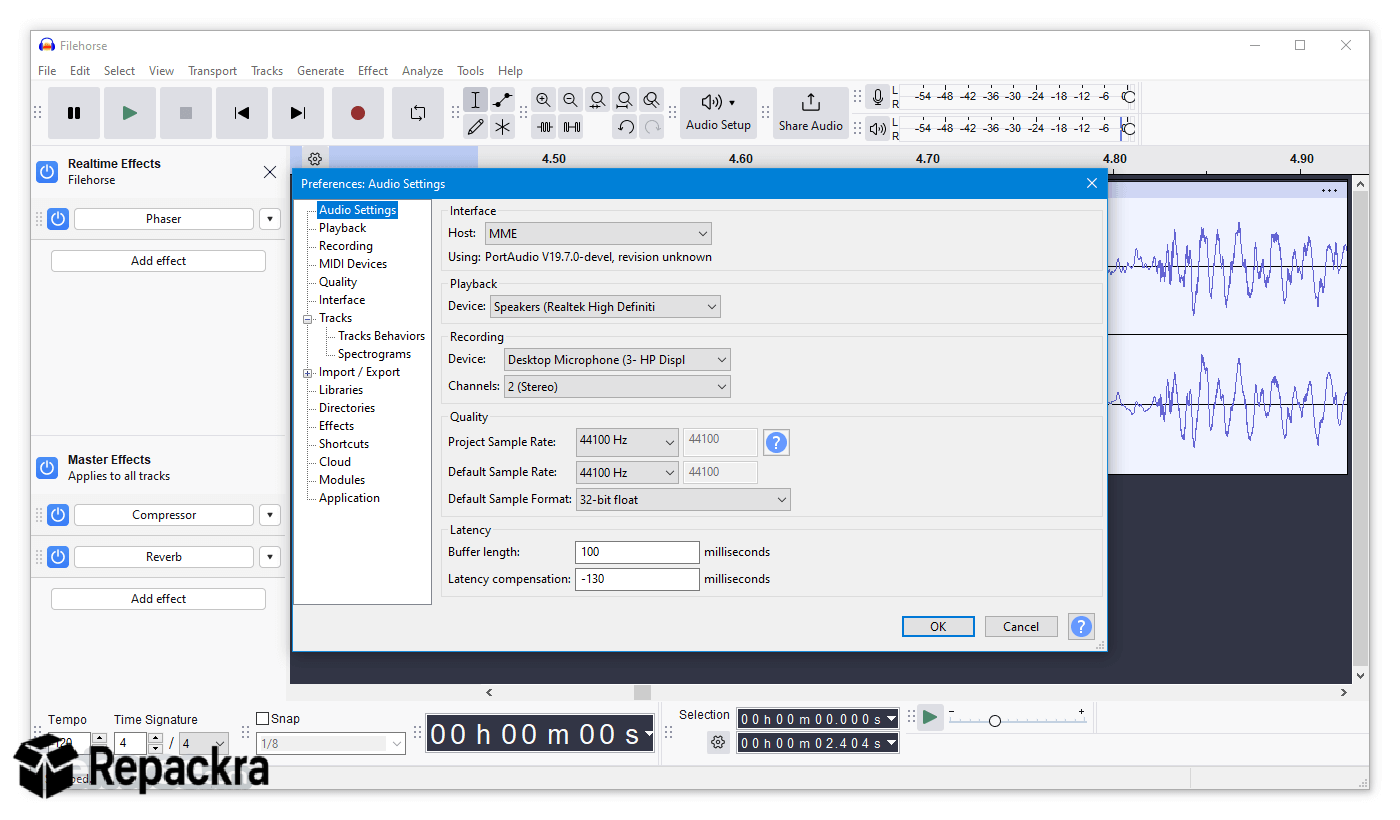
Audacity for Mac is a free and open source multi track audio editor and recorder that handles everything from microphone recording and noise removal to multi track mixing and professional format export through a refined interface that now feels genuinely native on macOS. Version 4.0.0 brings a redesigned workflow, improved Apple Silicon performance,
and audio quality improvements that close the gap between Audacity for Mac and commercial alternatives that charge significantly more for comparable functionality. Creators who want to transcribe their recorded audio into text for captions,
show notes, or subtitles will find MacWhisper for Mac a natural companion, using Apple Silicon optimized Whisper AI to generate accurate transcriptions from any audio file Audacity produces without sending anything to an external server.
Key Features:
- Multi track audio recording and non destructive editing
- Real time noise reduction and background removal
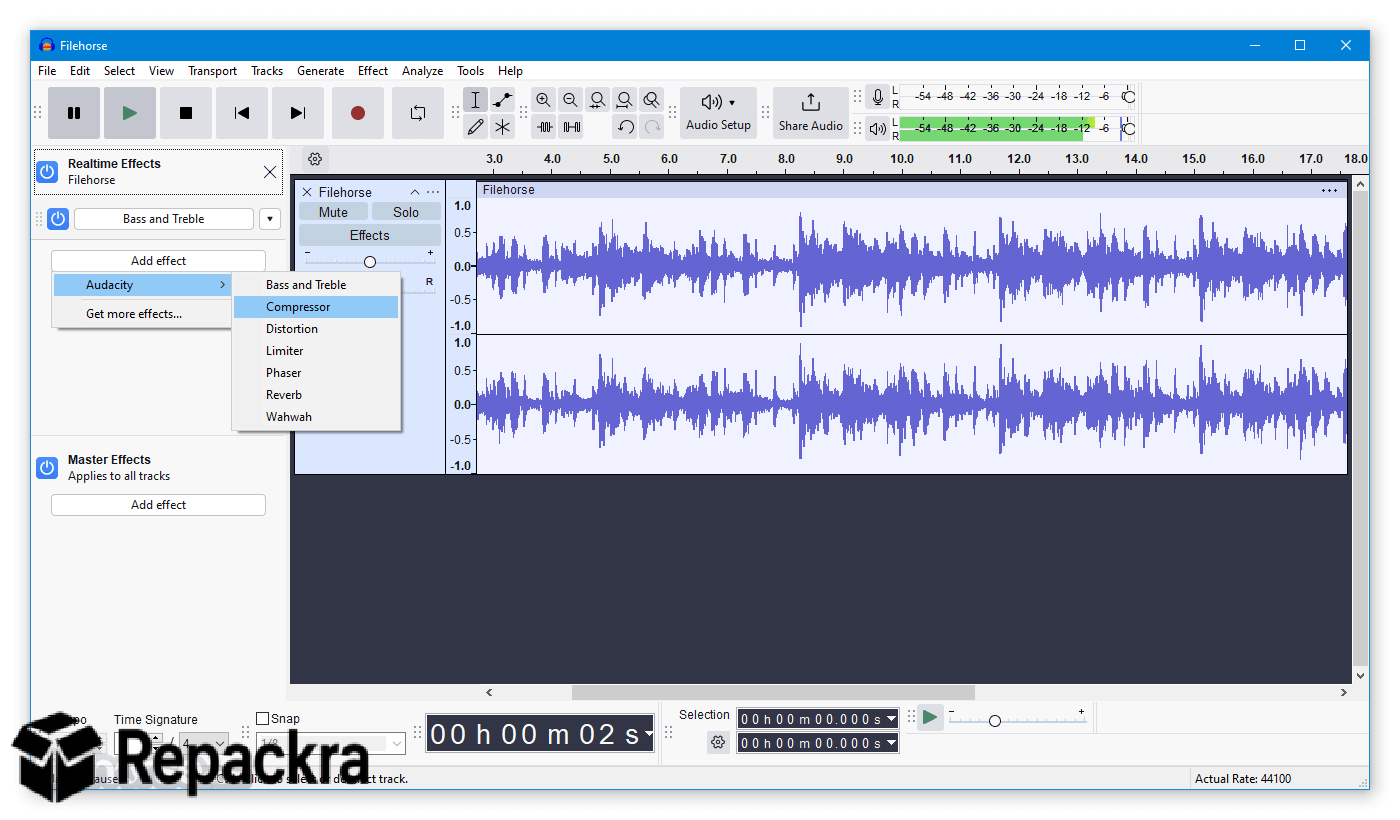
- Equalizer, compressor, limiter, and reverb effects
- Spectrogram view for detailed frequency analysis
- Export to MP3, WAV, FLAC, OGG, AIFF, and more
- VST, AU, and LADSPA plugin support
- Label tracks for precise audio marking and organization
- Clip gain and envelope editing per track
- Silence detection and intelligent removal tools
- Fully optimized for Apple Silicon and macOS Sequoia
What’s New in Version 4.0.0
- Completely redesigned interface with native macOS aesthetics
- Significantly improved Apple Silicon performance and efficiency
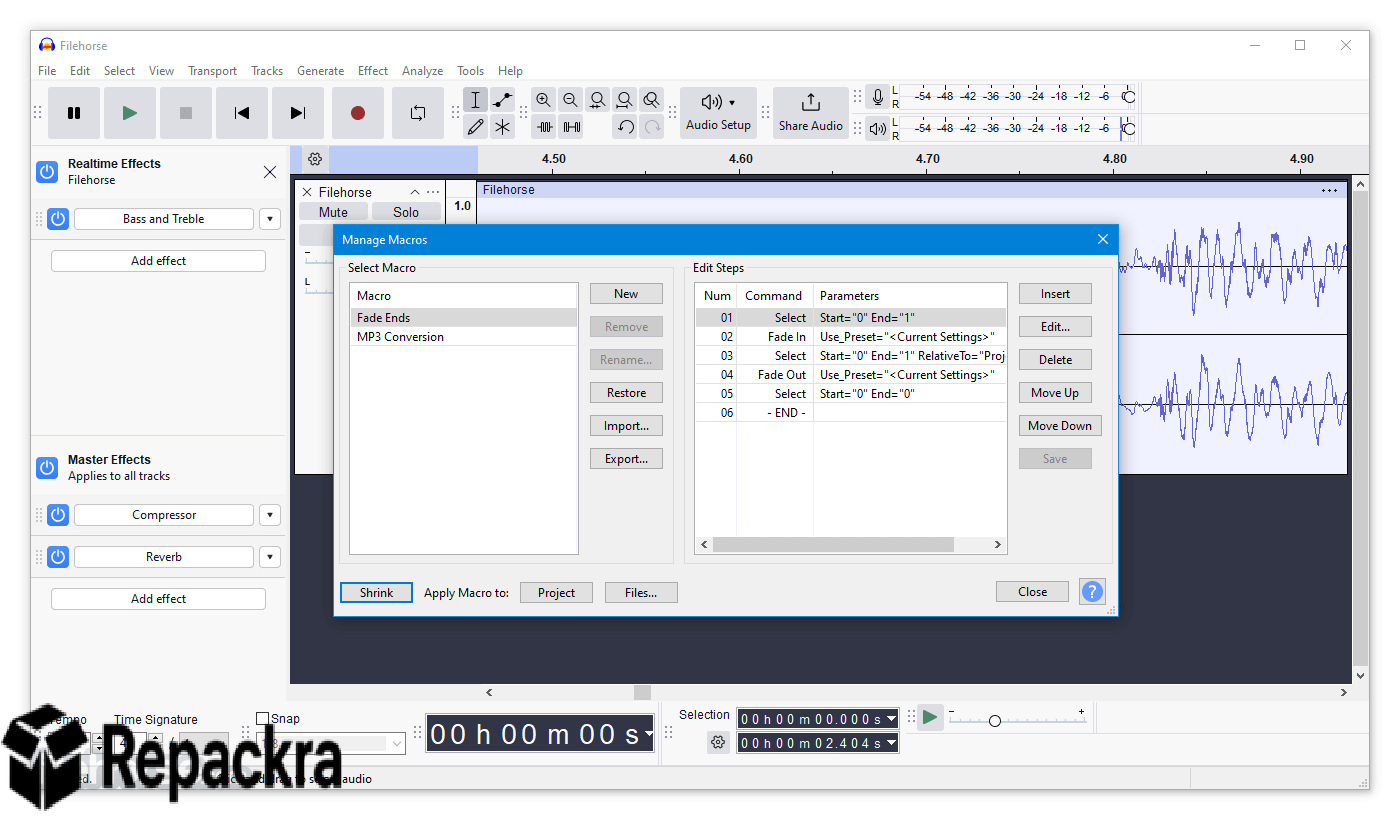
- New real time effects processing without destructive application
- Several major bug fixes and foundational stability improvements
System Requirements
- macOS 11.0 or later
- 4 GB RAM minimum, 8 GB recommended for multi track sessions
- 300 MB storage for the application itself
- Intel or Apple Silicon Mac fully supported
- Audio interface or built in microphone required for recording
How to Install Audacity on Mac
- Download Audacity 4.0.0 for Mac.
- Open the downloaded DMG file.
- Drag Audacity to your Applications folder.
- Launch Audacity for Mac.
- Configure your audio input and output devices and start recording.
How to Download Audacity for Mac
- Visit the official Audacity website at audacityteam.org.
- Click the Download for Mac button.
- Wait for the DMG file to finish downloading.
- Open your Downloads folder and mount the DMG.
- Drag to Applications and launch immediately.
Supported Websites
- Audacity Official Website
- GitHub Official Repository
- MacUpdate
- Softpedia
- Fosshub
- Filehorse
- 1000+ other trusted sources
Why Use Audacity for Mac?
Audacity for Mac delivers professional audio editing capability that commercial tools charge subscription fees to access. The noise reduction engine handles spoken word recordings with accuracy that genuinely impresses first time users and experienced producers alike. Real time effects processing in version 4.0.0 removes the destructive workflow limitation that frustrated advanced users in previous releases,
letting you adjust effect parameters and hear results without committing to permanent changes. Apple Silicon optimization means the application launches instantly, processes effects without latency, and exports large multi track sessions faster than any previous version managed on equivalent hardware.
For any Mac user who records audio in any capacity, Audacity for Mac delivers a return on zero investment that no paid alternative can honestly claim to beat.
Audacity vs Other Mac Audio Editors
| Feature | Audacity | Others |
|---|---|---|
| Real Time Non Destructive Effects | Yes | Limited |
| Multi Format Export Support | Yes | Limited |
| VST and AU Plugin Support | Yes | Limited |
| Completely Free and Open Source | Yes | No |
| Apple Silicon Optimized | Yes | Limited |








