

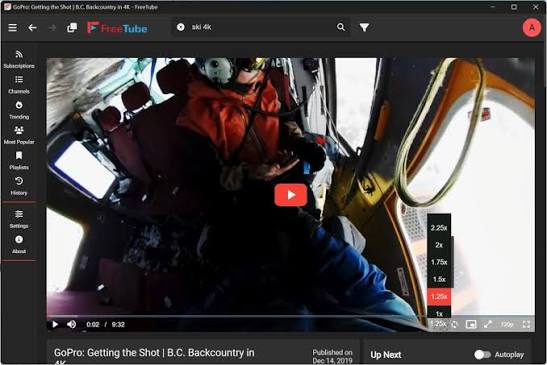
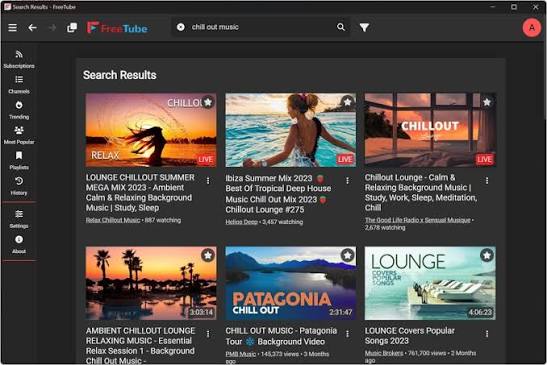
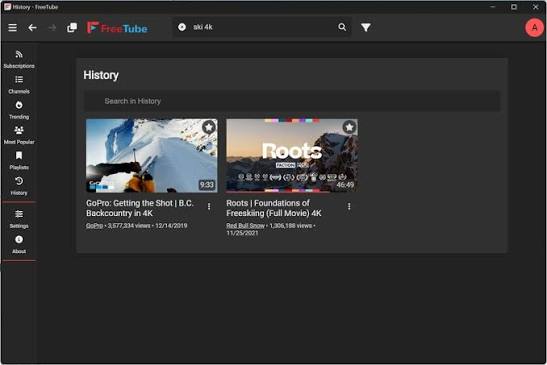
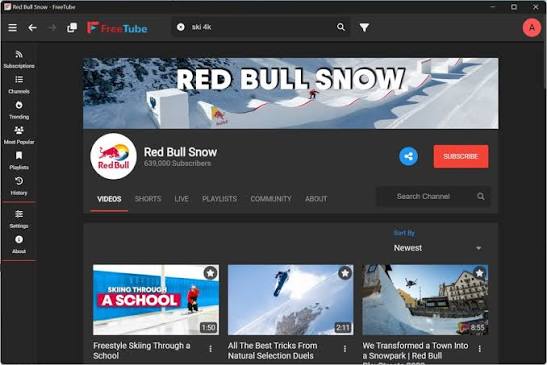
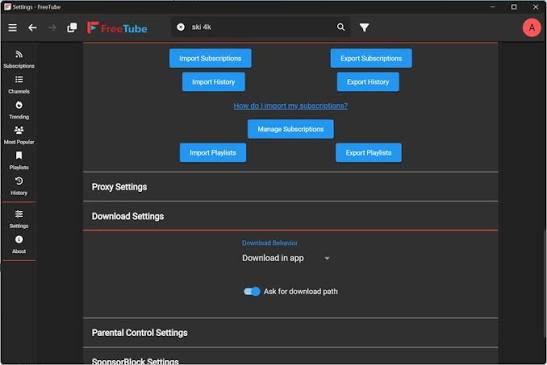
FreeTube for Mac is the private YouTube client that lets you watch everything you want without ads, tracking, or a Google account. FreeTube for Mac 0.25.3 plays YouTube content locally through an open source player that never sends your watch history or behavior to Google.
I use it because the combination of no ads, no tracking, and a clean desktop interface makes watching YouTube genuinely better than the website ever feels.
FreeTube Overview
FreeTube for Mac is an open source desktop YouTube client built for users who want full control over their viewing experience. It pulls video data through the Invidious API or locally through YouTube without logging,
anything to Google servers. Subscriptions, history, and preferences all stay on your machine.
Key Features :
- Ad free YouTube playback without extensions
- No Google account required
- Local subscription and history storage
- Invidious and local API support
- SponsorBlock integration for segment skipping
- DeArrow support for better thumbnails and titles
- Import and export subscriptions
- Custom theming and interface options
- Picture in picture support
- Proxy and Tor routing support
- Playlist management and playback
- Download videos directly from the app
- Open source and publicly available
- Fully optimized for macOS Sequoia
What’s New 0.25.3
- Local API playback reliability improved
- Full macOS Sequoia compatibility confirmed
- SponsorBlock accuracy and response improved
- Subscription feed loading speed increased
- Bug fixes and performance improvements throughout
System Requirements
- OS: macOS 11.0 or later
- RAM: At least 4 GB
- Storage: 150 MB of free space
- Processor: Intel and Apple Silicon both supported
How to Install FreeTube on Mac
- Download FreeTube for Mac 0.25.3 full version.
- Open the DMG file.
- Drag the app to your Applications folder.
- Launch FreeTube for Mac.
- Import your subscriptions and start watching.
How to Download FreeTube Using Mac
- Visit the official FreeTube website.
- Click Download for Mac.
- Wait for the DMG file to download.
- Open your Downloads folder.
- Run the DMG file to begin installation.
Supported Websites
- FreeTube Official Website
- GitHub Official Page
- MacUpdate
- Softpedia
- Fosshub
- Homebrew Package Manager
- 1000+ other trusted sources
Why Use FreeTube for Mac?
FreeTube for Mac removes everything annoying about YouTube and keeps everything useful. No ads interrupting playback, no algorithm pushing recommended content based on your data, and no watch history leaving your machine.
SponsorBlock skips sponsored segments automatically and the subscription feed shows exactly what you follow without any promoted content mixed in. Cleaner, faster, and completely private.
FreeTube vs Other YouTube Clients for Mac
| Feature | FreeTube for Mac | Others |
|---|---|---|
| Ad Free Playback | Yes | Limited |
| No Google Account Needed | Yes | No |
| SponsorBlock Built In | Yes | No |
| Local Data Storage | Yes | No |
| Open Source | Yes | No |
| Mac Optimized | Yes | No |
Frequently Asked Questions
Here are the most asked questions about FreeTube for Mac:








