

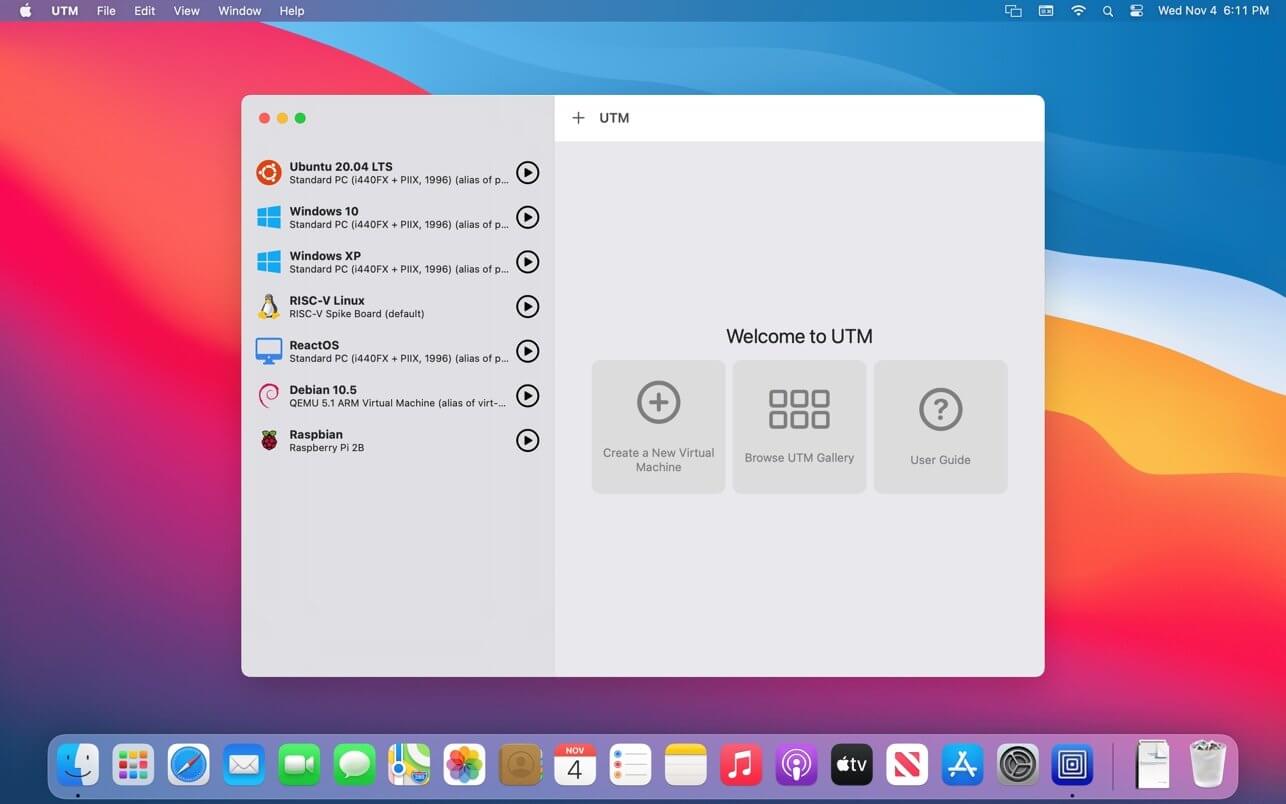
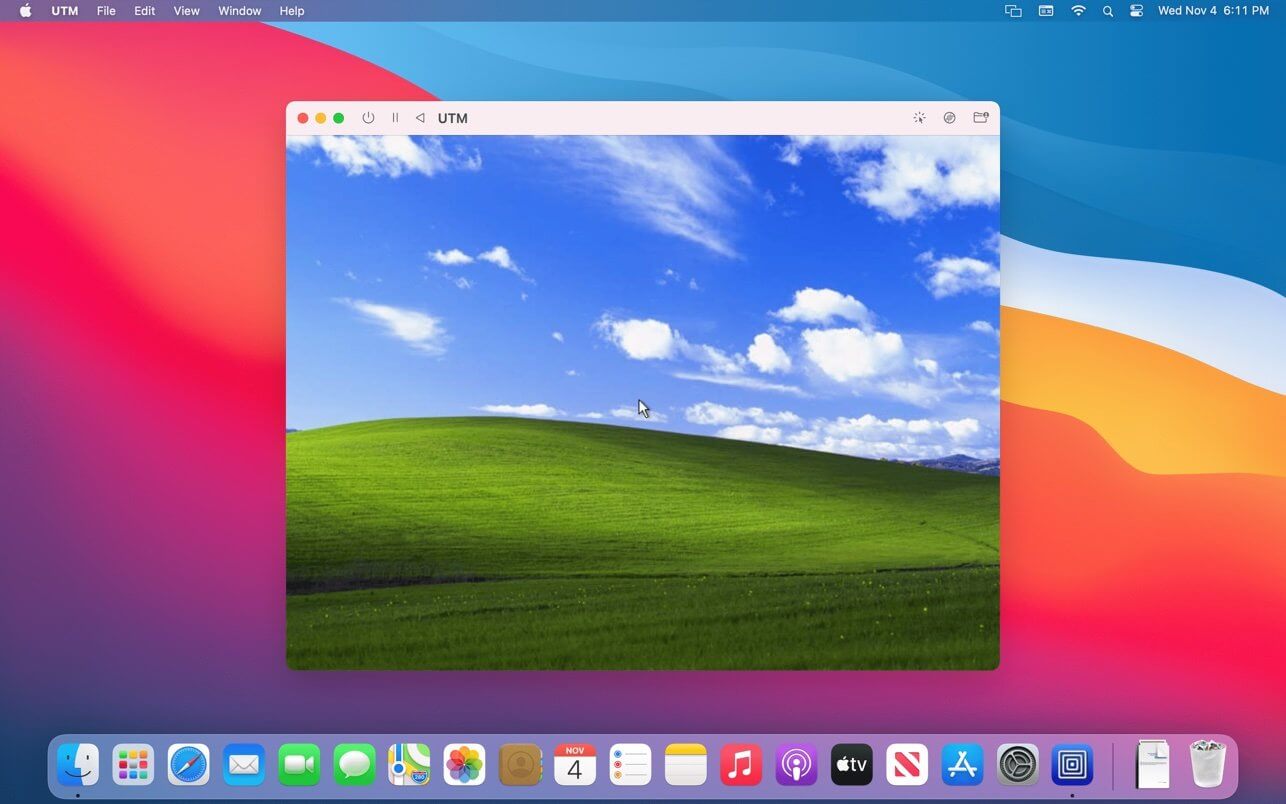
UTM for Mac is the most capable and accessible virtualization tool available for macOS users who need to run Windows, Linux, or legacy operating systems directly on their Mac without paying for commercial alternatives.
Version 4.7.5 delivers improved compatibility and stability across every supported architecture making it the go to choice for developers, testers, and power users on both Intel and Apple Silicon Macs.
UTM Overview
UTM for Mac is a free and open source virtualization and emulation application built on QEMU that runs virtual machines natively on macOS. It supports full hardware virtualization on Apple Silicon through the Hypervisor,
framework and provides x86 emulation for running legacy software and operating systems that no longer run natively on modern Mac hardware.
Key Features:
- Full virtualization on Apple Silicon via Hypervisor framework
- x86 and x86_64 emulation for legacy software support
- Supports Windows, Linux, and dozens of other operating systems
- Shared directory support between Mac host and virtual machine
- Retina display scaling for crisp virtual machine output
- USB device passthrough support
- Snapshot support for saving and restoring VM states
- Network configuration with NAT and bridged modes
- Clipboard sharing between host and guest systems
- Fully optimized for macOS Sequoia and Apple Silicon
What’s New in 4.7.5
- Improved Windows 11 ARM virtual machine compatibility
- Better USB passthrough stability across device types
- Enhanced snapshot reliability on Apple Silicon
- Several targeted bug fixes and performance improvements
System Requirements
- macOS 12.0 or later
- 8 GB RAM minimum, 16 GB recommended for smooth VM operation
- 10 GB storage for UTM plus virtual machine disk images
- Intel or Apple Silicon Mac fully supported
How to Install UTM on Mac
- Download UTM 4.7.5 for Mac.
- Open the downloaded DMG file.
- Drag UTM to your Applications folder.
- Launch UTM for Mac.
- Create your first virtual machine and install your preferred OS.
How to Download UTM for Mac
- Visit the official UTM website at mac.getutm.app.
- Click the Download button for the Mac version.
- Wait for the DMG file to finish downloading.
- Open your Downloads folder and mount the DMG.
- Drag to Applications and launch immediately.
Supported Websites
- UTM Official Website
- GitHub Official Repository
- Apple Mac App Store
- MacUpdate
- Softpedia
- Fosshub
- 1000+ other trusted sources
Why Use UTM for Mac?
UTM for Mac delivers virtualization capability that commercial tools charge significant money for without any cost or subscription attached. Apple Silicon Macs run ARM virtual machines at near native speed through the Hypervisor framework making Windows 11 ARM and Linux ARM distributions genuinely usable for daily development work.
The x86 emulation layer handles legacy software and operating systems that have no ARM equivalent keeping older tools accessible on modern Mac hardware. Snapshot support means you can experiment freely inside a virtual machine and roll back instantly if anything breaks. For Mac users who need virtual machines without paying for Parallels or VMware, UTM for Mac is the most capable alternative available today.
UTM vs Other Mac Virtualization Tools
| Feature | UTM | Others |
|---|---|---|
| Native Apple Silicon Virtualization | Yes | Limited |
| x86 Emulation Support | Yes | Limited |
| Snapshot and Restore System | Yes | Limited |
| Completely Free and Open Source | Yes | No |
| Mac Optimized | Yes | No |








