

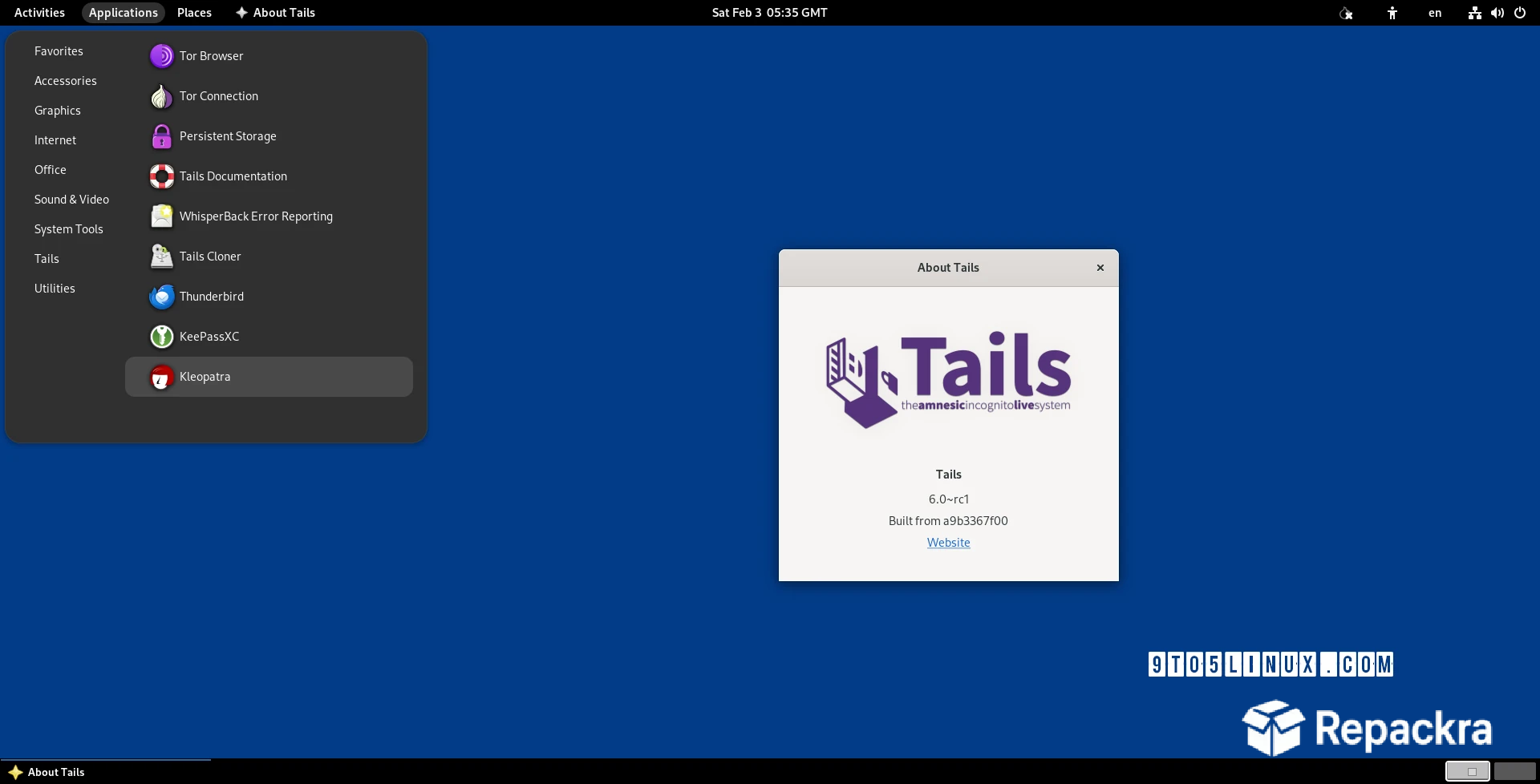
Tails ISO is the privacy focused operating system that journalists, activists, and security conscious users trust to stay anonymous online. Version 7.9 delivers the most refined and secure release yet built entirely around protecting your identity and leaving no trace behind. I use it whenever I need a completely private and amnesiac computing session because nothing else matches this level of built in anonymity and security.
Users who want a hardened daily driver alongside Tails for everyday secure computing will find Kicksecure ISO a natural companion, offering a Debian based system locked down by default with extensive security hardening applied out of the box rather than leaving configuration to the user.
Tails Overview
Tails ISO is a live operating system that runs directly from a USB drive without ever touching your computer’s hard drive. Every single connection routes through the Tor network automatically forcing complete anonymity by design. Tails ISO leaves absolutely no trace on the host machine once you shut it down making it one of the most trusted privacy tools available today.
Users who want a stable and beginner friendly Linux desktop for everyday computing alongside their Tails sessions will find Kubuntu ISO a reliable choice, combining the rock solid Ubuntu base with a polished KDE Plasma desktop that makes the transition from Windows genuinely smooth.
Key Features:
- Boots entirely from USB without touching the hard drive
- All internet traffic routed through Tor automatically
- Leaves no trace on the host computer after shutdown
- Built in encrypted persistent storage option
- Pre installed privacy and security focused applications
- Automatic MAC address spoofing for network anonymity
- Built in password manager and encryption tools
- Resistant to malware persisting between sessions
- Regular security updates from the Tor Project
- Works on virtually any 64-bit computer
What’s New in Version 7.9
- Updated Tor Browser with latest security patches
- Improved hardware compatibility on newer machines
- Persistent storage reliability improvements
- Several security vulnerabilities patched
- Overall stability improvements throughout
System Requirements
- 64-bit processor Intel or AMD
- 2 GB RAM minimum, 4 GB recommended
- 8 GB USB drive minimum for installation
- Internet connection required for Tor routing
- UEFI or legacy BIOS compatible system
How to Install on PC
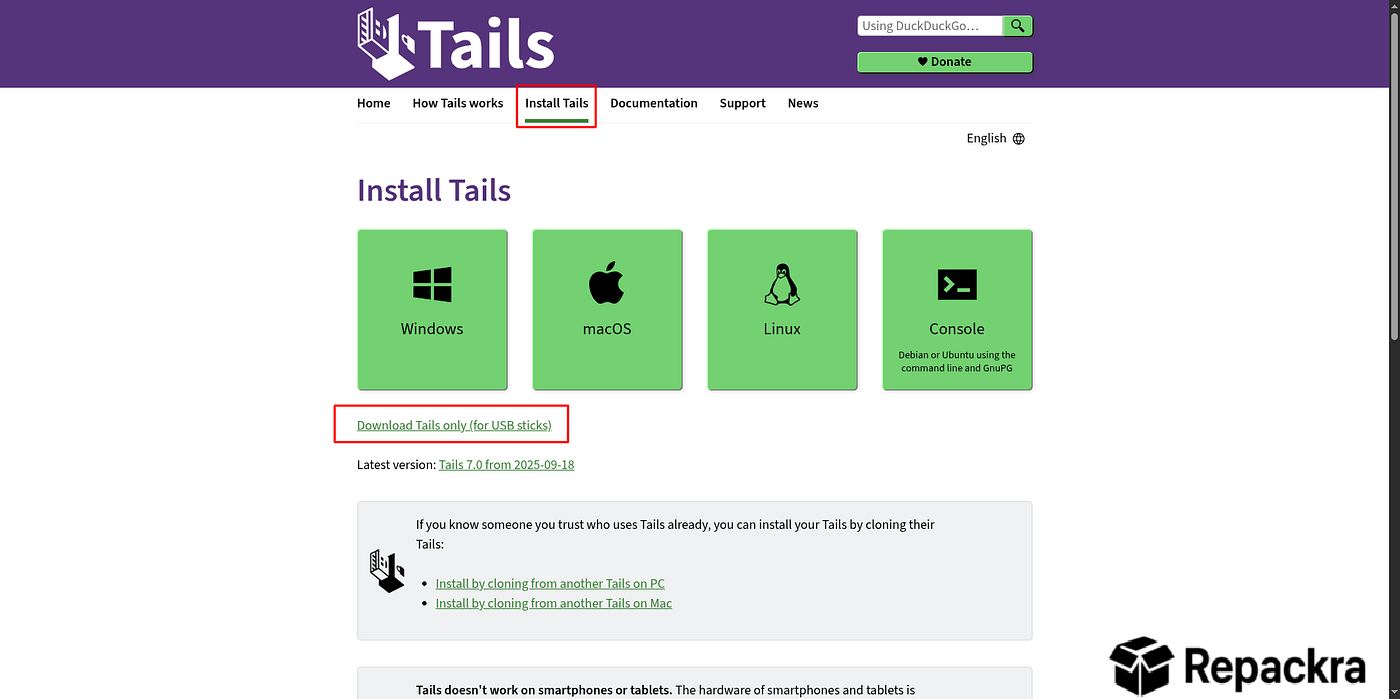
- Download Tails ISO 7.9.
- Flash the ISO to a USB drive using Tails Installer or Etcher.
- Boot your PC from the USB drive.
- Select your language and accessibility options.
- Connect to Tor and begin your private session.
How to Download on PC
- Visit the official Tails website at tails.net.
- Navigate to the Download section.
- Select the 64-bit ISO version.
- Verify the download signature for security.
- Flash to your USB drive using the recommended tool.
Supported Websites
- Tails Official Website
- Tor Project Official Website
- Torrent Mirror Network
- DistroWatch
- LinuxTracker
- F-Droid Mirror Pages
- 1000+ other verified mirror sources
Why Use Tails ISO?
Tails ISO gives you a level of privacy and anonymity that no regular operating system can match because every single component is designed around protecting your identity from the ground up. Nothing you do during your session gets saved to the host computer unless you explicitly set up encrypted persistent storage.
The automatic Tor routing means every connection you make is anonymized without requiring any manual configuration. Users who need to go beyond anonymity and actively test or audit network security should also keep Kali Linux ISO on hand, a live Linux distribution purpose built for penetration testing and digital forensics.
For journalists handling sensitive sources, activists working under surveillance, or anyone who simply values genuine digital privacy Tails ISO is the gold standard.
Tails ISO vs Other Privacy Operating Systems
| Feature | Tails ISO | Others |
|---|---|---|
| Built in Tor Routing | Yes | Limited |
| Amnesiac by Design | Yes | No |
| Encrypted Persistent Storage | Yes | Limited |
| MAC Address Spoofing | Yes | No |
| Regular Security Updates | Yes | Limited |
Frequently Asked Questions
Here are the most asked questions about Tails ISO:








