

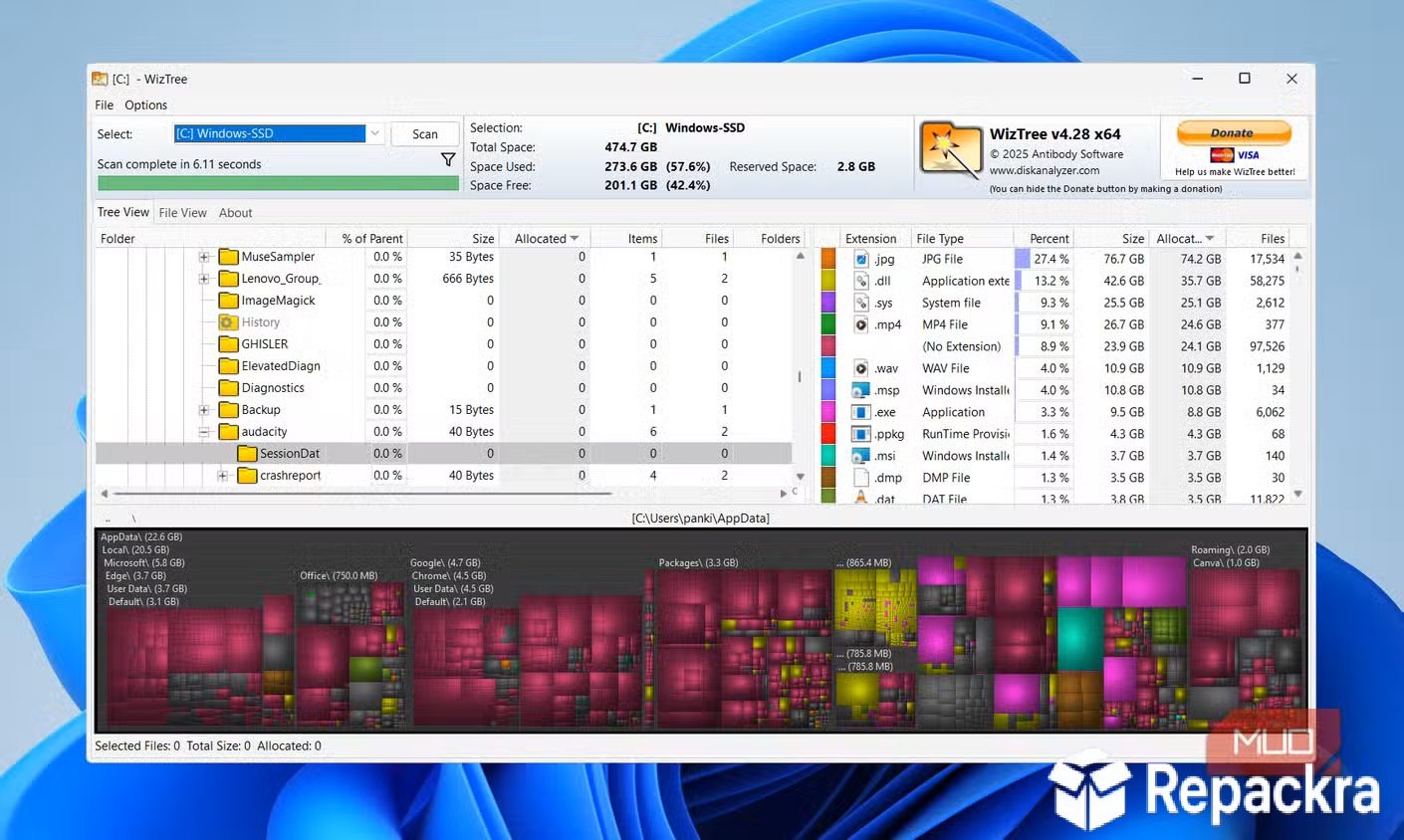
WizTree for PC is the disk space analyzer that finds what’s eating your storage in seconds rather than the minutes that most similar tools take to scan the same drive. Version 4.32 brings a more refined and reliable experience for anyone
who needs to quickly understand what’s taking up space on their Windows machine without sitting through a long scan. I use it whenever a drive fills up unexpectedly because it gives me a clear and immediate picture of exactly where the problem is.
Use up and down arrow keys to resize the meta box pane.
WizTree Overview
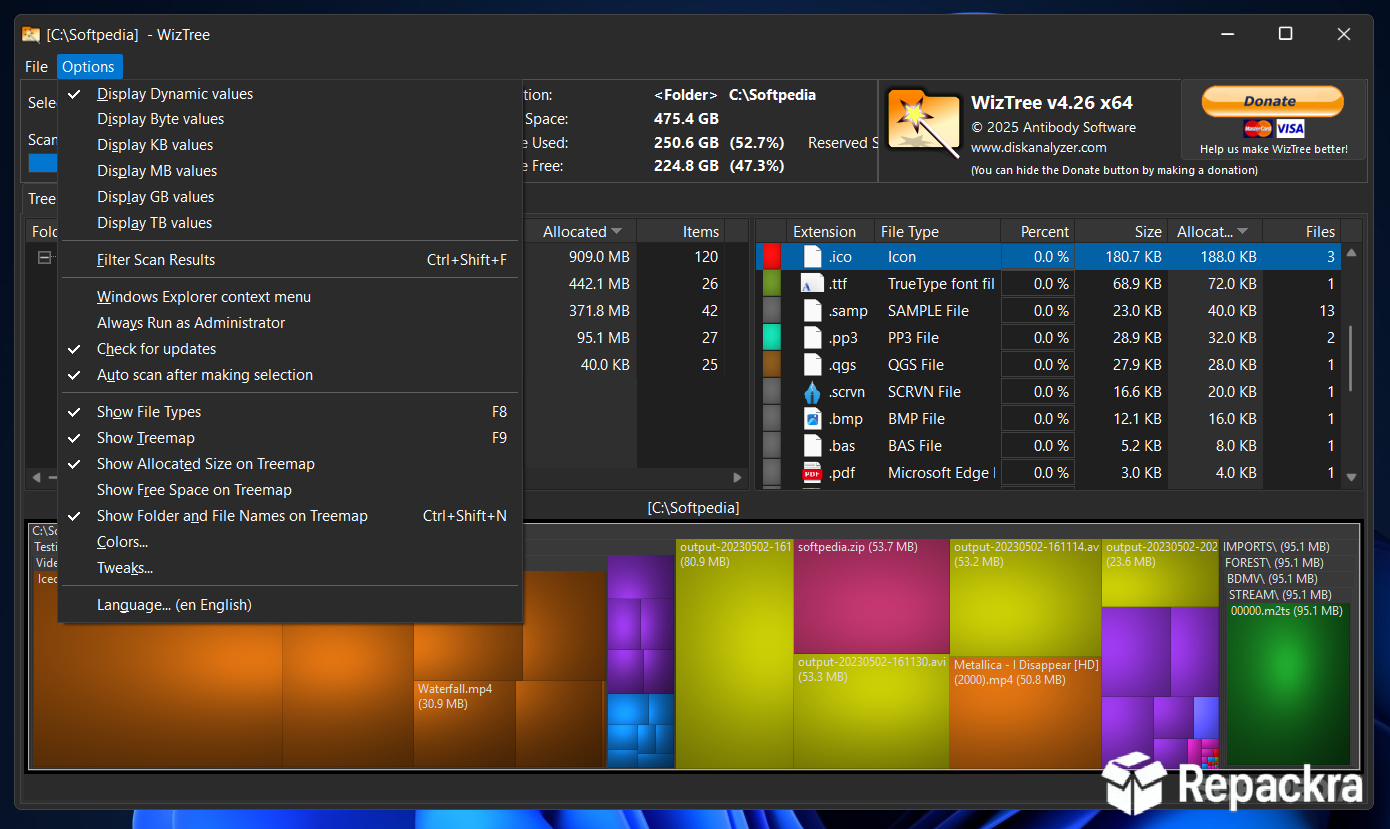
WizTree for PC is a fast and visual disk space analyzer that reads the NTFS Master File Table directly rather than scanning files individually, which is why it completes full drive scans in seconds rather than minutes. It displays your storage usage as both a sortable file list and a visual treemap that makes large files and folders immediately obvious. WizTree for PC is the fastest way to find out what’s consuming your disk space on any Windows machine.
Mac users who need that same kind of instant visual insight into what’s eating their storage will find GrandPerspective a fitting equivalent, using the same treemap approach to make large files and folders immediately obvious on macOS.
Key Features
- Extremely fast drive scanning via NTFS MFT reading
- Visual treemap display of file and folder sizes
- Sortable file and folder list by size and type
- Filter by file extension to find specific file types
- Delete files and folders directly from the interface
- Export scan results to CSV for documentation
- Portable version available with no installation needed
- Duplicate file awareness during scanning
- Supports all drive types including external and network
- Fully compatible with Windows 10 and Windows 11
What’s New in Version 4.32
- Improved scanning speed on larger drives
- Better handling of network and external drives
- Updated treemap rendering performance
- Several bug fixes and stability improvements
System Requirements
- Windows 7 or later, 64-bit recommended
- 2 GB RAM minimum
- 10 MB storage for the application itself
- Intel or AMD dual core processor
- Administrator privileges recommended for full scan access
How to Install WizTree on PC
- Download WizTree 4.32 for PC.
- Run the installer file or use the portable version directly.
- Follow the on screen installation steps.
- Launch WizTree for PC.
- Select your drive and start scanning immediately.
How to Download WizTree for PC
- Visit the official WizTree website.
- Click the Download button for the Windows version.
- Wait for the installer to finish downloading.
- Open Downloads and run the installer.
- Follow the setup steps to complete installation.
Supported Websites
- WizTree Official Website
- Softpedia
- MajorGeeks
- FileHippo
- Fosshub
- Filehorse
- 1000+ other trusted sources
Why Use WizTree for PC?
What makes WizTree for PC the go to disk analyzer for most people who try it is simply how fast it works compared to everything else. A full scan of a 1TB drive that takes five minutes in other tools takes under ten seconds in WizTree for PC because of how it reads the file system directly.
The treemap view makes finding the largest files genuinely intuitive since you can see proportional block sizes at a glance and click straight into any area to drill down further. For anyone who regularly manages storage on Windows machines whether personally or professionally, the speed difference alone makes WizTree for PC the obvious choice over slower alternatives.
WizTree vs Other Disk Analyzers
| Feature | WizTree | Others |
|---|---|---|
| NTFS MFT Direct Reading | Yes | No |
| Scan Speed | Seconds | Minutes |
| Visual Treemap Display | Yes | Limited |
| Portable Version Available | Yes | Limited |
| Windows Optimized | Yes | No |








