


Dropover for Mac is the file management utility that solves the surprisingly annoying problem of moving files between windows and applications on a Mac without a convenient temporary place to put them while you get everything ready. Version 5.4 brings a more refined and capable experience for anyone who regularly moves files between different locations and gets,
frustrated by the awkward dance of opening multiple Finder windows just to drag something from one place to another. I keep it running because the moment you have a shelf to temporarily park files while you navigate to where they need to go, you realize how much you needed it all along.
Dropover Overview
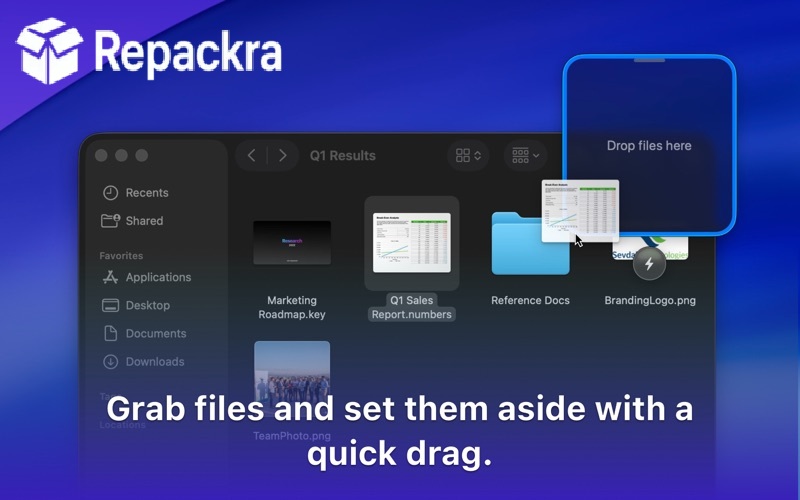
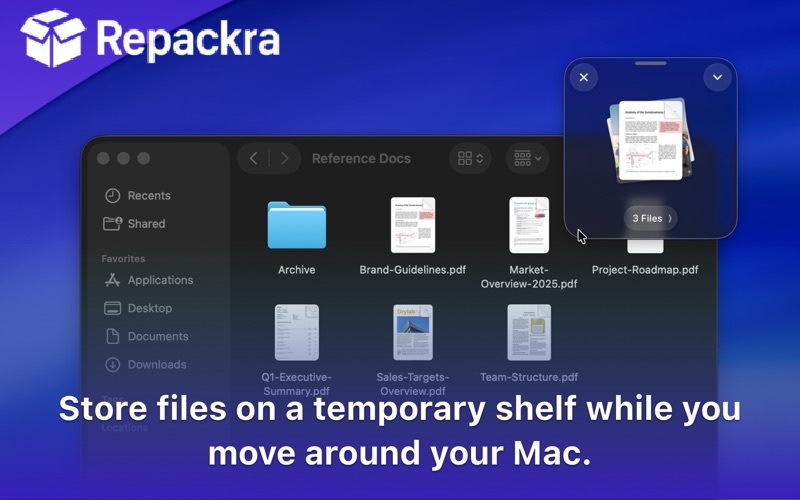
Dropover for Mac is a smart file shelf utility that creates a floating and temporary holding area where you can drop files, images, text, and links while you navigate to their destination. You shake your cursor to summon a shelf, drop whatever you need onto it, navigate to where it needs to go, and then drag everything off in one clean movement.
Dropover for Mac removes the friction from one of the most common and quietly frustrating parts of daily file management on a Mac. Anyone who wants their clipboard history just as tidy as their file shelf will find Maccy for Mac a natural companion, giving repeated copy-paste tasks the same clean, clutter-free handling that Dropover brings to dragging and dropping files.
And for Mac users who often need to move those same staged files straight to another device instead of just another folder, LocalSend for Mac rounds things out by handling the transfer the moment the shelf drag ends.
Key Features:
- Floating file shelf summoned by shaking the cursor
- Supports files, images, text, links, and screenshots
- Multiple shelves for organizing different tasks
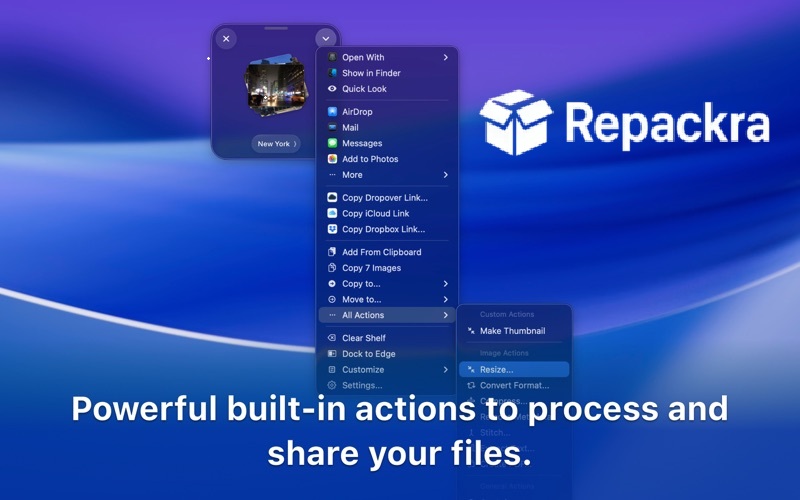
- Share shelf contents directly to apps and services
- Copy text and images directly from the shelf
- Pinned shelves for persistent storage
- Drag and drop to and from any app
- Quick share to AirDrop, Mail, and Messages
- Shelf appearance and behavior customization
- Fully optimized for macOS Sequoia
What’s New in Version 5.4
- Improved shelf stability during heavy multitasking
- Better drag and drop compatibility with more apps
- macOS Sequoia compatibility fully resolved
- Several bug fixes and stability improvements
System Requirements
- macOS 12.0 or later
- 4 GB RAM minimum
- 50 MB storage space available
- Intel or Apple Silicon Mac supported
How to Install Dropover on Mac
- Download Dropover 5.4 for Mac.
- Open the DMG file.
- Drag Dropover to your Applications folder.
- Launch Dropover for Mac.
- Shake your cursor to summon your first shelf and start using it.
How to Download Dropover for Mac
- Visit the official Dropover website or Mac App Store.
- Click the Download button on the page.
- Wait for the DMG file to finish downloading.
- Open Downloads and open the DMG file.
- Drag to Applications and launch.
Supported Websites
- Dropover Official Website
- Apple Mac App Store
- MacUpdate
- Softpedia
- Fosshub
- Filehorse
- 1000+ other trusted sources
Why Use Dropover for Mac?
What makes Dropover for Mac so immediately useful is how elegantly it solves a problem that feels minor until you have a better solution and then suddenly you notice how often you were fighting with file management without realizing it. The shake to summon gesture is genuinely intuitive and fast once you get used to it and the ability to stack multiple,
files from different locations onto one shelf before moving them all together saves a meaningful amount of time during any workflow that involves assembling content from multiple sources. The pinned shelf option is particularly useful for files you reach for repeatedly throughout the day since they stay accessible without cluttering your desktop.
Dropover vs Other File Management Tools
| Feature | Dropover | Others |
|---|---|---|
| Shake to Summon Shelf | Yes | No |
| Multiple Simultaneous Shelves | Yes | Limited |
| Text and Link Support | Yes | Limited |
| Pinned Persistent Shelves | Yes | No |
| Mac Optimized | Yes | No |








