
LocalSend for Mac is the file sharing tool that makes sending files between your devices feel as simple as it always should have been without relying on cloud services, cables, or third party accounts. Version 1.17.0 brings a more refined and reliable experience for anyone who regularly moves files between their Mac and other devices on the same network.
I use it constantly because the combination of speed, simplicity, and the fact that nothing leaves your local network makes it the most practical file transfer solution I have found for everyday use.
LocalSend Overview
LocalSend for Mac is a free and open source cross platform file sharing app that lets you send files, photos, and text directly between any devices on the same Wi-Fi network without any internet connection or account required. It works across Mac,
Windows, Linux, iOS, and Android so you can share between virtually any combination of devices you own. LocalSend for Mac is the AirDrop alternative that actually works with everything regardless of brand or operating system.
Key Features:
- Send files and text between any devices on local network
- Works across Mac, Windows, Linux, iOS, and Android
- No internet connection or account required
- End to end encrypted transfers on local network
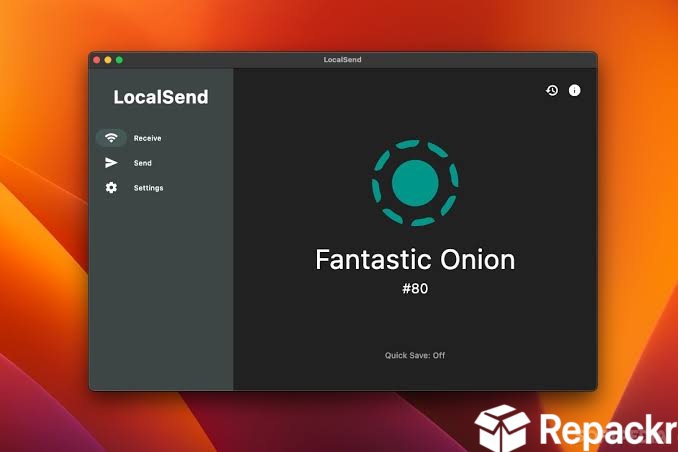
- Receive mode for accepting incoming files
- Quick share for fast single file transfers
- Clipboard text sharing between devices
- Customizable device name and appearance
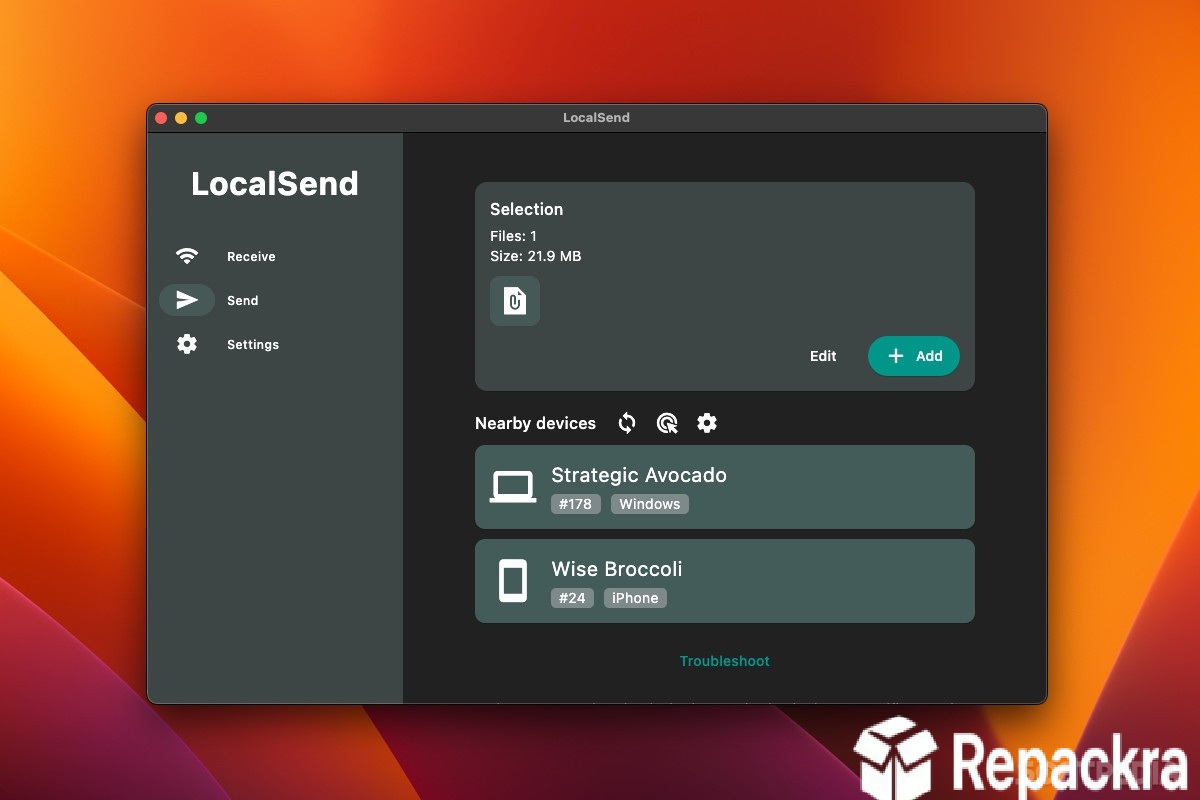
- Automatic device discovery on shared network
- Fully optimized for macOS Sequoia
What’s New in Version 1.17.0
- Improved device discovery reliability on complex networks
- Faster transfer speeds for large file collections
- macOS Sequoia compatibility fully resolved
- Several bug fixes and stability improvements
System Requirements
- macOS 11.0 or later
- 4 GB RAM minimum
- 50 MB storage space available
- Intel or Apple Silicon Mac supported
- Active Wi-Fi network connection required
How to Install LocalSend on Mac
- Download LocalSend 1.17.0 for Mac.
- Open the DMG file.
- Drag LocalSend to your Applications folder.
- Launch LocalSend for Mac.
- Allow network access when prompted and start sharing.
How to Download LocalSend for Mac
- Visit the official LocalSend website or GitHub page.
- Click the Download for Mac button.
- Wait for the DMG file to finish downloading.
- Open Downloads and open the DMG file.
- Drag to Applications and launch.
Supported Websites
- LocalSend Official Website
- GitHub Official Repository
- MacUpdate
- Softpedia
- Fosshub
- Filehorse
- 1000+ other trusted sources
Why Use LocalSend for Mac?
What makes LocalSend for Mac genuinely useful as a daily tool is how completely it removes the friction from sending files between different devices and operating systems. AirDrop only works within the Apple ecosystem and Bluetooth transfers are slow and unreliable for anything larger than a small document.
LocalSend for Mac handles large file transfers over Wi-Fi at full network speed without any size limits, account requirements, or cloud routing involved. Once it’s installed on all your devices the process of sending a file from your Mac to your Android phone or Windows PC is genuinely as fast and simple as it should always have been.
For situations where you need to actually control that Windows PC remotely rather than just move files to it, AnyDesk for Windows is worth having alongside LocalSend, covering the remote access side of a cross device workflow that file sharing alone doesn’t handle.
For anyone who regularly needs to move files to or from a remote server rather than just a local device on the same network, WinSCP for Windows fills that gap nicely, handling secure SFTP and FTP transfers to servers that sit outside LocalSend’s local network scope entirely.
LocalSend vs Other File Sharing Tools
| Feature | LocalSend | Others |
|---|---|---|
| Cross Platform Support | Yes | Limited |
| No Account Required | Yes | No |
| Local Network Only Transfer | Yes | Limited |
| End to End Encryption | Yes | Limited |
| Mac Optimized | Yes | No |








