

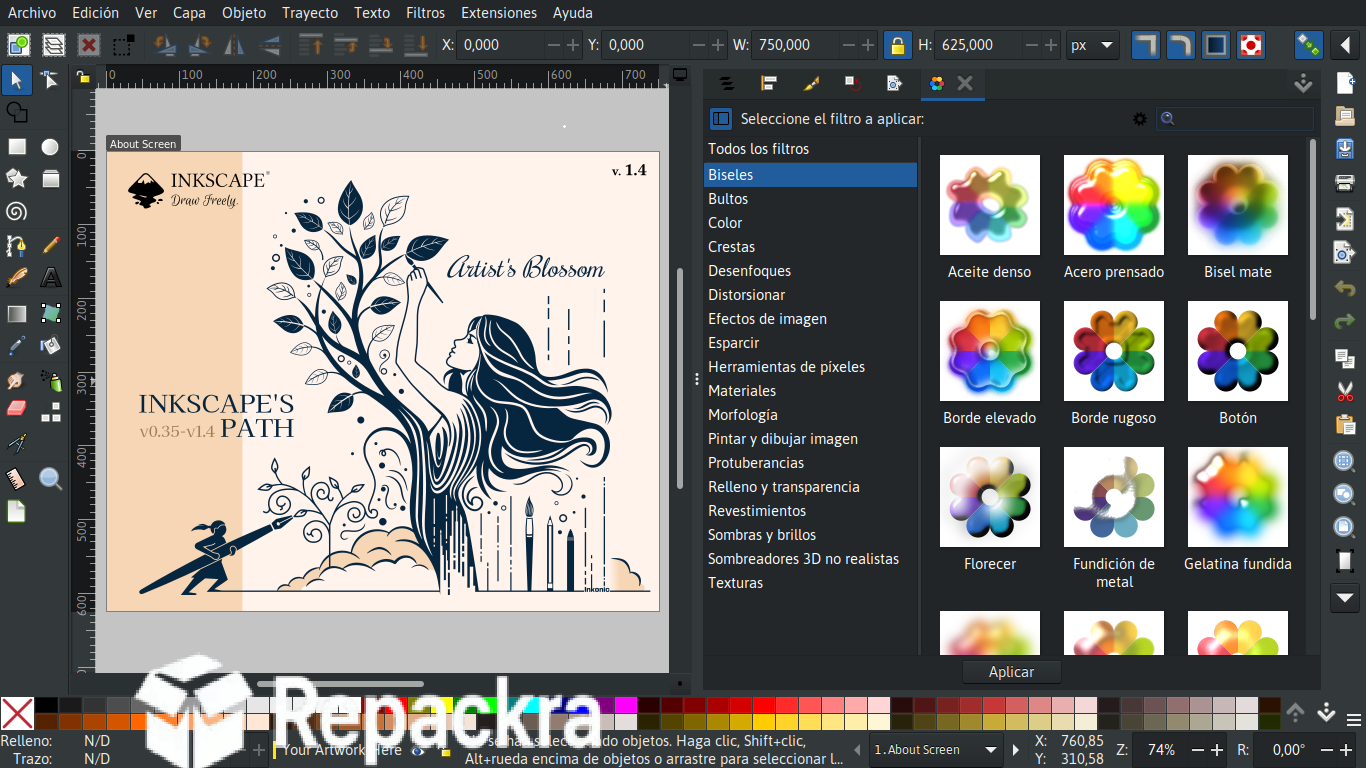
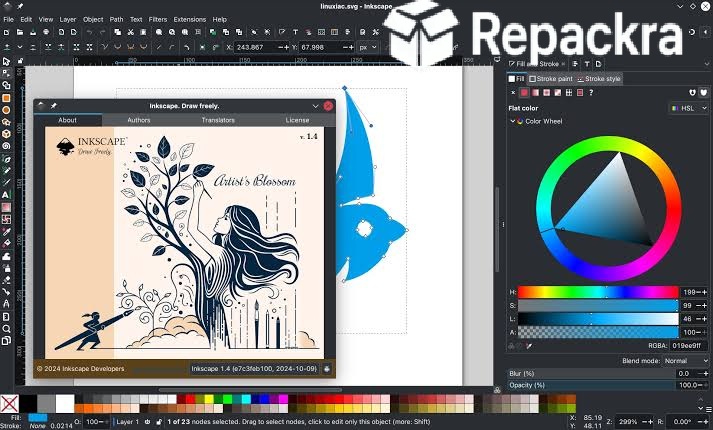
Inkscape for Mac is the vector graphics editor that gives designers and illustrators a genuinely capable SVG editing tool without the subscription cost that commercial alternatives have made unavoidable. Version 1.4.4 brings a more stable and refined experience that continues improving on what has become a legitimately competitive,
option for professional vector work on any Mac. I use it regularly because the tools for creating, editing, and exporting vector graphics are deep enough for serious work and the fact that it costs nothing makes it genuinely hard to justify paying for something else when this handles the job well.
Inkscape Overview
Inkscape for Mac is a free and open source vector graphics editor built around the SVG format that covers everything from logo design and illustration to technical diagrams and print ready artwork through a comprehensive toolset that keeps expanding with every release. It handles Bezier curves, node editing, text on paths, complex object grouping, and a full range of filters and effects,
that put it firmly in professional territory rather than the hobbyist category it started in. Inkscape for Mac is the vector editor that earns its place in a serious design workflow. Designers who need that same level of capability extended into raster editing and photo work will find GIMP for Mac a natural companion, handling the pixel based side of a project that vector tools aren’t built for.
Key Features:
- Full SVG vector graphics editing and creation
- Bezier and spiro curve drawing tools
- Advanced node and path editing
- Text on path and flow text support
- Layers and object grouping system
- Extensive filter and effect library
- Import and export to PDF, EPS, PNG, and more
- Color management with palette support
- Extension system for added functionality
- Fully optimized for macOS Sequoia
What’s New in Version 1.4.4
- Improved rendering performance on Apple Silicon
- Better PDF import and export compatibility
- Updated extension compatibility throughout
- Several bug fixes and stability improvements
System Requirements
- macOS 11.0 or later
- 4 GB RAM minimum, 8 GB recommended for complex files
- 500 MB storage space available
- Intel or Apple Silicon Mac supported
How to Install Inkscape on Mac
- Download Inkscape 1.4.4 for Mac.
- Open the DMG file.
- Drag Inkscape to your Applications folder.
- Launch Inkscape for Mac.
- Start your first vector project and begin designing.
How to Download Inkscape for Mac
- Visit the official Inkscape website at inkscape.org.
- Click the Download for Mac button.
- Wait for the DMG file to finish downloading.
- Open Downloads and open the DMG file.
- Drag to Applications and launch.
Supported Websites
- Inkscape Official Website
- GitHub Official Repository
- MacUpdate
- Softpedia
- Fosshub
- Filehorse
- 1000+ other trusted sources
Why Use Inkscape for Mac?
What makes Inkscape for Mac worth investing time in is how genuinely capable the toolset is once you get past the initial learning curve and find your way around an interface that rewards exploration. The node editing tools are precise and responsive, the path operations cover every Boolean combination you’d realistically need, and the extension ecosystem adds functionality for specialized tasks that the core app doesn’t include out of the box.
The SVG native format means your files are portable, web ready, and editable in any text editor if you need to tweak them directly. Designers who move between illustration work and structured diagrams often keep Draw.io for Mac alongside it, handling the flowcharts and technical layouts that fall outside what a freeform vector editor is meant to do.
For any designer who works with vector graphics regularly and wants a tool that grows with their skill level without ever sending an invoice, Inkscape for Mac is a genuinely worthy investment of your learning time.
Inkscape vs Other Vector Editors
| Feature | Inkscape | Others |
|---|---|---|
| Native SVG Format Support | Yes | Limited |
| Completely Free and Open Source | Yes | No |
| Extension System | Yes | Limited |
| Advanced Node Editing | Yes | Limited |
| Mac Optimized | Yes | No |








