


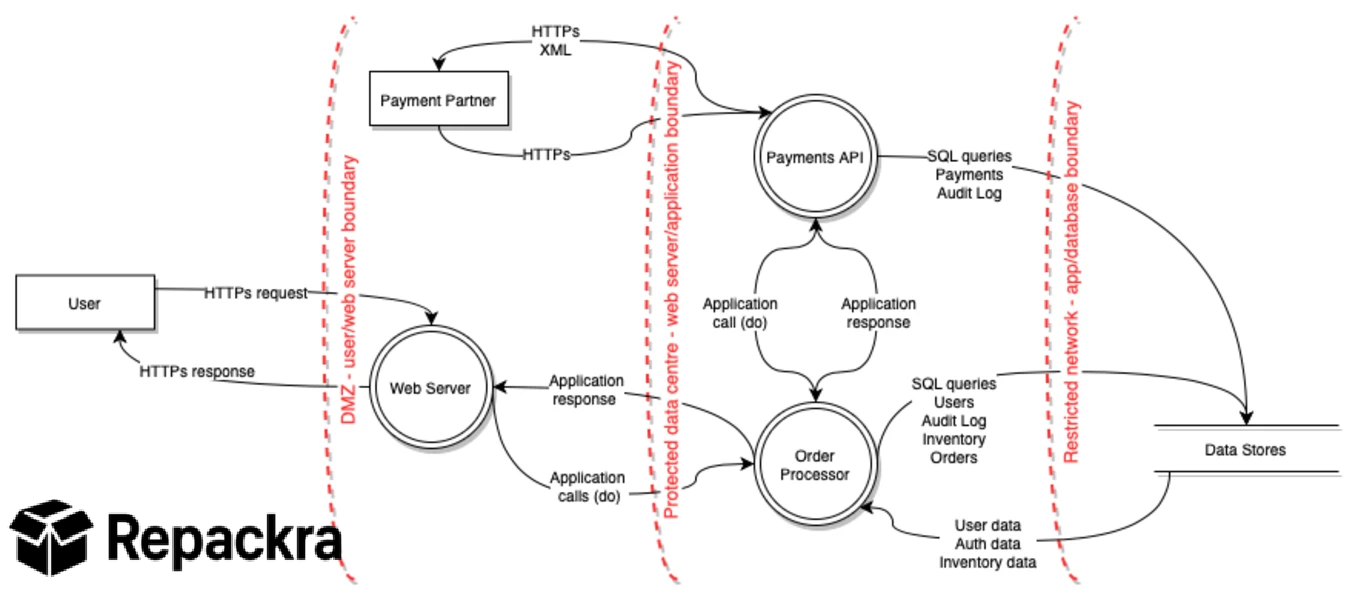
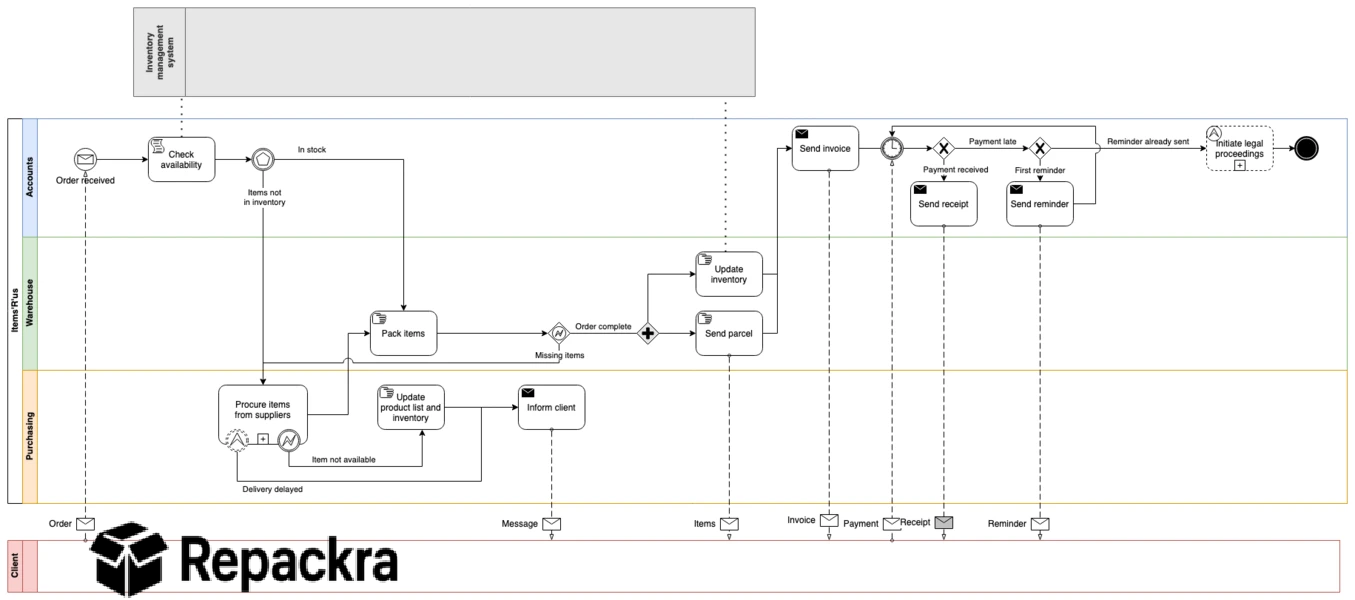
Draw.io for Mac is the diagramming tool that covers everything from quick flowcharts to complex system architecture diagrams without the pricing wall that most comparable tools put in front of you the moment you need more than the basics.
Version 31.1.5 brings a more refined and stable experience for anyone who creates diagrams regularly and wants something that stays out of the way and lets you focus on the thinking rather than the tooling. I use it for everything from process flows to infrastructure diagrams because the combination of capability and zero cost makes it genuinely hard to justify anything else for most diagramming needs.
Draw.io Overview
Draw.io for Mac is a free and open source diagramming application that lets you create flowcharts, network diagrams, org charts, wireframes, entity relationship diagrams, and much more through a clean drag and drop interface. It stores files locally or in your preferred cloud storage and works entirely offline without any account required for full functionality.
Draw.io for Mac is the diagramming tool that removes every barrier between you and getting your ideas onto a structured visual canvas. Anyone whose diagrams need more freeform illustration or custom vector artwork alongside the structured shapes will find Inkscape for Mac a natural companion, handling the artistic side of a project the way Draw.io handles the structural side.
Key Features:
- Flowcharts, network diagrams, and UML support
- Wireframing and mockup creation tools
- Entity relationship diagram support
- Large shape library with categories for every use case
- Import and export to multiple formats including PDF and SVG
- Google Drive and OneDrive integration
- Local file storage with no account required
- Custom shape and template creation
- Real time collaboration support
- Fully optimized for macOS Sequoia
What’s New in Version 31.1.5
- Improved shape rendering accuracy
- Better cloud storage sync reliability
- macOS Sequoia compatibility fully resolved
- Several bug fixes and stability improvements
System Requirements
- macOS 11.0 or later
- 4 GB RAM minimum
- 200 MB storage space available
- Intel or Apple Silicon Mac supported
How to Install Draw.io on Mac
- Download Draw.io 31.1.5 for Mac.
- Open the DMG file.
- Drag Draw.io to your Applications folder.
- Launch Draw.io for Mac.
- Create a new diagram or open an existing file and start working.
How to Download Draw.io for Mac
- Visit the official Draw.io website or GitHub releases page.
- Click the Download for Mac button.
- Wait for the DMG file to finish downloading.
- Open Downloads and open the DMG file.
- Drag to Applications and launch.
Supported Websites
- Draw.io Official Website
- GitHub Official Repository
- MacUpdate
- Softpedia
- Fosshub
- Filehorse
- 1000+ other trusted sources
Why Use Draw.io for Mac?
What makes Draw.io for Mac the default recommendation for diagramming in so many teams and workflows is how capable it is without ever asking for payment or even an account to access full functionality. The shape library covers every common diagram type well enough that you rarely need to create custom shapes and the export options mean your diagrams can go directly into documentation,
presentations, or shared repositories without any conversion step. The local file storage is a genuine advantage over cloud first tools since your diagrams are always accessible and never subject to a service going down or a subscription lapsing at the wrong moment.
People who keep their diagrams alongside written notes often pair this workflow with Obsidian for Mac, embedding diagrams directly into a personal knowledge base rather than leaving them as standalone files, while others lean on Logseq for Mac to link diagrams into an outline-based system of notes that grows alongside the diagrams themselves.
For anyone from a solo developer mapping out a system to a team documenting a complex process, Draw.io for Mac handles the job cleanly without getting in the way.
Draw.io vs Other Diagramming Tools
| Feature | Draw.io | Others |
|---|---|---|
| Completely Free Full Feature Access | Yes | No |
| Local File Storage Without Account | Yes | Limited |
| Wide Diagram Type Support | Yes | Limited |
| Multiple Export Format Options | Yes | Limited |
| Mac Optimized | Yes | No |








