


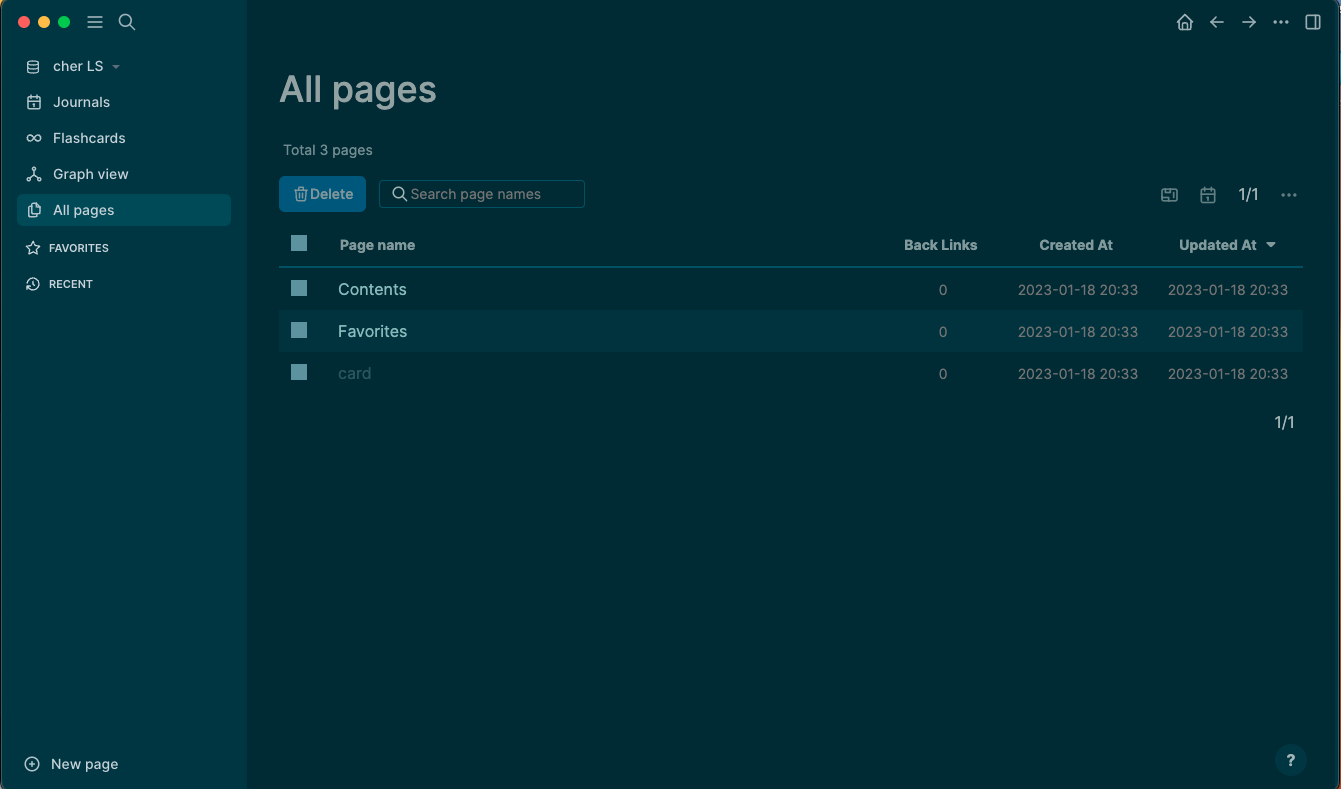

Logseq for Mac is the knowledge management and note taking tool that takes the linked thinking concept seriously and builds a genuinely powerful outliner and graph based workspace around it. Version 2.0.1 marks a significant milestone with the database version bringing meaningful performance and capability improvements
that make the whole experience feel noticeably more solid and responsive than previous releases. I use it daily because the combination of outliner based writing, bidirectional linking, and the ability to query across all my notes creates a knowledge base that actually helps me think rather than just storing what I already thought.
Logseq Overview
Logseq for Mac is a free and open source privacy first knowledge management application that stores everything as local files and lets you build a personal knowledge graph through daily journals, linked pages, and structured blocks that connect ideas across your entire note library. It works as both a daily capture tool and a long term reference system that grows more useful the more you use it.
Logseq for Mac is built around the idea that your notes should be interconnected, searchable, and yours rather than locked into a proprietary cloud system. Anyone weighing an outliner based approach against a more freeform, page based one will want to see how it compares to Obsidian for Mac, which tackles the same local-first, linked note philosophy from a different structural angle.
Key Features:
- Outliner based note taking with block level linking
- Bidirectional page links and block references
- Daily journal as the default capture entry point
- Graph view showing connections across your knowledge base
- Powerful query system for filtering and surfacing notes
- Tasks and to do management built into notes
- PDF annotation and highlighting support
- Local file storage with full data ownership
- Plugin ecosystem for extended functionality
- Fully optimized for macOS Sequoia
What’s New in Version 2.0.1
- Database version brings significant performance improvements
- Faster graph rendering on large knowledge bases
- Improved search accuracy and speed
- Several bug fixes and stability improvements
System Requirements
- macOS 11.0 or later
- 8 GB RAM minimum, 16 GB recommended for large graphs
- 200 MB storage for the application plus graph storage
- Intel or Apple Silicon Mac supported
How to Install Logseq on Mac
- Download Logseq 2.0.1 for Mac.
- Open the DMG file.
- Drag Logseq to your Applications folder.
- Launch Logseq for Mac.
- Create your first graph and start capturing notes.
How to Download Logseq for Mac
- Visit the official Logseq website at logseq.com.
- Click the Download for Mac button.
- Wait for the DMG file to finish downloading.
- Open Downloads and open the DMG file.
- Drag to Applications and launch.
Supported Websites
- Logseq Official Website
- GitHub Official Repository
- MacUpdate
- Softpedia
- Fosshub
- Filehorse
- 1000+ other trusted sources
Why Use Logseq for Mac?
What makes Logseq for Mac genuinely valuable as a long term knowledge tool is how the daily journal entry point combined with bidirectional linking gradually builds a web of connected ideas that surfaces relevant context when you need it without requiring any deliberate filing or organization system. Writing in your daily journal and linking to existing pages or creating new ones as you go means ,
your knowledge base grows organically from your actual thinking rather than from a predetermined structure you designed upfront. The query system is powerful enough that experienced users can surface very specific subsets of their notes for review, project tracking, or research compilation in ways that make the whole library feel actively useful rather than just an archive. People who want a lighter,
more mobile-friendly space for quick capture alongside their main graph often keep Notebooks for Mac in the mix, handling the fast, on the go notes that later get folded into the bigger knowledge base. For anyone who takes knowledge work seriously and wants a tool that grows with them, Logseq for Mac offers a genuinely different and rewarding approach.
Logseq vs Other Note Taking Apps
| Feature | Logseq | Others |
|---|---|---|
| Block Level Bidirectional Linking | Yes | Limited |
| Built in Query System | Yes | No |
| Daily Journal Entry Point | Yes | Limited |
| Local File Storage | Yes | Limited |
| Mac Optimized | Yes | No |








