

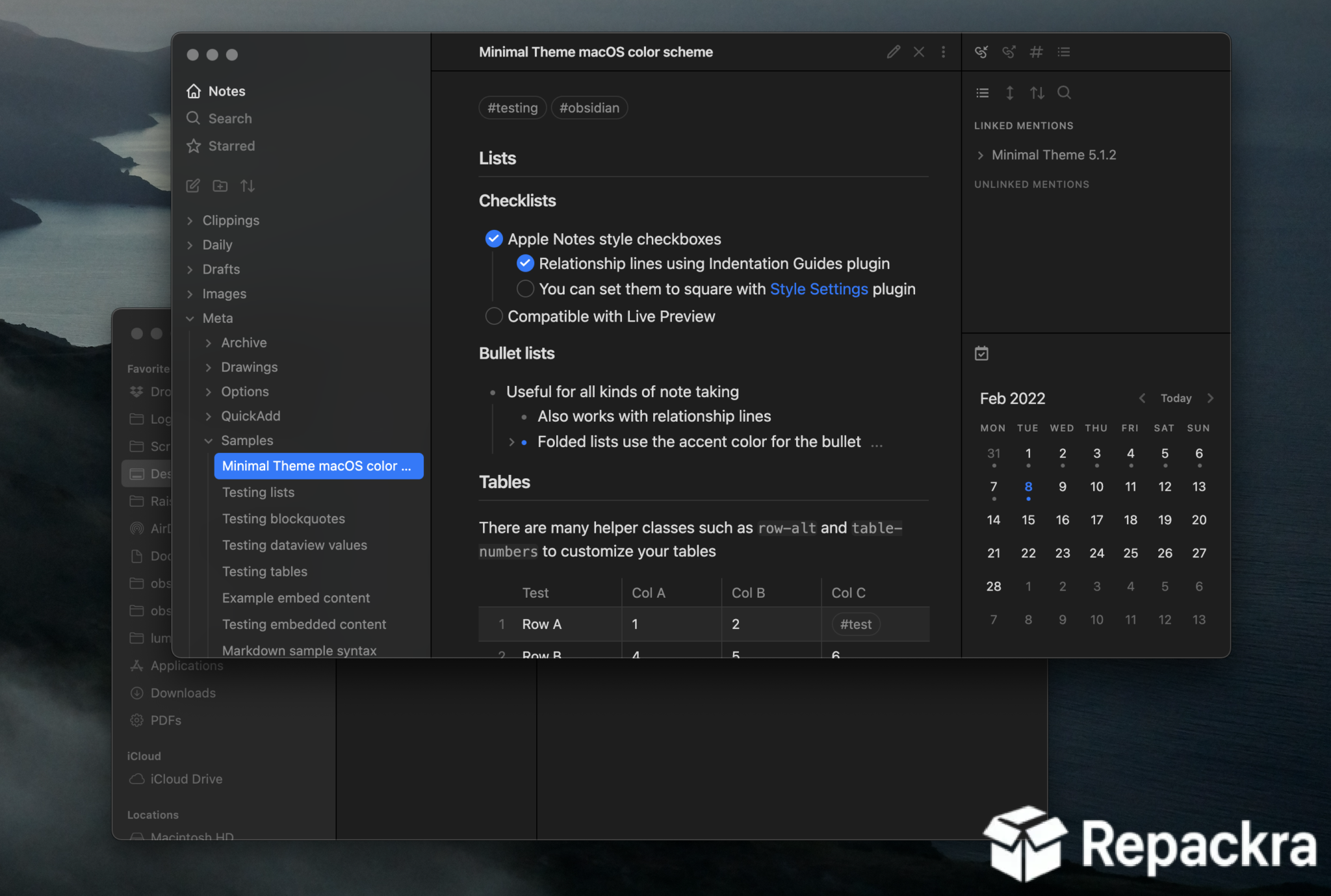
Obsidian for Mac is the note taking and knowledge management app that genuinely changes how you think about organizing information once you start using it properly. Version 1.12.7 brings a more refined and stable experience for anyone building a personal knowledge base or just trying to keep their notes connected and searchable in a way that actually makes sense.
I use it daily because nothing else on Mac makes the relationships between ideas this visible and this easy to navigate.
Obsidian Overview
Obsidian for Mac is a powerful note taking app built around the idea that your notes should link to each other the way your thoughts actually do. It stores everything as plain Markdown files on your local machine so your data is always yours and never locked into a proprietary format.
Obsidian for Mac gives you a flexible and deeply customizable workspace that grows with however your thinking and workflow evolves over time.
Users who want a more structured and document focused writing environment alongside Obsidian’s networked note taking will find Notebooks for Mac a natural companion,offering a clean and organized writing space built around books and chapters that pairs well with Obsidian’s freeform linking approach.
Key Features:
- Bidirectional linking between notes
- Graph view showing connections across your vault
- Local Markdown file storage with full data ownership
- Extensive plugin ecosystem for added functionality
- Canvas for visual note arrangement and mind mapping
- Daily notes and templates support
- Full text search across entire vault instantly
- Customizable themes and appearance
- Sync across devices via Obsidian Sync
- Fully optimized for macOS Sequoia
What’s New in Version 1.12.7
- Improved Canvas performance on large layouts
- Faster vault loading on large note collections
- macOS Sequoia compatibility fully resolved
- Several bug fixes and stability improvements
System Requirements
- macOS 11.0 or later
- 4 GB RAM minimum
- 200 MB storage for the application plus vault storage
- Intel or Apple Silicon Mac supported
How to Install Obsidian on Mac
- Download Obsidian 1.12.7 for Mac.
- Open the DMG file.
- Drag Obsidian to your Applications folder.
- Launch Obsidian for Mac.
- Create a new vault or open an existing folder to get started.
How to Download Obsidian for Mac
- Visit the official Obsidian website.
- Click the Download for Mac button.
- Wait for the DMG file to finish downloading.
- Open Downloads and open the DMG file.
- Drag to Applications and launch.
Supported Websites
- Obsidian Official Website
- GitHub Official Repository
- MacUpdate
- Softpedia
- Fosshub
- Filehorse
- 1000+ other trusted sources
Why Use Obsidian for Mac?
What makes Obsidian for Mac genuinely different from every other note taking app is how it treats your notes as a network of connected ideas rather than isolated documents sitting in folders. The graph view makes those connections visible in a way that regularly surfaces relationships between notes you wrote months apart without ever consciously linking them.
Because everything is plain Markdown stored locally, you never have to worry about the app disappearing and taking your years of notes with it. The plugin ecosystem extends it in whatever direction your workflow needs without bloating the core experience for people who want to keep things simple. Once you get into the habit of linking notes as you write, Obsidian for Mac becomes genuinely hard to replace.
Obsidian vs Other Note Taking Apps
| Feature | Obsidian | Others |
|---|---|---|
| Bidirectional Note Linking | Yes | Limited |
| Local Plain Text Storage | Yes | No |
| Visual Graph View | Yes | No |
| Extensive Plugin System | Yes | Limited |
| Mac Optimized | Yes | No |








