Caffeine for Windows is the tiny utility that solves one of the most persistently annoying problems on a Windows machine, your screen going to sleep or your screensaver kicking in at exactly the wrong moment during a presentation, a long download, or anything else,
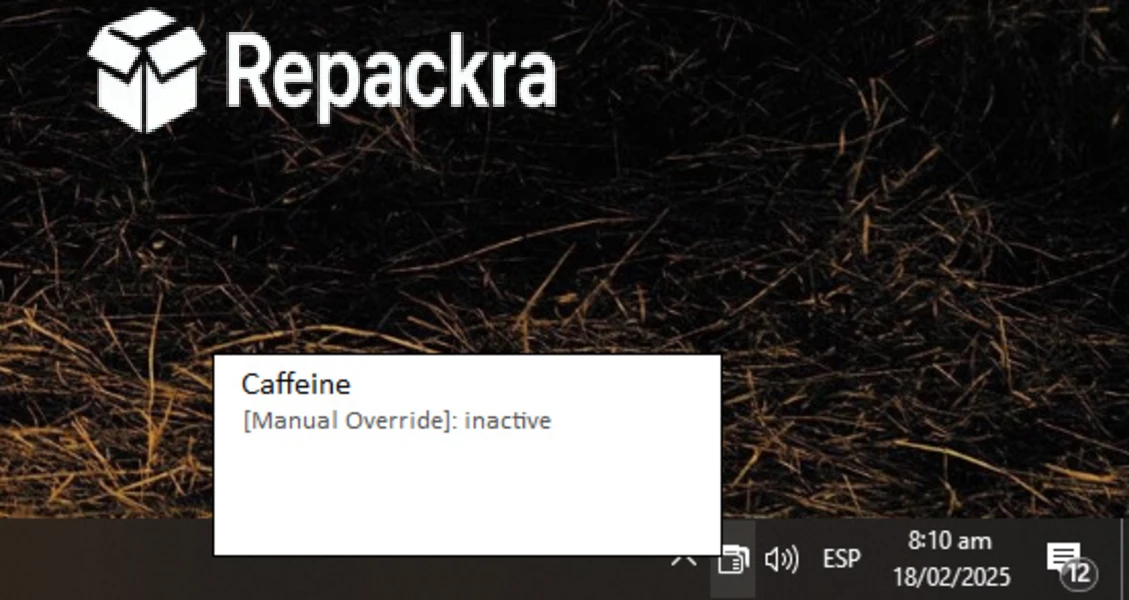
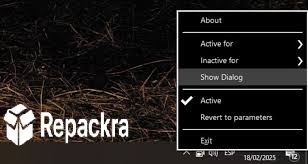
where you need the display to stay awake without touching the mouse every few minutes. Version 1.98 brings a more stable and refined experience from a tool that has always done one thing and done it with minimal fuss. I keep it in my system tray because the moments when I actually need it, it’s already there and takes one click to activate.
Caffeine Overview
Caffeine for Windows is a lightweight system tray utility that prevents your Windows PC from going to sleep, activating the screensaver, or locking the screen by simulating a keypress at regular intervals in the background. It requires no configuration,
beyond clicking the icon to toggle it on and off and uses essentially no system resources while running. Caffeine for Windows is the smallest and most unobtrusive solution to a problem that most people solve with clunky power plan changes they forget to undo.
Key Features:
- Prevents screen sleep and screensaver activation
- Prevents system lock screen from triggering
- One click toggle from the system tray
- Simulates keypress to keep system awake
- Configurable activation duration options
- Starts with Windows for always available access
- Extremely lightweight with negligible resource usage
- No configuration required for basic use
- Portable version available with no installation needed
- Fully compatible with Windows 10 and Windows 11
What’s New in Version 1.98
- Improved compatibility with Windows 11 24H2 sleep settings
- Better handling of multiple monitor setups
- Several minor stability improvements
- Bug fixes reported by the community
System Requirements
- Windows 7 or later, 64-bit recommended
- 1 GB RAM minimum
- 1 MB storage for the application itself
- Intel or AMD processor
- No internet connection required
How to Install Caffeine on Windows
- Download Caffeine 1.98 for Windows.
- Run the installer file or use the portable executable.
- Follow the on screen installation steps if using the installer.
- Launch Caffeine for Windows.
- Click the system tray icon to toggle it on when needed.
How to Download Caffeine for Windows
- Visit the official Caffeine website.
- Click the Download button for the Windows version.
- Wait for the file to finish downloading.
- Open Downloads and run the installer or portable executable.
- Follow any setup steps to complete installation.
Supported Websites
- Caffeine Official Website
- Softpedia
- MajorGeeks
- FileHippo
- Fosshub
- Filehorse
- 1000+ other trusted sources
Why Use Caffeine for Windows?
What makes Caffeine for Windows the right tool for this particular problem is how completely proportionate it is to the task. Changing power plan settings to prevent sleep is a legitimate solution but it’s easy to forget to change them back and leaves your machine in an incorrect state long after you needed the screen to stay on.
Caffeine for Windows is a one click toggle that you activate when you need it and deactivate when you don’t with zero lasting effect on your system configuration. The fact that it sits quietly in the system tray using essentially no resources means there is no reason not to have it installed and ready for the moments when a presentation, a long render, or an overnight download needs your machine to stay fully awake without interruption.
Caffeine vs Other Keep Awake Tools
| Feature | Caffeine | Others |
|---|---|---|
| One Click Toggle | Yes | Limited |
| System Tray Minimal Interface | Yes | Limited |
| Portable Version Available | Yes | Limited |
| Negligible Resource Usage | Yes | Limited |
| Windows Optimized | Yes | No |