


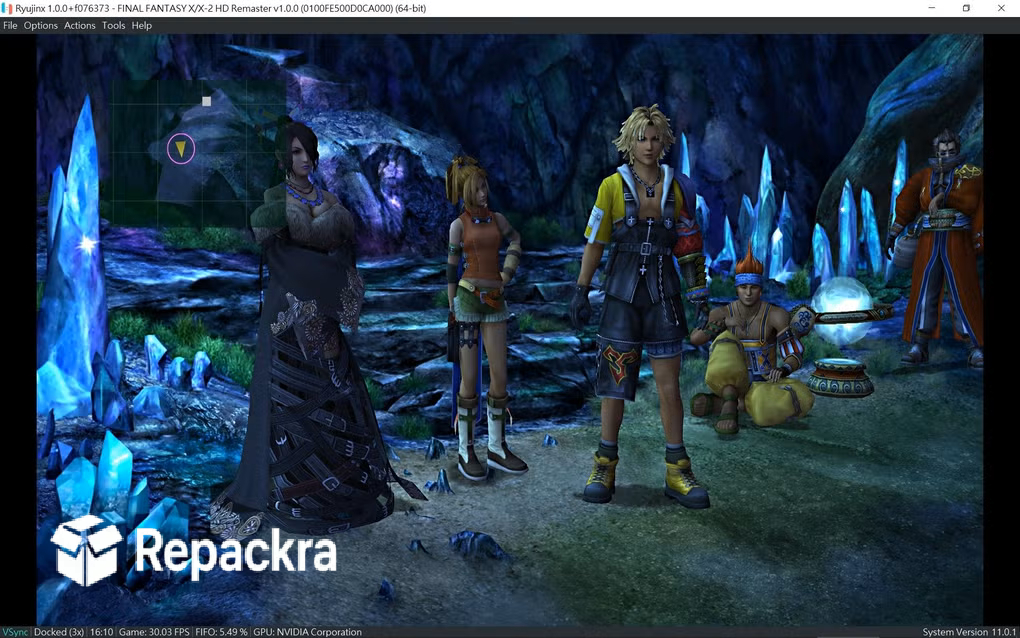
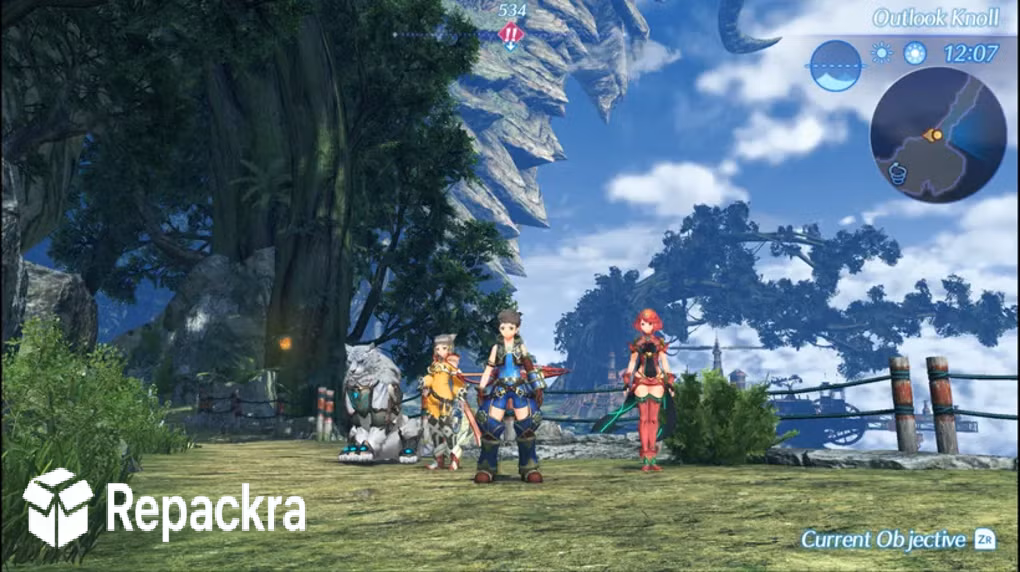
Ryujinx for PC is the Nintendo Switch emulator that the community rallied behind after the original project was discontinued and turned into something more actively developed and community driven than ever before. The FOSS build 1.3.1 brings a more stable and compatible experience for anyone who wants to play their Switch library on PC with the visual enhancements and performance improvement,
s that the original hardware simply cannot provide. I keep it installed because the combination of solid game compatibility and the ability to play at resolutions and frame rates the Switch never achieved makes revisiting games from a different angle genuinely worthwhile.
Ryujinx Overview
Ryujinx for PC is a free and open source Nintendo Switch emulator that runs a wide range of Switch titles with good accuracy and performance on modern PC hardware. The FOSS community build continues active development following the original project’s closure and brings ongoing compatibility improvements, bug fixes, and performance enhancements that keep it moving forward.
If your library skews more toward GameCube and Wii titles instead, Dolphin Emulator has been the community standard for those platforms for years and pairs well with Ryujinx if you’re covering multiple Nintendo generations. Ryujinx for PC gives you the Switch library with PC level visual quality and the flexibility of keyboard, mouse, or any controller you already own.
Key Features:
- Nintendo Switch game emulation with broad compatibility
- Resolution upscaling beyond native Switch output
- Higher frame rate support on capable hardware
- Controller support for any PC compatible gamepad
- Save state and game backup management
- Shader pre-compilation for smoother performance
- Amiibo emulation support
- Local wireless multiplayer emulation
- Mod support for community enhancements
- Completely free and open source FOSS build
What’s New in FOSS Build 1.3.1
- Improved game compatibility across multiple titles
- Better GPU accuracy for visual glitches in specific games
- Performance improvements on AMD and Intel GPUs
- Several bug fixes reported by the community
System Requirements
- Windows 10 or later, 64-bit
- 16 GB RAM minimum, 32 GB recommended
- 1 GB storage for Ryujinx plus game file storage
- GPU with Vulkan support and 4 GB VRAM minimum
- Modern quad core processor, eight core recommended
How to Install Ryujinx on PC
- Download Ryujinx FOSS Build 1.3.1 for PC.
- Extract the downloaded file.
- Run the Ryujinx executable directly.
- Configure your Switch firmware and keys from your console.
- Add your game library and start playing.
How to Download Ryujinx for PC
- Visit the official Ryujinx FOSS GitHub page.
- Click the latest release download link for Windows.
- Wait for the download to finish.
- Extract the downloaded archive.
- Run the executable to launch immediately.
Supported Websites
- Ryujinx FOSS GitHub Official Page
- Ryujinx Community Discord
- ModDB Community Page
- Softpedia
- Fosshub
- Emulation General Wiki
- 1000+ other trusted sources
Why Use Ryujinx for PC?
What makes Ryujinx for PC genuinely worth using for anyone with a Switch library is how significantly it can improve the visual presentation of games you already know and love. Playing titles at 4K resolution with enhanced frame rates exposes detail and smoothness that the original hardware never delivered and for games with strong art direction the difference is immediately striking.
The FOSS community build has maintained the momentum of active development that keeps compatibility improving and bugs getting fixed on a regular basis which gives users confidence that the emulator is going somewhere rather than stagnating. For anyone who owns their Switch games legally and wants to experience them at their best on PC hardware, Ryujinx for PC makes a compelling case.
Ryujinx vs Other Switch Emulators
| Feature | Ryujinx | Others |
|---|---|---|
| Active FOSS Community Development | Yes | Limited |
| Broad Game Compatibility | Yes | Limited |
| Vulkan GPU Backend | Yes | Limited |
| Mod Support | Yes | Limited |
| Completely Free and Open Source | Yes | No |








