

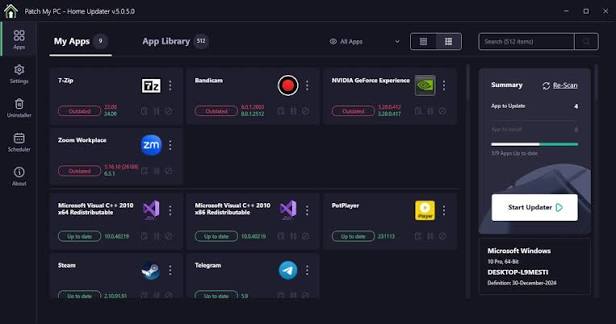
Patch My PC for PC is the software updater that takes the pain out of keeping every application on your system current and secure. Patch My PC for PC 5.4.5.0 scans your entire system, detects outdated software, and updates everything automatically without you having to chase down installers or visit a dozen different websites.
I use it every single week because knowing every app on my PC is fully patched and secure gives me genuine peace of mind without costing me any time or effort. It handles everything silently in the background and just gets the job done every single time.
Patch My PC Overview
Patch My PC for PC is a powerful and lightweight software update manager built for Windows users who want to keep their entire application library current without any manual work. It supports over 300 popular applications and checks every single one against the latest available version in seconds.
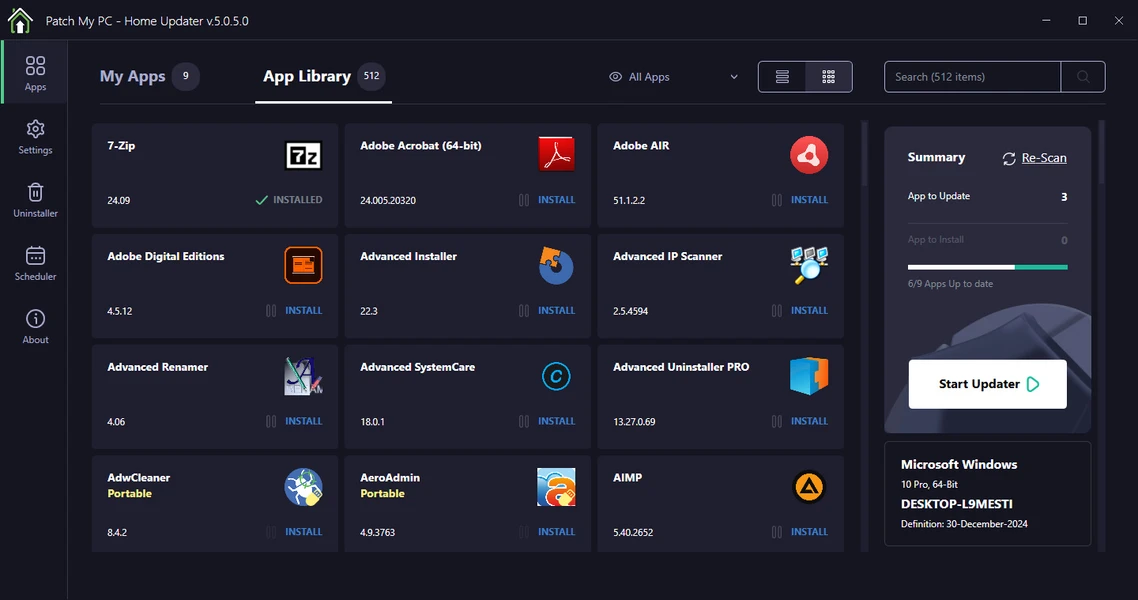
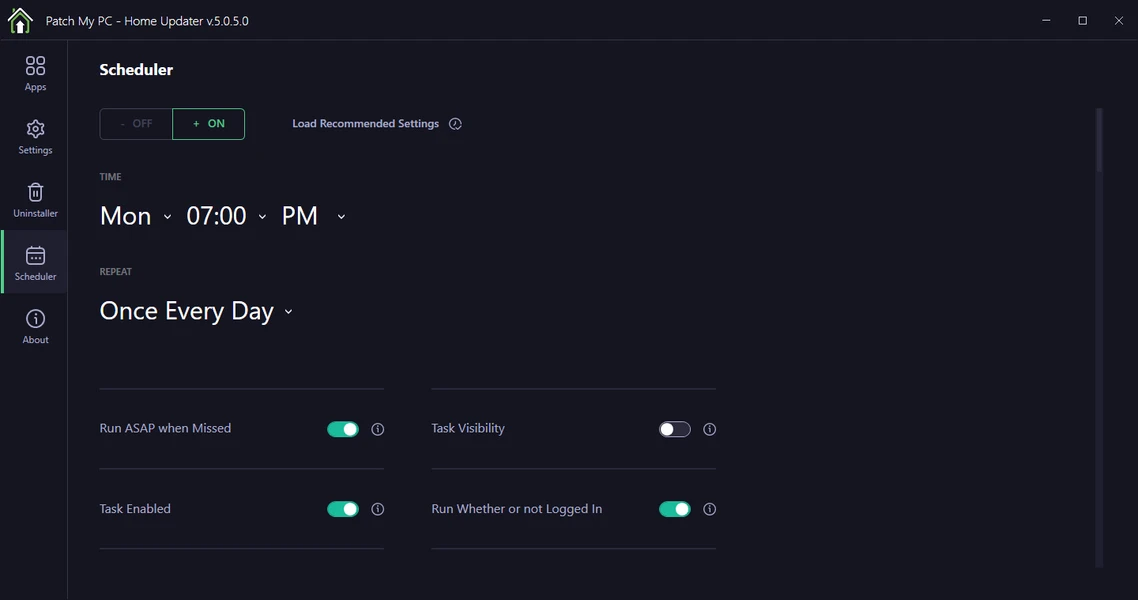
You can update everything in one click or let it run automatically on a schedule that suits you. It handles silent installs, removes outdated versions, and even installs new software from its built in catalog without ever opening a browser. It even integrates with Microsoft Endpoint Manager and Intune for enterprise users who need fleet wide update management.
Users who prefer a graphical front end for browsing and installing software from multiple package sources at once will find UniGetUI for PC a natural companion, covering new installs in a way that complements the update focused work Patch My PC already handles. For anyone comfortable working from the command line to script installs and updates across a whole fleet of machines, Chocolatey CLI for PC rounds out the picture with the automation flexibility that a GUI tool like Patch My PC doesn’t offer.
Key Features of Patch My PC for PC
- Automatic detection of outdated software
- One click updates for all installed applications
- Supports 300+ popular apps and growing
- Silent background installation support
- Scheduled automatic update scans
- Built in software catalog for new installs
- Removes old versions after updating
- Microsoft Intune and SCCM integration
- Email notifications for update reports
- Detailed update log and history
- Lightweight with minimal system impact
- No bundled adware or unwanted software
- Customizable update preferences per app
- Supports both 32 bit and 64 bit applications
- Fully optimized for Windows 10 and Windows 11
What’s New in Patch My PC 5.4.5.0
- Expanded software catalog with newly added application support
- Faster scan engine that detects outdated apps more accurately
- Improved silent install reliability across more application types
- Enhanced Intune and Endpoint Manager integration stability
- Several bug fixes and performance improvements for a smoother experience
System Requirements
- OS: Windows 10 or later
- RAM: At least 2 GB
- Storage: 50 MB of free space
- Processor: Intel or AMD processor supported
How to Install Patch My PC on PC
- Download Patch My PC for PC 5.4.5.0 full version.
- Extract the downloaded file.
- Open the installer file.
- Follow the on screen installation steps.
- Launch Patch My PC for PC.
- Run your first scan and start updating your software.
How to Download Patch My PC Using PC
- Visit the official Patch My PC website.
- Click the Download button on the homepage.
- Wait for the installer file to finish downloading.
- Open your Downloads folder.
- Run the installer file to begin installation.
Supported Websites
- Patch My PC Official Website
- Softpedia
- MajorGeeks
- FileHippo
- Fosshub
- Filehorse
- 1000+ other trusted sources
Why Use Patch My PC for PC?
Patch My PC for PC removes one of the most tedious and easy to neglect parts of owning a Windows machine which is keeping every installed application up to date and secure. Outdated software is one of the most common entry points for security vulnerabilities and Patch My PC for PC closes that gap automatically without demanding anything from you.
One scan shows you everything that needs attention and one click takes care of all of it at once. The scheduled scanning means you do not even have to think about it because Patch My PC for PC is already working in the background making sure nothing slips through. For anyone who wants a clean, secure, and fully updated PC without the manual effort this is genuinely the most efficient tool available on Windows today.
Patch My PC vs Other Update Managers
| Feature | Patch My PC for PC | Others |
|---|---|---|
| 300+ App Support | Yes | Limited |
| Silent Install | Yes | Limited |
| Intune Integration | Yes | No |
| Scheduled Scans | Yes | Limited |
| Adware Free | Yes | No |
| Windows Optimized | Yes | No |
Frequently Asked Questions
Here are the most asked questions about Patch My PC for PC:








