
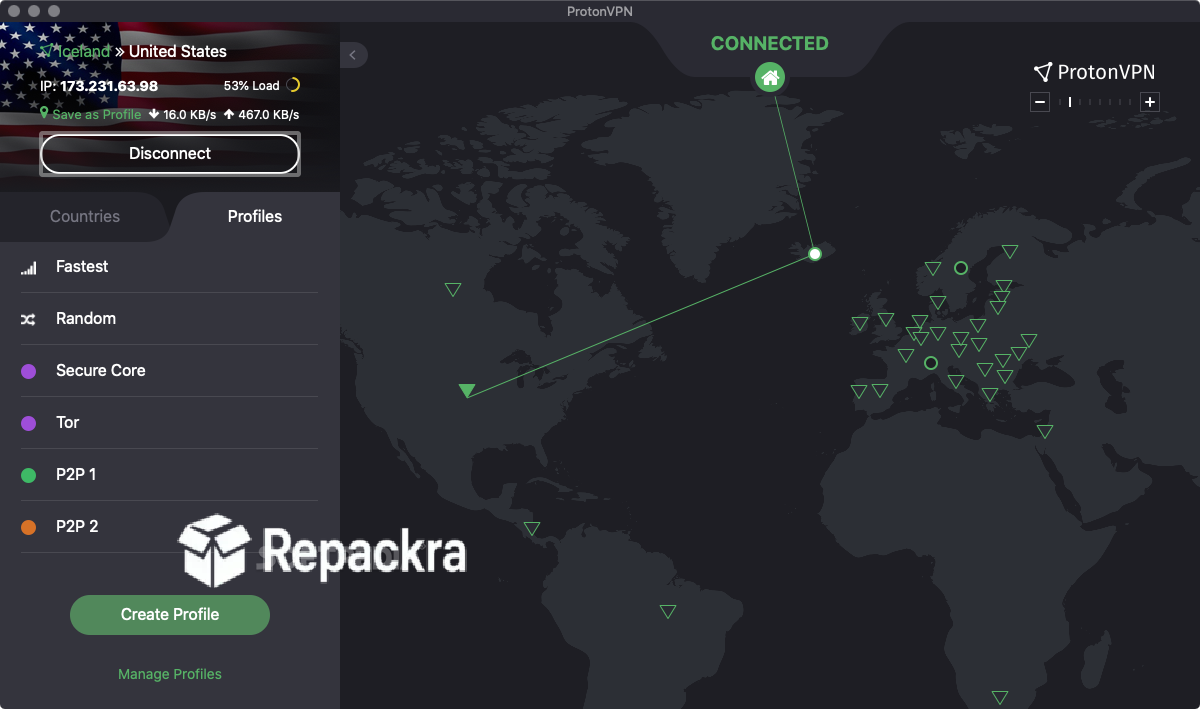
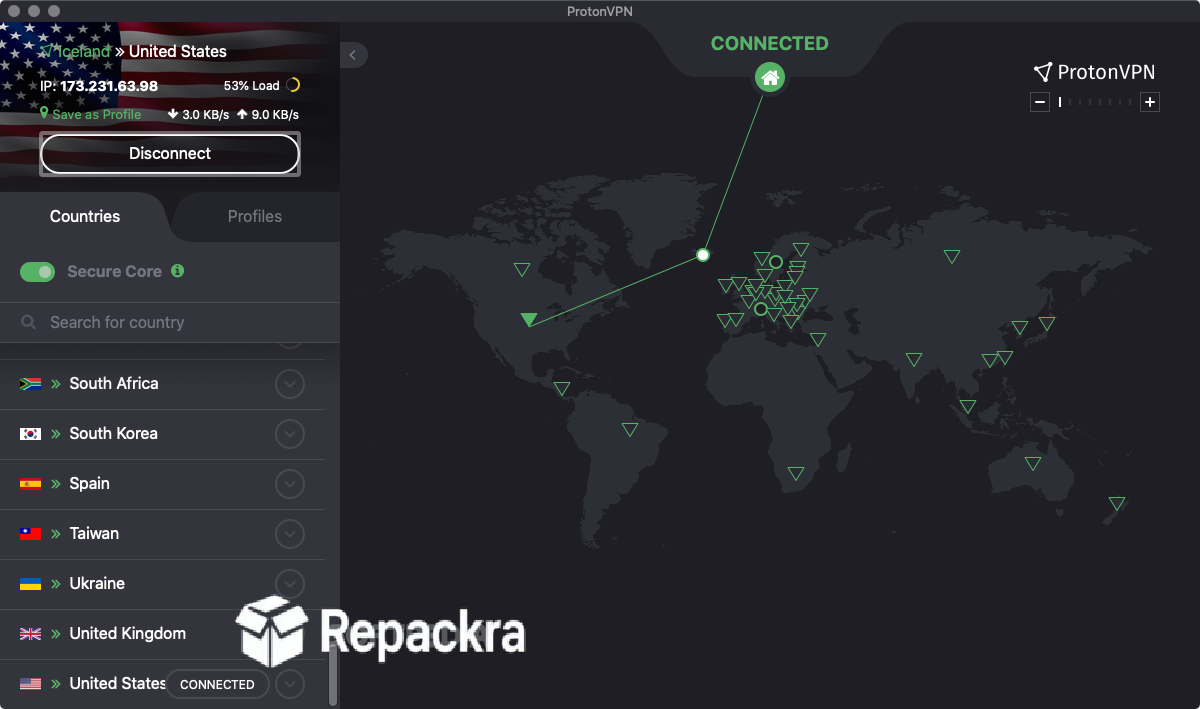
Proton VPN for Mac is the privacy VPN you can actually trust. Proton VPN for Mac 6.5.1 encrypts your connection, hides your IP, and runs on a verified no logs network without slowing you down. I use it because Swiss privacy law, open source code, and independent audits back every single claim it makes. No other VPN on Mac comes close to that level of verified credibility.
Proton VPN Overview
Proton VPN for Mac is built by the Proton Mail team and operates under Swiss jurisdiction. It delivers encrypted connections, audited no logs infrastructure, and advanced privacy routing without any technical setup required. Everything from basic IP masking to multi hop Secure Core routing works out of the box from the moment you connect.
Users who want the same verified privacy approach extended to their passwords will find Bitwarden for Mac a natural companion, offering open source password management with independent audits and zero knowledge encryption that matches Proton VPN’s commitment to verifiable security.
Key Features of Proton VPN for Mac
- Verified no logs policy independently audited
- Swiss jurisdiction and privacy law protection
- AES 256 bit encryption on all connections
- NetShield ad and malware blocker built in
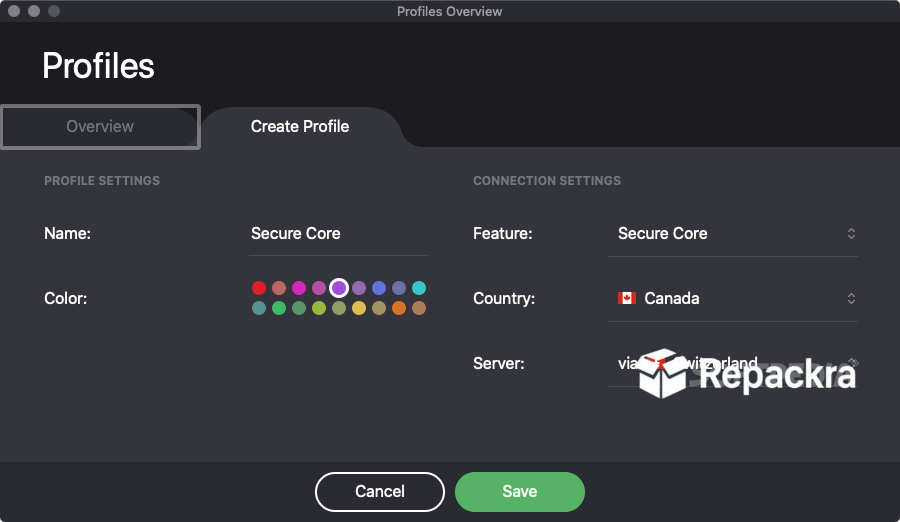
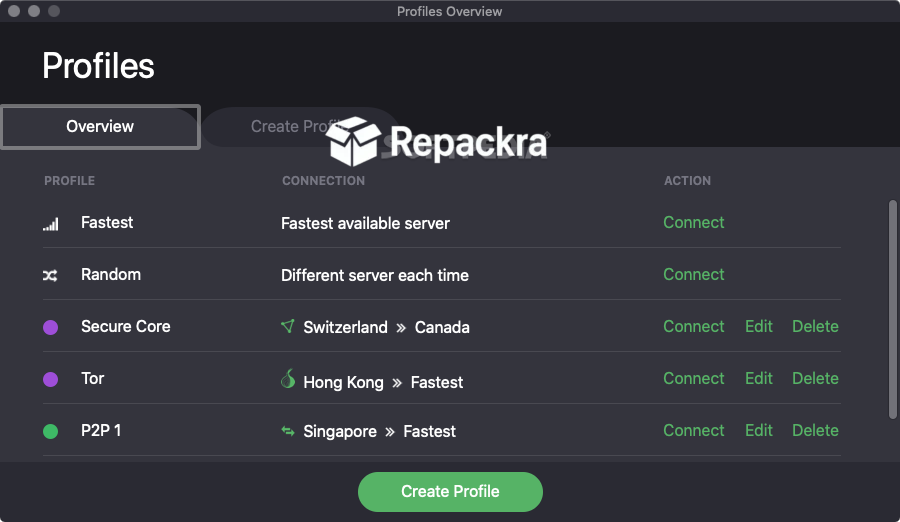
- Secure Core multi hop routing support
- Kill switch to block traffic if VPN drops
- Split tunneling for selective app routing
- Stealth protocol for bypassing VPN blocks
- WireGuard and OpenVPN protocol support
- DNS leak protection on all connections
- Tor over VPN server support
- Open source and independently audited
- macOS menu bar quick connect access
- Fully optimized for macOS Sequoia
What’s New in 6.5.1
- WireGuard and Stealth protocol connection stability improved
- Full macOS Sequoia compatibility confirmed
- NetShield threat definitions expanded and updated
- Kill switch reliability strengthened
- Bug fixes and performance improvements throughout
System Requirements
- OS: macOS 12.0 or later
- RAM: At least 2 GB
- Storage: 100 MB of free space
- Processor: Intel and Apple Silicon both supported
How to Install Proton VPN on Mac
- Download Proton VPN for Mac 6.5.1 full version.
- Open the DMG file.
- Drag the app to your Applications folder.
- Launch Proton VPN for Mac.
- Sign in and connect.
How to Download Proton VPN Using Mac
- Visit the official Proton VPN website.
- Click Download for Mac.
- Wait for the DMG file to download.
- Open your Downloads folder.
- Run the DMG file to begin installation.
Supported Websites
- Proton VPN Official Website
- Apple Mac App Store
- MacUpdate
- Softpedia
- Fosshub
- Filehorse
- 1000+ other trusted sources
Why Use Proton VPN for Mac?
Proton VPN for Mac backs every privacy claim with verifiable proof. The open source code is publicly inspectable. The no logs policy is independently audited. Secure Core routing makes traffic analysis attacks practically impossible. NetShield blocks ads and malware at the DNS level across every app on your Mac.
Users who want a local and offline password manager with no cloud dependency alongside their VPN will find KeePassXC for Mac a solid addition, storing credentials in an encrypted local database that never touches an external server. This is the VPN you choose when privacy actually matters.
Proton VPN vs Other VPN Apps for Mac
| Feature | Proton VPN for Mac | Others |
|---|---|---|
| Verified No Logs Policy | Yes | Limited |
| Open Source and Audited | Yes | No |
| Secure Core Multi Hop | Yes | No |
| Built in NetShield | Yes | Limited |
| Swiss Jurisdiction | Yes | No |
| Mac Optimized | Yes | No |
Frequently Asked Questions
Here are the most asked questions about Proton VPN for Mac: