

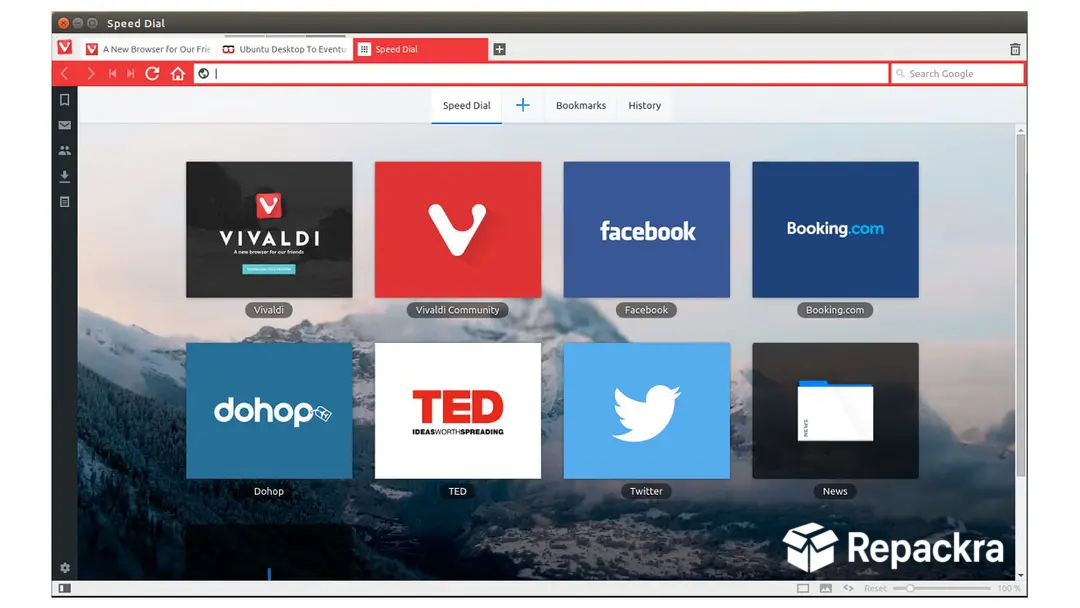

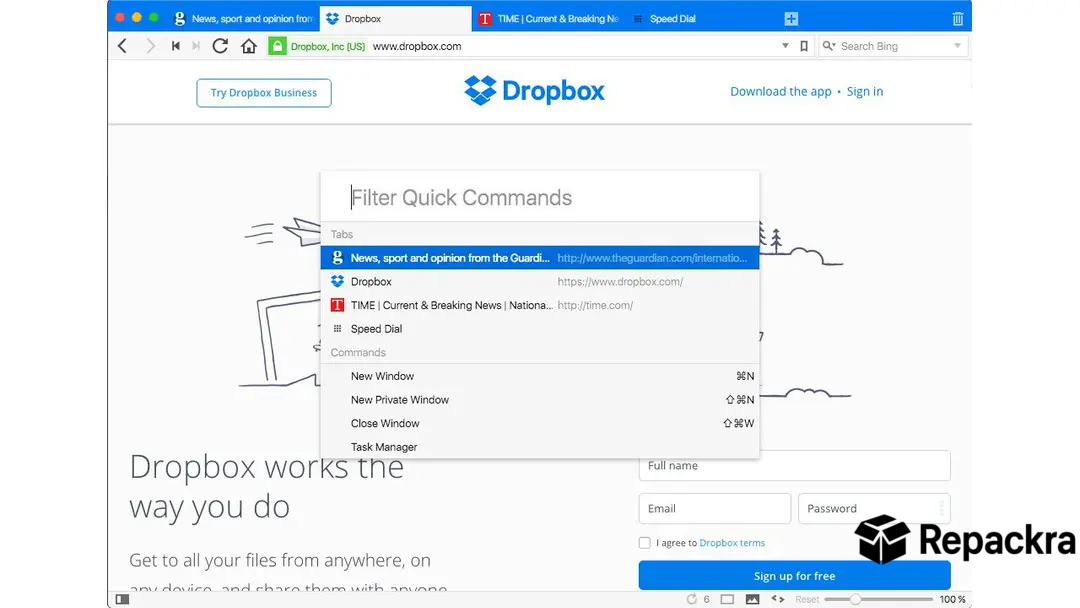
Vivaldi Browser for Windows is what you get when a team of people who actually missed the old Opera browser decided to build something with that same level of customization, but modern and Chromium based underneath.
Version 8.1 keeps refining what’s already one of the most feature packed browsers out there, and honestly, once you start using tab stacking and split screen browsing, going back to a basic browser feels limiting.
I actually kept Opera GX for Windows installed for a long stretch before switching over, and there are still days I miss its resource control panel, but Vivaldi’s workspace tools won me over in the end.
Vivaldi Browser Overview
Vivaldi Browser for Windows is a Chromium based browser built around the idea that power users deserve a browser that adapts to them, not the other way around. It’s packed with built in tools like tab stacking, split screen tabs,
a notes feature, and a fully customizable interface that most other browsers simply don’t offer. Vivaldi Browser for Windows feels less like a stripped down browser and more like a workspace.
Users coming from Mozilla Firefox for Windows will feel right at home with the privacy focus and customization depth, though Vivaldi takes both several steps further with its built in workspace and tab management tools.
Key Features:
- Tab stacking and tab tiling for organization
- Split screen browsing with multiple tabs at once
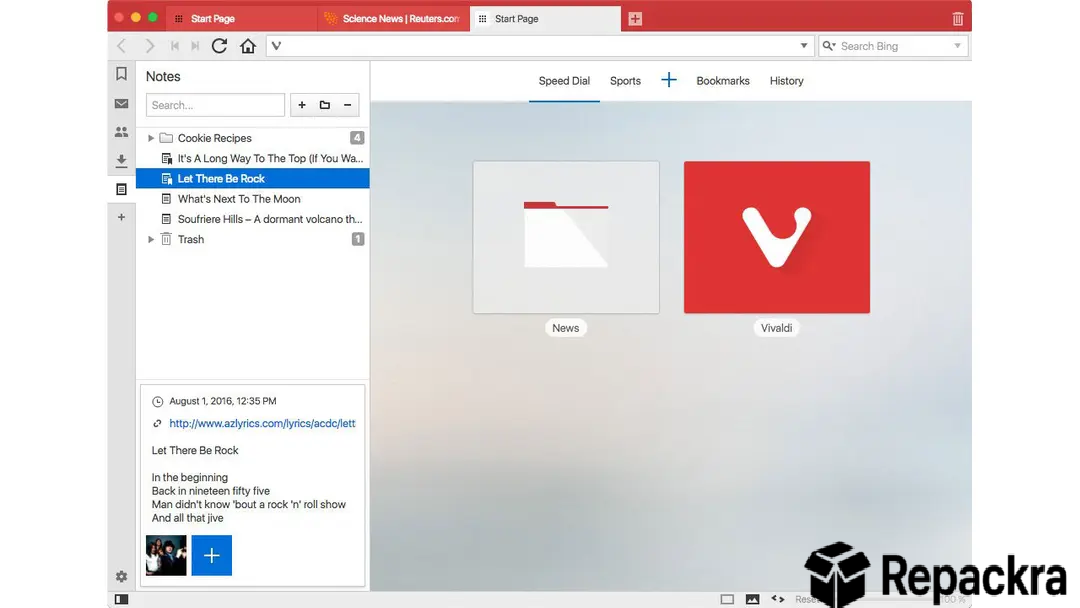
- Built in notes feature with screenshot capture
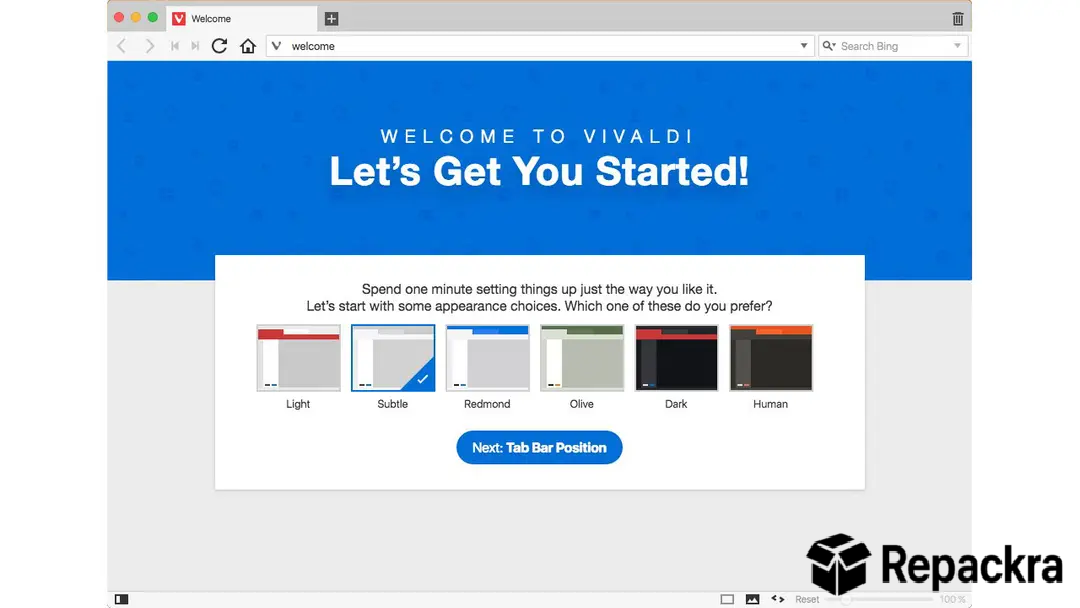
- Customizable interface, themes, and layouts
- Built in ad and tracker blocker
- Mail, calendar, and feed reader built in
- Web panels for quick access to favorite sites
- Mouse gestures and keyboard shortcut customization
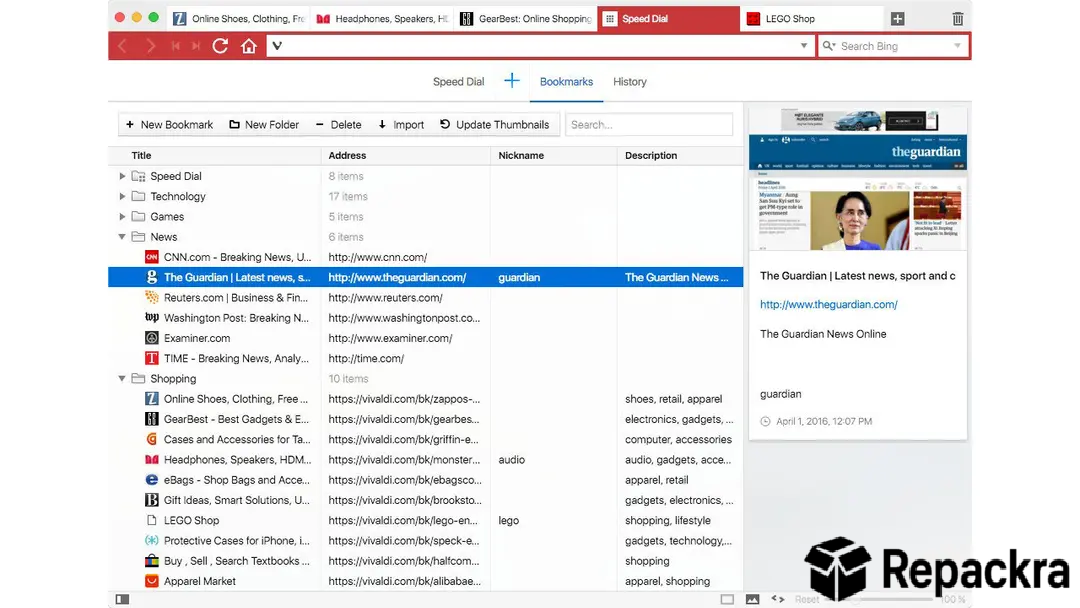
- Workspaces for organizing different tab groups
- Chromium based for broad extension compatibility
What’s New in 8.1
- Updated Chromium engine with latest security patches
- Improved workspace switching performance
- Better tab tiling stability
- Several bug fixes across built in features
System Requirements
- Windows 10 or later, 64-bit recommended
- 4 GB RAM minimum
- 300 MB storage space available
- Intel or AMD dual core processor
- Active internet connection required
How to Install on Windows
- Download Vivaldi Browser 8.1 for Windows.
- Run the installer file.
- Follow the on screen steps.
- Launch Vivaldi Browser.
- Customize your interface and import existing bookmarks.
How to Download for Windows
- Visit the official Vivaldi website.
- Click the Download for Windows button.
- Wait for the installer to finish downloading.
- Open Downloads and run the installer.
- Let it install and launch automatically.
Supported Websites
- Vivaldi Official Website
- Microsoft Store
- Softpedia
- MajorGeeks
- FileHippo
- Fosshub
- 1000+ other trusted sources
Why Use Vivaldi Browser for Windows?
The thing that really sets Vivaldi Browser for Windows apart is just how much it lets you shape the browser around your own workflow instead of forcing you into someone else’s idea of what browsing should look like. Tab stacking alone changes how you manage dozens of open tabs,
grouping related ones together instead of leaving you to scroll through an endless row at the top. Split screen tabs make comparing two pages side by side genuinely easy without juggling separate windows. Since it’s Chromium based, you still get access to the entire Chrome extension library, so you’re not sacrificing compatibility for all that extra customization.
Users who want that same Chrome extension access but with a simpler and more familiar interface can always fall back on Google Chrome for Windows for the sessions where a lightweight no frills browser is all the moment actually needs.
Vivaldi Browser vs Other Browsers
| Feature | Vivaldi Browser | Others |
|---|---|---|
| Tab Stacking and Tiling | Yes | No |
| Built in Notes and Screenshots | Yes | No |
| Split Screen Browsing | Yes | Limited |
| Chrome Extension Support | Yes | Limited |
| Deep UI Customization | Yes | Limited |








