

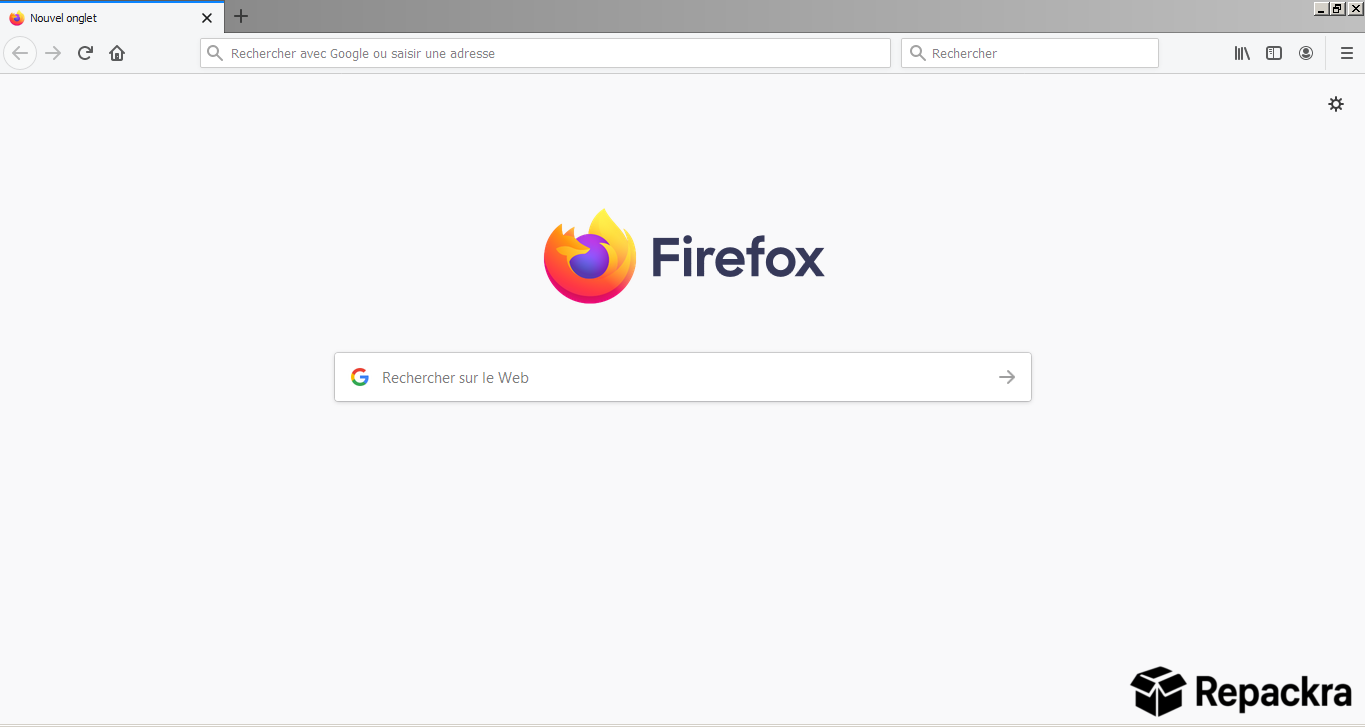
Mozilla Firefox for Windows is the fast, private, and open source browser that millions of users trust as their daily driver. Version 152.0 is the most refined and secure release yet delivering sharper performance, stronger privacy tools, and a cleaner browsing experience across every Windows machine.
I use it every single day because nothing else on Windows balances speed, privacy, and customization this well. I did spend a good stretch using Vivaldi Web Browser as my main browser at one point, and its tab management is genuinely excellent, but Firefox’s privacy focus is what eventually pulled me back.
Mozilla Firefox Overview
Mozilla Firefox for Windows is a powerful and privacy focused web browser built by a non profit organization that genuinely puts users first. It delivers fast page loading, robust privacy protection, and deep customization through thousands of extensions.
Mozilla Firefox for Windows feels completely at home on any Windows machine from budget laptops to high end workstations. For situations where even Firefox’s privacy tools are not enough and full anonymous routing through the Tor network is what the moment requires, Tor Browser for Windows is the natural next step built specifically for that level of protection.
Key Features:
- Fast and responsive page loading engine
- Enhanced Tracking Protection built in
- Hundreds of themes and extensions available
- Firefox Multi Account Containers for privacy
- Built in PDF viewer and editor
- Picture in Picture video support
- Sync bookmarks, history, and tabs across devices
- Customizable toolbar and interface layout
- Private browsing with tracking protection
- Hardware accelerated rendering for smooth performance
- DNS over HTTPS for encrypted browsing
- Integrated screenshot tool
- Reader mode for distraction free reading
- Spell check and grammar support
- Fully optimized for Windows 10 and Windows 11
What’s New in 152.0
- Improved page rendering speed across all Windows versions
- Enhanced tracking protection with new filter lists
- Memory usage optimizations for smoother multitab browsing
- Security patches and stability improvements throughout
System Requirements
- Windows 10 or later, 64-bit recommended
- 2 GB RAM minimum, 4 GB recommended
- 200 MB storage space available
- Intel or AMD dual core processor minimum
- Active internet connection required
How to Install for Windows
- Download Mozilla Firefox for Windows 152.0.
- Open the installer file.
- Follow the on screen installation steps.
- Launch Mozilla Firefox for Windows.
- Sign in to Firefox Sync to restore your data.
How to Download for Windows
- Visit the official Mozilla Firefox website.
- Click the Download Firefox button.
- Wait for the installer to finish downloading.
- Open Downloads and run the installer.
- Follow the setup steps to complete installation.
Supported Websites
- Mozilla Official Website
- Microsoft Store
- Softpedia
- MajorGeeks
- FileHippo
- Fosshub
- 1000+ other trusted sources
Why Use Mozilla Firefox for Windows?
Mozilla Firefox for Windows gives you a browsing experience that genuinely respects your privacy without asking you to sacrifice speed or convenience for it. The Enhanced Tracking Protection blocks thousands of trackers silently in the background while Multi Account Containers keep your work, personal, and shopping activity completely separate from each other.
The extension library is one of the largest and most capable available on any browser today. Users who want to compare how Firefox stacks up against the most widely used alternative should check out Google Chrome for Windows, which takes a different approach by prioritizing raw speed and deep Google ecosystem integration over privacy first browsing.
On the Mac side of things, I’ve also heard good things about Arc Browser for Windows from friends who swear by its tab organization, though it’s a different beast entirely from Firefox’s approach.
Mozilla Firefox for Windows is consistently updated with security patches and performance improvements making it one of the most reliable and trustworthy browsers you can run on any Windows machine today.
Mozilla Firefox vs Other Browsers
| Feature | Mozilla Firefox | Others |
|---|---|---|
| Built in Tracking Protection | Yes | Limited |
| Multi Account Containers | Yes | No |
| Open Source | Yes | No |
| Cross Device Sync | Yes | Limited |
| Windows Optimized | Yes | No |
Frequently Asked Questions
Here are the most asked questions about Mozilla Firefox for Windows:








