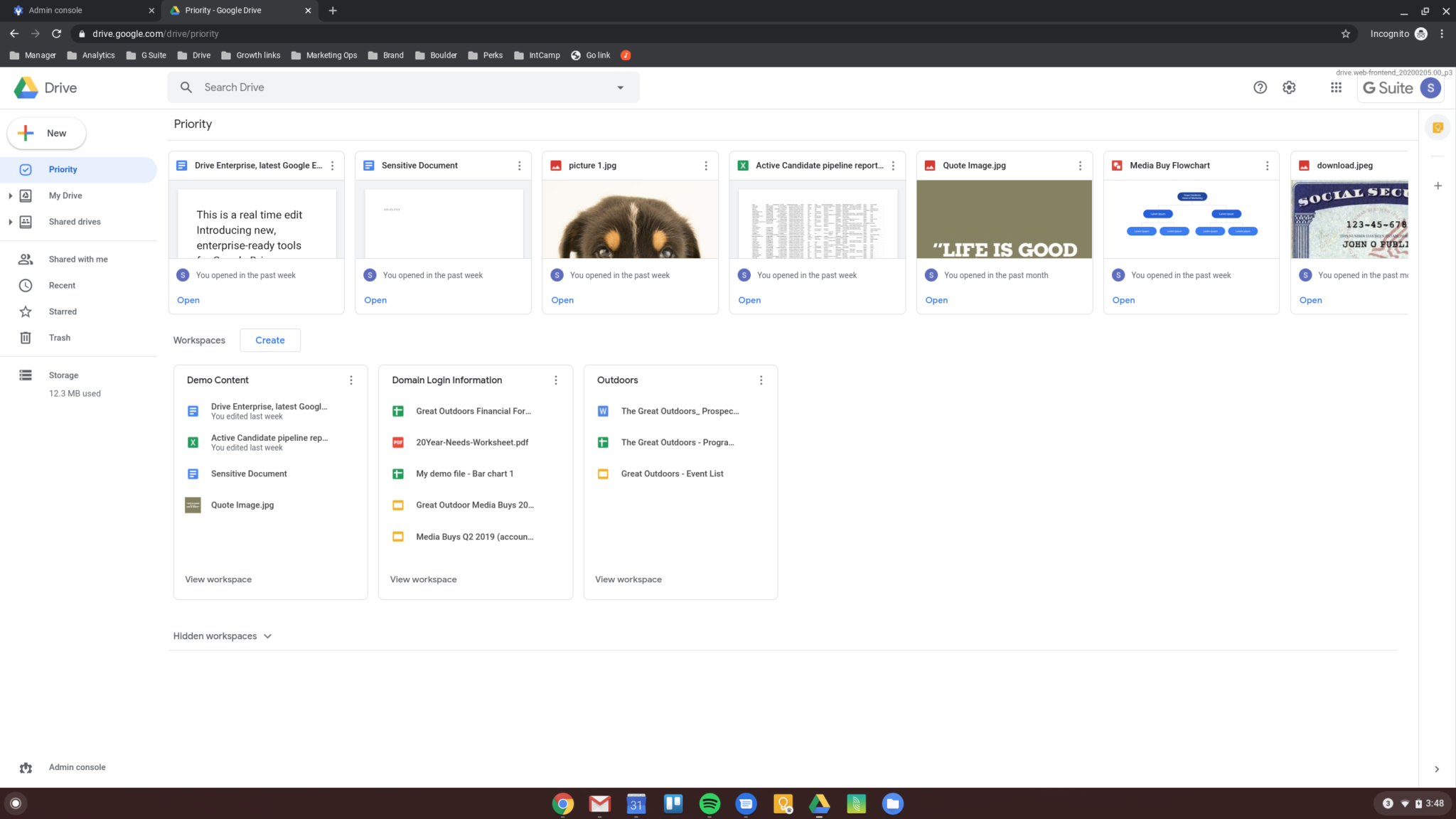
Google Drive for PC is the cloud storage and file management tool that quietly keeps everything you work on synced, backed up, and accessible from anywhere without you having to think about it. Version 128.0 brings a more stable and refined desktop experience for anyone who relies on cloud storage as a core part of their daily workflow.
I keep it running because knowing that every file on my machine is automatically backed up and available from any device is a level of peace of mind that’s hard to give up once you have it.
Google Drive Overview
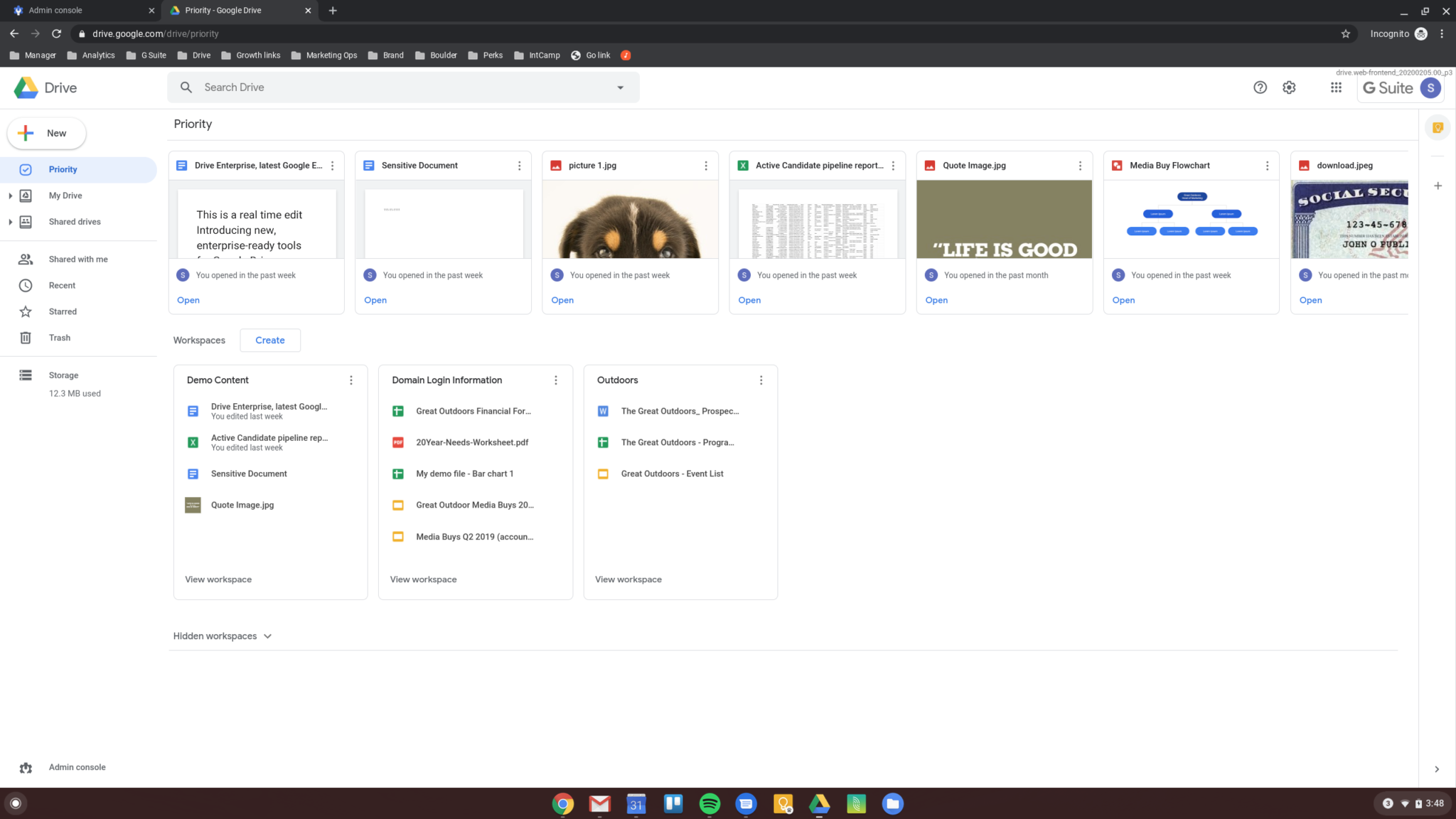
Google Drive for PC is Google’s desktop sync client that connects your local folders to your Google Drive cloud storage, keeping everything automatically synced in both directions without any manual uploading.
It integrates cleanly into Windows Explorer so your Drive files feel like any other folder on your machine. Google Drive for PC is the bridge between your local files and your cloud storage that just works quietly in the background.
Users who want the best browser experience for accessing Google Drive’s web interface and the full Google Workspace suite online will find Google Chrome for Windows the most natural companion, offering the fastest and most tightly integrated browsing experience across every Google service with seamless account continuity.
Key Features
- Automatic two way file syncing between PC and cloud
- Stream files on demand without using local storage
- Mirror selected folders for full offline access
- Windows Explorer integration for seamless file access
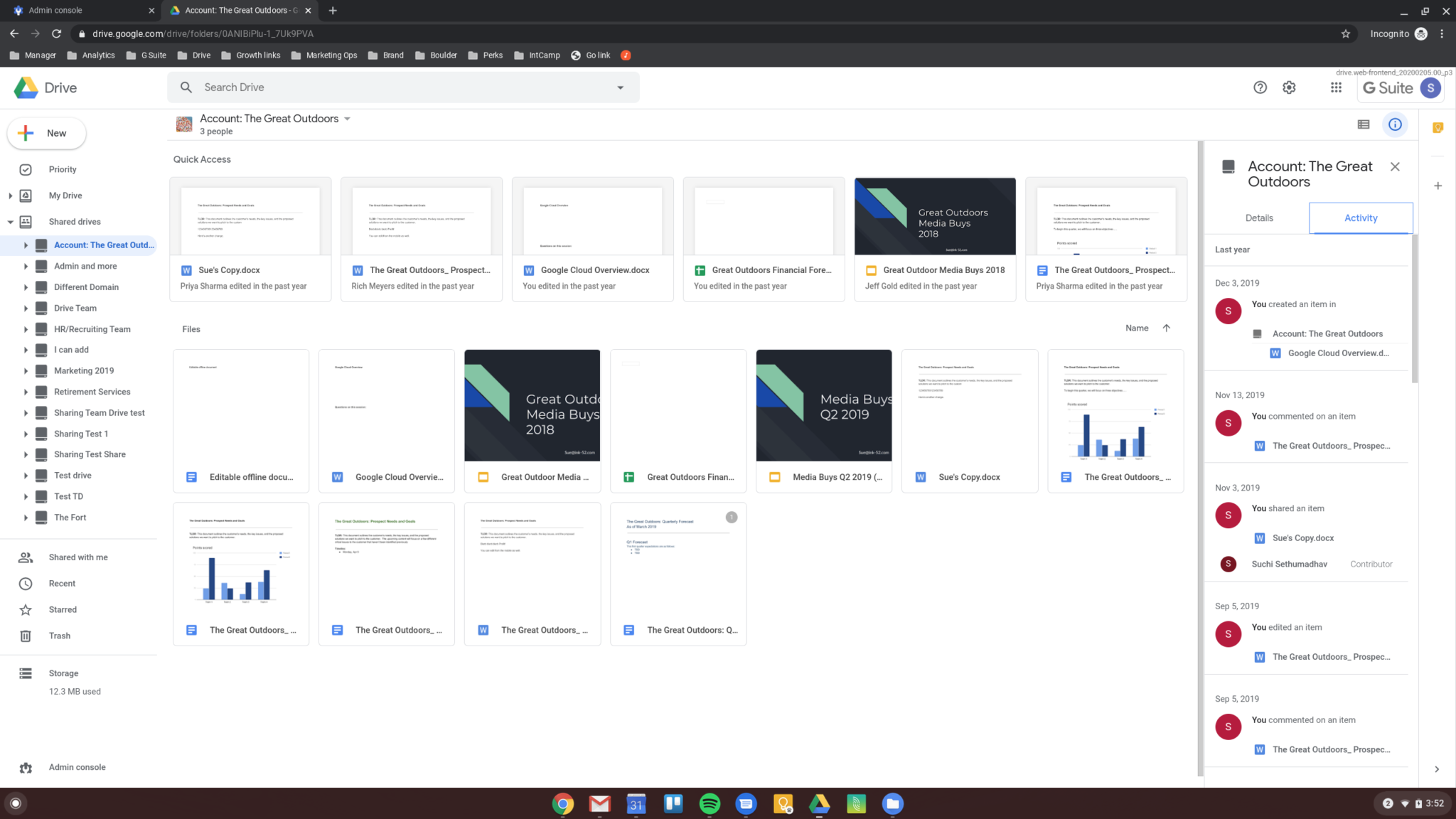
- Shared drives support for team collaboration
- Real time collaboration on Google Docs Sheets and Slides
- Selective sync for choosing which folders to download
- File sharing with customizable permission controls
- Search across all Drive content instantly
- Fully optimized for Windows 10 and Windows 11
What’s New in Version 128.0
- Improved sync reliability for large file collections
- Faster file streaming on demand performance
- Better handling of shared drive permissions
- Several bug fixes and stability improvements
System Requirements
- Windows 10 or later, 64-bit recommended
- 4 GB RAM minimum
- 500 MB storage for the application itself
- Active internet connection required
- Intel or AMD dual core processor
How to Install Google Drive on PC
- Download Google Drive 128.0 for PC.
- Run the installer file.
- Follow the on screen installation steps.
- Sign in with your Google account.
- Choose your sync preferences and start syncing.
How to Download Google Drive for PC
- Visit the official Google Drive website.
- Click the Download Drive for Desktop button.
- Wait for the installer to finish downloading.
- Open Downloads and run the installer.
- Follow the setup steps to complete installation.
Supported Websites
- Google Official Website
- Google Workspace Marketplace
- Softpedia
- MajorGeeks
- FileHippo
- Fosshub
- 1000+ other trusted sources
Why Use Google Drive for PC?
What makes Google Drive for PC genuinely useful as a daily tool is how completely invisible it becomes once it’s set up correctly. Files sync automatically, shared documents open instantly in the browser,
and the on demand streaming means you can access your entire Drive without filling up your local storage with everything at once. The Windows Explorer integration means there’s no separate app to open and no manual uploading to remember, it all just happens in the background while you work normally.
. Users who store geographic research, project maps, and location data in their Drive will find Google Earth Pro for Windows a natural companion, letting them explore, measure, and export real world geographic data that flows straight back into their Drive for backup and sharing.
For anyone already using Google Workspace or Gmail heavily, having Google Drive for PC syncing your files locally makes the whole ecosystem significantly more cohesive and reliable.
Google Drive vs Other Cloud Storage Tools
| Feature | Google Drive | Others |
|---|---|---|
| On Demand File Streaming | Yes | Limited |
| Real Time Document Collaboration | Yes | Limited |
| Shared Drive Team Support | Yes | Limited |
| Windows Explorer Integration | Yes | Limited |
| Windows Optimized | Yes | No |