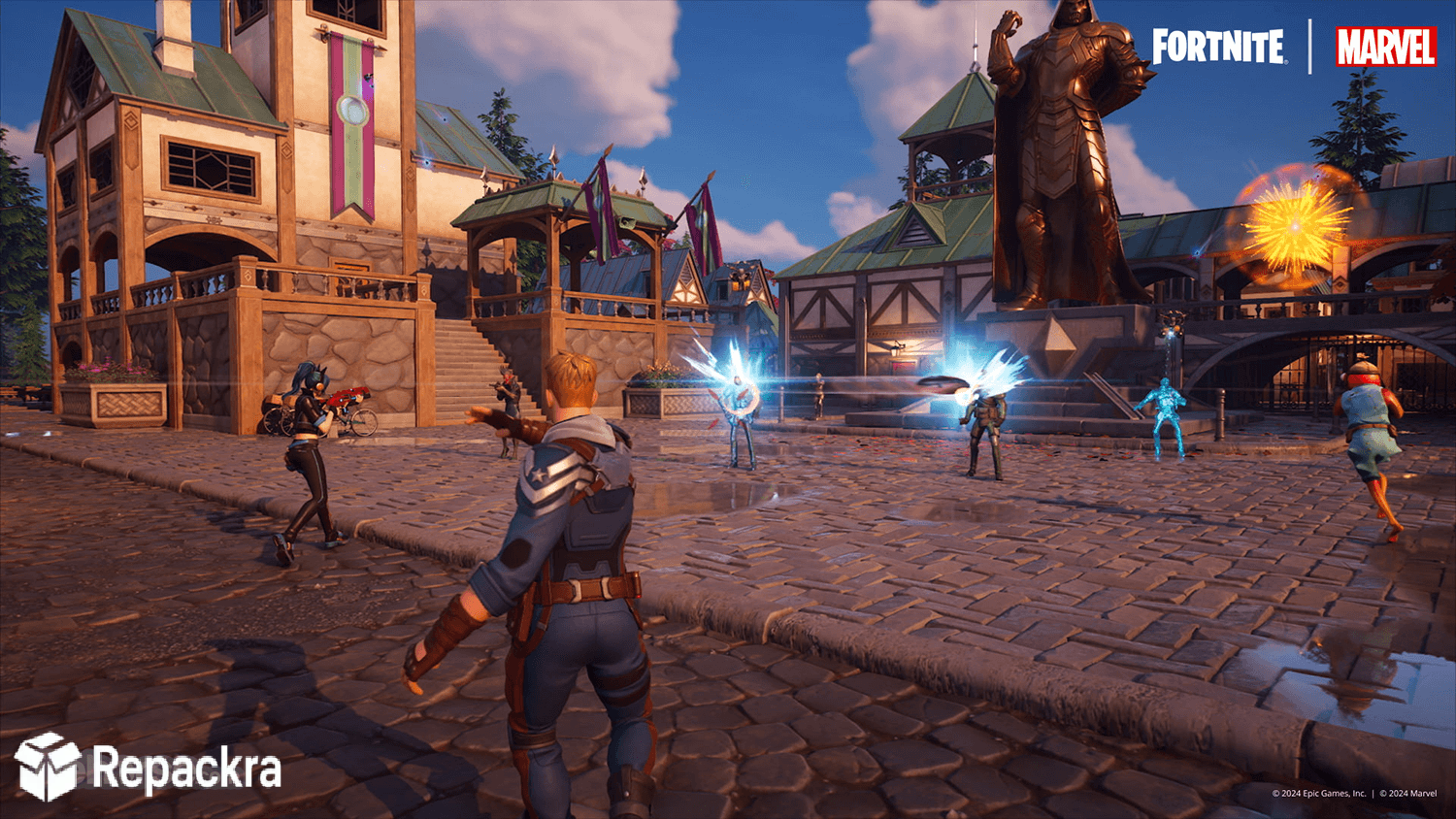
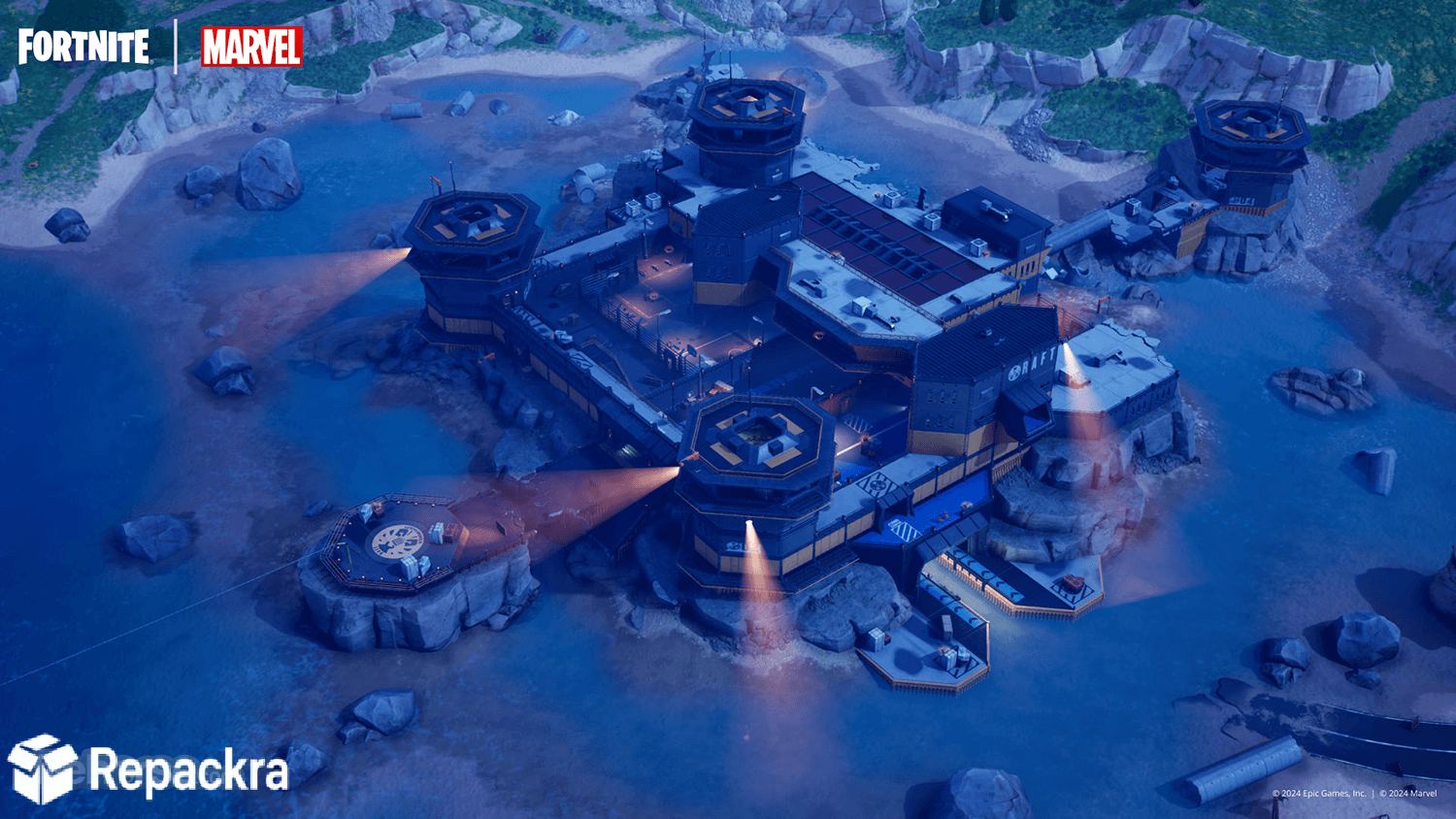
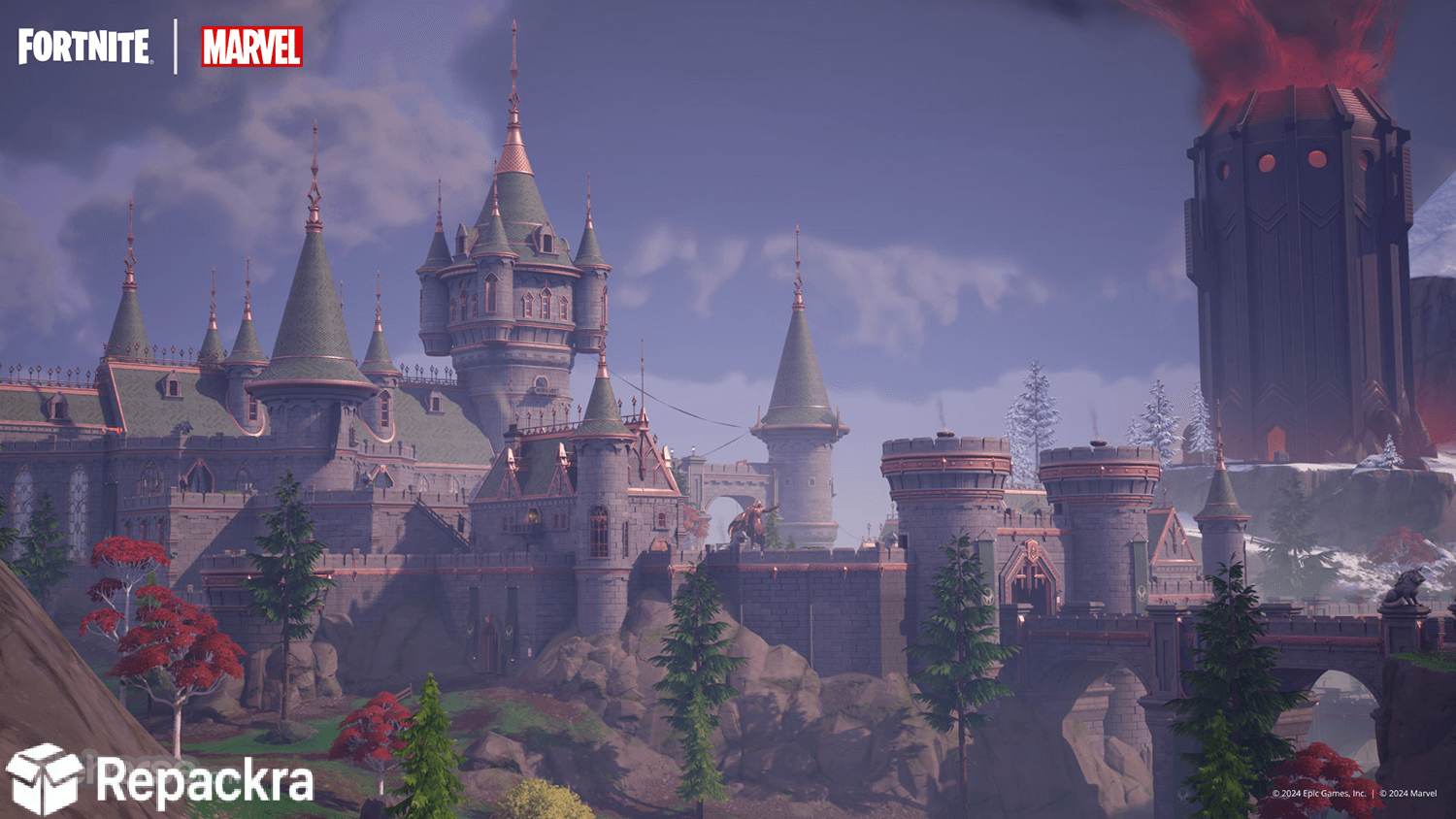
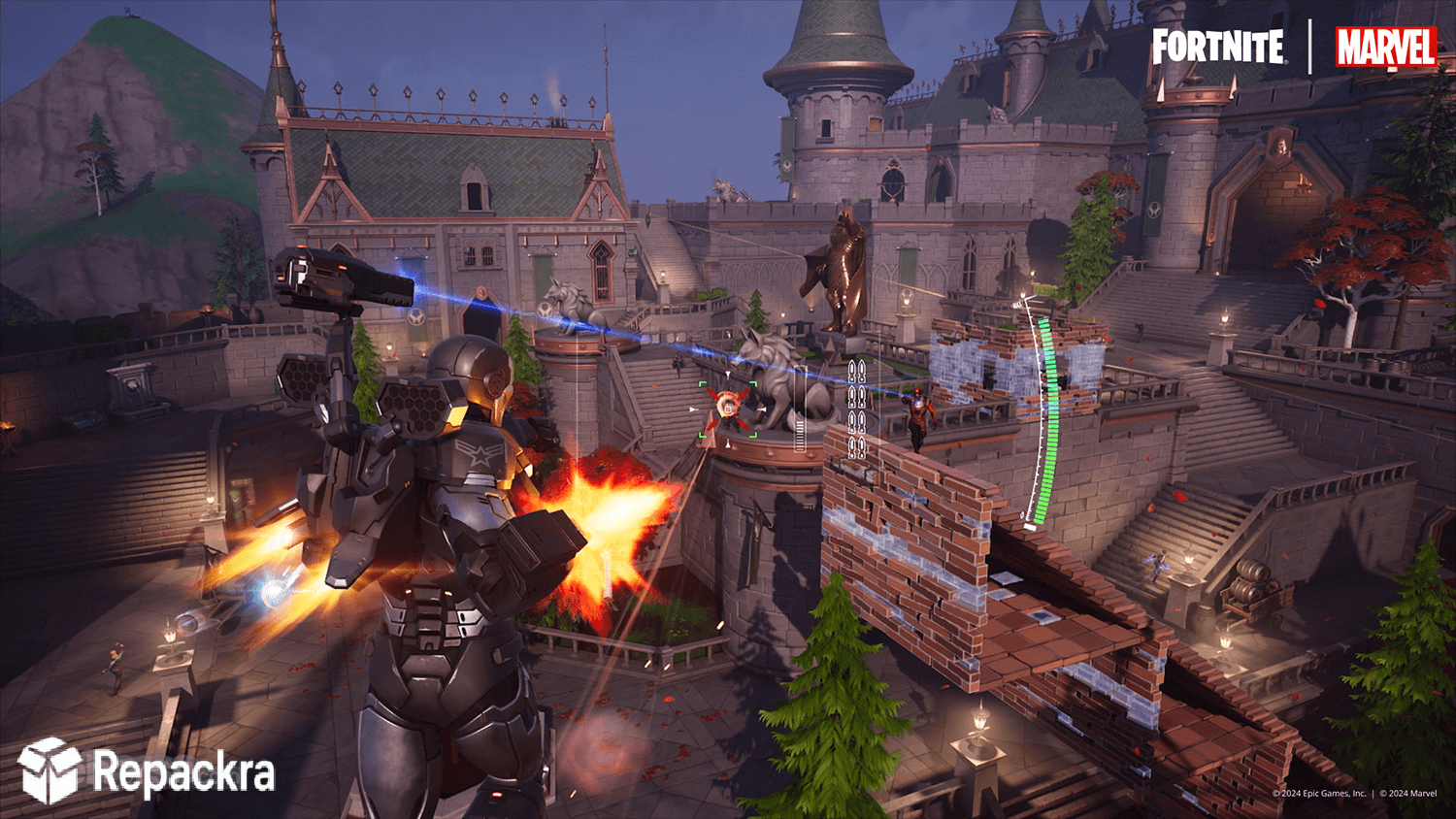
Fortnite for PC is the battle royale game that somehow keeps reinventing itself every season and pulling millions of players back in regardless of how long they’ve been away. Version 41.20.0 brings the latest round of content, map changes, and weapon updates that keep the island feeling fresh even after all these years. I keep coming back to it because no other battle royale on PC manages to stay this consistently entertaining across so many different play styles and skill levels.
Fortnite Overview
Fortnite for PC is Epic Games’ massively popular battle royale where 100 players drop onto an island and fight to be the last one standing through a combination of shooting, building, and survival across a constantly shrinking play zone. It runs on Unreal Engine 5 and looks genuinely stunning while still being accessible enough for casual players and deep enough to reward serious competitive players at the highest level.
Fortnite for PC is one of those games that always has something new going on. Players who want to take their shooter skills into a more structured and tactical competitive environment between Fortnite sessions will find Valorant for PC a natural next step, where precise gunplay and agent abilities replace building mechanics in a five versus five format that rewards game sense and team coordination above all else.
Key Features
- 100 player battle royale with solo duo and squad modes
- Unreal Engine 5 visuals with stunning lighting and detail
- Building and zero build modes available
- Seasonal content updates with new weapons and items
- Collaboration events with major franchises and artists
- Ranked competitive mode with skill based matchmaking
- Creative mode for custom game types and maps
- Festival music mode and racing mode built in
- Cross platform play with console and mobile players
- Regular free battle pass content and cosmetic updates
What’s New in Version 41.20.0
- New seasonal weapons and item additions
- Map changes and new points of interest
- Balance adjustments across existing weapons
- Several bug fixes and performance improvements
System Requirements
- Windows 10 or later, 64-bit
- 8 GB RAM minimum, 16 GB recommended
- 35 GB storage space available
- DirectX 11 compatible GPU with 4 GB VRAM minimum
- Quad core processor recommended
How to Install Fortnite on PC
- Download the Epic Games Launcher for PC.
- Create or sign into your Epic Games account.
- Search for Fortnite in the Epic Games Store.
- Click Install and wait for the download to complete.
- Launch Fortnite for PC and drop into your first match.
How to Download Fortnite for PC
- Visit the official Fortnite website.
- Click the Download button for PC.
- Install the Epic Games Launcher first.
- Sign in and find Fortnite in your library.
- Click Install and follow any setup prompts.
Supported Websites
- Epic Games Official Website
- Epic Games Store
- Fortnite Official Website
- Softpedia
- MajorGeeks
- Fosshub
- 1000+ other trusted sources
Why Use Fortnite for PC?
What keeps Fortnite for PC genuinely entertaining after all this time is how much variety exists within a single session and across different seasons. The zero build mode opened it up to players who never connected with the building mechanics, the creative mode keeps producing genuinely impressive community made experiences, and the seasonal collaborations give you a reason to log back in even after a long break.
The Unreal Engine 5 upgrade made a real visual difference too and the game now looks better than it ever has while still running well on a wide range of hardware. Players who want a purer, more grounded tactical shooter without building mechanics or a battle royale format will find Counter-Strike 2 for PC a natural counterpart,
stripping things down to pure gunplay, positioning, and round based economy management. Whether you play casually with friends or grind ranked mode seriously, Fortnite for PC has enough going on to keep both groups engaged.
Fortnite vs Other Battle Royales
| Feature | Fortnite | Others |
|---|---|---|
| Zero Build and Build Modes | Yes | No |
| Unreal Engine 5 Visuals | Yes | No |
| Cross Platform Play | Yes | Limited |
| Creative Custom Maps | Yes | Limited |
| Regular Seasonal Updates | Yes | Limited |