
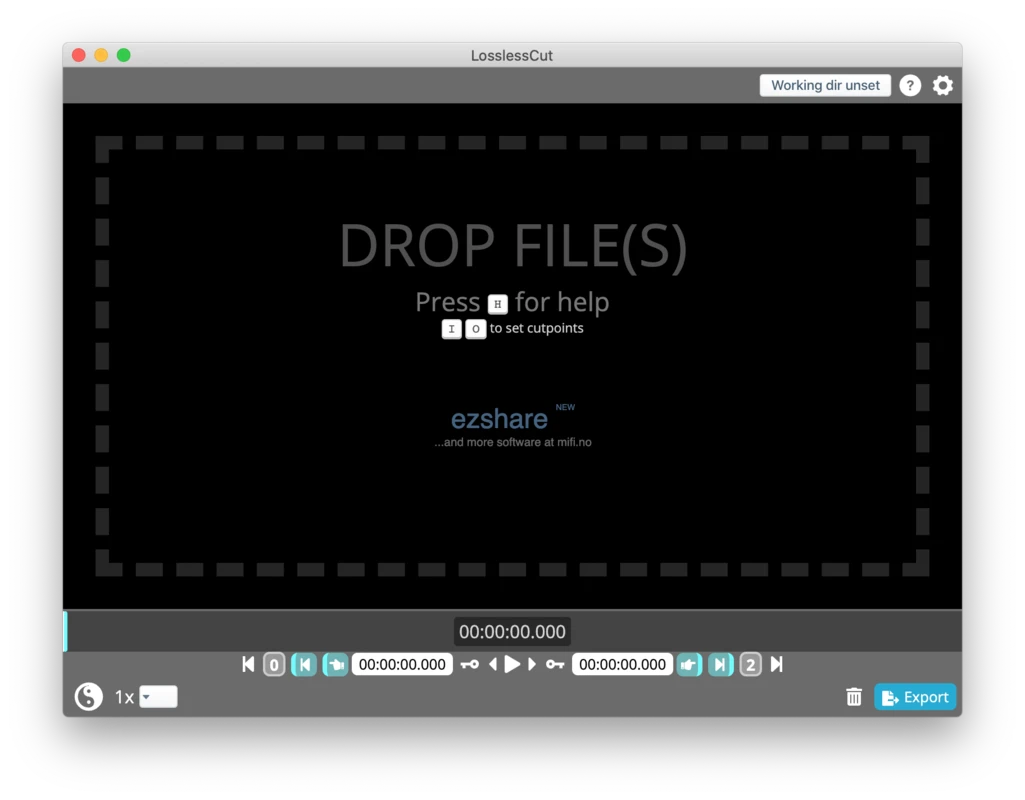
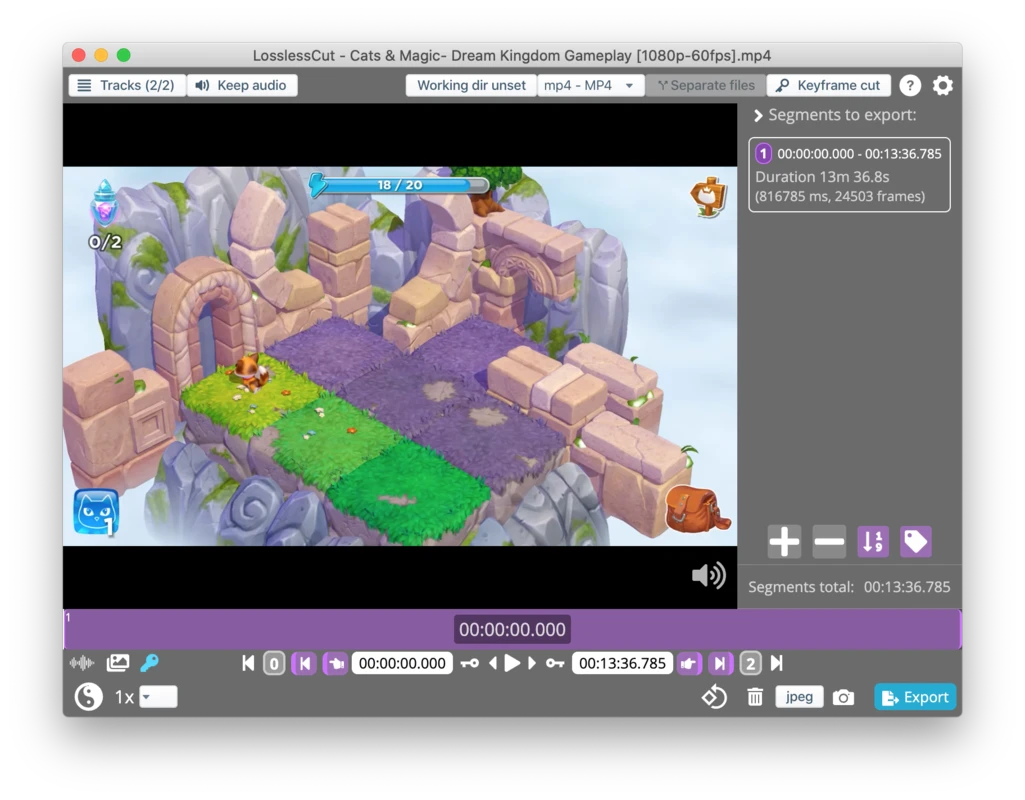
LosslessCut for Mac is the fastest and most precise video trimming tool available for macOS users who refuse to sacrifice quality for convenience. Version 3.69.0 delivers a refined and dependable cutting experience that handles everything from quick clip extractions to complex multi segment exports without touching a single frame of your original video data.
Content creators, video editors, and archivists trust LosslessCut for Mac because it solves the quality loss problem that every other editor creates. Mac users who want a powerful and format flexible media player to preview their cuts instantly will find VLC for Mac a natural companion, opening virtually any video format without codec headaches and delivering smooth playback for everything LosslessCut outputs.
LosslessCut Overview
LosslessCut for Mac is a free and open source video editor built specifically for lossless cutting and trimming operations. It works directly with your original video stream without re-encoding a single frame which means output quality is byte for byte identical to the source file every single time.
LosslessCut for Mac handles dozens of video and audio formats and delivers results in seconds rather than the minutes that encoding based editors require for the same task. Users who need to convert their trimmed clips into a different format or resolution after cutting will find OneConv Video Converter a fast and reliable next step, handling format conversion with hardware acceleration while preserving as much quality as possible in the output.
Key Features
- Lossless video and audio trimming with zero quality loss
- No re-encoding means instant export at any file size
- Supports MP4, MKV, MOV, AVI, and dozens more formats
- Multi segment timeline for complex cut operations
- Merge multiple video clips into one output file
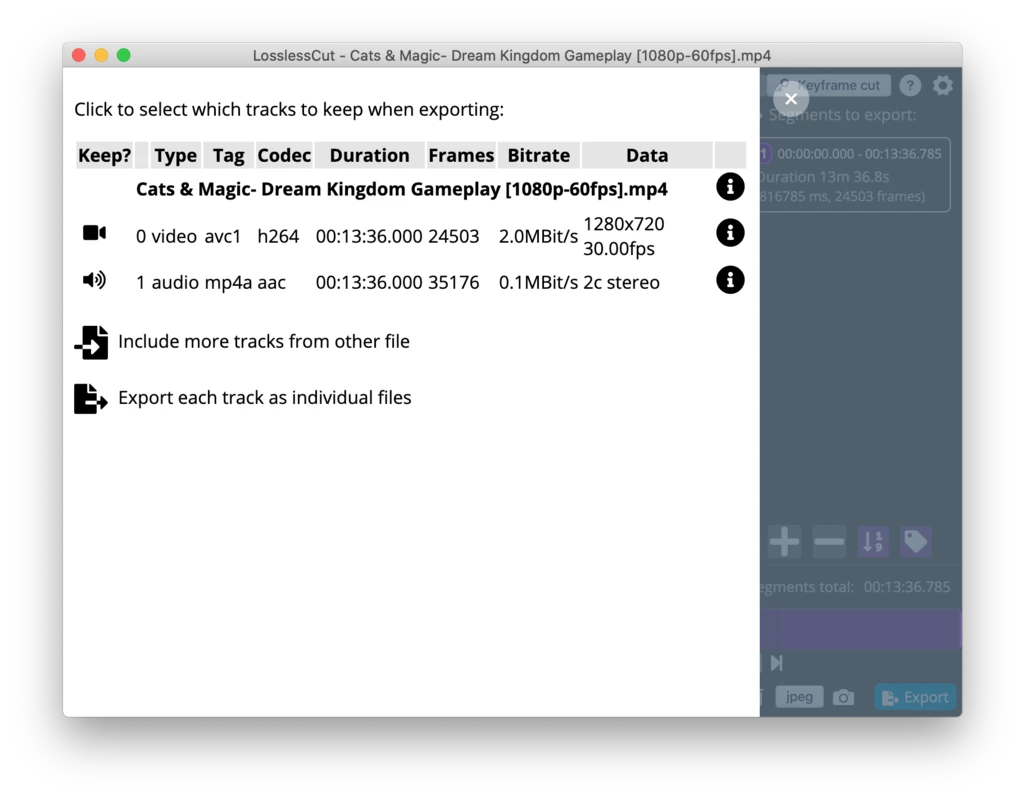
- Extract audio tracks directly from video files
- Keyframe based navigation for frame accurate cuts
- Chapter and metadata editing support
- Subtitle and caption stream management
- Batch file processing for multiple videos simultaneously
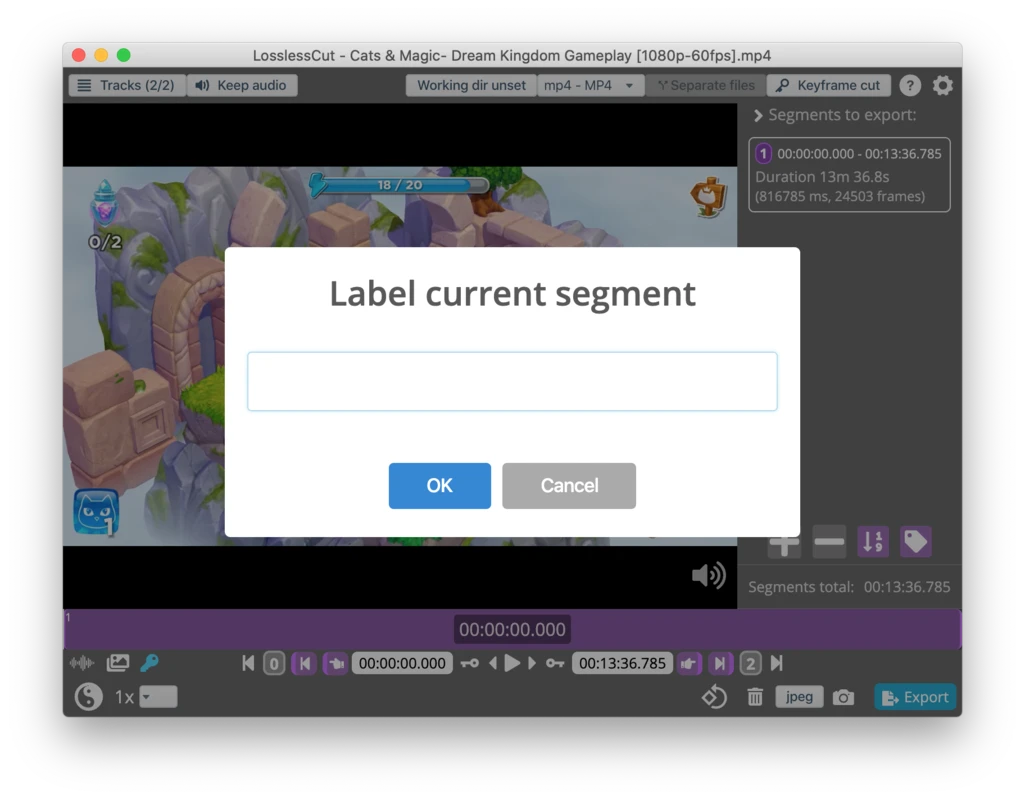
- Take and segment export system for organized output
- Customizable keyboard shortcuts for fast workflow
- Hardware accelerated video preview playback
- Lightweight application with minimal storage footprint
- Fully optimized for macOS Sequoia and Apple Silicon
What’s New in Version 3.69.0
- Improved keyframe detection accuracy on modern codecs
- Faster folder loading on large video collections
- Better subtitle stream handling across formats
- Several targeted bug fixes and stability improvements
System Requirements
- macOS 10.15 or later
- 4 GB RAM minimum, 8 GB recommended for 4K content
- 200 MB storage for the application itself
- Intel or Apple Silicon Mac fully supported
- Active internet connection not required after installation
How to Install LosslessCut on Mac
- Download LosslessCut 3.69.0 for Mac.
- Open the downloaded DMG file.
- Drag LosslessCut to your Applications folder.
- Launch LosslessCut for Mac.
- Open your first video file and start cutting immediately.
How to Download LosslessCut for Mac
- Visit the official LosslessCut GitHub releases page.
- Select the macOS download package from the latest release.
- Wait for the DMG file to finish downloading.
- Open your Downloads folder.
- Mount the DMG and drag to Applications.
Supported Websites
- LosslessCut GitHub Official Page
- VideoHelp Community
- Softpedia
- MacUpdate
- Fosshub
- Filehorse
- 1000+ other trusted sources
Why Use LosslessCut for Mac?
LosslessCut for Mac eliminates the fundamental compromise that every other video editor forces on you. Traditional editors re-encode your video during export which degrades quality, increases file size, and wastes time waiting for rendering to complete. LosslessCut for Mac skips all of that entirely by cutting between existing keyframes and outputting the original stream untouched.
The result is a perfectly trimmed clip that arrives in seconds regardless of file size. The batch processing system handles entire folders of clips in automated sequence without manual intervention between files. For Mac users who work with video regularly and care about preserving original quality, LosslessCut for Mac is the tool that changes how you approach every editing task.
LosslessCut vs Other Video Editors
| Feature | LosslessCut | Others |
|---|---|---|
| Zero Re-encoding Quality Loss | Yes | No |
| Instant Export at Any File Size | Yes | No |
| Multi Format Support | Yes | Limited |
| Batch Processing System | Yes | Limited |
| Mac Optimized | Yes | No |