
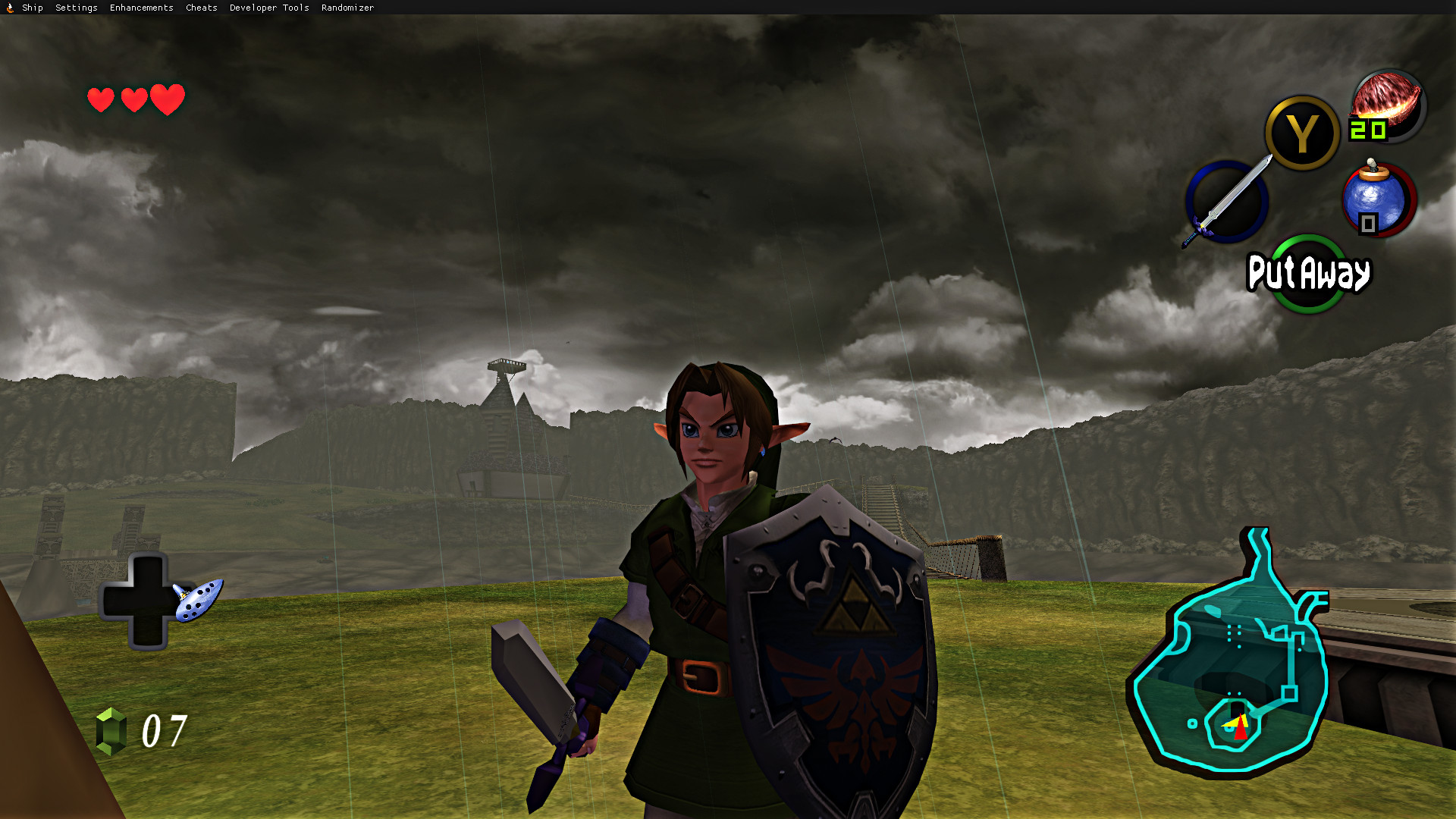
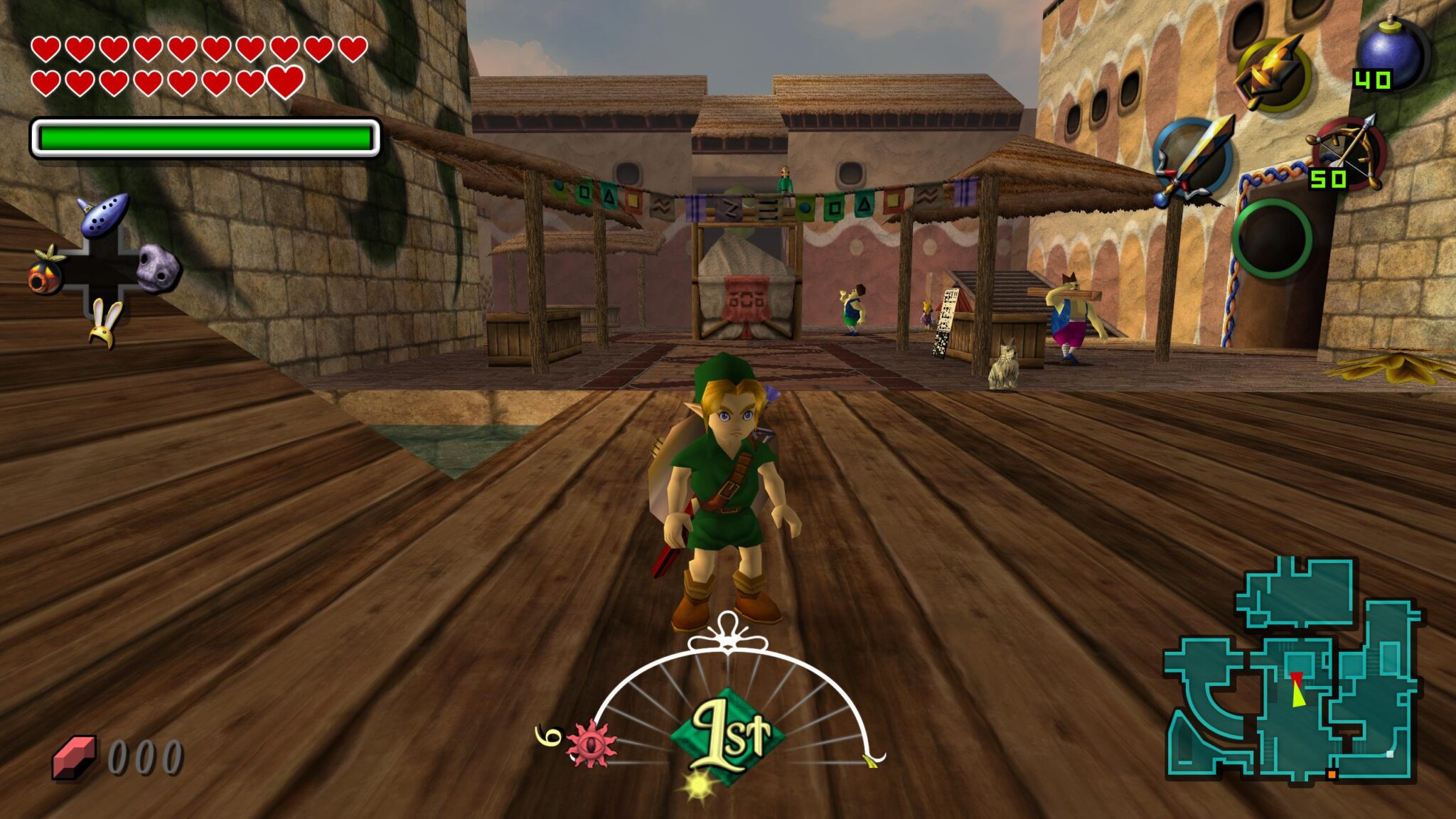
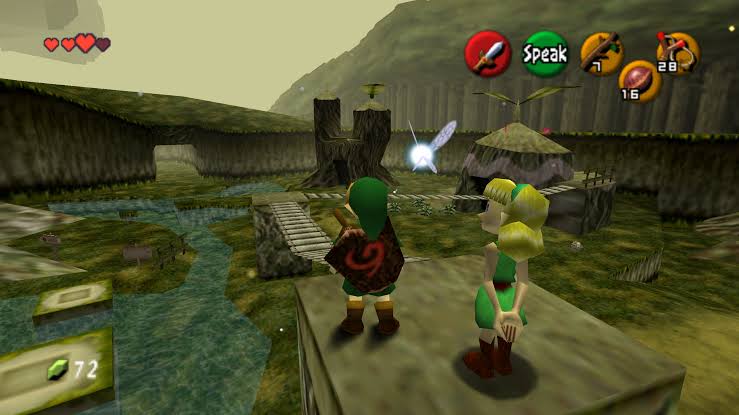
Ship of Harkinian for PC delivers the definitive way to experience The Legend of Zelda Ocarina of Time on modern hardware. Version 9.2.3 brings the most stable and feature complete release yet for players who want the classic N64 adventure running at high resolutions with modern enhancements that the original hardware could never provide.
Ship of Harkinian for PC has become the gold standard for Ocarina of Time preservation and enhancement in the emulation community, and for players who want an equally deep but completely different kind of classic experience afterward, Dwarf Fortress for PC is a fantastic change of pace.
Ship of Harkinian Overview
Ship of Harkinian for PC is a free and open source native PC port of The Legend of Zelda Ocarina of Time built directly from the game’s original source code. It runs the authentic game experience with full support for widescreen resolutions, unlocked frame rates, controller remapping, and a growing library of quality of life improvements.
It requires your own legally obtained ROM file to function and produces results that no traditional emulator can match in terms of accuracy and performance.
Key Features:
- Native PC port running from original game source code
- 4K and widescreen resolution support
- Unlocked frame rate up to 144fps and beyond
- Full controller remapping and gyroscope support
- Randomizer mode with hundreds of configuration options
- Mod support including texture packs and cosmetic changes
- Crowd Control integration for stream interaction
- Save state system for flexible progress management
- Discord integration for multiplayer co-op experiments
- Fully compatible with Windows 10 and Windows 11
What’s New in Version 9.2.3
- Improved frame pacing consistency at high refresh rates
- Better compatibility with a wider range of ROM versions
- New randomizer logic options and quality of life additions
- Several targeted bug fixes and stability improvements
System Requirements
- Windows 10 or later, 64-bit
- 4 GB RAM minimum
- 500 MB storage for the application
- DirectX 11 compatible GPU
- Legally obtained Ocarina of Time ROM required
How to Install Ship of Harkinian on PC
- Download Ship of Harkinian 9.2.3 for PC.
- Extract the downloaded archive.
- Place your legally obtained ROM file in the same folder.
- Launch the Ship of Harkinian executable.
- Follow the setup wizard and start your adventure.
How to Download Ship of Harkinian for PC
- Visit the official Ship of Harkinian GitHub page.
- Navigate to the latest releases section.
- Select the Windows download package.
- Wait for the download to complete.
- Extract and configure as described above.
Supported Websites
- Ship of Harkinian GitHub Official Page
- Ship of Harkinian Official Discord
- ModDB Community Page
- Nexus Mods Community Page
- Softpedia
- Fosshub
- 1000+ other trusted sources
Why Use Ship of Harkinian for PC?
Ship of Harkinian for PC transforms a beloved classic into the version it would have been if Nintendo had released it natively on PC with modern hardware support. High frame rates make combat and movement feel noticeably smoother than the original 20fps experience. Widescreen support removes the visual limitations of the original 4 by 3 aspect ratio and fills a modern monitor properly.
The randomizer mode adds hundreds of hours of replayability for players who know the original inside out. The active development team delivers consistent updates that keep compatibility and feature sets growing. For any fan of Ocarina of Time who wants the best possible way to play on PC hardware today, Ship of Harkinian for PC is simply the right choice.
Ship of Harkinian vs Other Emulation Options
| Feature | Ship of Harkinian | Others |
|---|---|---|
| Native Source Port Accuracy | Yes | No |
| Unlocked High Frame Rate | Yes | Limited |
| Built in Randomizer | Yes | No |
| Mod and Texture Pack Support | Yes | Limited |
| Active Regular Updates | Yes | Limited |








