

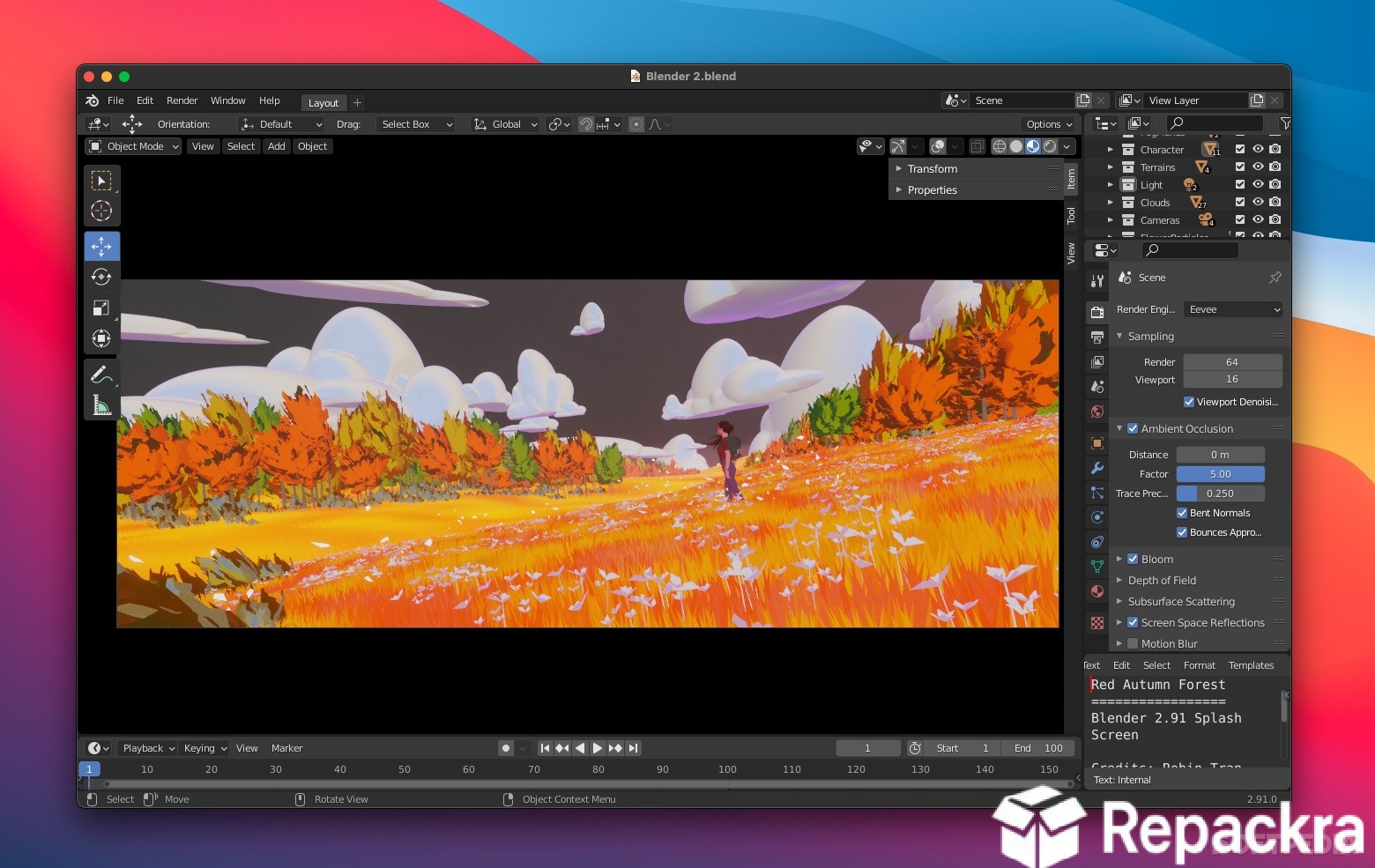
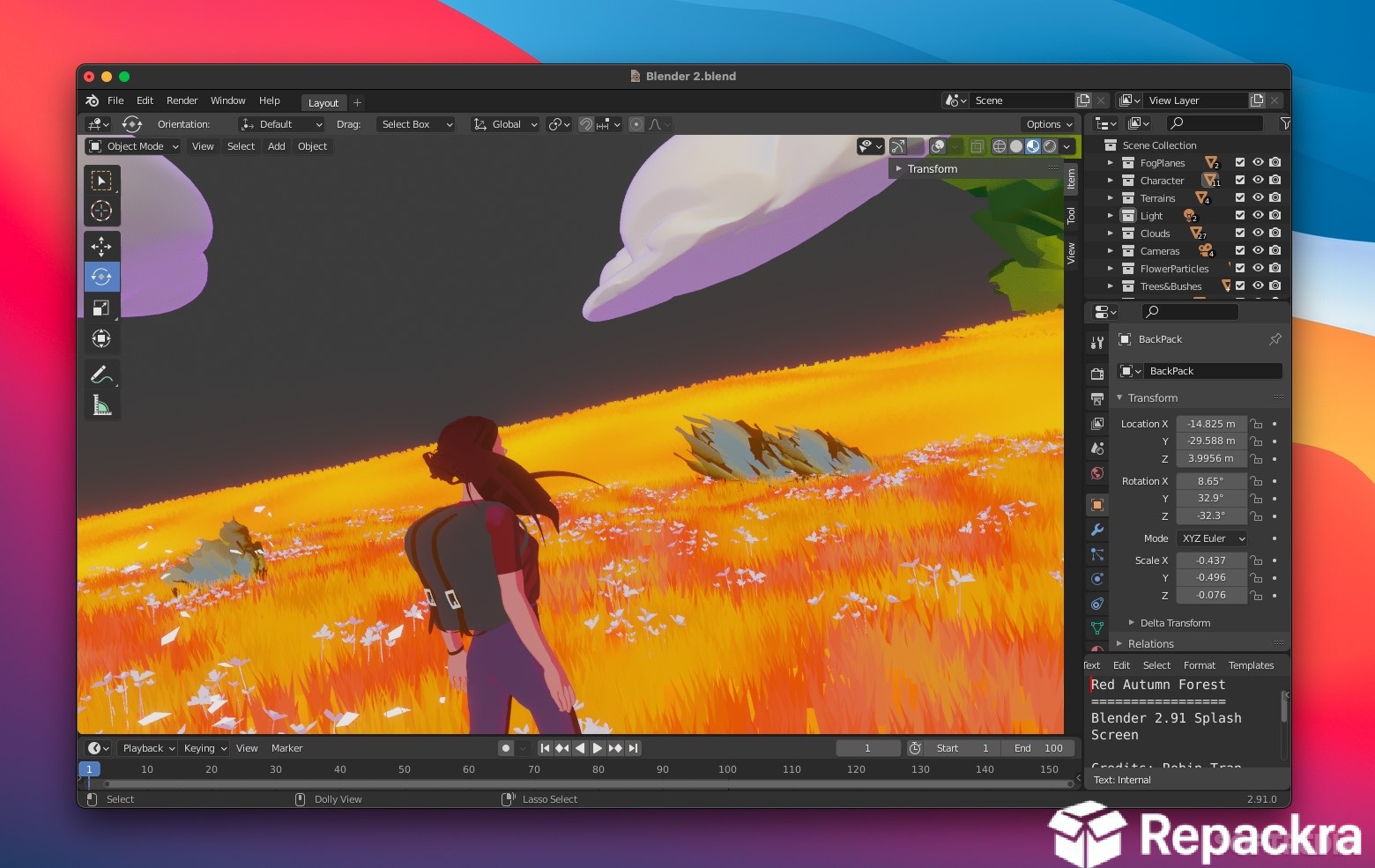
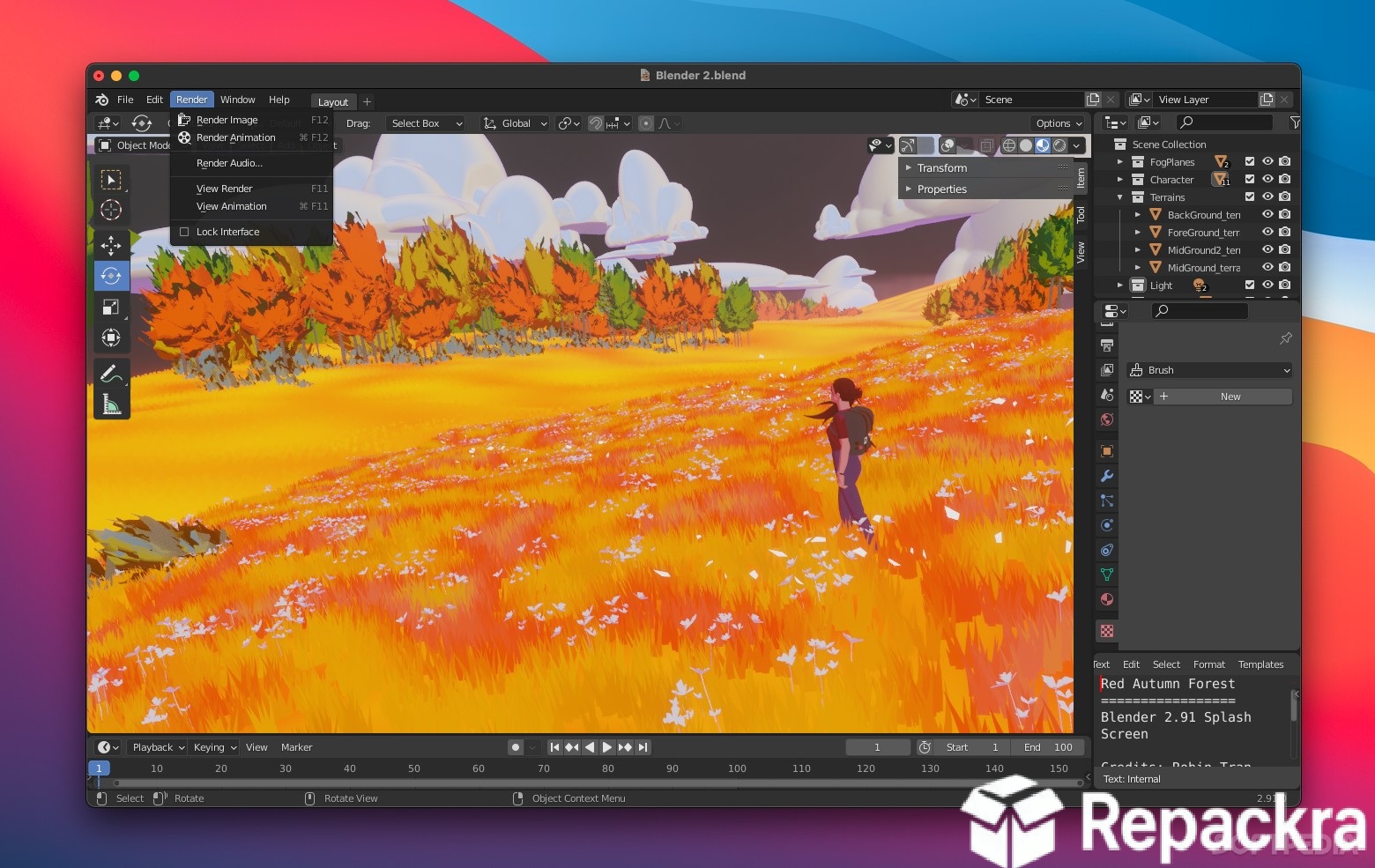
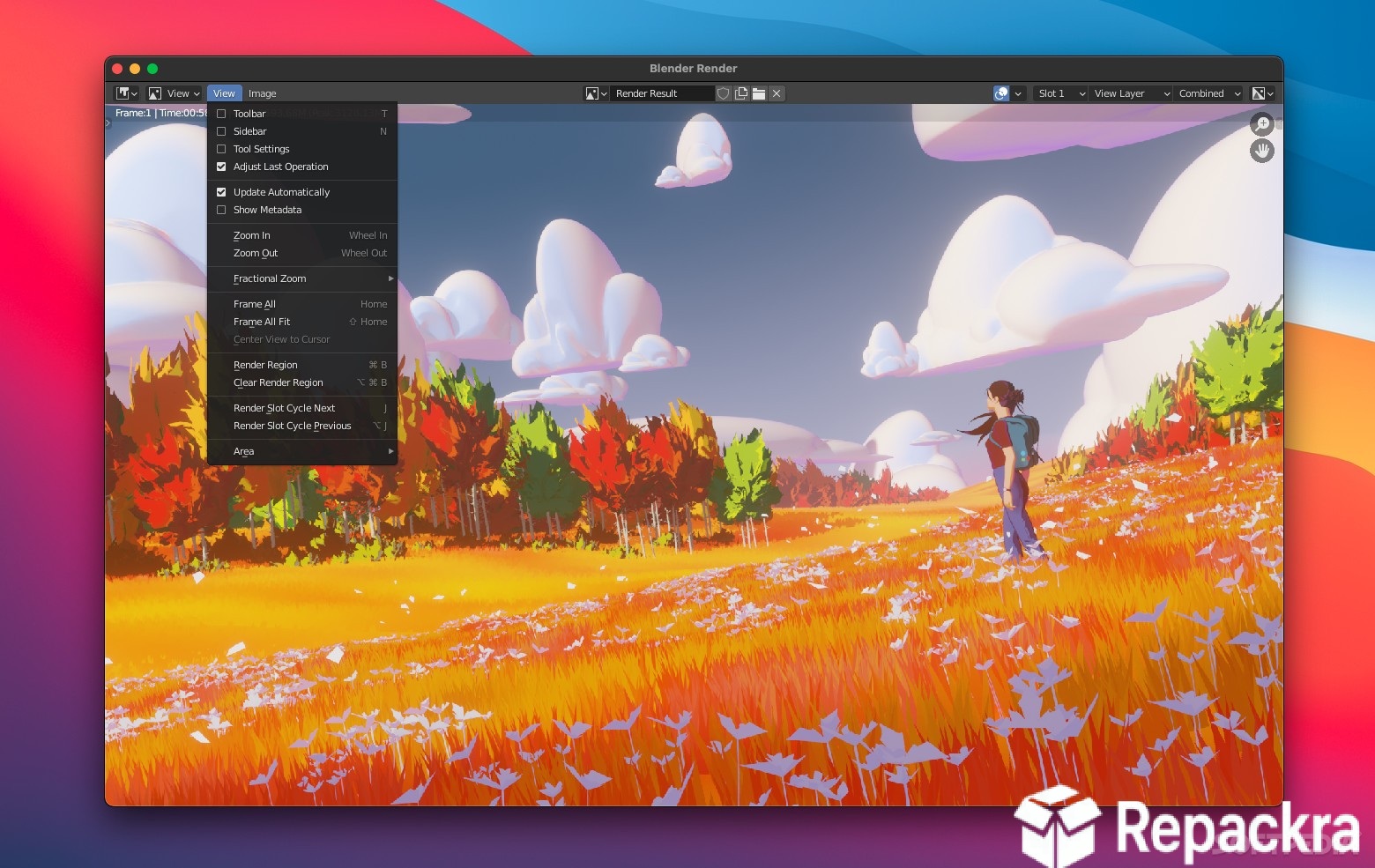
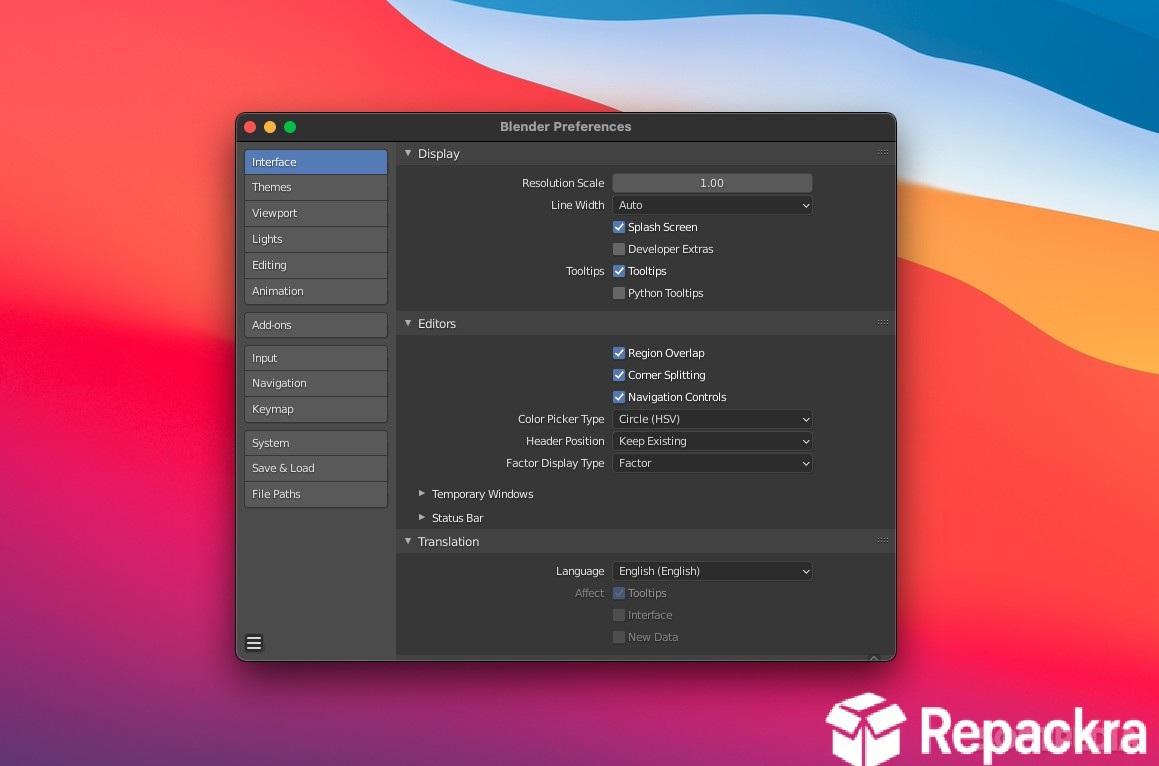
Blender for Mac is the 3D creation suite that genuinely has no ceiling on what you can make with it, from quick product renders to full animated short films, and version 5.2.0 LTS represents one of the most stable and capable releases the project has ever delivered. The LTS designation matters here because it means you get long term support and critical fixes without the workflow disruption of constantly chasing new feature releases. I use it as my primary 3D tool because nothing else on Mac offers this combination of depth, active development, and zero cost.
Blender Overview
Blender for Mac is a free and open source 3D creation platform that covers the entire production pipeline from modeling and sculpting to rigging, animation, rendering, compositing, and video editing. It runs natively on Apple Silicon with Metal rendering support and handles everything from small personal projects to professional studio work without requiring any paid license or subscription. Blender for Mac is what happens when a passionate global community spends decades building something they actually use themselves.
Artists who need to prep textures, concept art, or reference images before bringing them into a 3D scene will find GIMP for Mac a natural companion, rounding out the pipeline with free raster image editing that pairs well with everything Blender already handles on the 3D side.
Key Features:
- Full 3D modeling and sculpting toolset
- Physically based rendering with Cycles and EEVEE
- Character rigging and animation system
- Geometry Nodes for procedural modeling
- Grease Pencil for 2D and 3D illustration
- Video sequence editor built in
- Compositing with node based workflow
- Simulation tools for cloth, fluid, and particles
- Python scripting for custom tools and automation
- Fully optimized for Apple Silicon with Metal support
What’s New in Version 5.2.0 LTS
- Improved EEVEE Next rendering performance on Apple Silicon
- Geometry Nodes refinements and new node additions
- Better Metal GPU rendering stability throughout
- Several bug fixes and stability improvements across all tools
System Requirements
- macOS 12.0 or later
- 8 GB RAM minimum, 16 GB recommended for complex scenes
- 4 GB storage space available
- Apple Silicon or Intel Mac with dedicated GPU recommended
- Metal compatible GPU required for GPU rendering
How to Install Blender on Mac
- Download Blender 5.2.0 LTS for Mac.
- Open the DMG file.
- Drag Blender to your Applications folder.
- Launch Blender for Mac.
- Complete the initial setup and start your first project.
How to Download Blender for Mac
- Visit the official Blender website at blender.org.
- Click the Download button for the Mac version.
- Choose the Apple Silicon or Intel build as appropriate.
- Wait for the DMG file to finish downloading.
- Open Downloads, open the DMG, and drag to Applications.
Supported Websites
- Blender Official Website
- GitHub Official Repository
- MacUpdate
- Softpedia
- Fosshub
- Filehorse
- 1000+ other trusted sources
Why Use Blender for Mac?
What makes Blender for Mac genuinely remarkable is how it keeps raising its own ceiling with every major release without ever asking you to pay for access to new features. The EEVEE Next renderer makes real time quality rendering accessible in ways that used to require dedicated software, Geometry Nodes have opened up procedural workflows that were previously only available in expensive commercial tools, and the Grease Pencil system creates a unique hybrid between 2D and 3D that nothing else on the market does as well.
On Apple Silicon the Metal rendering performance makes working with complex scenes noticeably more comfortable than it ever was on Intel hardware. Grease Pencil users who also work with vector based illustration and want to bring clean scalable line art into their scenes will find Inkscape for Mac a useful addition to the toolkit, covering the vector side of a workflow Blender’s raster and 3D tools don’t focus on. Whether you’re learning 3D for the first time or coming from a commercial package, Blender for Mac offers more than enough to build a complete professional workflow around.
Blender vs Other 3D Software
| Feature | Blender | Others |
|---|---|---|
| Completely Free and Open Source | Yes | No |
| Full Production Pipeline | Yes | Limited |
| Apple Silicon Optimized | Yes | Limited |
| Geometry Nodes System | Yes | Limited |
| Active Community Development | Yes | Limited |








