

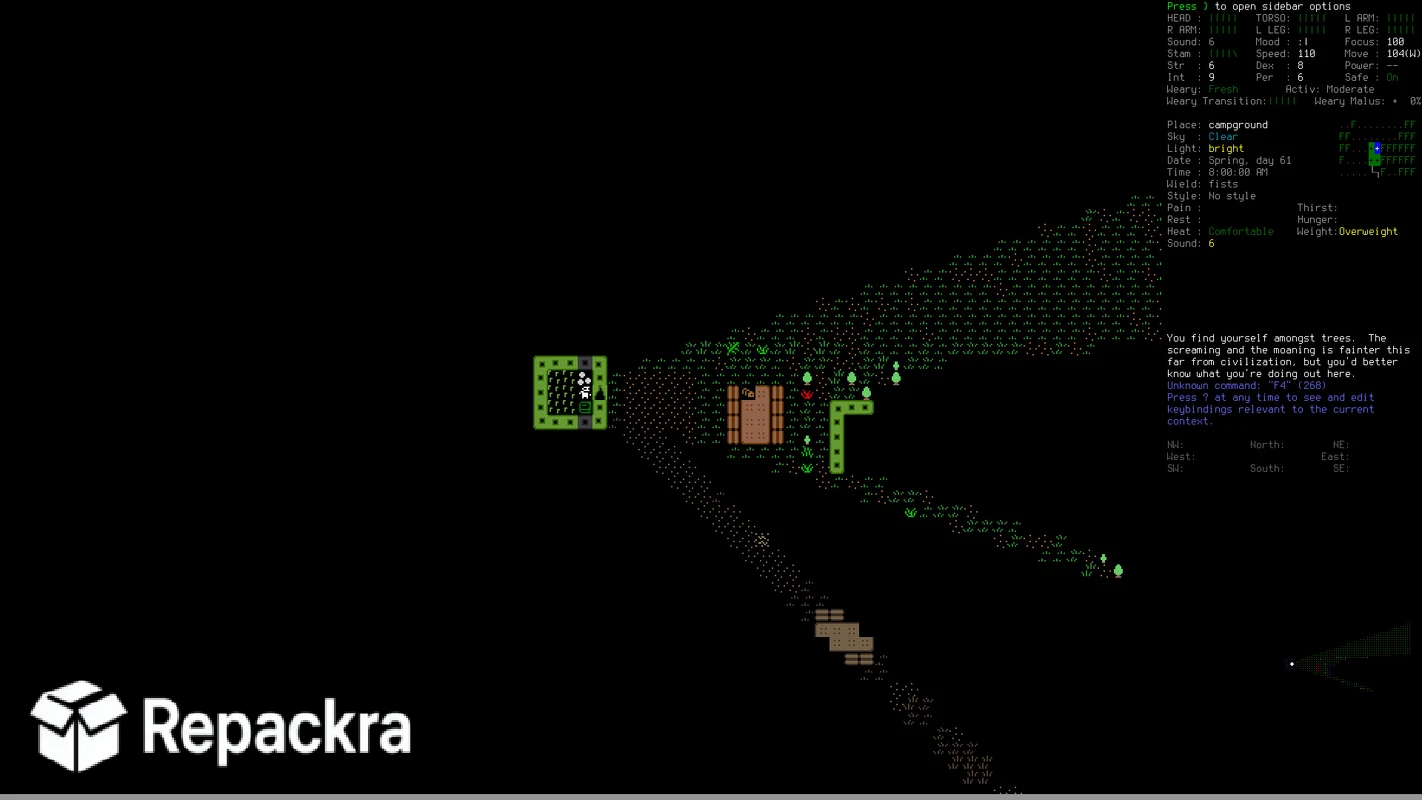
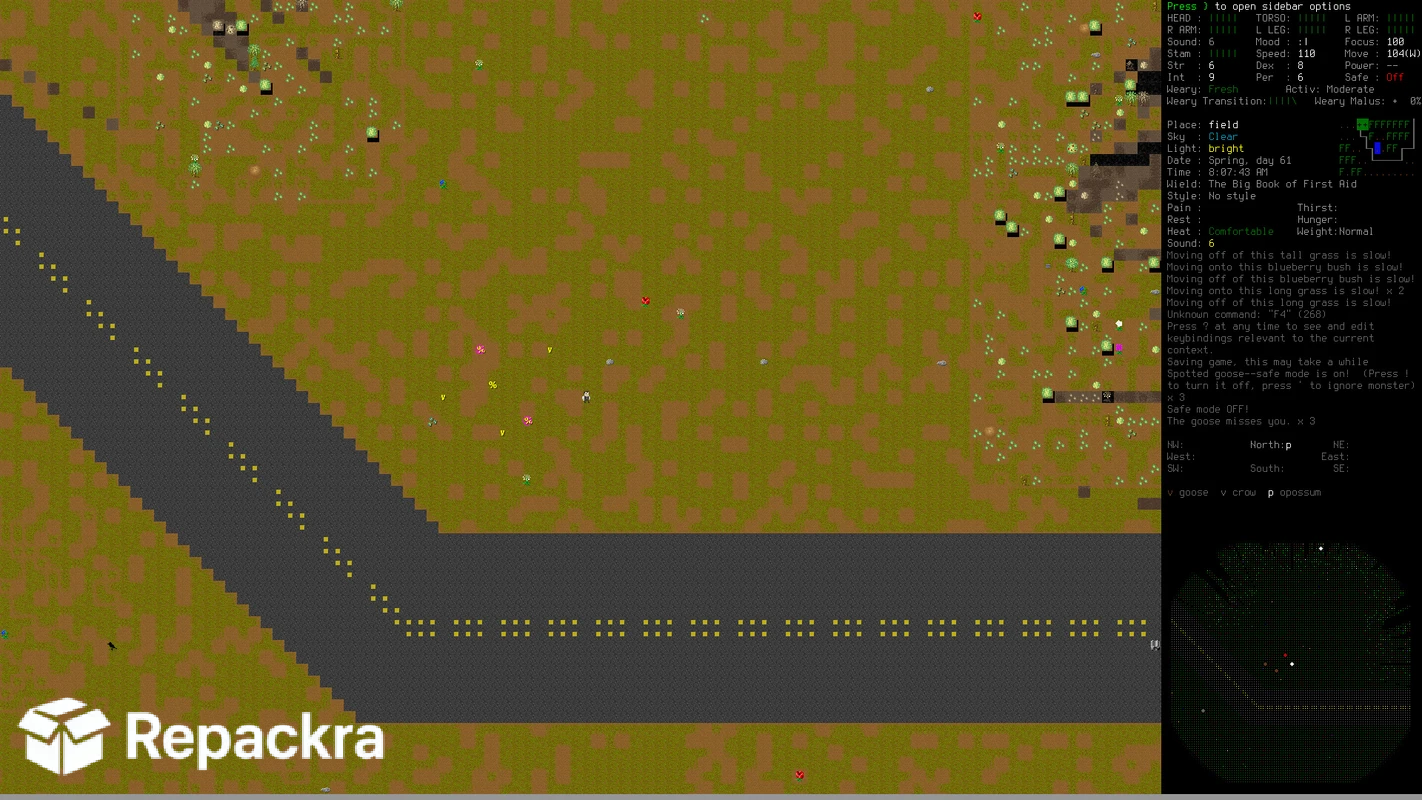
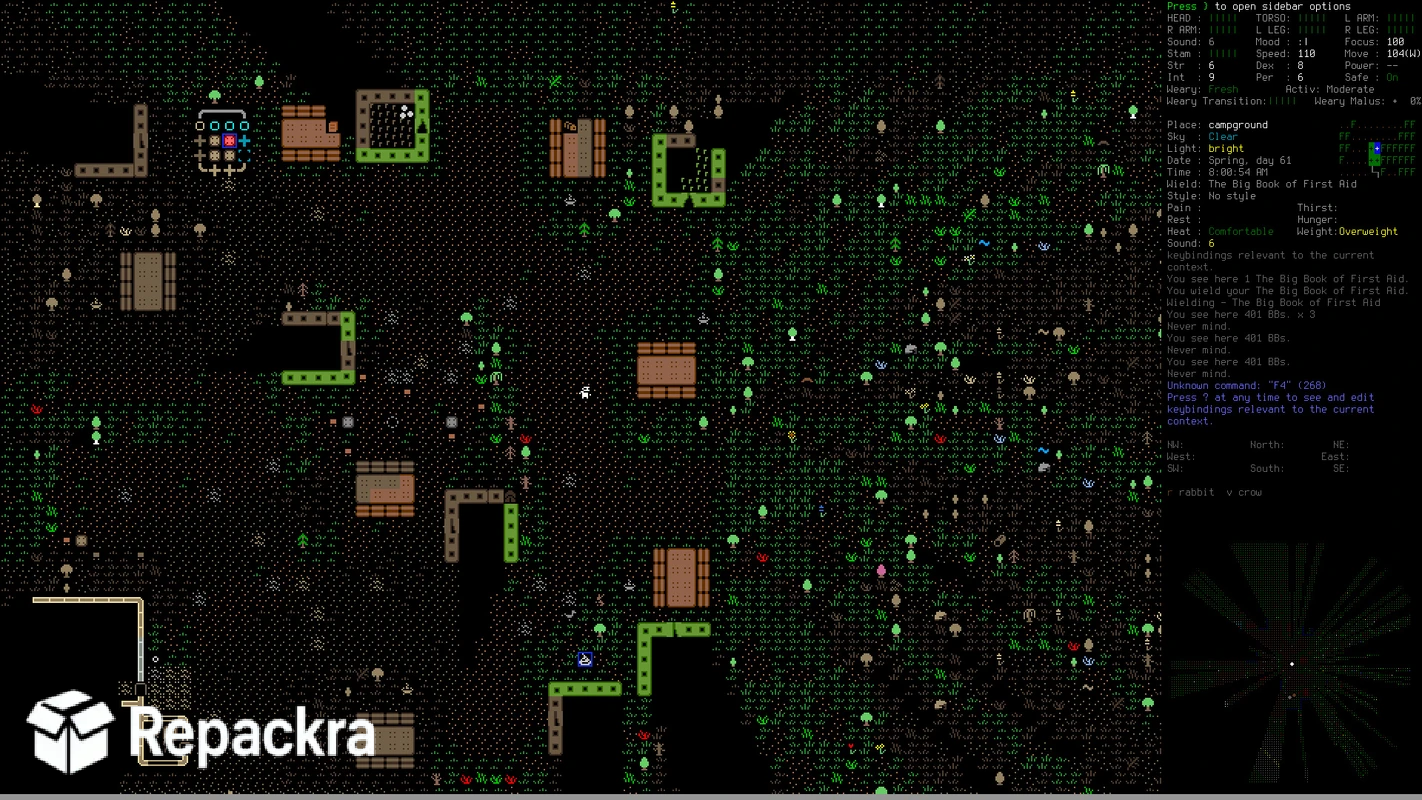
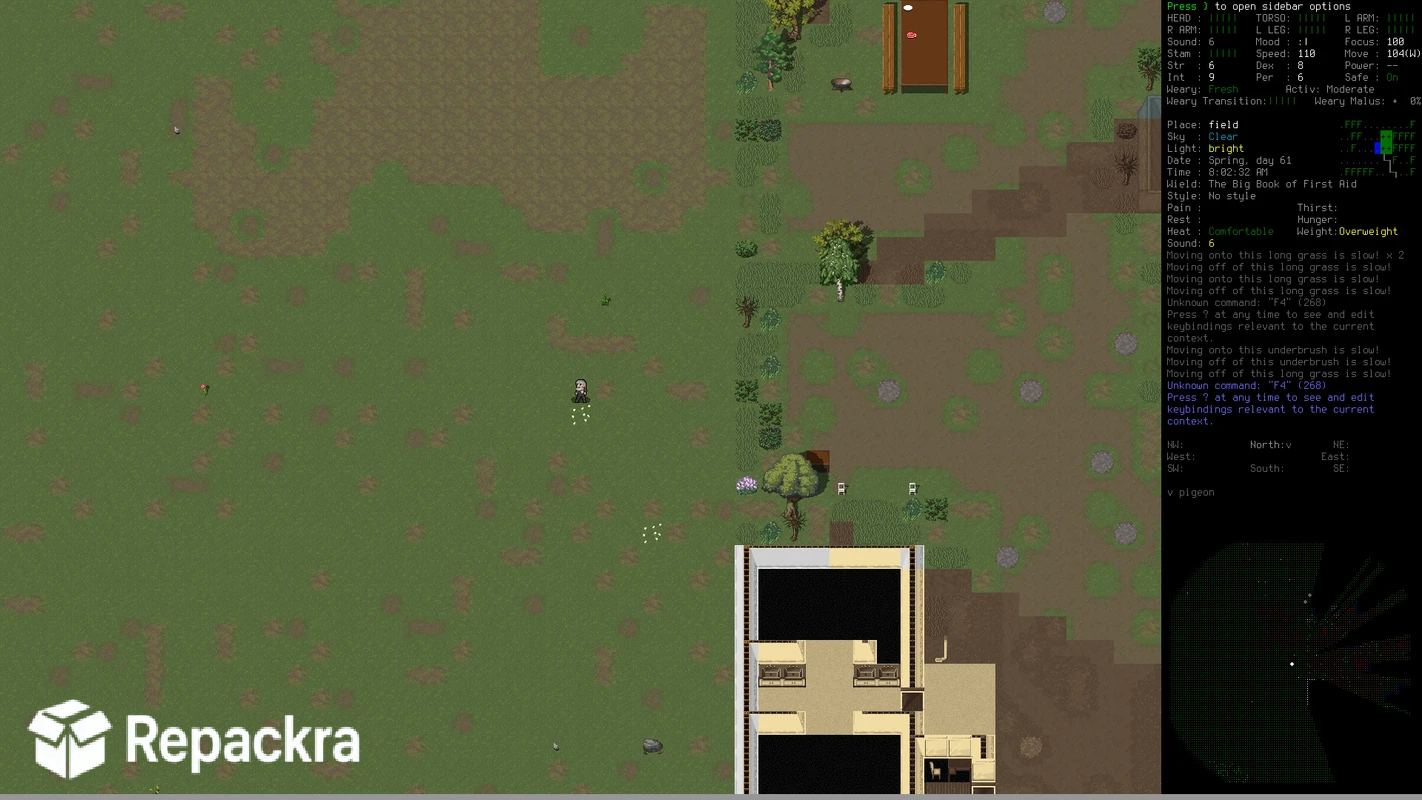
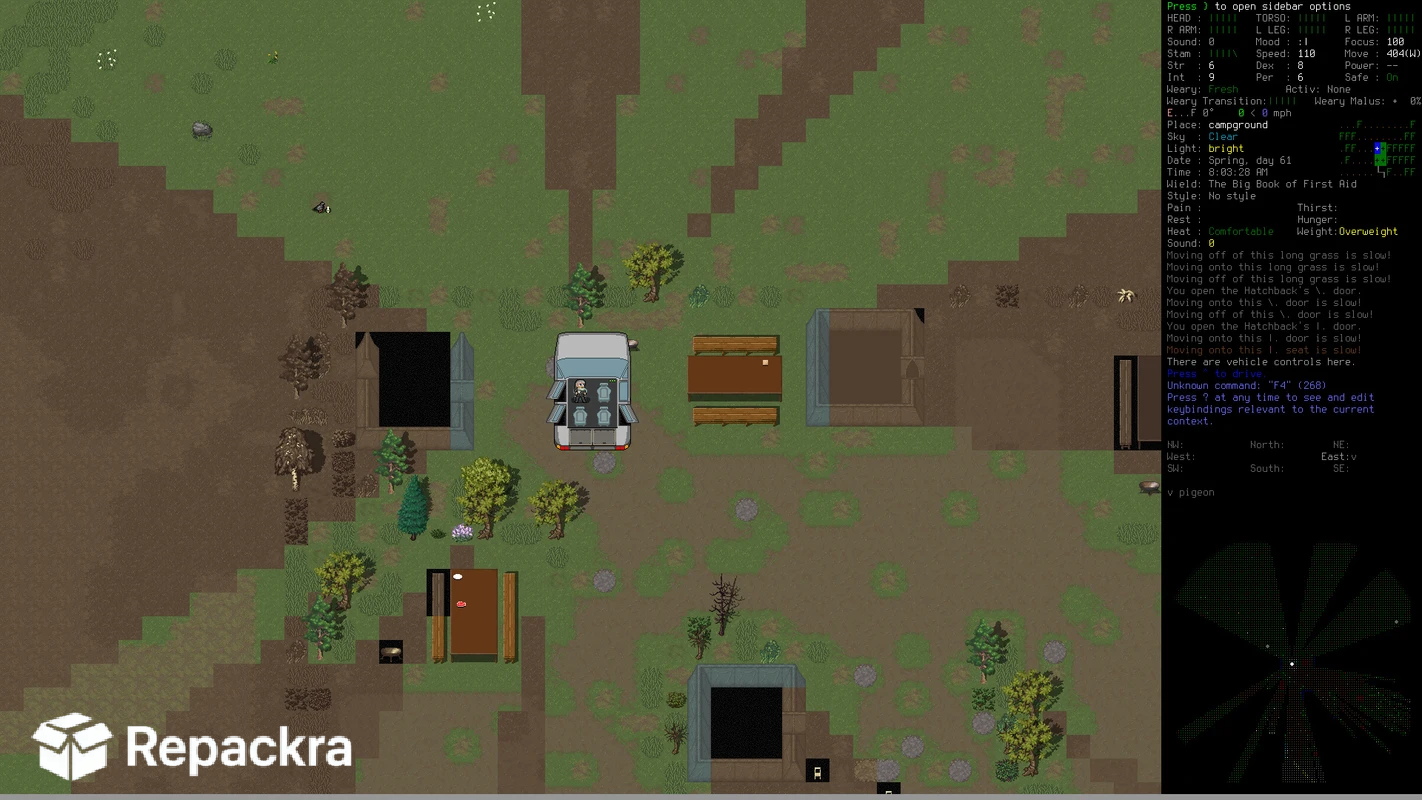
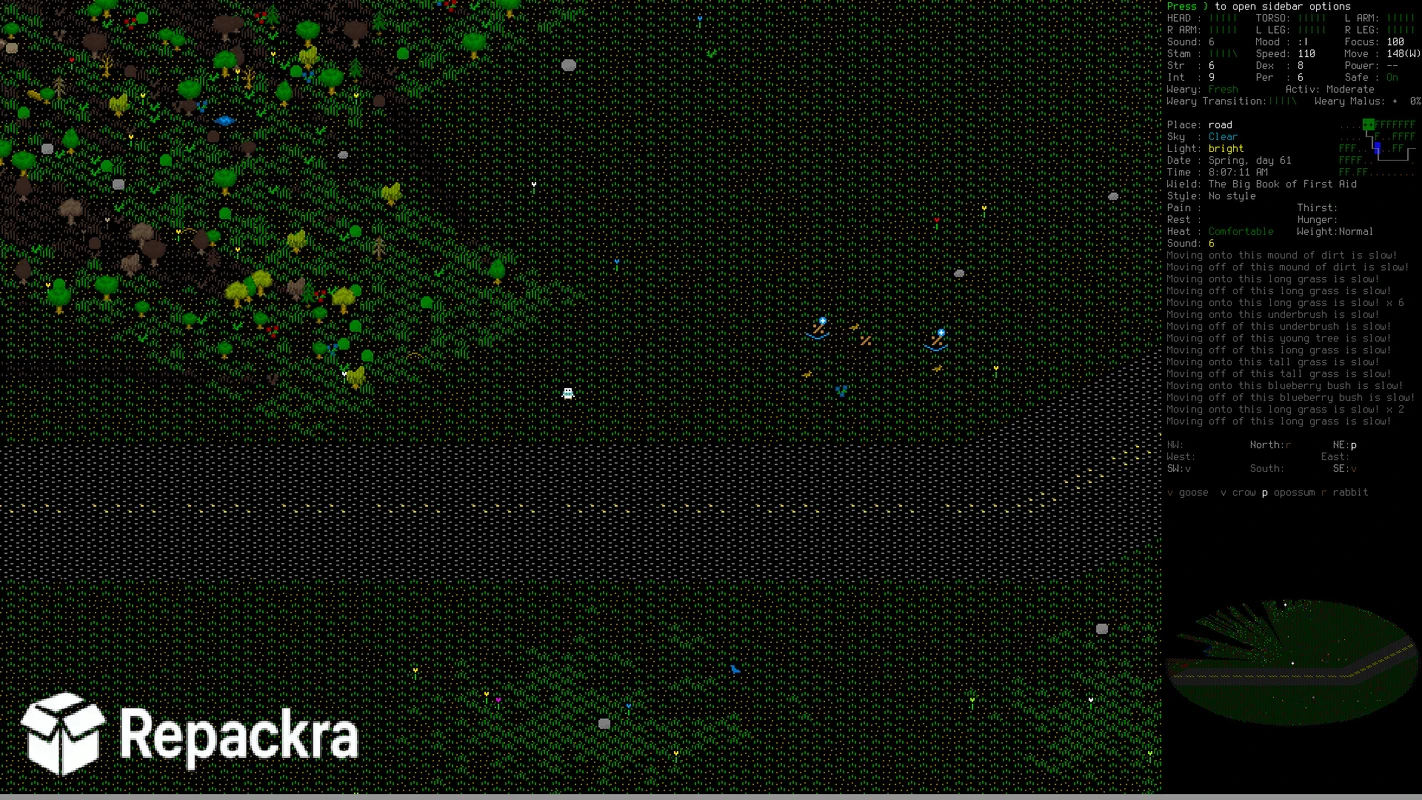
CDDA for PC is the post apocalyptic survival roguelike that has been quietly building one of the deepest and most complex survival simulations in gaming for over a decade and shows absolutely no signs of slowing down. Version 0.I brings a substantial round of new content,
systems refinements, and quality of life improvements that make an already extraordinary game feel more complete and accessible than any previous release. I keep coming back to it because no other survival game on PC comes close to the depth and emergent storytelling that CDDA generates from its interlocking systems.
CDDA Overview
CDDA for PC is a free and open source post apocalyptic survival roguelike set in a world overrun by zombies, monsters, and worse things that emerged during a mysterious catastrophe. You manage a survivor dealing with hunger, thirst, temperature, illness, injury, morale,
and an endless list of threats across a procedurally generated world that simulates everything from vehicle mechanics to chemistry to social dynamics. CDDA for PC rewards patience, curiosity, and a willingness to learn from repeated failure in ways that few other games ever attempt.
Fans of deeply simulated systems that generate emergent stories rather than scripted ones will find Dwarf Fortress for PC a natural companion, trading zombie survival for colony management while delivering that same sense of unpredictable cause and effect.
Key Features
- Incredibly deep survival simulation with realistic systems
- Procedurally generated open world with towns and wilderness
- Detailed crafting system covering hundreds of recipes
- Vehicle construction and driving mechanics
- NPC companions with their own behaviors and needs
- Mutation and bionic augmentation systems
- Realistic item weight and volume management
- Seasons and dynamic weather affecting gameplay
- Massive modding community with extensive content
- Completely free and open source development
What’s New in Version 0.I
- Significant NPC behavior and dialogue improvements
- New crafting recipes and item additions throughout
- Performance improvements on large map generation
- Several bug fixes and balance adjustments across systems
System Requirements
- Windows 7 or later, 64-bit
- 4 GB RAM minimum, 8 GB recommended
- 1 GB storage space available
- Any compatible GPU for tile set version
- Dual core processor or better
How to Install CDDA on PC
- Download CDDA 0.I for PC.
- Extract the downloaded file.
- Run the executable directly from the extracted folder.
- Launch CDDA for PC.
- Create your character and begin surviving.
How to Download CDDA for PC
- Visit the official CDDA GitHub releases page.
- Click the Windows download link for version 0.I.
- Wait for the download to finish.
- Extract the downloaded archive.
- Run the executable to start playing immediately.
Supported Websites
- CDDA GitHub Official Page
- Cataclysm DDA Official Website
- ModDB Community Page
- Nexus Mods Community Page
- Softpedia
- Fosshub
- 1000+ other trusted sources
Why Use CDDA for PC?
What makes CDDA for PC genuinely unlike anything else in gaming is the sheer density of simulated systems that all interact with each other in meaningful ways. Finding a car, sourcing the parts to repair it, learning the mechanics skill to do so, fueling it, and finally driving it to a new area feels earned in a way that no other game replicates because every step involved real in game knowledge and decision making.
The crafting system alone covers enough ground to fill a survival manual and learning to use it effectively gives you a genuine sense of growing expertise over many playthroughs. Roguelike fans who want that same depth of interlocking systems in a more classic dungeon crawling format will find Dungeon Crawl Stone Soup (DCSS) worth exploring too,
delivering the same rewarding complexity and permadeath tension in a different genre entirely. The open source development means the game keeps expanding in directions driven by what the community actually wants to see which keeps it feeling alive and evolving years after you first pick it up.
CDDA vs Other Survival Roguelikes
| Feature | CDDA | Others |
|---|---|---|
| Depth of Survival Simulation | Yes | Limited |
| Vehicle Construction System | Yes | No |
| Mutation and Bionic Augmentation | Yes | No |
| Completely Free and Open Source | Yes | No |
| Active Community Development | Yes | Limited |








