
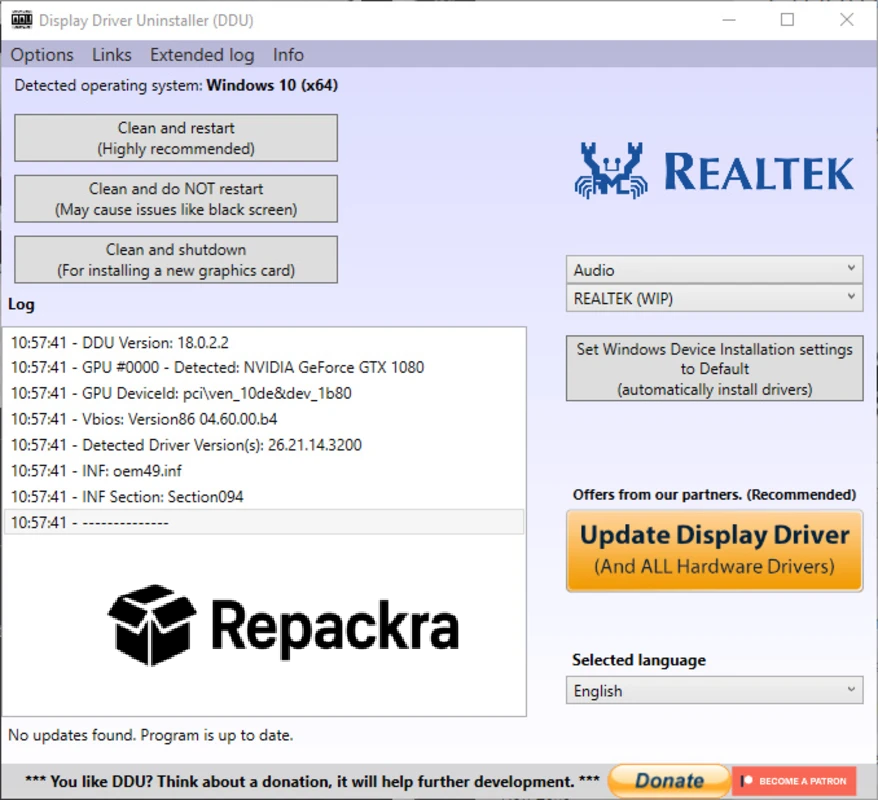
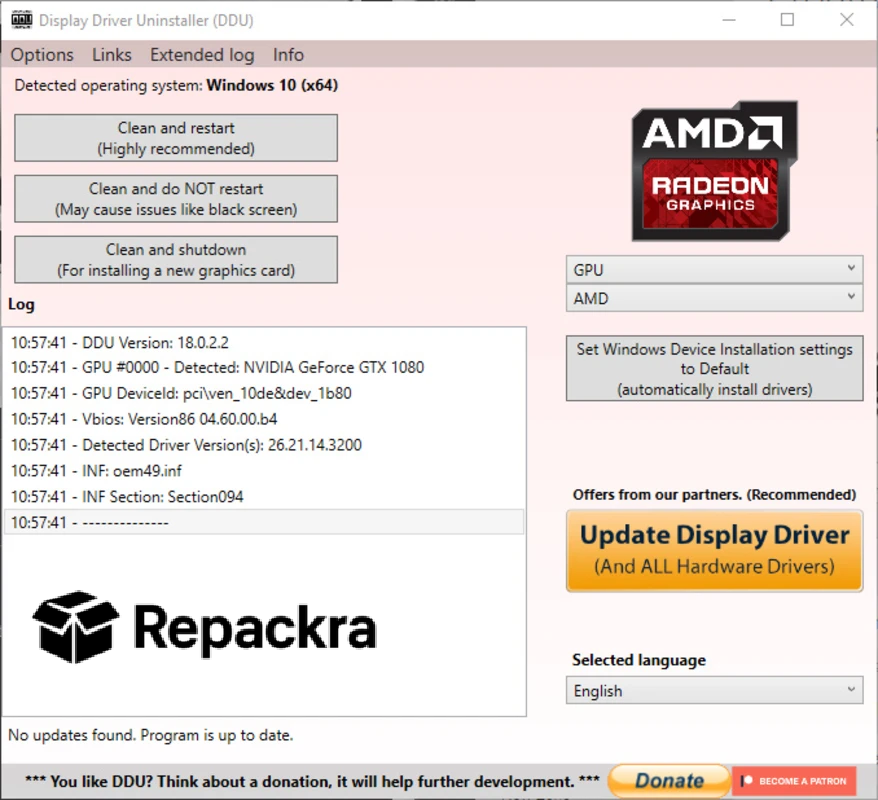
DDU for PC is the display driver removal tool that every PC builder and troubleshooter eventually discovers and then wonders how they ever managed driver issues without it. Version 18.1.5.6 brings updated support for the latest GPU drivers and a more reliable removal process for anyone dealing with stubborn driver conflicts, upgrade issues, or a fresh GPU installation. I reach for it every single time I’m doing a clean driver install because the difference between a regular uninstall and what DDU does is significant enough to matter in real world situations.
DDU Overview
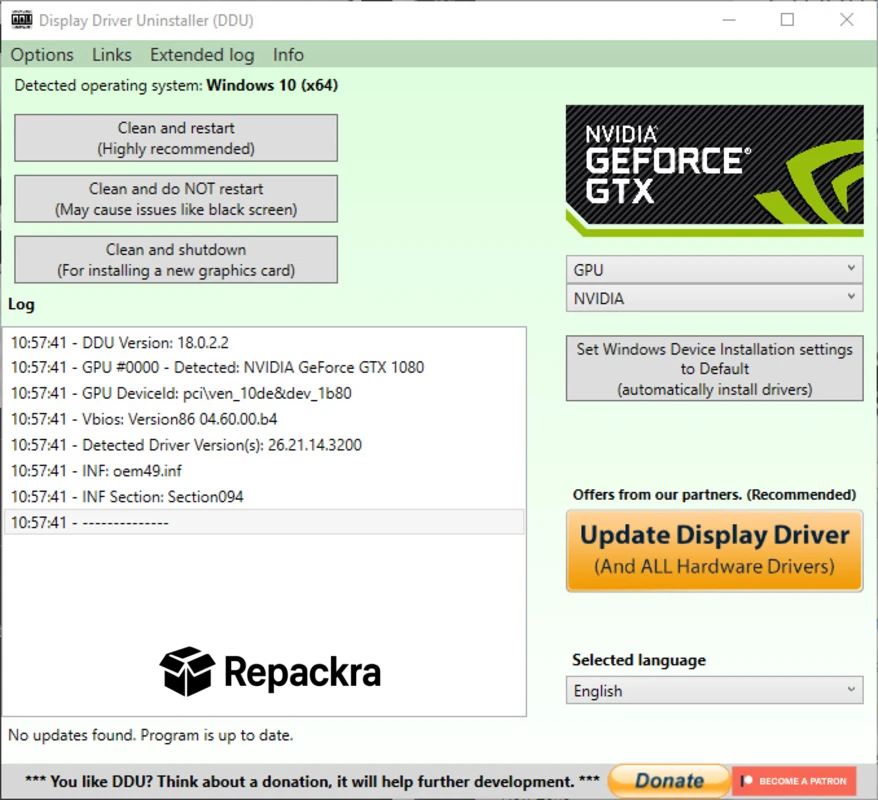
DDU for PC is a specialized driver removal utility built specifically for completely stripping GPU and audio drivers from a Windows system, including all the leftover registry entries, folders, and files that standard uninstallers consistently leave behind. It runs best from Safe Mode to prevent Windows from interfering with the removal process and leaves your system genuinely clean before you install fresh drivers. DDU for PC is the tool that actually finishes the job that Device Manager starts.
Once the old drivers are completely wiped, NVIDIA card owners will want NVIDIA GeForce Driver for PC ready to install fresh on that clean slate, while Radeon owners will want AMD Software: Adrenalin Edition for PC as the equivalent fresh install for their hardware.
Key Features
- Complete GPU driver removal including all leftover files
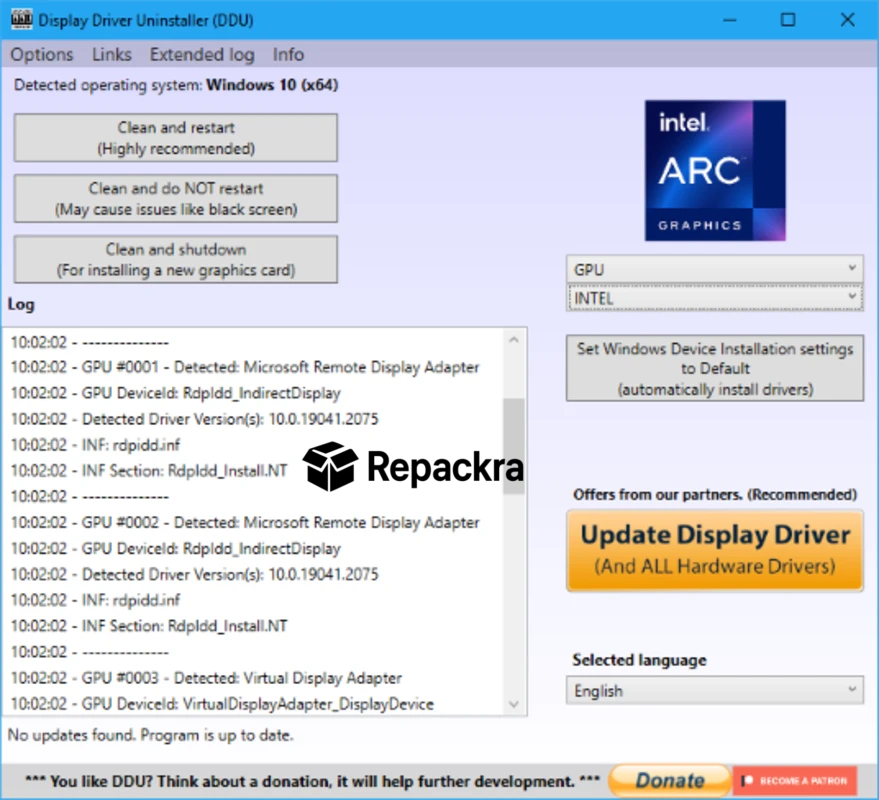
- Supports NVIDIA, AMD, and Intel graphics drivers
- Audio driver removal support
- Safe Mode operation for thorough cleaning
- Registry cleaning for removed driver entries
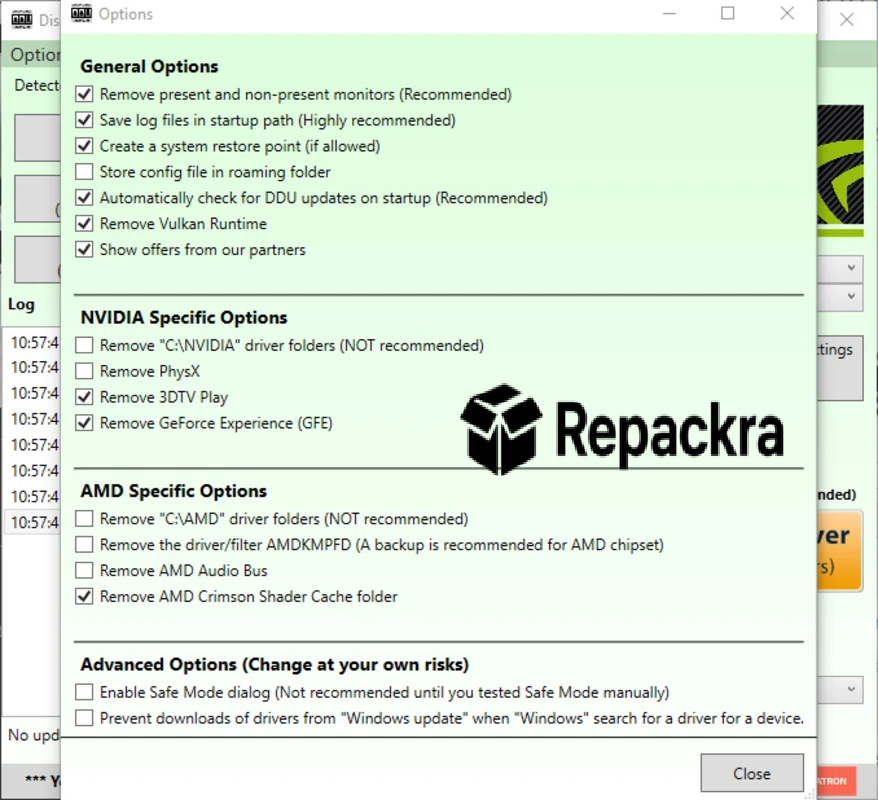
- Prevents Windows from auto reinstalling drivers during removal
- Restore point creation before cleaning
- Clean and straightforward single window interface
- Portable with no installation required
- Fully compatible with Windows 10 and Windows 11
What’s New in Version 18.1.5.6
- Updated support for latest NVIDIA and AMD driver versions
- Improved registry cleaning accuracy
- Better Windows 11 24H2 compatibility
- Several bug fixes and stability improvements
System Requirements
- Windows 7 or later, 64-bit recommended
- 2 GB RAM minimum
- 10 MB storage for the application itself
- Intel or AMD processor
- Administrator privileges required
How to Install DDU on PC
- Download DDU 18.1.5.6 for PC.
- Extract the downloaded file.
- Boot into Safe Mode before running DDU.
- Run the DDU executable directly.
- Select your GPU manufacturer and click Clean and Restart.
How to Download DDU for PC
- Visit the official DDU page on Wagnardsoft or Guru3D.
- Click the download link for the latest version.
- Wait for the file to finish downloading.
- Extract the archive to a convenient location.
- Run from Safe Mode for best results.
Supported Websites
- Wagnardsoft Official Website
- Guru3D Official Page
- Softpedia
- MajorGeeks
- FileHippo
- Fosshub
- 1000+ other trusted sources
Why Use DDU for PC?
The honest reason DDU for PC has become a standard recommendation in every PC building and troubleshooting community is that Windows does a genuinely poor job of cleaning up after GPU drivers when you uninstall them normally. Leftover files and registry entries from old drivers cause all kinds of subtle and not so subtle problems ranging from instability and crashes to games not running correctly after a GPU upgrade.
DDU for PC removes everything completely so your next driver installation starts from a genuinely clean slate rather than a partially cleaned one. For anyone switching between GPU brands, upgrading to a new card, or troubleshooting persistent driver related issues, running DDU for PC first is almost always the right first step.
DDU vs Other Driver Removal Tools
| Feature | DDU | Others |
|---|---|---|
| Complete Driver File Removal | Yes | Limited |
| Registry Cleaning Included | Yes | Limited |
| Multi GPU Brand Support | Yes | Limited |
| Portable No Install Required | Yes | Limited |
| Windows Optimized | Yes | No |








