

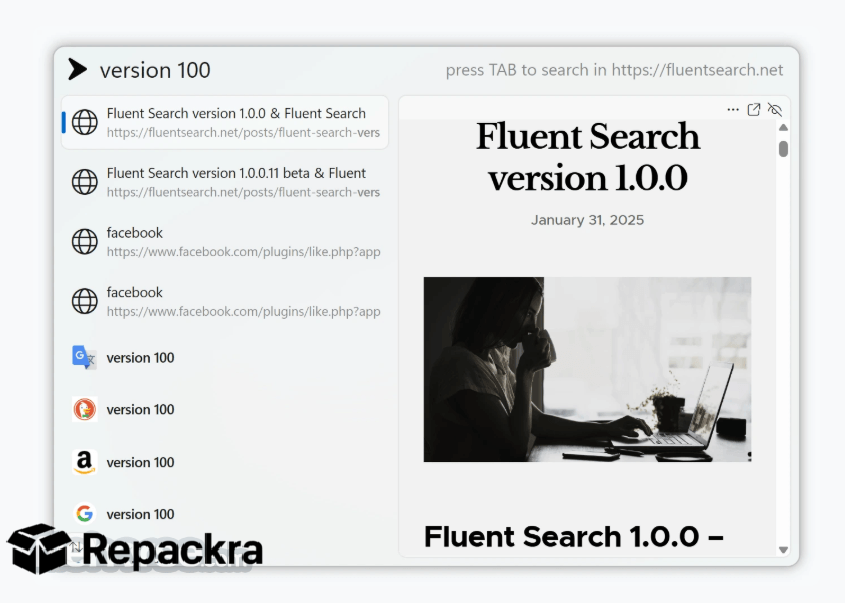
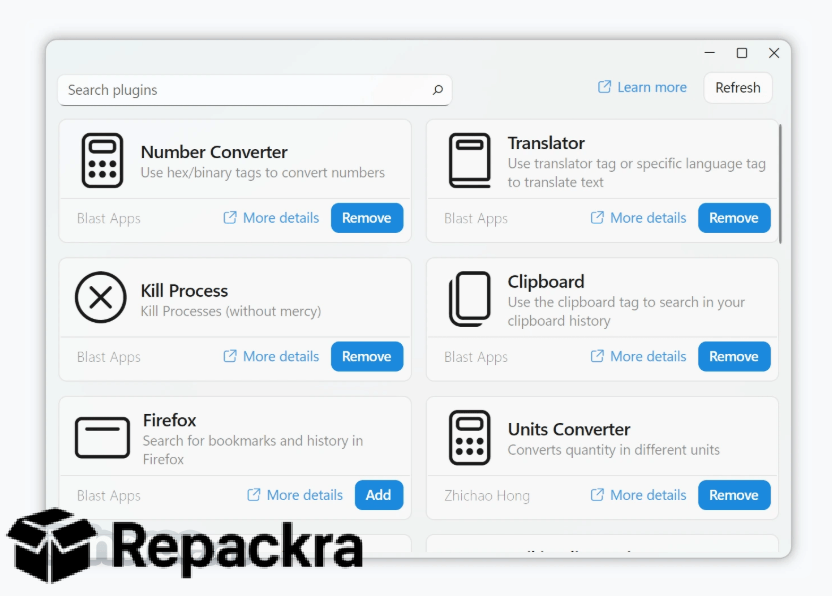
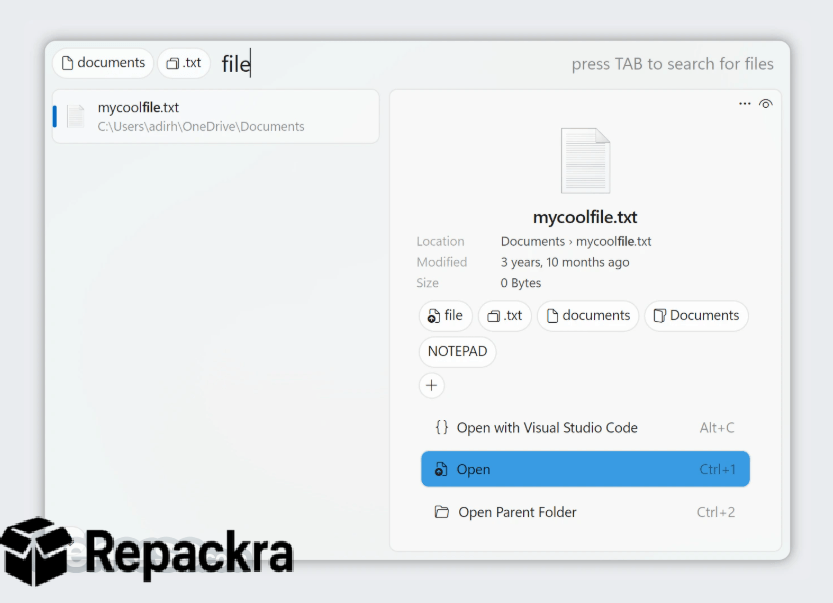
Fluent Search for Windows is the app launcher and search tool that finds files, apps, and settings on your PC in a fraction of a second instead of clicking through menus or waiting on Windows Search to catch up, much like Flow Launcher for Windows aim to do.
Version 1.0.1.4 brings a smoother and more reliable experience for anyone who wants instant access to everything on their machine from a single keystroke. I keep it running in the background at all times because it gives me a faster way to launch anything without ever touching my mouse.
Fluent Search Overview
Fluent Search for Windows is a fast, modern launcher that lets you search files, folders, installed apps, running processes, and system settings all from one lightweight search bar triggered by a keyboard shortcut. It goes beyond basic app launching by letting you perform calculations, convert units, and even control system functions directly from the search box. Fluent Search for Windows is the quickest way to get to anything on your PC without digging through folders or the Start menu.
Key Features:
- Instant search across files, apps, and system settings
- Global keyboard shortcut to launch search from anywhere
- Built in calculator and unit converter
- Plugin support for extended functionality
- Search running processes and quickly switch between them
- Customizable themes to match Windows styling
- Web search integration directly from the search bar
- Quick access to system commands like shutdown or restart
- Fuzzy search matching for faster, more forgiving results
- Fully compatible with Windows 10 and Windows 11
What’s New in Version 1.0.1.4
- Improved search indexing speed
- Better plugin stability and compatibility
- Updated interface for smoother navigation
- Several bug fixes and stability improvements
System Requirements
- Windows 10 or later, 64-bit recommended
- 2 GB RAM minimum
- 100 MB storage for the application itself
- Intel or AMD dual core processor
- .NET runtime installed for proper functionality
How to Install Fluent Search on Windows
- Download Fluent Search 1.0.1.4 for Windows.
- Run the installer file after the download completes.
- Follow the on screen installation steps.
- Launch Fluent Search for Windows.
- Set your preferred keyboard shortcut and start searching immediately.
How to Download Fluent Search for Windows
- Visit the official Fluent Search website.
- Click the Download button for the Windows version.
- Wait for the installer to finish downloading.
- Open Downloads and run the installer.
- Follow the setup steps to complete installation.
Supported Websites
- Fluent Search Official Website
- Microsoft Store
- Softpedia
- MajorGeeks
- Filehorse
- 1000+ other trusted sources
Why Use Fluent Search for Windows?
What makes Fluent Search for Windows the go to launcher for most people who try it is simply how much faster it feels compared to the built in Windows Search, or even alternatives like Everything for Windows. Finding a file or launching an app takes a fraction of a second since results appear as you type instead of waiting on an index to catch up.
The built in calculator and system command shortcuts make daily use genuinely convenient since you can skip several steps that would otherwise take you through multiple windows. For anyone who wants a faster, more efficient way to navigate their PC without relying on the default Windows tools, the speed and flexibility Fluent Search for Windows offers make it the obvious choice over sticking with the built in search.
Fluent Search vs Other Launchers
| Feature | Fluent Search | Others |
|---|---|---|
| Instant Search Speed | Yes | Limited |
| Built In Calculator | Yes | Limited |
| Plugin Support | Yes | Varies |
| Customizable Themes | Yes | Limited |
| Windows Optimized | Yes | No |








