
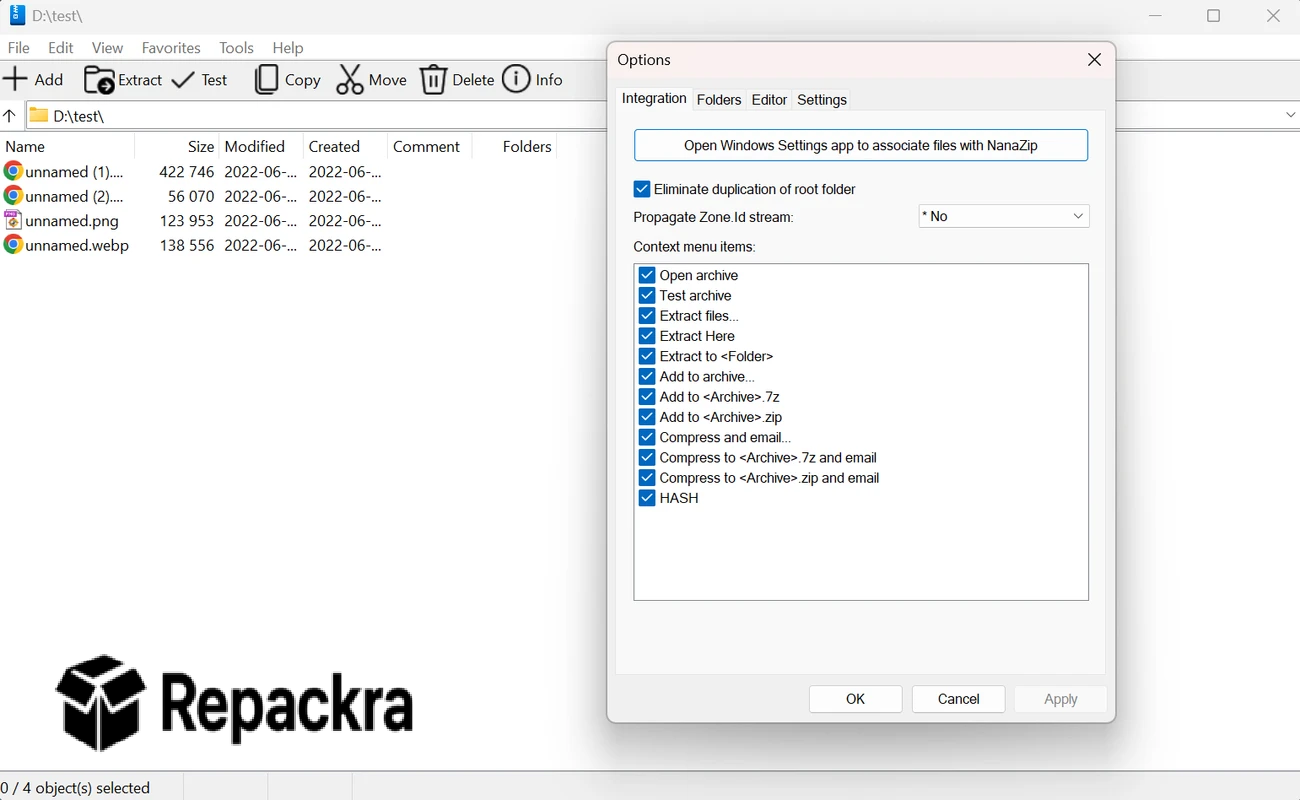
NanaZip for Windows is the modern file archiver that takes everything that made 7-Zip great and wraps it in a Windows 11 native interface that actually feels like it belongs on a contemporary PC. Version 6.5.1800.0 brings a more refined and capable experience for anyone who wants powerful compression,
and extraction without using a tool that looks like it was designed fifteen years ago and never updated. I keep it as my default archiver because it handles every format I throw at it while looking genuinely at home on my Windows 11 machine.
NanaZip Overview
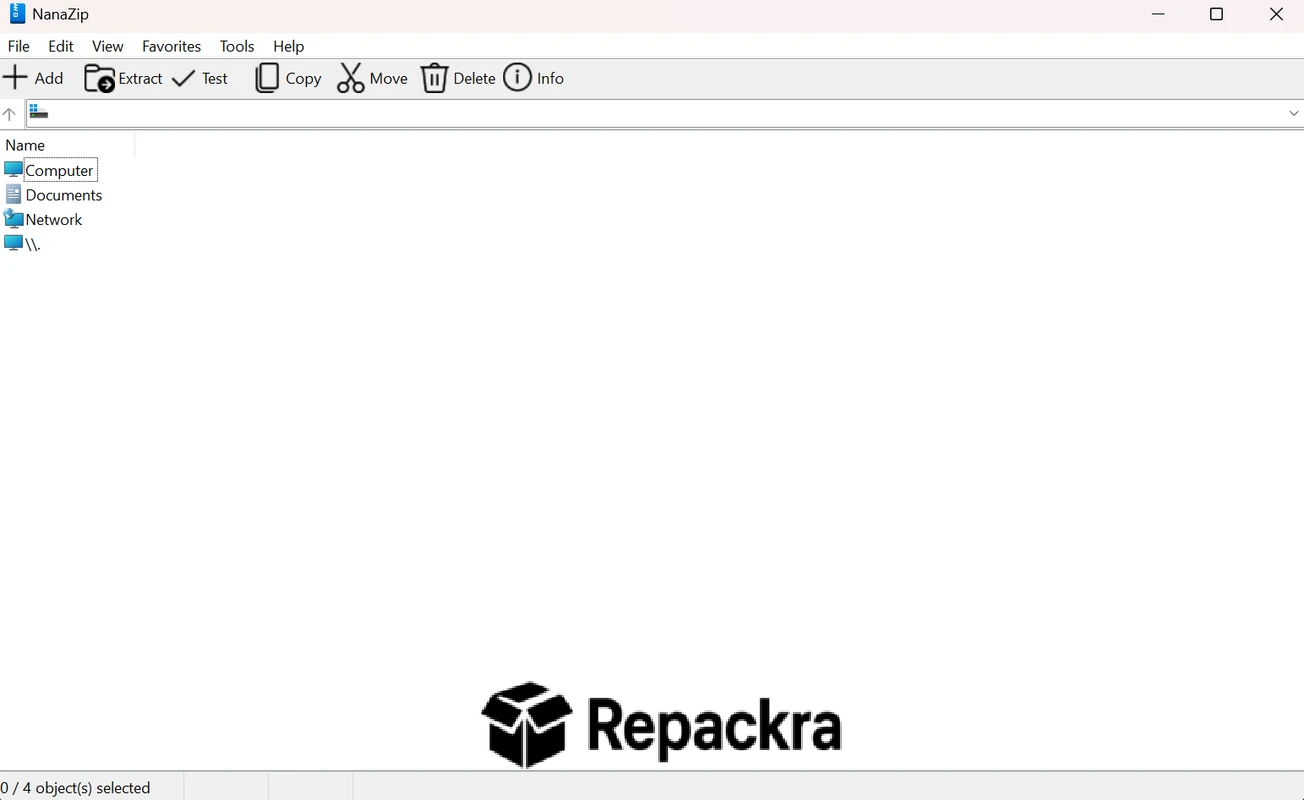
NanaZip for Windows is a free and open source file archiver forked from 7-Zip that modernizes the interface with Windows 11 Fluent Design while keeping the same powerful compression engine and broad format support underneath. It integrates into the Windows 11 context menu properly without the workarounds that 7-Zip requires and adds a handful of genuinely useful features on top of the already solid foundation. NanaZip for Windows is the archiver that 7-Zip fans have been quietly waiting for.
Key Features:
- Modern Windows 11 Fluent Design interface
- Supports all major archive formats including 7Z ZIP RAR and more
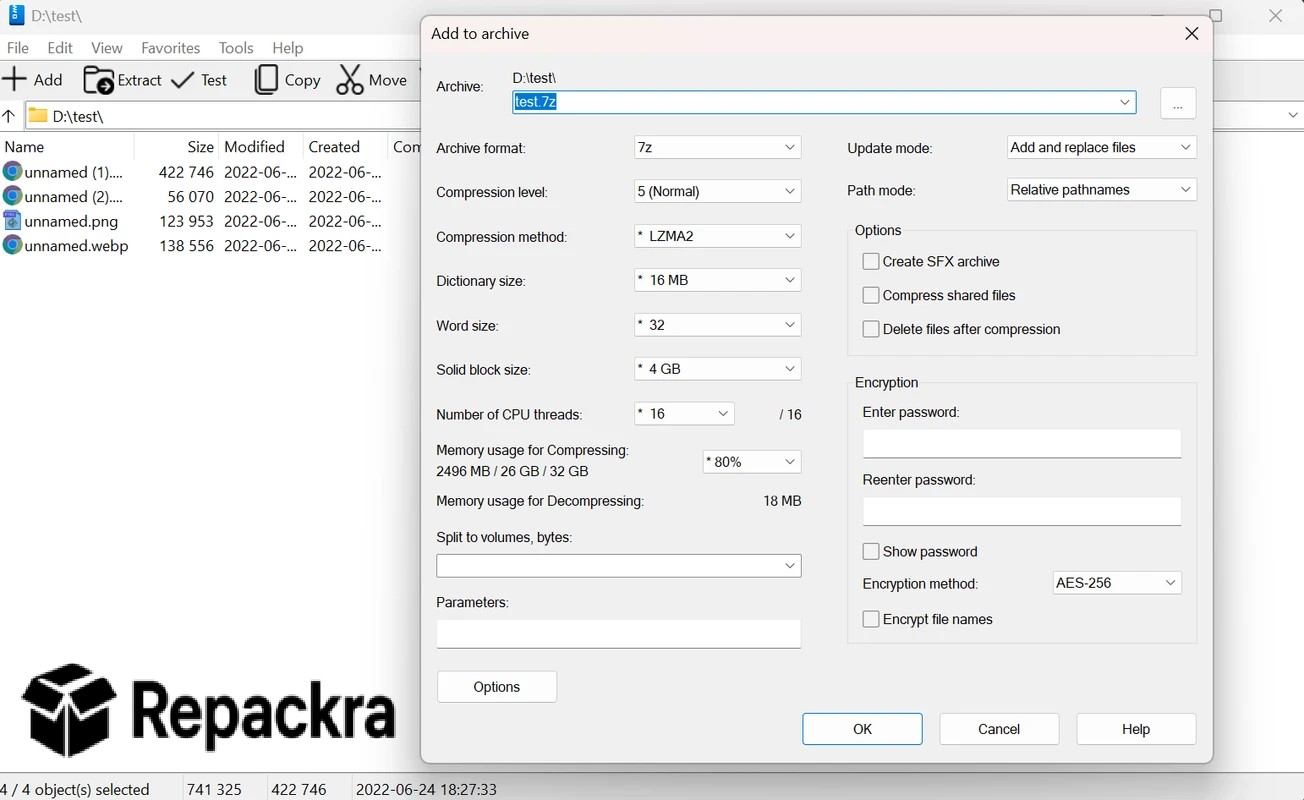
- AES256 encryption for secure archive creation
- Self extracting archive creation support
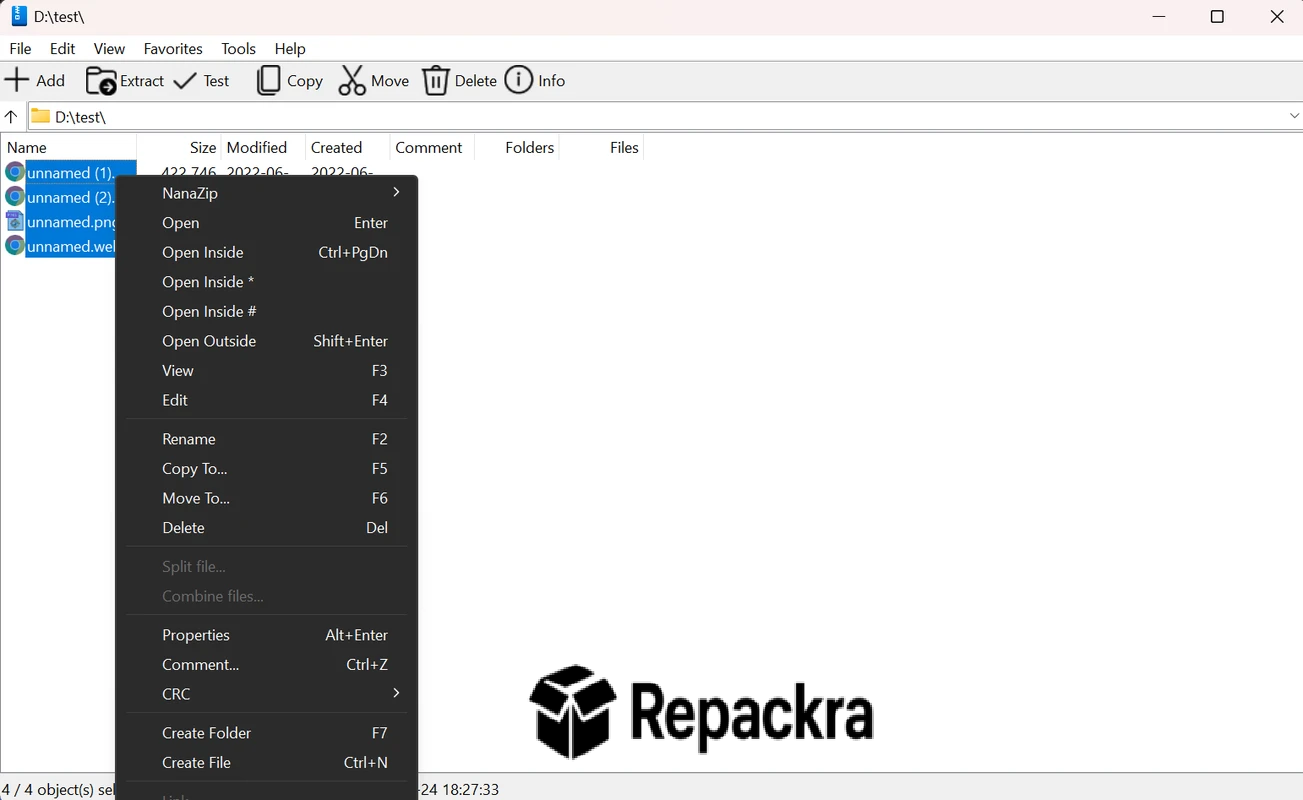
- Windows 11 native context menu integration
- File manager with modern interface
- Hash calculation tools built in
- Multi core processor support for faster compression
- Portable version available with no installation
- Fully compatible with Windows 10 and Windows 11
What’s New in Version 6.5.1800.0
- Updated compression engine with performance improvements
- Better Windows 11 24H2 context menu integration
- Improved hash tool accuracy and speed
- Several bug fixes and stability improvements
System Requirements
- Windows 10 or later, 64-bit recommended
- 2 GB RAM minimum
- 20 MB storage for the application itself
- Intel or AMD dual core processor
- No internet connection required after installation
How to Install NanaZip on Windows
- Download NanaZip 6.5.1800.0 for Windows.
- Run the installer file or use the Microsoft Store version.
- Follow the on screen installation steps.
- Launch NanaZip for Windows.
- Start compressing and extracting files immediately.
How to Download NanaZip for Windows
- Visit the official NanaZip GitHub page or Microsoft Store.
- Click the Download button for the Windows version.
- Wait for the installer to finish downloading.
- Open Downloads and run the installer.
- Follow the setup steps to complete installation.
Supported Websites
- NanaZip GitHub Official Page
- Microsoft Store
- Softpedia
- MajorGeeks
- FileHippo
- Fosshub
- 1000+ other trusted sources
Why Use NanaZip for Windows?
What makes NanaZip for Windows the natural successor to 7-Zip for Windows for anyone running Windows 11 is how it combines the compression engine most people already trust with a design that actually respects how modern Windows looks and feels. The native context menu integration works correctly without requiring any workarounds or compatibility,
shims and the Fluent Design interface makes every interaction feel polished rather than functional but dated, a step up from where PeaZip for Windows typically sits in terms of visual design. The built in hash tools are a genuinely useful addition for anyone who regularly verifies file integrity after downloads and having that built into the archiver rather than needing a separate utility is the kind of quality of life improvement that adds up over time.
NanaZip vs Other Archive Tools
| Feature | NanaZip | Others |
|---|---|---|
| Windows 11 Native Design | Yes | No |
| Built in Hash Calculation | Yes | Limited |
| Native Context Menu Support | Yes | Limited |
| AES256 Encryption | Yes | Limited |
| Open Source | Yes | No |








