

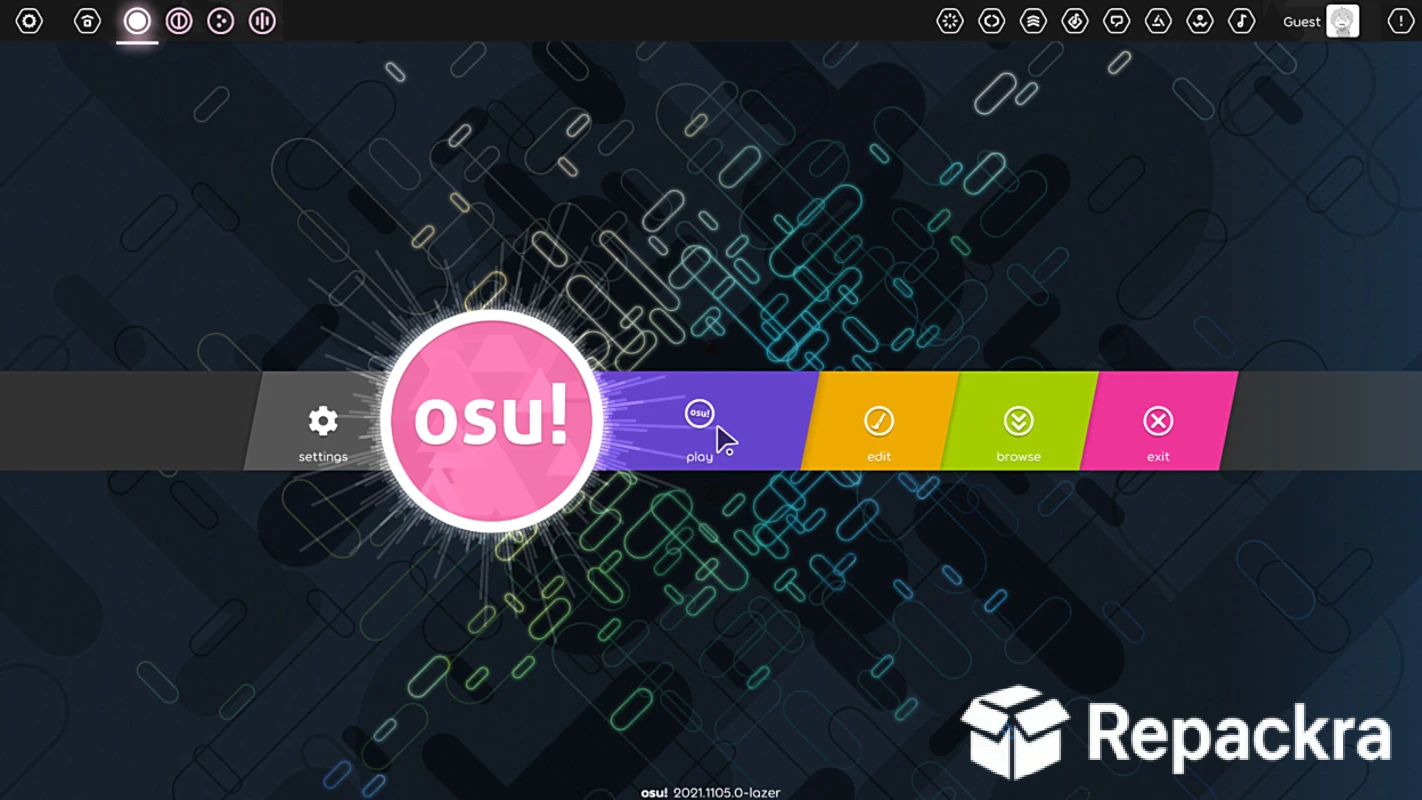
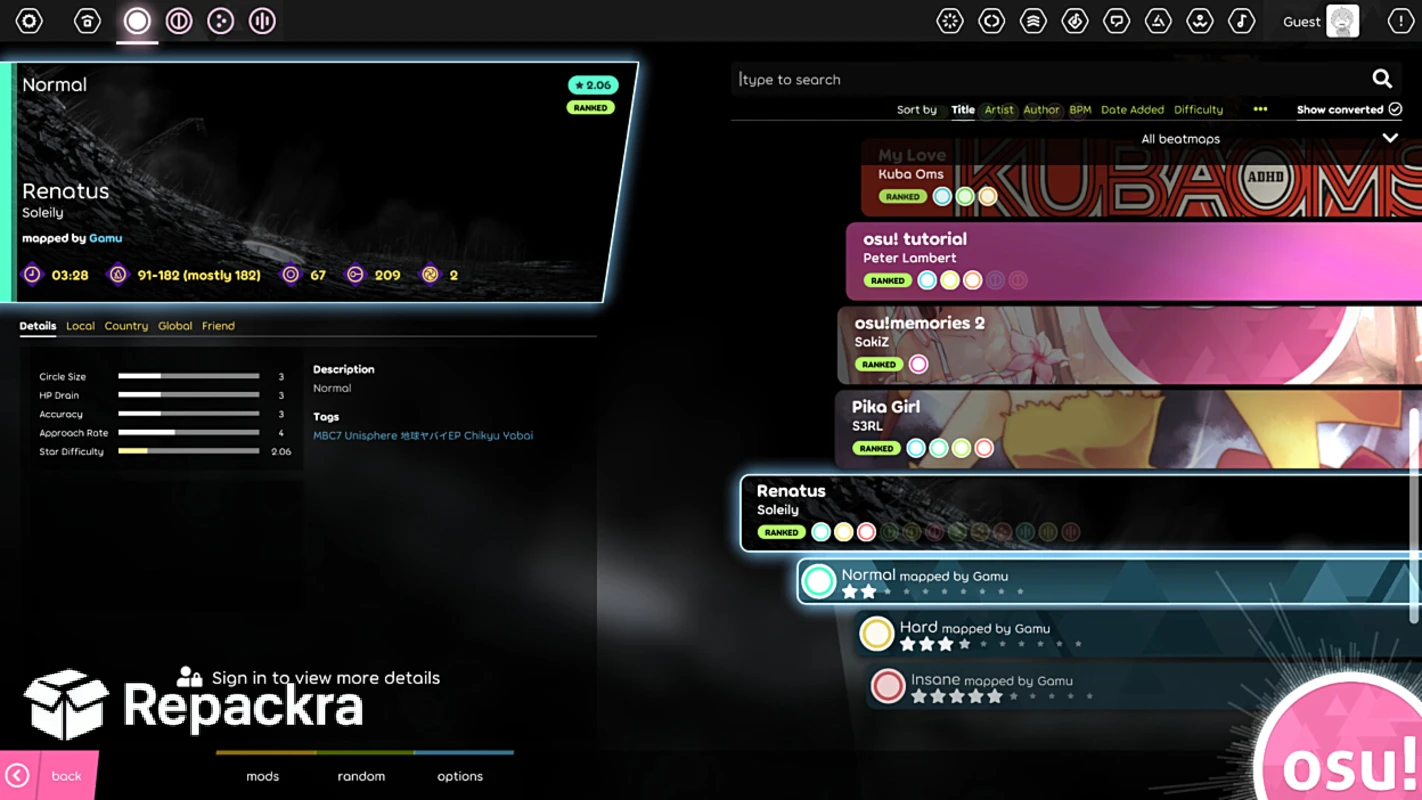
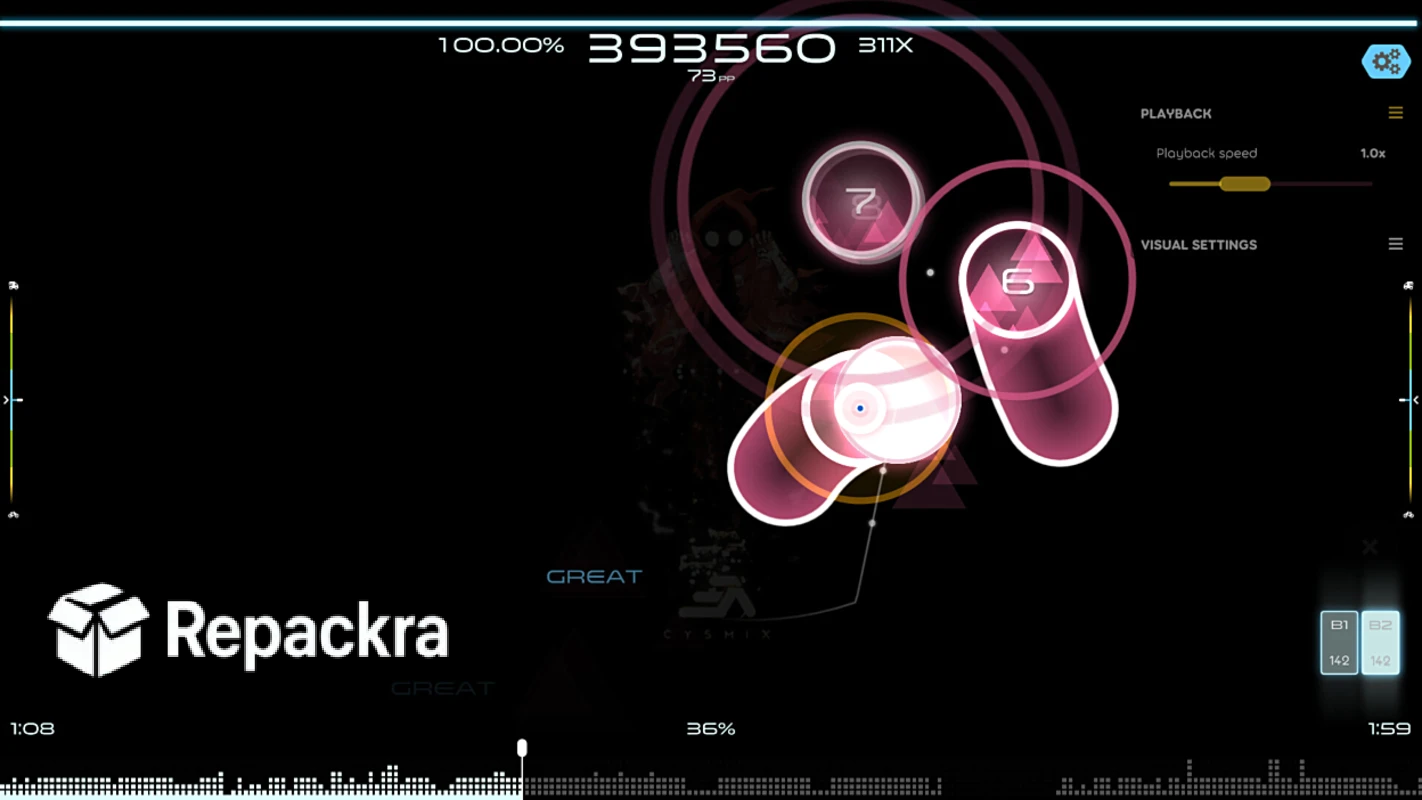
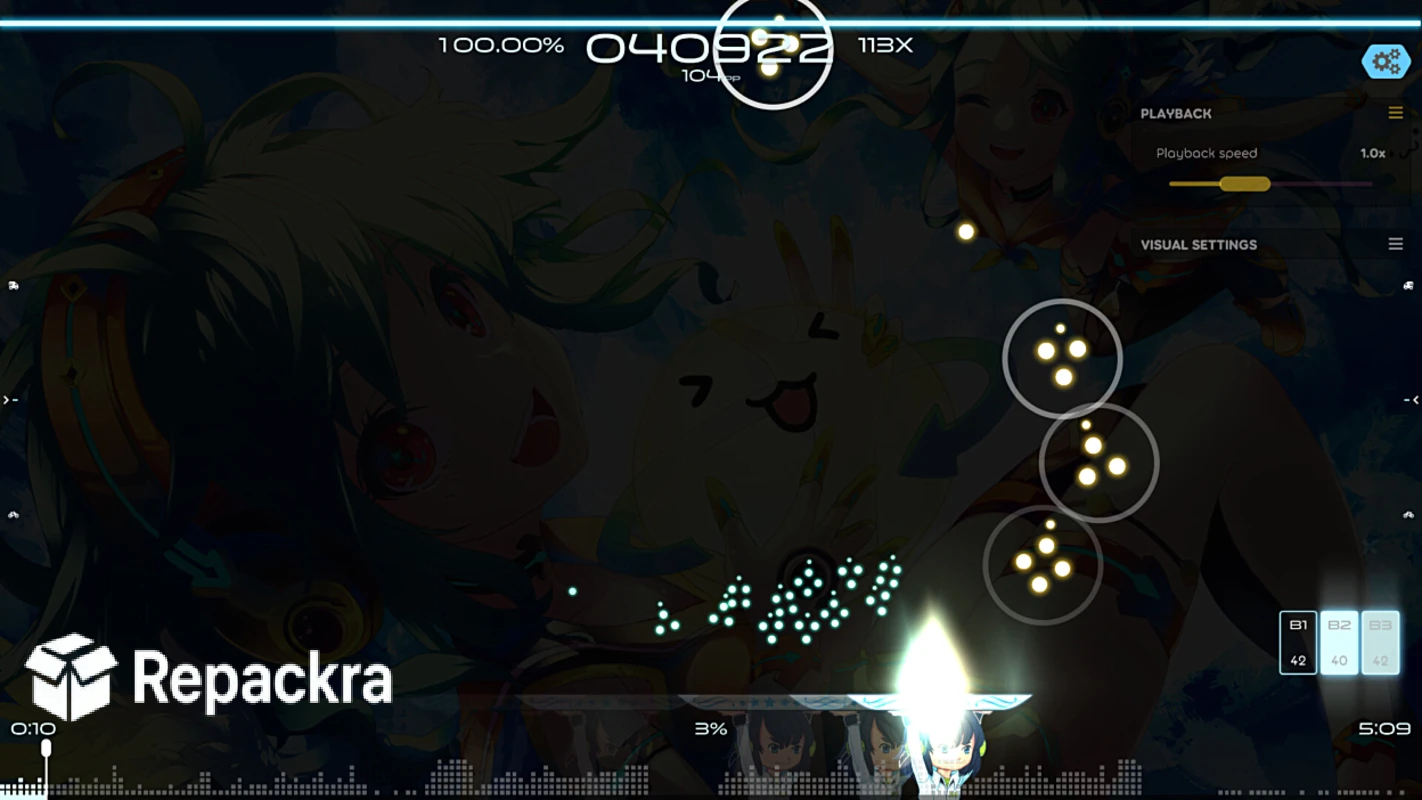
osu!lazer for PC — is the free rhythm game that has you clicking, sliding, and spinning to the beat of thousands of community-made beatmaps instead of relying on a fixed set of official songs like most rhythm games. Version 2026.804.2-lazer brings a more refined and stable experience as the actively developed,
next-generation client that has now fully replaced the older stable version for ranked play. I keep coming back to it whenever I want a genuine test of reflexes and timing because it gives me an endless stream of community content without spending a single penny.
osu!lazer Overview
osu!lazer for PC is a free and open source rhythm game and a complete ground-up rewrite of the original osu! client, built on a modern, cross-platform framework. Every beatmap is created by community members using a wide range of music and artists, meaning no two sessions ever feel quite the same. osu!lazer for PC is now the actively developed client that submits ranked scores and awards performance points, making it the definitive way to experience osu! on any Windows machine.
Key Features:
- Thousands of community-created beatmaps across every genre
- Four core gameplay modes including standard, taiko, catch, and mania
- Ranked scores and performance point submission
- Built in beatmap editor for creating your own maps
- Modern, fully customizable skinning system
- Extensive mod system with stacking score multipliers
- Cross-platform support across Windows, macOS, Linux, iOS, and Android
- Multiplayer matchmaking and freestyle lobby options
- Regular, frequent updates from an active development team
- Fully compatible with Windows 10 and Windows 11
What’s New in Version 2026.804.2-lazer
- Reworked note count calculations for beatmap difficulty processing
- Score multiplier calculations now account for beatmap difficulty before mods are applied
- Fixed edge cases around matchmaking queue notifications
- Various UI and formatting improvements across menus and score displays
System Requirements
- Windows 10 or later, 64-bit recommended
- 4 GB RAM minimum
- 1 GB storage for the application itself
- Intel or AMD dual core processor
- Graphics card with basic 2D/3D acceleration support
How to Install osu!lazer on PC
- Download osu!lazer 2026.804.2-lazer for PC.
- Run the installer file after the download completes.
- Follow the on screen installation steps.
- Launch osu!lazer for PC.
- Create or sign in to your account and start downloading beatmaps immediately.
How to Download osu!lazer for PC
- Visit the official osu! website.
- Click the Download button for the Windows version.
- Wait for the installer to finish downloading.
- Open Downloads and run the installer.
- Follow the setup steps to complete installation.
Supported Websites
- osu! Official Website
- GitHub (ppy/osu)
- Microsoft Store
- Softpedia
- Uptodown
- 1000+ other trusted sources
Why Use osu!lazer for PC?
What makes osu!lazer for PC the go to rhythm game for most people who try it is simply how much content it offers without costing anything at all. A single session can turn into hours of chasing higher accuracy and combo across thousands of community beatmaps, something most paid rhythm games can’t come close to matching in sheer volume.
The mod and scoring system make replaying genuinely rewarding since stacking different mods changes both the challenge and the score multiplier in meaningful ways. Players who want that same free, community driven rhythm game energy but with arrow key gameplay and charming story content instead of clicking and sliding will find Friday Night Funkin’ for PC a fun change of pace,
backed by an equally massive and creative modding scene of its own. For anyone who wants a serious, actively updated rhythm game experience without spending a cent, the depth osu!lazer for PC offers makes it the obvious choice over paid alternatives in the genre.
osu!lazer vs Other Rhythm Games
| Feature | osu!lazer | Others |
|---|---|---|
| Completely Free | Yes | No |
| Open Source | Yes | No |
| Community Beatmap Library | Extensive | Limited |
| Cross-Platform Support | Yes | Limited |
| Windows Optimized | Yes | No |








