

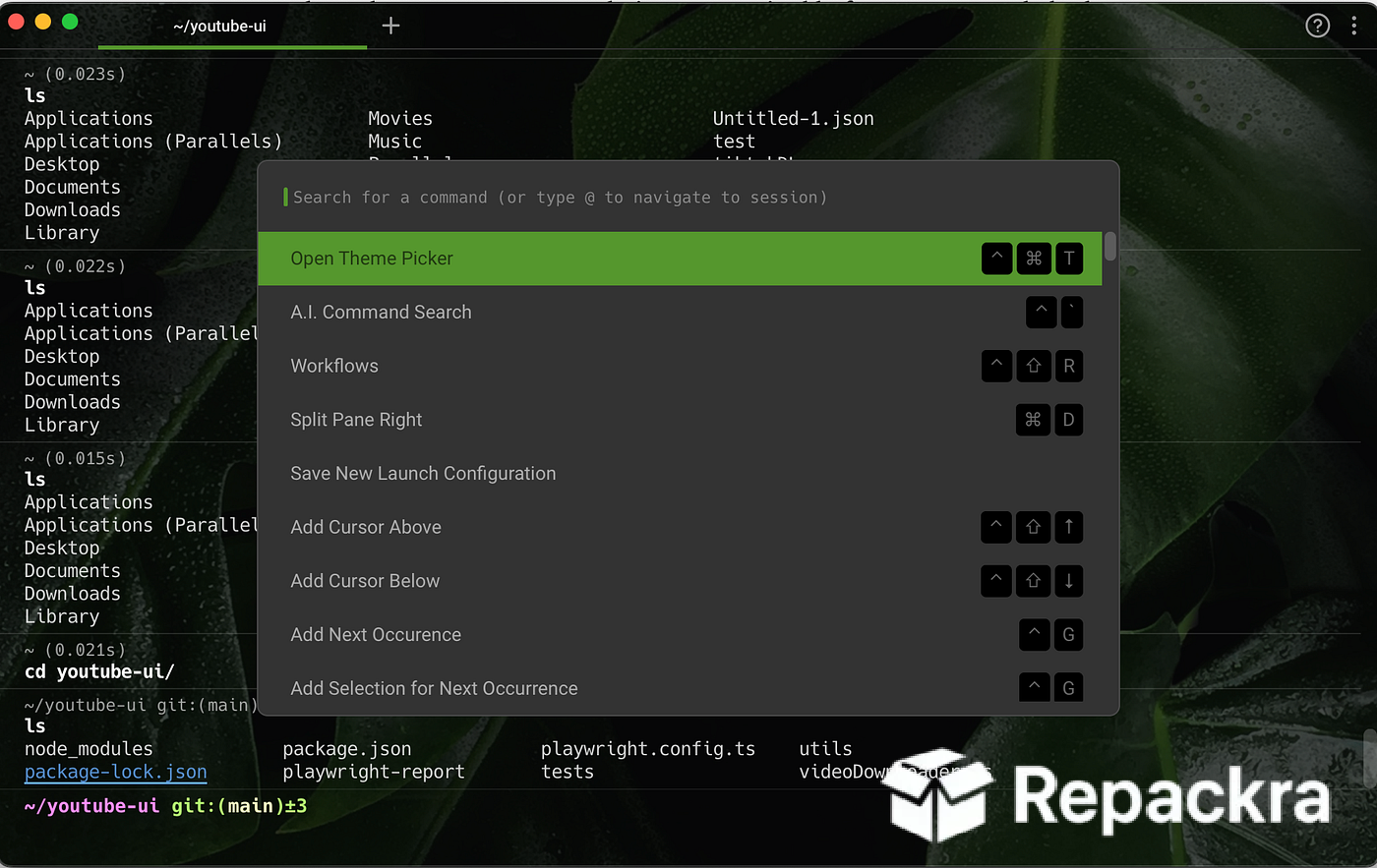
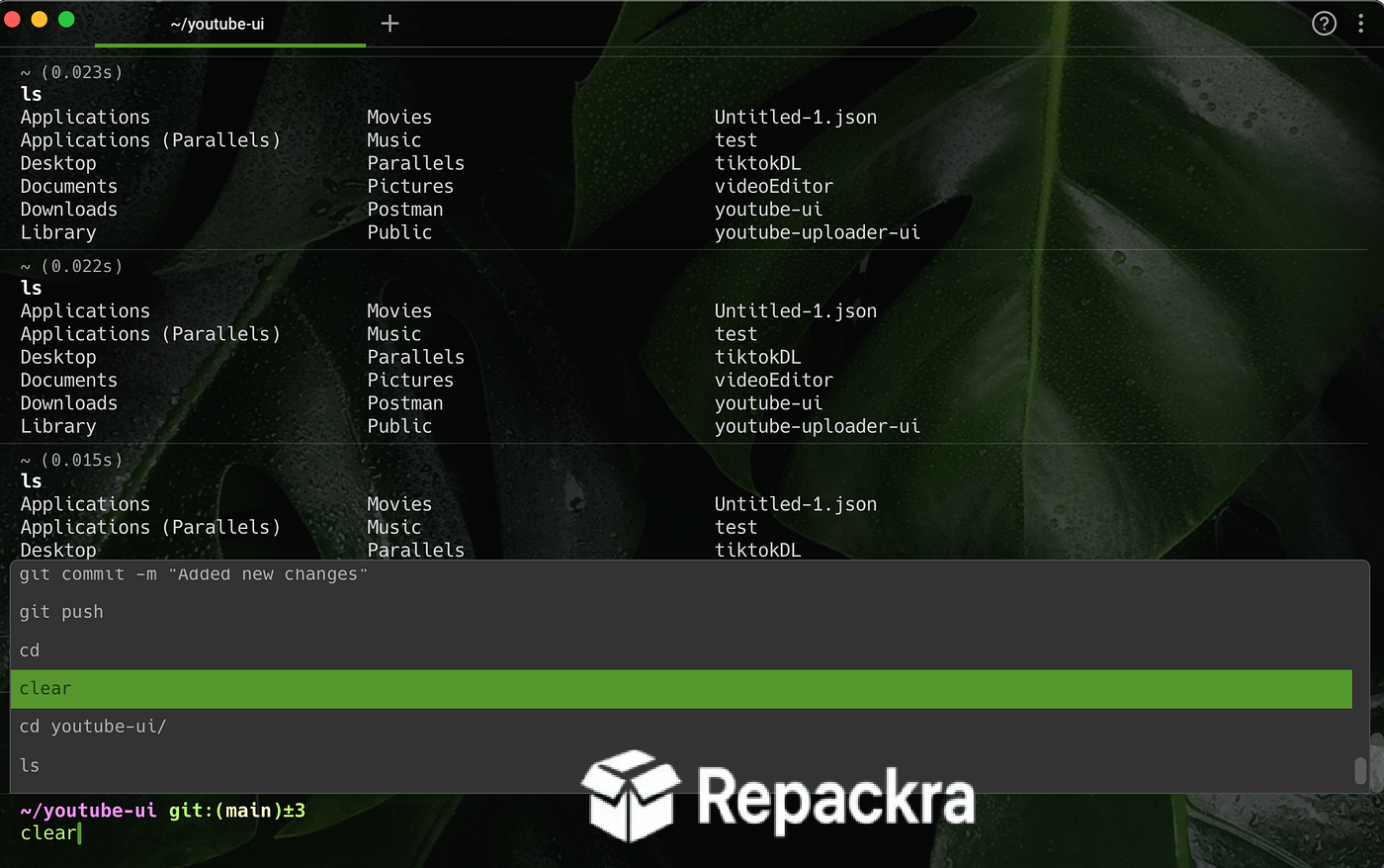
Warp for Mac — is the AI-powered terminal that replaces the old-school command line experience with a modern, block-based interface that actually makes sense of what you’re doing instead of scrolling through endless plain text. Version 0.2026.07.22 brings a more refined and reliable experience for developers who want their terminal to work with them rather than against them. I keep it as my daily driver because it gives me AI assistance and a genuinely readable output format without giving up the raw power of a real terminal.
Developers who want a native toolbox for formatting, encoding, and inspecting code output alongside their terminal work will find DevToys for Mac a natural companion, bundling JSON formatters, diff checkers, hash generators, and dozens of other common utilities into one fast offline capable app that sits right alongside Warp in the dock.
Warp Overview
Warp for Mac is a Rust-based, GPU-accelerated terminal that supports macOS, Linux, and Windows, making it easy for teams working across different operating systems to collaborate. It reimagines the terminal experience with output blocks, AI-powered command help, and collaborative features, all while remaining fully compatible with your existing shell setup. Warp for Mac is the fastest way to bring a modern, intelligent workflow to your everyday command line work.
Developers who want a clean visual Git client to manage their repositories alongside their Warp terminal sessions will find Gitfox for Mac a natural addition, making branch management, commits, and code reviews far more intuitive than running Git commands through the terminal alone.
Key Features
- Block-based command output for cleaner, organized sessions
- AI-powered command search and natural language suggestions
- Built in AI assistant for generating and explaining commands
- Automatically imports your existing .zshrc, .bashrc, or .fish configs
- Warp Drive for saving and sharing command snippets with your team
- Git operations supported on remote sessions
- Remote sessions can discover and apply project rules like WARP.md and AGENTS.md
- Autonomous AI agents for multi-step terminal tasks
- IDE-like text editing within the terminal input
- Fully compatible with macOS, with cross-platform support on Linux and Windows
What’s New in Version 0.2026.07.22
- Added an option to hide Warp from the Dock while using the dedicated hotkey window
- New toggle to show hidden files in the Project Explorer
- New setting to submit input on Ctrl+Enter, so Enter inserts a newline for easier multi-line prompts
- New keyboard shortcuts for cycling through orchestrator and subagent sessions in Agent Mode
System Requirements
- macOS 10.14 or later (Universal Binary)
- 4 GB RAM minimum
- 350 MB storage for the application itself
- Apple Silicon or Intel processor
- Internet connection required for AI features and sync
How to Install Warp on Mac
- Download Warp 0.2026.07.22 for Mac.
- Open the downloaded file and drag Warp into Applications.
- Launch Warp from your Applications folder.
- Sign in with your GitHub or Google account to set up your Personal Drive.
- Start using your terminal immediately, with your existing configs imported automatically.
How to Download Warp for Mac
- Visit the official Warp website.
- Click the Download button for the Mac version.
- Wait for the installer to finish downloading.
- Open the downloaded file from your Downloads folder.
- Follow the setup steps to complete installation.
Supported Websites
- Warp Official Website
- Softpedia
- MajorGeeks
- Filehorse
- 1000+ other trusted sources
Why Use Warp for Mac?
What makes Warp for Mac the go to terminal for most developers who try it is simply how much friction it removes from everyday command line work. Commands and their output are organized into distinct blocks instead of one long unreadable scroll, which makes reviewing past work genuinely painless.
The AI assistant makes daily use noticeably faster since you can describe what you want in plain language instead of remembering exact syntax every time. Mac developers who also need a clean local server environment for testing their web projects will find SwiftServer for Mac a perfect companion, giving them a visual way to manage Apache, Nginx, PHP, and MySQL locally without a single terminal command.
For anyone who spends hours a day in the terminal and wants a smarter, more collaborative workflow without giving up raw performance, Warp for Mac makes itself the obvious choice over older terminals like the default macOS Terminal.
Warp vs Other Terminals
| Feature | Warp | Others |
|---|---|---|
| AI Command Assistance | Yes | Limited |
| Block Based Output | Yes | No |
| GPU Accelerated Rendering | Yes | Varies |
| Cross Platform Support | Yes | Limited |
| Mac Optimized | Yes | Varies |








