
yt-dlp for Windows is the most powerful and actively maintained command line video downloader available for any platform today. Version 2026.08.19 delivers the latest site compatibility updates and performance improvements that keep it ahead of every alternative in the space.
Developers, content archivists, and everyday users choose yt-dlp for Windows because nothing else matches its format support, download speed, and ongoing development momentum.
Power users who want a modern and intelligent terminal experience for running yt-dlp commands will find Windows Terminal a natural home for it, offering tabbed sessions, GPU accelerated text rendering, and a clean interface that makes working with command line tools significantly more pleasant.
yt-dlp Overview
yt-dlp for Windows is a free and open source command line video downloader forked from youtube-dl with significantly faster development, more supported sites, and a broader feature set. It downloads video and audio from thousands of websites including YouTube, Vimeo, Twitter, TikTok, and hundreds more through a single consistent interface.
yt-dlp for Windows gives power users complete control over every aspect of the download process from format selection to metadata embedding.
Users who want to trim, cut, and extract specific segments from their downloaded videos without any quality loss will find LosslessCut for Windows a natural next step, cutting any format in seconds with zero re-encoding so every clip stays exactly as sharp as the original download.
Key Features:
- Downloads video and audio from thousands of websites
- Supports 4K, 8K, HDR, and high frame rate content
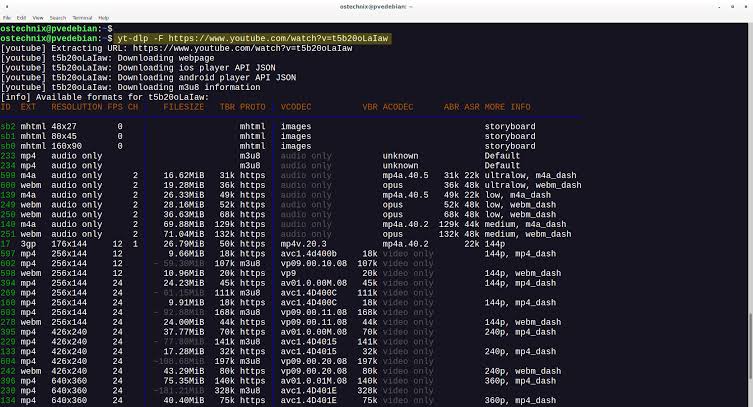
- Advanced format selection with merge and conversion options
- Batch downloading from playlists and channels
- Subtitle download including auto generated captions
- Metadata and thumbnail embedding into output files
- SponsorBlock integration for automatic segment skipping
- Aria2c and external downloader support for faster speeds
- Cookie based authentication for member only content
- Fully compatible with Windows 10 and Windows 11
What’s New in Version 2026.08.19
- Updated extractors for improved YouTube and major site compatibility
- Faster download speeds through improved fragment handling
- Better handling of age restricted and geo blocked content
- Several targeted bug fixes and extractor improvements
System Requirements
- Windows 10 or later, 64-bit
- 4 GB RAM minimum
- 50 MB storage for the application itself
- Active internet connection required
- FFmpeg required for merging and conversion features
How to Install yt-dlp on Windows
- Download yt-dlp 2026.08.19 for Windows.
- Place the executable in a convenient folder.
- Add the folder to your Windows PATH environment variable.
- Open a terminal window.
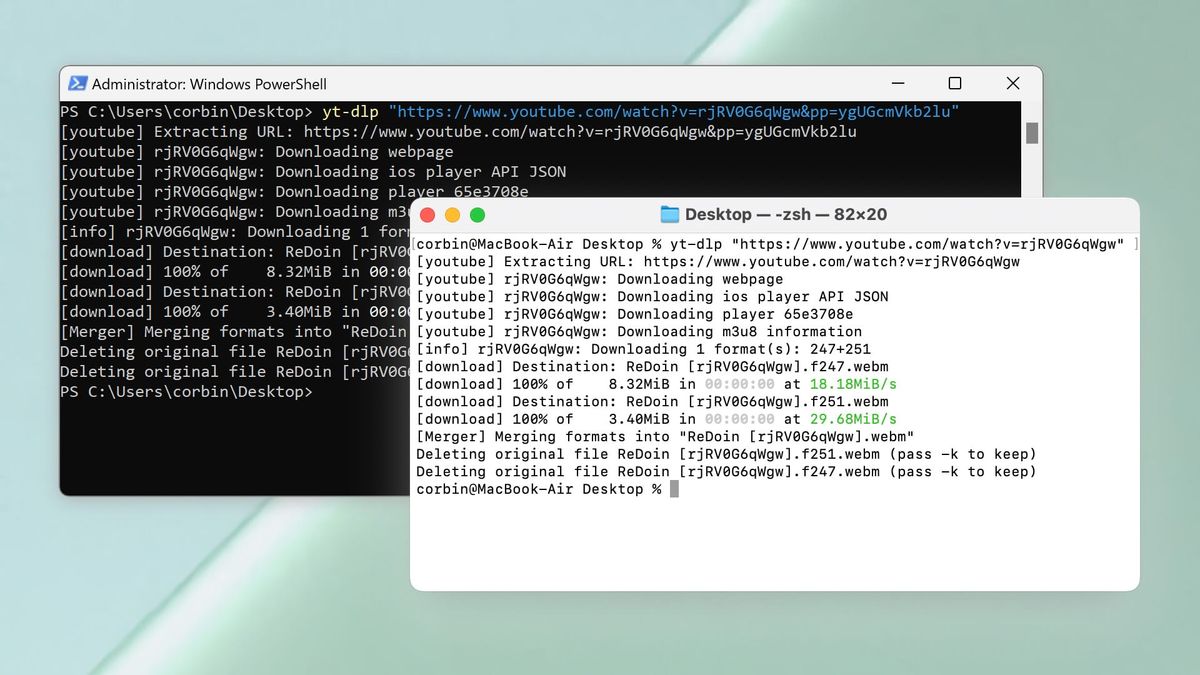
- Run yt-dlp followed by any video URL to start downloading.
How to Download yt-dlp for Windows
- Visit the official yt-dlp GitHub releases page.
- Download the Windows executable from the latest release.
- Wait for the download to complete.
- Place the executable in your preferred location.
- Configure PATH and begin using immediately.
Supported Websites
- YouTube
- Vimeo
- Twitter and X
- TikTok
- Twitch
- 1000+ other supported platforms
Why Use yt-dlp for Windows?
yt-dlp for Windows gives you a level of control over video downloading that no graphical tool comes close to matching. Format selection lets you specify exact video and audio codec combinations rather than accepting whatever quality a site defaults to serving. The SponsorBlock integration automatically skips sponsor segments, intros, and outros during download without any manual editing afterward.
Batch downloading entire channels or playlists with a single command saves hours of repetitive work for anyone archiving content seriously. The active development team pushes extractor updates faster than any competing project which means when a major platform changes its delivery system yt-dlp for Windows receives a fix within days rather than weeks.
Users who want to play back their downloaded files with the absolute best picture quality and format compatibility will find Media Player Classic MPC-HC the most capable lightweight player for the job, handling any format yt-dlp outputs with minimal overhead and excellent codec support. For anyone who downloads video content regularly on Windows, yt-dlp is the tool that makes every alternative feel inadequate by comparison.
yt-dlp vs Other Video Downloaders
| Feature | yt-dlp | Others |
|---|---|---|
| Active Extractor Development | Yes | Limited |
| SponsorBlock Integration | Yes | No |
| Advanced Format Selection | Yes | Limited |
| Batch Playlist Download | Yes | Limited |
| Open Source and Transparent | Yes | No |








