

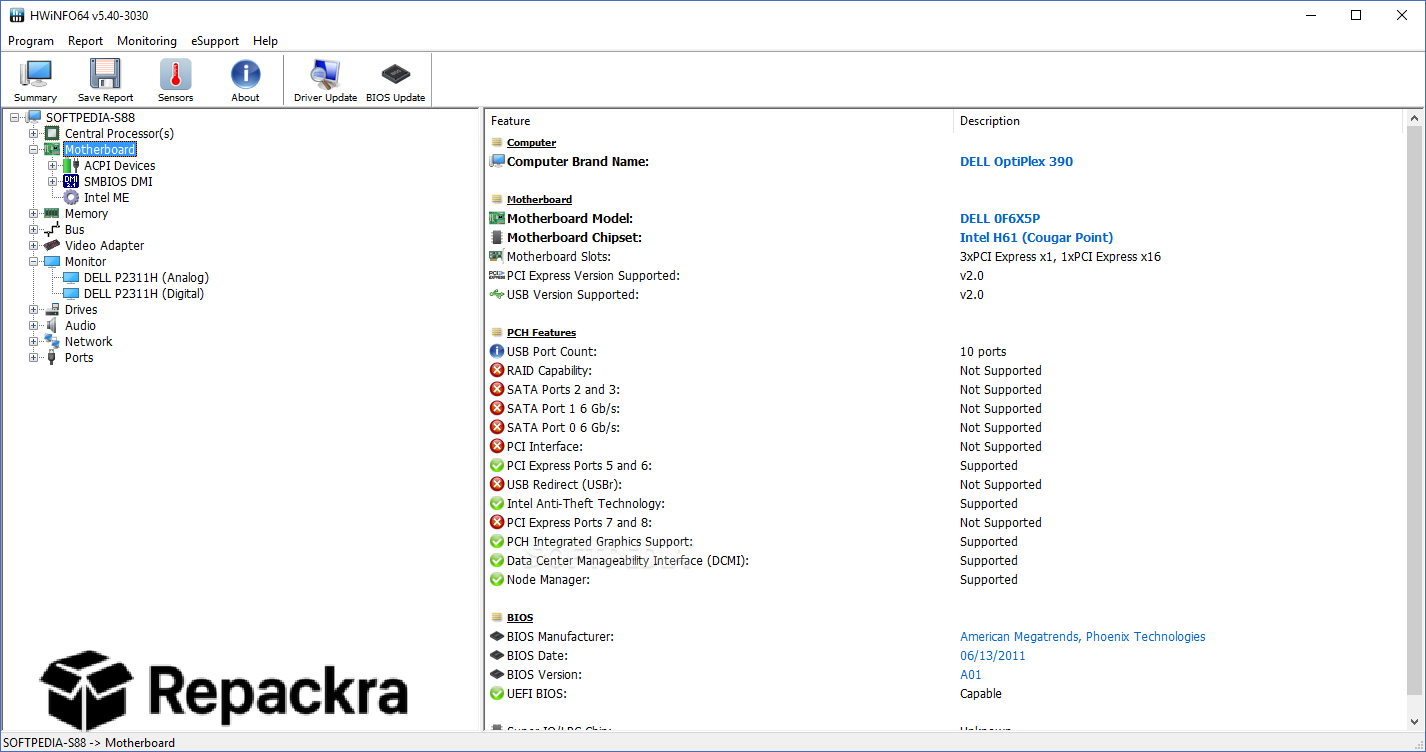
HWiNFO64 for PC is the hardware monitoring and diagnostic tool that every serious PC builder, overclocker, and system administrator keeps running in the background at all times. Version 8.50 arrives as the latest stable release packed with new sensor support, expanded hardware compatibility, and several important fixes that make it the most accurate and dependable version yet.
I have it open on every machine I work on because knowing exactly what your hardware is doing in real time is not optional when you care about performance and stability. Alongside it, CrystalDiskInfo for PC is what I check whenever I want a quick, focused read on drive health specifically, since it surfaces SMART data in a way that’s easier to scan at a glance.
HWiNFO64 Overview
HWiNFO64 for PC is a professional hardware information and diagnostic tool built to extract and display the maximum possible amount of data from every component inside your system. It covers CPU, GPU, motherboard, RAM, storage, sensors, voltages, clocks, and temperatures all in one place with a level of detail that no basic system info tool comes close to matching.
Everything is presented in a clean and readable layout that makes sense whether you are stress testing a new build, hunting down a thermal issue, or just keeping an eye on your system during a demanding session.
Once HWiNFO64 shows me a component running hotter than expected, FanControl for PC is usually the next step, letting me build custom fan curves off the same sensor data rather than leaving everything to the motherboard’s default behavior. HWiNFO64 for PC is the tool that enthusiasts, system integrators, and IT professionals all end up reaching for because nothing else gives you this much accurate hardware data in one place.
Key Features:
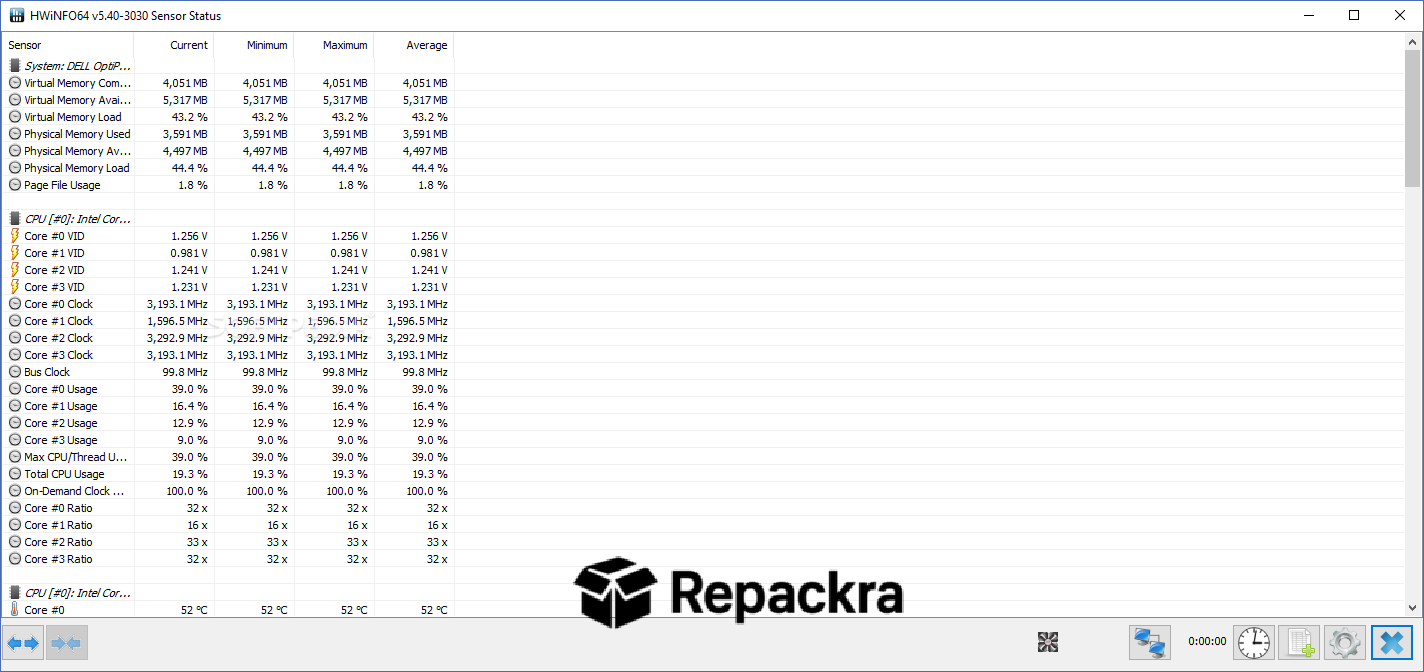
- Real time monitoring of CPU, GPU, RAM, motherboard, and storage temperatures
- Comprehensive voltage, clock, and power draw reporting across all major components
- Sensor logging to CSV, JSON, and YAML formats for long term data analysis
- Customizable OSD overlay for monitoring hardware stats during gaming sessions
- WHEA error monitoring and custom sensor support for advanced diagnostics
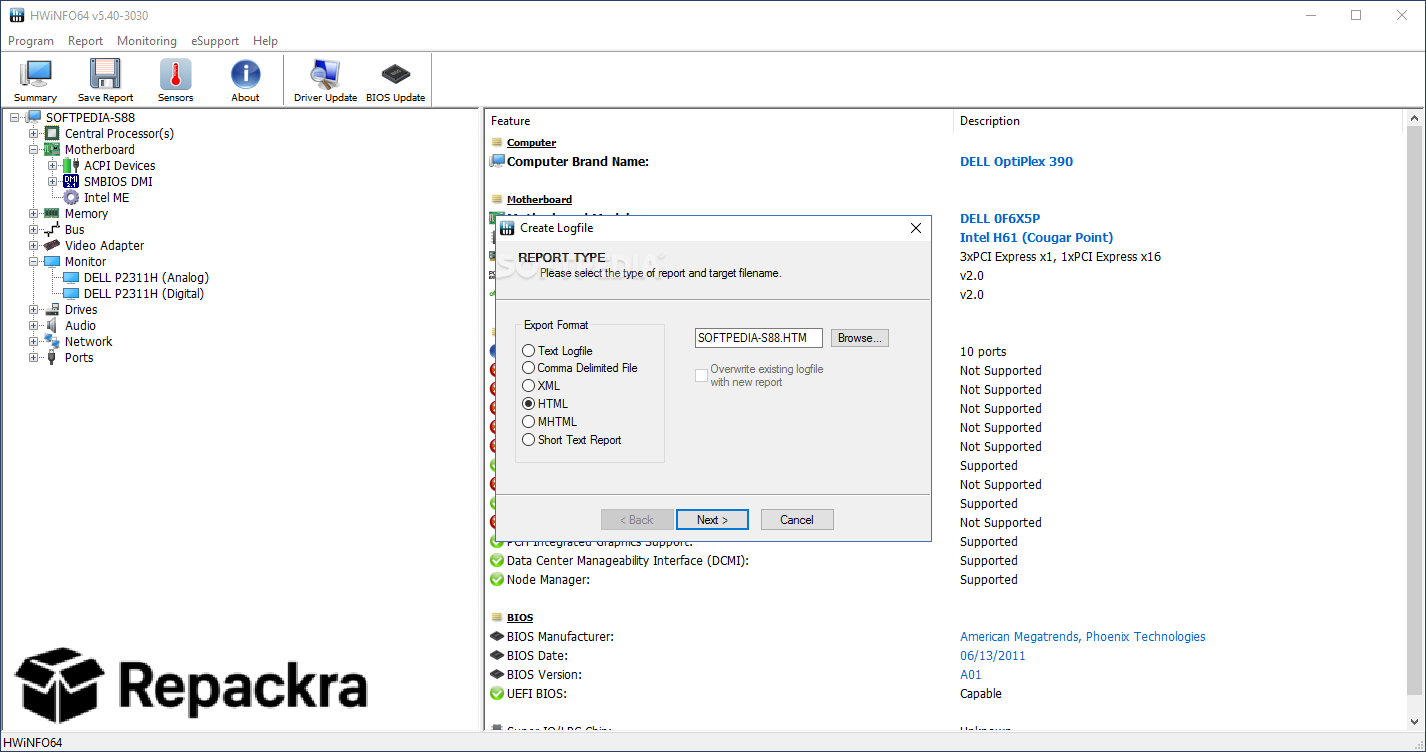
- Hardware report export to HTML, XML, CSV, and plain text formats
- Command line options for automated reporting and note insertion in log files
- Extensive motherboard sensor support covering VRM, fan speed, and power connectors
- NVIDIA and AMD GPU monitoring including core clocks, memory clocks, and XBAR clocks
- Display Audio monitor capability information for connected displays
- Portable version available requiring no installation to run
- Fully compatible with Windows 10 and Windows 11 64-bit systems
What’s New in Version 8.50
- Added fan speed monitoring on MSI Claw 8
- Improved Intel Nova Lake CPU support
- Enhanced sensor monitoring on Maxsun 275HX series motherboards
- Added Core, Memory and XBAR clock monitoring on NVIDIA GPUs
- Fixed lost Custom and WHEA sensors after configuration
- Added ACPI version reporting in system information
System Requirements
- Windows 7 or later with Windows 10 or Windows 11 64-bit recommended
- 2 GB RAM minimum
- 50 MB storage space available
- Intel or AMD processor of any generation supported
- No internet connection required for core functionality
How to Install HWiNFO64 on PC
- Download HWiNFO64 8.50 for PC.
- Run the installer file.
- Follow the on screen installation steps.
- Launch HWiNFO64 and choose between Summary, Sensors only, or full interface mode.
- Start monitoring your hardware immediately.
How to Download HWiNFO64 for PC
- Visit the official HWiNFO website at hwinfo.com.
- Click the Download button on the homepage.
- Select the installer or portable version for Windows.
- Wait for the download to complete.
- Open Downloads and run the installer or extract the portable build.
Supported Websites
- HWiNFO Official Website
- TechSpot
- Softpedia
- MajorGeeks
- Guru3D
- Fosshub
- 1000+ other trusted sources
Why Use HWiNFO64 for PC?
What separates HWiNFO64 for PC from every other system monitoring tool is the sheer depth and accuracy of the data it surfaces without requiring you to be a hardware engineer to make sense of it. CPU core temperatures, VRM temps, GPU hotspot readings, memory timings, power draw, and fan speeds are all visible at a glance and all updating in real time without any noticeable system overhead.
The logging system means you can run a stress test or gaming session and come back to a complete record of exactly what every sensor was doing at every moment which is invaluable when you are chasing down thermal throttling or instability.
Version 8.50 specifically adds NVIDIA XBAR clock monitoring and JSON and YAML logging support that make it significantly more useful for both enthusiast builds and professional system integration work. For the more cosmetic side of a build, OpenRGB for PC is worth pairing with it too, syncing lighting across components without needing five different manufacturer apps running at once.
If you care about what your PC hardware is actually doing rather than just what Windows Task Manager shows you, HWiNFO64 for PC is the tool that answers every question properly.
HWiNFO64 vs Other Hardware Monitors
| Feature | HWiNFO64 | Others |
|---|---|---|
| Real Time Sensor Monitoring | Yes | Limited |
| JSON and YAML Log Export | Yes | No |
| VRM and Power Monitoring | Yes | Limited |
| NVIDIA XBAR Clock Support | Yes | No |
| Portable Version Available | Yes | Limited |
| WHEA Error Monitoring | Yes | No |
| OSD Overlay Support | Yes | Limited |








