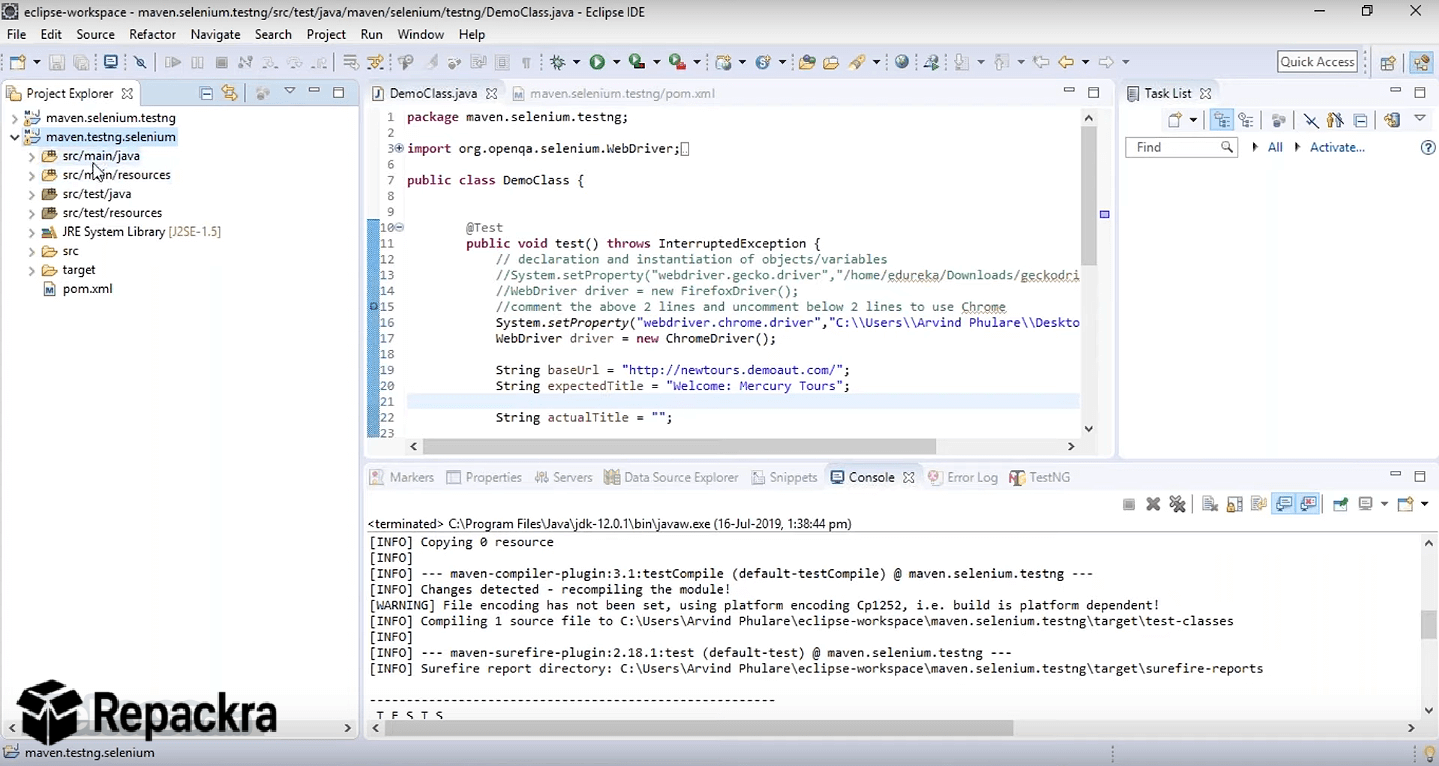
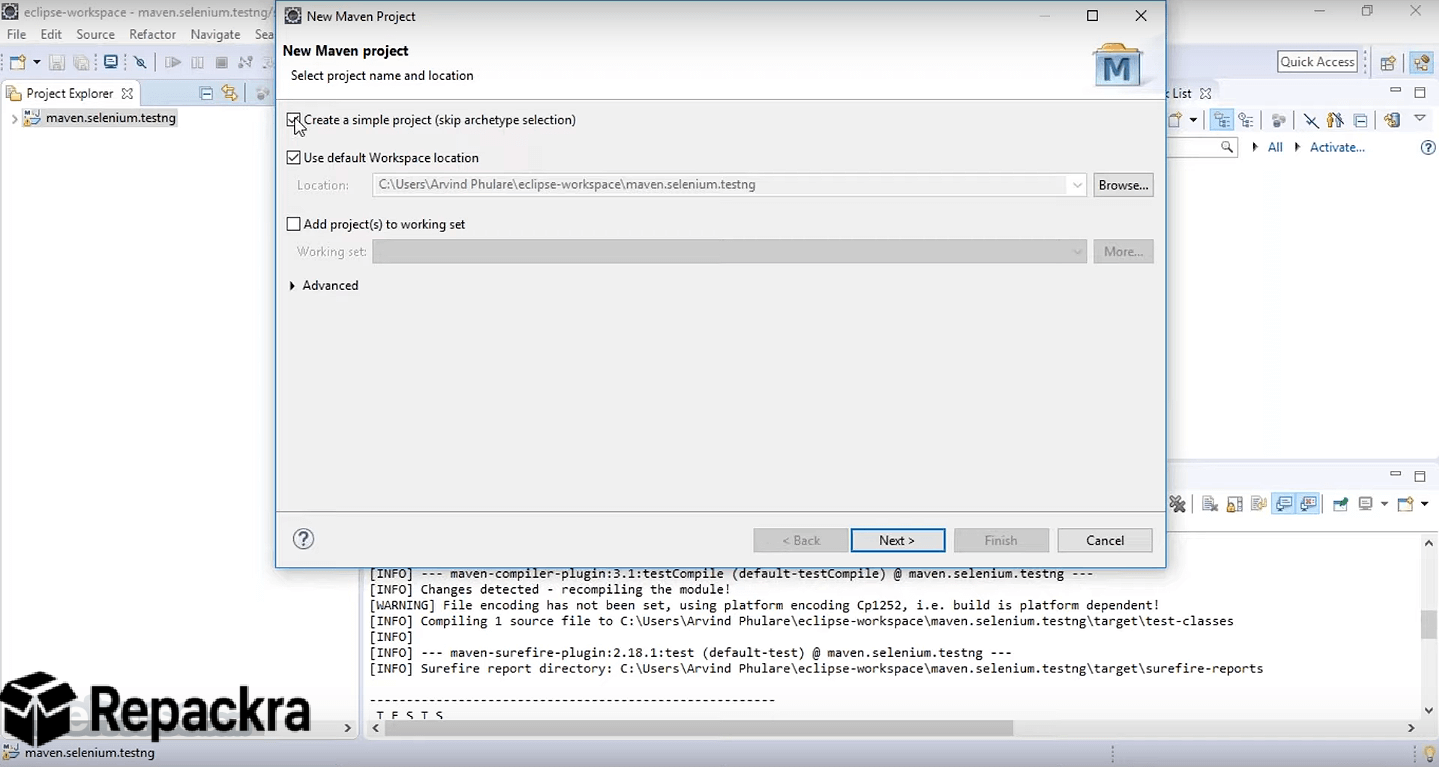
Apache Maven for Windows is the build automation and project management tool that Java development teams have standardized on for over two decades because it solves dependency management, build lifecycle, and project structure in one consistent and well documented framework.
Version 3.9.16 delivers the most stable and compatible release in the 3.9 series for Windows developers who need reliable builds across every environment from local development to CI/CD pipelines.
Enterprise teams and open source contributors choose Apache Maven for Windows because the ecosystem depth and community support remain unmatched in the Java build tool space.
Java developers who want the deepest IDE integration with Maven including automatic POM parsing, dependency graphing, and run configuration support will find IntelliJ IDEA Community for Windows the most capable environment for the job, understanding Maven project structure natively from the moment you open a POM file.
Apache Maven Overview
Apache Maven for Windows is a free and open source build automation tool built around the concept of a project object model that describes your project structure, dependencies, plugins, and build lifecycle in a single XML configuration file.
It manages the complete build process from compilation and testing through packaging and deployment using a standardized lifecycle that every Java developer on your team already understands. Apache Maven for Windows integrates with every major Java IDE and CI system and connects to the Maven Central repository containing millions of versioned library artifacts.
Developers who work across multiple languages and want a lightweight editor for editing POM files, shell scripts, and configuration alongside their Maven workflow will find VS Code for Windows a natural companion, with XML support and an integrated terminal that makes running Maven commands seamless without leaving the editor.
Key Features
- Project Object Model based build configuration
- Automatic dependency resolution and transitive dependency management
- Standardized build lifecycle with compile, test, package, and deploy phases
- Plugin architecture covering code generation, testing, and deployment
- Maven Central repository access with millions of available artifacts
- Multi module project support for large codebases
- Profile based configuration for environment specific builds
- Integration with Jenkins, GitHub Actions, and all major CI systems
- IDE plugins available for IntelliJ IDEA, Eclipse, and VS Code
- Fully compatible with Windows 10 and Windows 11
What’s New in Version 3.9.16
- Improved dependency resolution performance on large project trees
- Better compatibility with Java 21 and Java 24 runtimes
- Updated default plugin versions for improved security
- Several targeted bug fixes and stability improvements
System Requirements
- Windows 10 or later, 64-bit
- 4 GB RAM minimum, 8 GB recommended for large multi module projects
- 500 MB storage for Maven plus local repository cache storage
- Java Development Kit 8 or later required
- Active internet connection for repository artifact downloads
How to Install Apache Maven on Windows
- Download Apache Maven 3.9.16 for Windows.
- Extract the downloaded archive to your preferred installation directory.
- Set the MAVEN HOME environment variable to the extracted folder path.
- Add the Maven bin directory to your Windows PATH variable.
- Open a new terminal and run mvn –version to confirm successful installation.
How to Download Apache Maven for Windows
- Visit the official Apache Maven website at maven.apache.org.
- Navigate to the Download section.
- Select the binary zip archive for Windows.
- Wait for the download to complete.
- Extract and configure environment variables as described above.
Supported Websites
- Apache Maven Official Website
- Apache Software Foundation Official Page
- GitHub Official Repository
- Maven Central Repository
- Softpedia
- Fosshub
- 1000+ other trusted sources
Why Use Apache Maven for Windows?
Apache Maven for Windows standardizes every aspect of the Java build process in a way that eliminates the it works on my machine problem that plagues teams using inconsistent build configurations. Declaring a dependency in your POM file automatically downloads the correct versioned artifact and all of its transitive dependencies from Maven Central without any manual jar management.
The standardized lifecycle means a developer joining a project for the first time runs the same commands on Windows as every other team member runs on Linux or macOS and gets identical results. The plugin ecosystem covers code quality analysis, documentation generation, Docker image building, and deployment to virtually every target environment through a consistent configuration model.
Android developers who build Kotlin or Java based mobile apps will find Android Studio for Windows essential alongside Maven, providing the dedicated emulator, layout designer, and Gradle integration that mobile development requires while Maven handles the backend library management.
Full stack teams who also run JavaScript tooling, frontend build pipelines, or Node based scripts alongside their Java backend will find Node.js for Windows a natural addition to the same development environment, powering the npm ecosystem that most modern frontend workflows depend on.
For any Java development team on Windows that values reproducible builds and dependency integrity, Apache Maven for Windows is the most proven and reliable choice available.
Apache Maven vs Other Java Build Tools
| Feature | Apache Maven | Others |
|---|---|---|
| Standardized Build Lifecycle | Yes | Limited |
| Maven Central Repository Access | Yes | Limited |
| Transitive Dependency Resolution | Yes | Limited |
| Multi Module Project Support | Yes | Limited |
| Enterprise Adoption and Support | Yes | Limited |