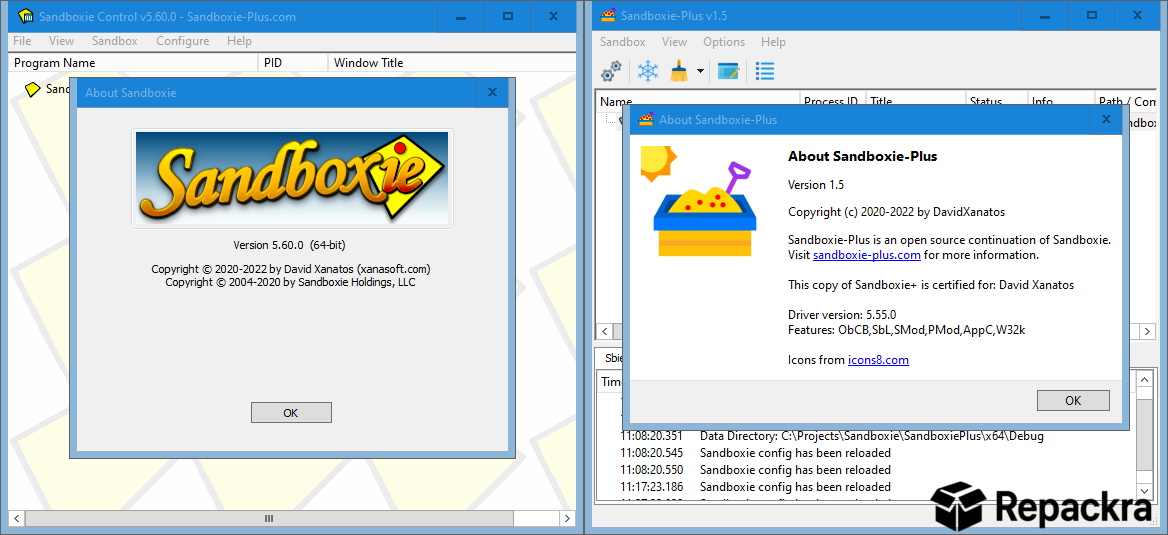
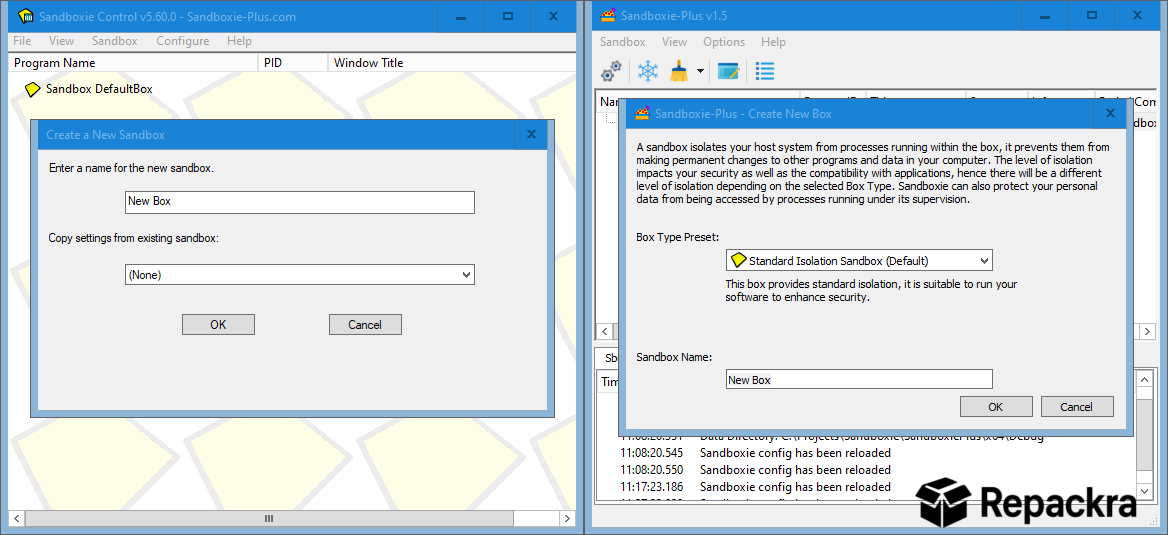
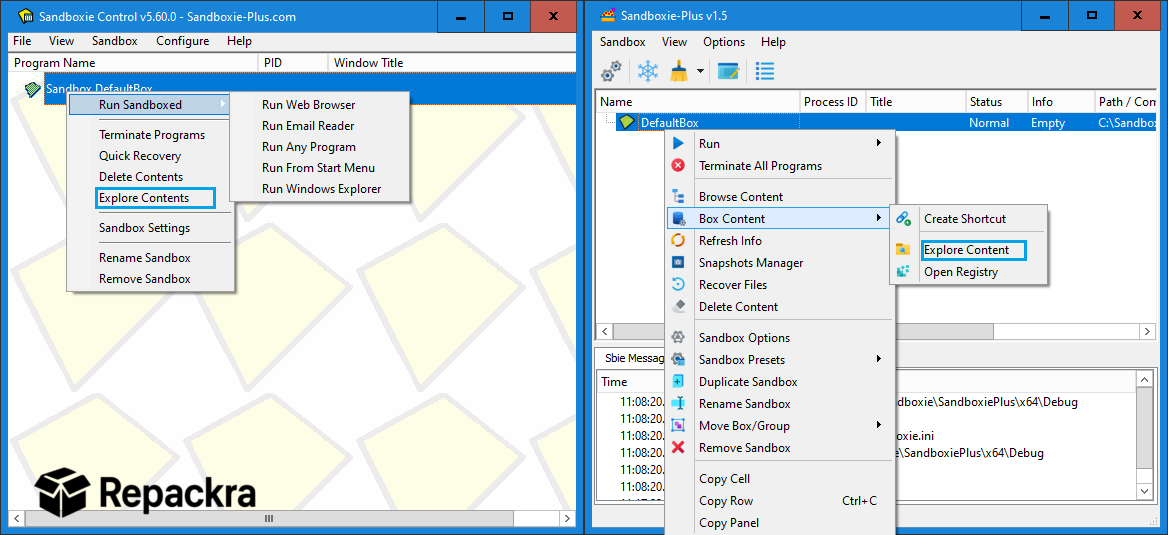
Sandboxie for Windows is the sandboxing tool that lets you run any program in an isolated environment where it can’t make permanent changes to your actual system. Version 1.18.2 brings a more refined and stable experience for anyone who wants to test software, browse risky sites,
or simply keep their main Windows installation clean and untouched. I use it regularly because being able to run something completely isolated and then discard everything it did is genuinely useful for both security and testing purposes.
Sandboxie Overview
Sandboxie for Windows is an open source sandboxing application that creates an isolated virtual environment on your PC where programs run without any permanent effect on your real system. Files written, registry changes made,
and settings modified inside the sandbox all disappear the moment you close it. Sandboxie for Windows gives you a safe and disposable space to run untrusted software without any risk to your actual machine.
Users who need deeper isolation for testing entire operating systems or running Linux alongside Windows will find VirtualBox for Windows the natural next step, creating fully independent virtual machines that go well beyond what application level sandboxing can offer.
Key Features
- Isolated sandbox environment for any application
- Changes discarded automatically when sandbox closes
- Multiple sandbox configurations for different purposes
- Browser sandboxing for safer web browsing
- File recovery option to keep files created inside sandbox
- Forced programs list for automatic sandboxing
- Resource access controls per sandbox
- Windows Explorer and context menu integration
- Snapshot feature to save and restore sandbox states
- Fully open source and actively maintained
What’s New in Version 1.18.2
- Improved compatibility with Windows 11 24H2
- Better handling of modern application installations inside sandbox
- Updated kernel level isolation components
- Several bug fixes and stability improvements
System Requirements
- Windows 10 or later, 64-bit recommended
- 4 GB RAM minimum
- 100 MB storage space available
- Intel or AMD dual core processor
- Administrator privileges required for installation
How to Install Sandboxie on Windows
- Download Sandboxie 1.18.2 for Windows.
- Run the installer file.
- Follow the on screen installation steps.
- Restart your PC when prompted.
- Launch Sandboxie for Windows and configure your first sandbox.
How to Download Sandboxie for Windows
- Visit the official Sandboxie GitHub page.
- Click the Windows installer download link.
- Wait for the installer to finish downloading.
- Open Downloads and run the installer.
- Follow the setup steps to complete installation.
Supported Websites
- Sandboxie GitHub Official Page
- Softpedia
- MajorGeeks
- FileHippo
- Fosshub
- Filehorse
- 1000+ other trusted sources
Why Use Sandboxie for Windows?
What makes Sandboxie for Windows genuinely useful in everyday use is how completely it separates whatever you run inside it from your real system. You can install and test software that you’re not sure about, open email attachments in a sandboxed browser, or try out applications you only need temporarily, and when you’re done everything simply disappears without leaving anything behind on your actual machine.
The forced programs feature is particularly handy since you can set your browser to always open inside a sandbox automatically without having to think about it each time. For anyone who values keeping their Windows installation clean and wants an extra layer of separation when running unfamiliar software, Sandboxie for Windows is a genuinely practical tool.
Sandboxie vs Other Sandboxing Tools
| Feature | Sandboxie | Others |
|---|---|---|
| Application Level Sandboxing | Yes | Limited |
| Automatic Change Discard | Yes | Limited |
| Multiple Sandbox Profiles | Yes | No |
| Forced Program Sandboxing | Yes | No |
| Open Source | Yes | No |