

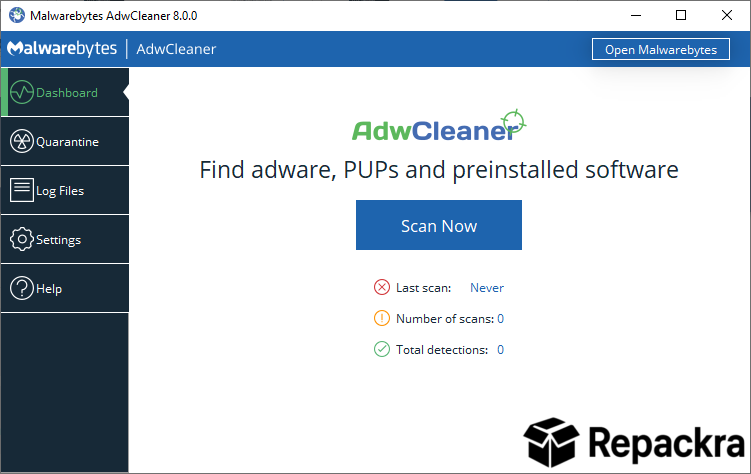
AdwCleaner for PC is the adware removal tool that gets straight to the point and cleans out the browser hijackers, unwanted toolbars, and potentially unwanted programs that somehow end up on your machine even when you’re careful. Version 8.8.1 brings more accurate detection and a cleaner removal experience for anyone dealing with a browser that no longer behaves the way it should.
I use it whenever something feels off with a browser because it consistently finds things that a standard antivirus scan misses entirely.
AdwCleaner Overview
AdwCleaner for PC is a lightweight and focused cleaning tool built specifically to detect and remove adware, browser hijackers, unwanted toolbars, and potentially unwanted programs from Windows machines. It requires no installation, runs a quick scan, and presents everything it finds clearly before removing anything.
AdwCleaner for PC is the first tool most people should reach for when their browser starts behaving strangely or showing unexpected ads.
Users who want to follow up an AdwCleaner run with broader system maintenance will find CCleaner for PC a natural next step, clearing temporary files, browser caches, and registry clutter that AdwCleaner does not touch but that quietly accumulates alongside adware on any well used Windows machine.
Key Features:
- Detects and removes adware and browser hijackers
- Cleans unwanted toolbars and browser extensions
- Potentially unwanted program detection and removal
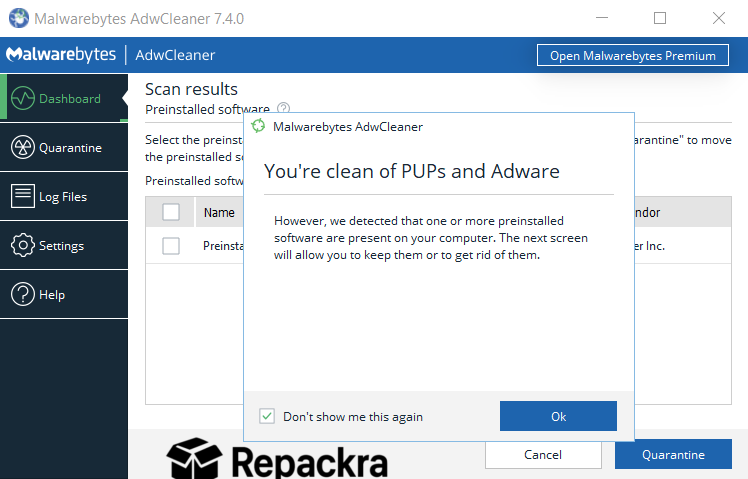
- Pre installed software scan for bundled junk
- Basic repair tools for resetting browser settings
- Quarantine system before permanent removal
- No installation required, runs as portable tool
- Simple one click scan and clean process
- Regular database updates for new threat detection
- Fully compatible with Windows 10 and Windows 11
What’s New in 8.8.1
- Improved detection of new adware families
- Better browser extension scanning accuracy
- Updated potentially unwanted program database
- Several bug fixes and stability improvements
System Requirements
- Windows 10 or later, 64-bit recommended
- 2 GB RAM minimum
- 10 MB storage for the application itself
- Active internet connection for database updates
- Intel or AMD dual core processor
How to Install AdwCleaner on PC
- Download AdwCleaner 8.8.1 for PC.
- Run the executable directly since no installation is needed.
- Accept the terms and click Scan Now.
- Review everything AdwCleaner found.
- Click Clean and Repair to remove detected items.
How to Download AdwCleaner for PC
- Visit the official Malwarebytes AdwCleaner page.
- Click the Download button for the Windows version.
- Wait for the executable to finish downloading.
- Open Downloads and run AdwCleaner directly.
- No installation required, it launches immediately.
Supported Websites
- Malwarebytes Official Website
- Softpedia
- MajorGeeks
- FileHippo
- Fosshub
- Filehorse
- 1000+ other trusted sources
Why Use AdwCleaner for PC?
What makes AdwCleaner for PC genuinely useful is how targeted it is compared to a full security suite. It’s not trying to be your main antivirus, it’s built specifically to clean up the browser junk and adware that slips through during software installations or casual browsing and just sits there making everything more annoying.
The quarantine system means nothing gets permanently deleted without you seeing it first which is a reassuring layer of control before anything actually gets removed.
Users who want to go further and completely remove the applications that installed the adware in the first place will find Bulk Crap Uninstaller for Windows a powerful companion, detecting and bulk removing far more installed software than Windows’ default uninstaller with leftover cleanup handled automatically.
For anyone whose browser has started redirecting searches, showing unexpected ads, or behaving in ways they didn’t authorize, AdwCleaner for PC is the most straightforward fix available.
AdwCleaner vs Other Cleaning Tools
| Feature | AdwCleaner | Others |
|---|---|---|
| Adware Specific Detection | Yes | Limited |
| Browser Hijacker Removal | Yes | Limited |
| No Installation Required | Yes | Limited |
| Quarantine Before Removal | Yes | Limited |
| Windows Optimized | Yes | No |








