

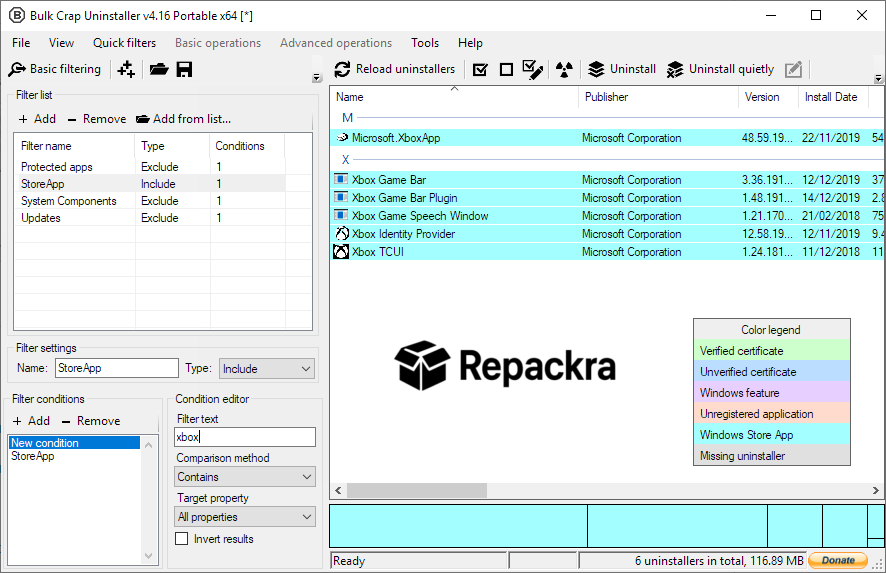
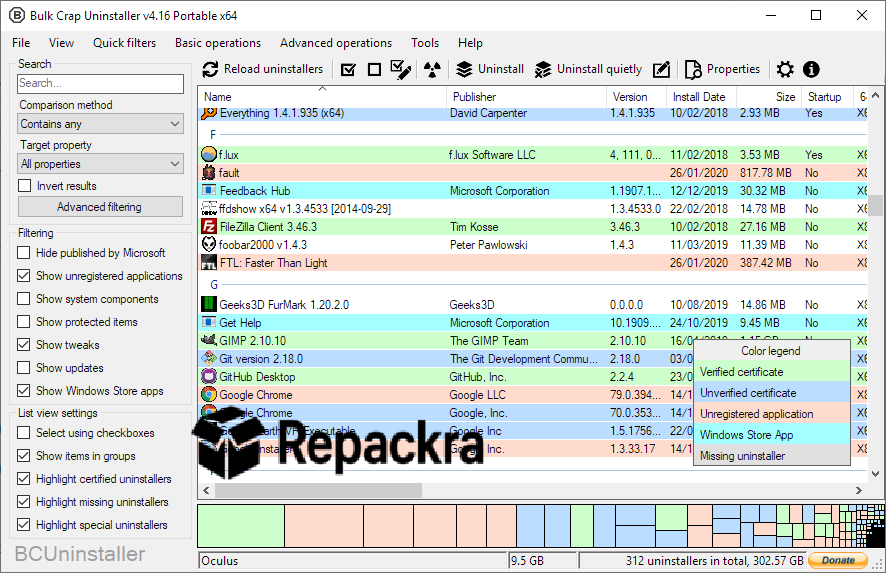
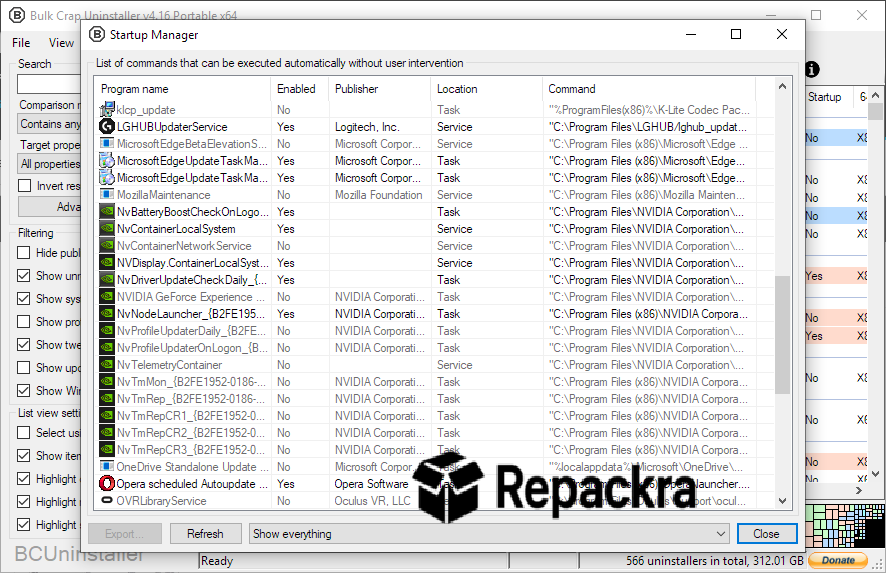
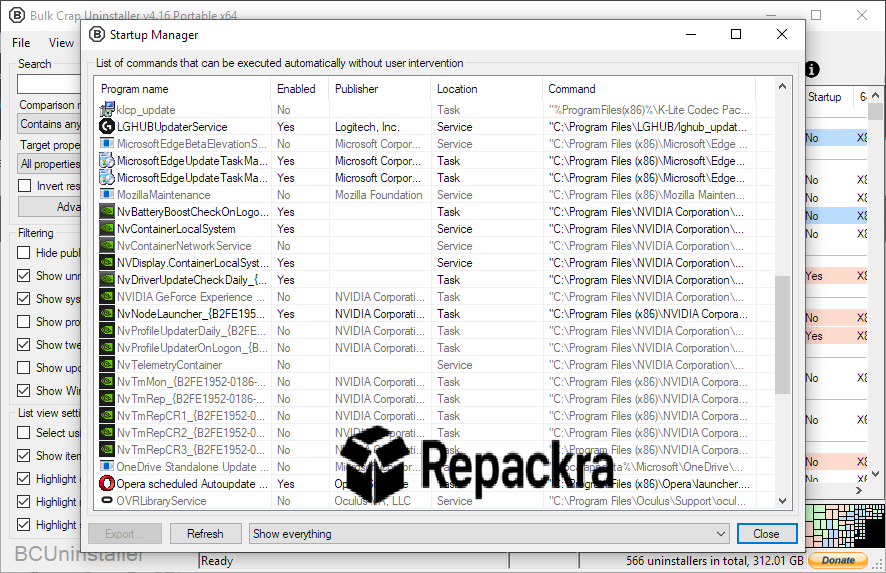
Bulk Crap Uninstaller for Windows is the uninstaller tool that actually does the job your default Windows uninstaller was never built to handle properly. Version 6.2 brings a cleaner and more capable release that removes applications faster, detects more leftovers, and gives you better visibility over everything installed on your system. I reach for it every single time I need to clean up a machine because nothing else comes close to how thoroughly and efficiently it handles bulk removal without making the process painful.
Bulk Crap Uninstaller Overview
Bulk Crap Uninstaller for Windows is a powerful open source uninstaller built for users who need to remove large numbers of applications quickly and completely. It detects far more installed software than the default Windows Programs and Features panel including orphaned entries, store apps, and portable tools that standard uninstallers completely miss. Everything runs locally with no telemetry and no bundled software getting in the way.
Bulk Crap Uninstaller for Windows was built with IT professionals in mind but stays straightforward enough that any Windows user can get real value out of it immediately. Users who want to follow up a bulk uninstall session with broader system maintenance will find CCleaner for PC a natural next step, clearing temporary files, browser caches, and registry clutter that BCUninstaller does not touch but that quietly accumulates on any well used Windows machine.
Key Features
- Bulk uninstall any number of applications simultaneously in one pass
- Quiet unattended uninstall support for removing apps without manual prompts
- Leftover detection and cleanup after every uninstall for a genuinely clean result
- Orphaned application detection finding software the default uninstaller misses entirely
- Intelligent uninstall ordering handling dependencies automatically during large tasks
- Certificate and integrity columns in the app list for quick trust verification
- Invalid uninstaller view preset for identifying and managing broken entries
- Advanced filtering, searching, grouping, and sorting across your full software list
- Uninstall list support for automating removal of predefined application sets
- Scoop package manager integration with improved custom path detection
- Console export support with hardened error handling for reliable output
- Fully open source with no bundled software or data collection whatsoever
- Portable version available requiring no installation to run
- Compatible with Windows 10 and Windows 11 64-bit systems
What’s New in Version 6.2
- Added invalid uninstaller view preset for easier identification of broken entries
- Added certificate and integrity columns to the application list
- Improved Scoop custom path detection for more accurate package discovery
- Improved uninstall list load error handling for a more stable startup experience
- Fixed tweak visibility filtering that was not displaying correctly in previous builds
System Requirements
- Windows 10 or Windows 11 64-bit
- .NET 8.0 or later required
- 300 MB RAM minimum available
- 50 MB storage space for installation
- Any processor speed works but faster drives improve scan times significantly
How to Install Bulk Crap Uninstaller on Windows
- Download Bulk Crap Uninstaller 6.2 for Windows.
- Run the BCUninstaller setup file.
- Follow the on screen installation steps.
- Launch Bulk Crap Uninstaller from your desktop or Start menu.
- Let it scan your system and start uninstalling what you no longer need.
How to Download Bulk Crap Uninstaller for Windows
- Visit the official BCUninstaller GitHub page or SourceForge listing.
- Click the Download button for the latest Windows setup file.
- Wait for the installer to finish downloading.
- Open your Downloads folder and run the setup file.
- Follow the steps to complete installation and launch the app.
Supported Websites
- GitHub Official Repository
- SourceForge
- Softpedia
- MajorGeeks
- Fosshub
- TechSpot
- 1000+ other trusted sources
Why Use Bulk Crap Uninstaller for Windows?
What makes Bulk Crap Uninstaller for Windows genuinely worth keeping installed is how far beyond the default Windows uninstaller it goes without adding any unnecessary complexity. Selecting twenty applications and removing them all in one pass with leftover cleanup handled automatically is the kind of thing that saves real time on any cleanup or maintenance job.
The orphaned entry detection alone regularly surfaces software that has been sitting invisibly on systems for years without showing up anywhere in the standard Programs list. Version 6.2 adds certificate and integrity visibility directly in the app list which makes it immediately easier to spot suspicious or unsigned software during any audit.
Users who want to clean up browser hijackers, adware, and potentially unwanted programs that sneak in alongside software installations will find AdwCleaner for PC a focused companion that targets exactly the kind of bundled junk that BCUninstaller’s uninstall process can leave behind in browsers and startup entries.
For anyone who manages Windows machines regularly or just wants a genuinely thorough way to keep their own system clean, Bulk Crap Uninstaller for Windows is one of those tools you install once and never uninstall.
Bulk Crap Uninstaller vs Other Uninstallers
| Feature | Bulk Crap Uninstaller | Others |
|---|---|---|
| Bulk Uninstall Support | Yes | No |
| Leftover Cleanup | Yes | Limited |
| Orphaned App Detection | Yes | No |
| Quiet Unattended Removal | Yes | No |
| Open Source | Yes | No |
| Certificate Integrity Check | Yes | No |
| Portable Version Available | Yes | No |








