

BleachBit for PC is the privacy and system cleaning tool that clears out junk files, cache, and traces of your activity in seconds rather than leaving you to hunt down clutter folder by folder. Version 6.0.0 brings a cleaner and more dependable experience for anyone who wants to free up disk space and protect their privacy without digging through Windows settings manually. I use it whenever my system starts feeling sluggish because it gives me a clear and immediate way to wipe out what’s slowing things down.
BleachBit Overview
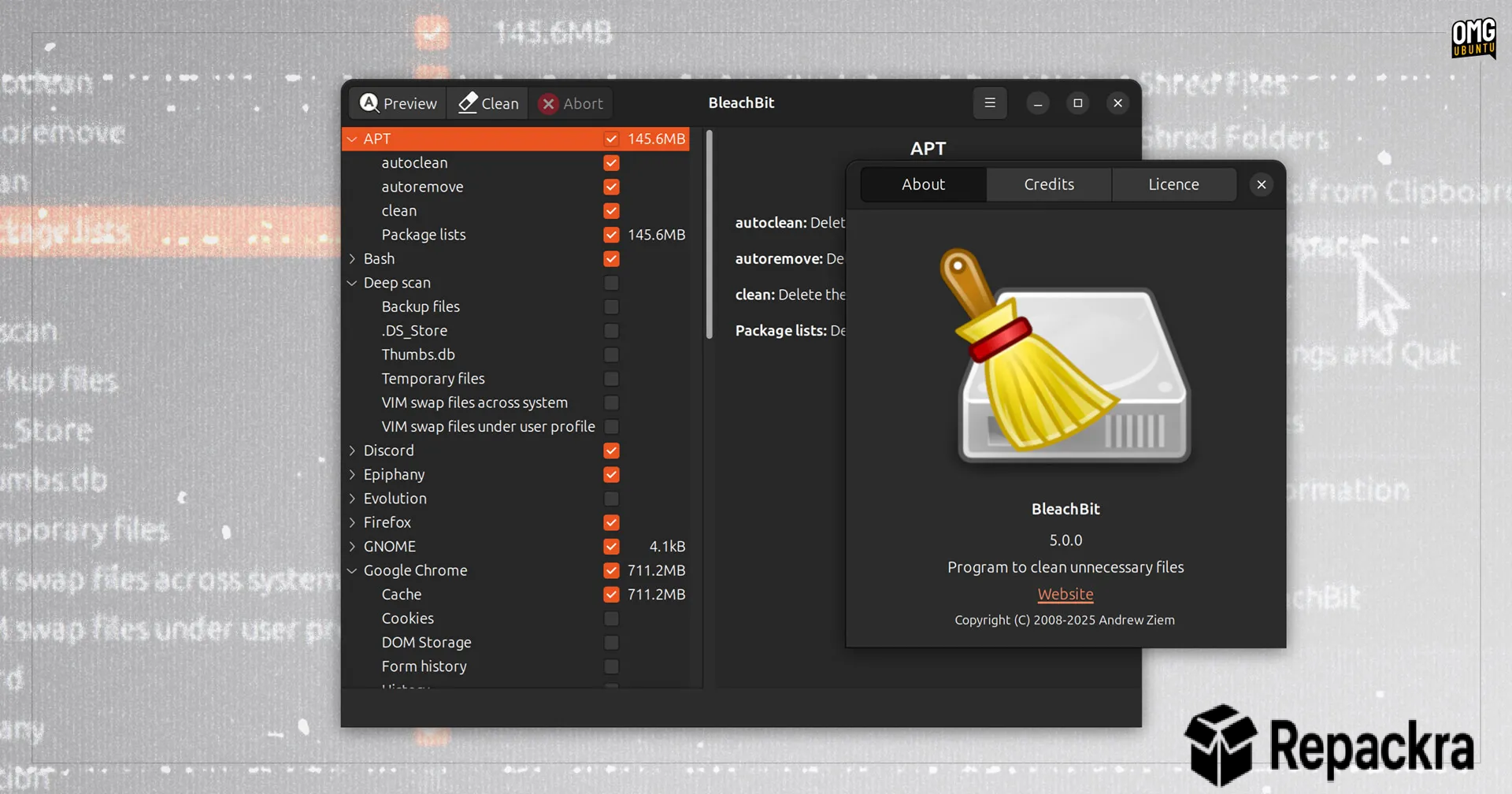
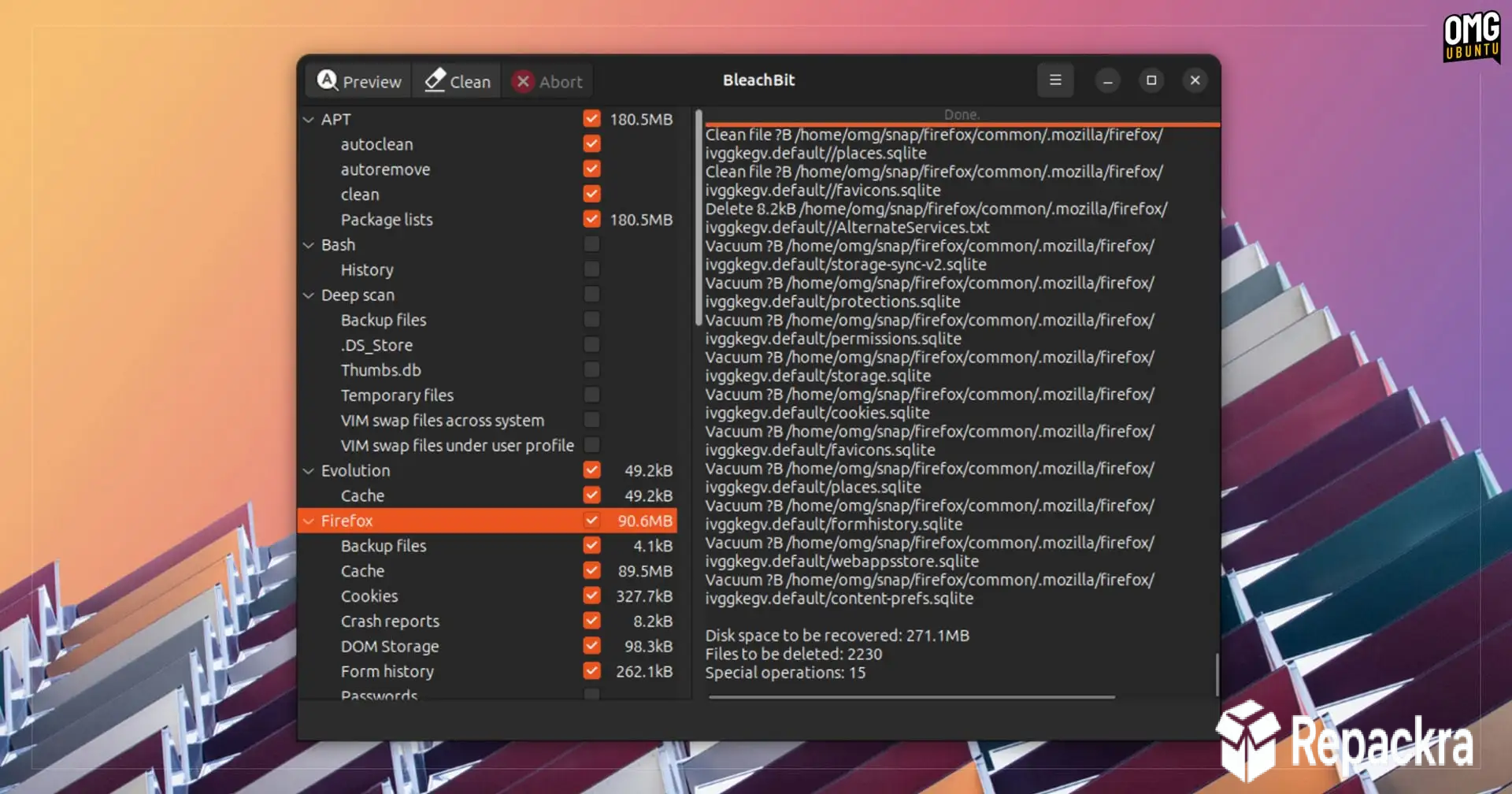
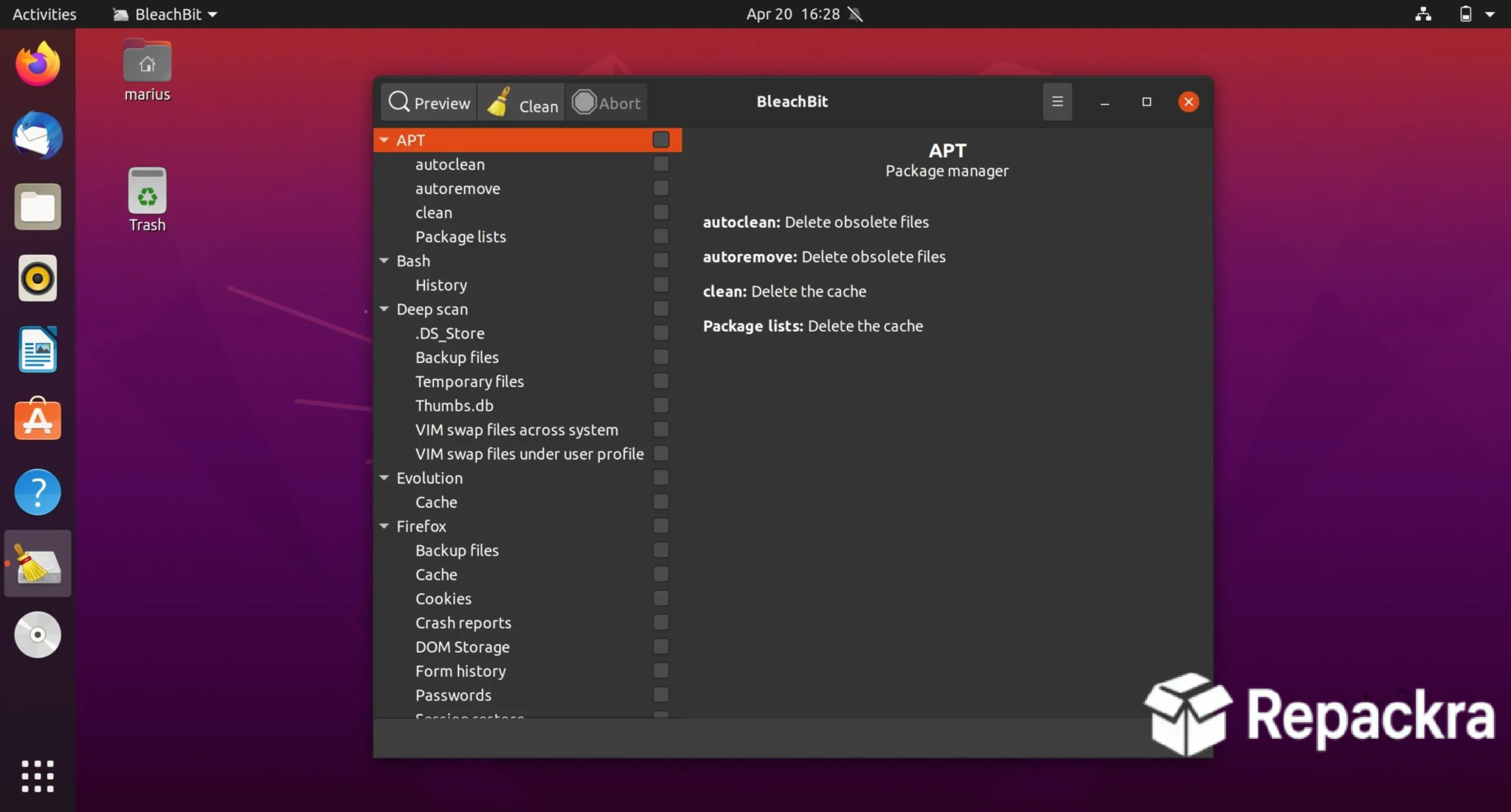
BleachBit for PC is a free and open source system cleaner that scans dozens of applications and system locations at once to find temporary files, cache, cookies, logs, and other clutter you don’t need anymore. It shows you exactly what will be deleted before you commit to anything, and it can also shred files securely so they can’t be recovered later. BleachBit for PC is the fastest way to reclaim disk space and clean up traces of your activity on any Windows machine.
Users who want a more polished, all in one cleaning suite with a friendlier interface and additional optimization tools will find CCleaner for PC a natural alternative worth comparing, covering similar ground to BleachBit with a different balance of free and paid features.
Key Features:
- Cleans cache, temporary files, and logs across dozens of applications
- Secure file shredding to prevent recovery of deleted data
- Preview mode shows exactly what will be deleted before cleaning
- Wipes free disk space to erase traces of previously deleted files
- Custom cleaning rules for advanced users
- Portable version available with no installation needed
- Command line support for automated or scripted cleaning
- Supports cleaning of browser history, cookies, and cache
- Removes leftover files from uninstalled applications
- Fully compatible with Windows 10 and Windows 11
What’s New in Version 6.0.0
- Expanded list of supported applications for cleaning
- Improved detection of leftover files from uninstalled programs
- Updated interface for clearer preview and selection
- Several bug fixes and stability improvements
System Requirements
- Windows 7 or later, 64-bit recommended
- 1 GB RAM minimum
- 20 MB storage for the application itself
- Intel or AMD dual core processor
- Administrator privileges recommended for full system cleaning
How to Install BleachBit on PC
- Download BleachBit 6.0.0 for PC.
- Run the installer file or use the portable version directly.
- Follow the on screen installation steps.
- Launch BleachBit for PC.
- Select the items you want to clean and start the scan.
How to Download BleachBit for PC
- Visit the official BleachBit website.
- Click the Download button for the Windows version.
- Wait for the installer to finish downloading.
- Open Downloads and run the installer.
- Follow the setup steps to complete installation.
Supported Websites
- BleachBit Official Website
- Softpedia
- MajorGeeks
- FileHippo
- Fosshub
- Filehorse
- 1000+ other trusted sources
Why Use BleachBit for PC?
What makes BleachBit for PC the go to cleaning tool for most people who try it is simply how thorough it is compared to the built-in cleanup options in Windows. A single scan can clear out cache and temporary files from dozens of applications at once, things that Windows own tools never touch on their own.
The preview step makes the whole process genuinely trustworthy since you can see exactly what’s about to be deleted and deselect anything you’d rather keep before committing. Mac users looking for that same kind of deep system maintenance on their own machine will find OnyX for Mac Sequoia a natural equivalent, running maintenance scripts and clearing hidden caches macOS never surfaces on its own.
Those who specifically want a free, lightweight tool for removing leftover app files and orphaned data on macOS will find Pearcleaner for Mac worth a look too, covering the app uninstall side of cleanup that BleachBit handles for Windows. For anyone who wants to free up space, protect their privacy,
and keep their system running smoothly without manually hunting through folders, the coverage and control BleachBit for PC offers make it the obvious choice over relying on Windows alone.
BleachBit vs Other Cleaning Tools
| Feature | BleachBit | Others |
|---|---|---|
| Free and Open Source | Yes | No |
| Secure File Shredding | Yes | Limited |
| Application Coverage | Extensive | Limited |
| Portable Version Available | Yes | Limited |
| Windows Optimized | Yes | No |








