

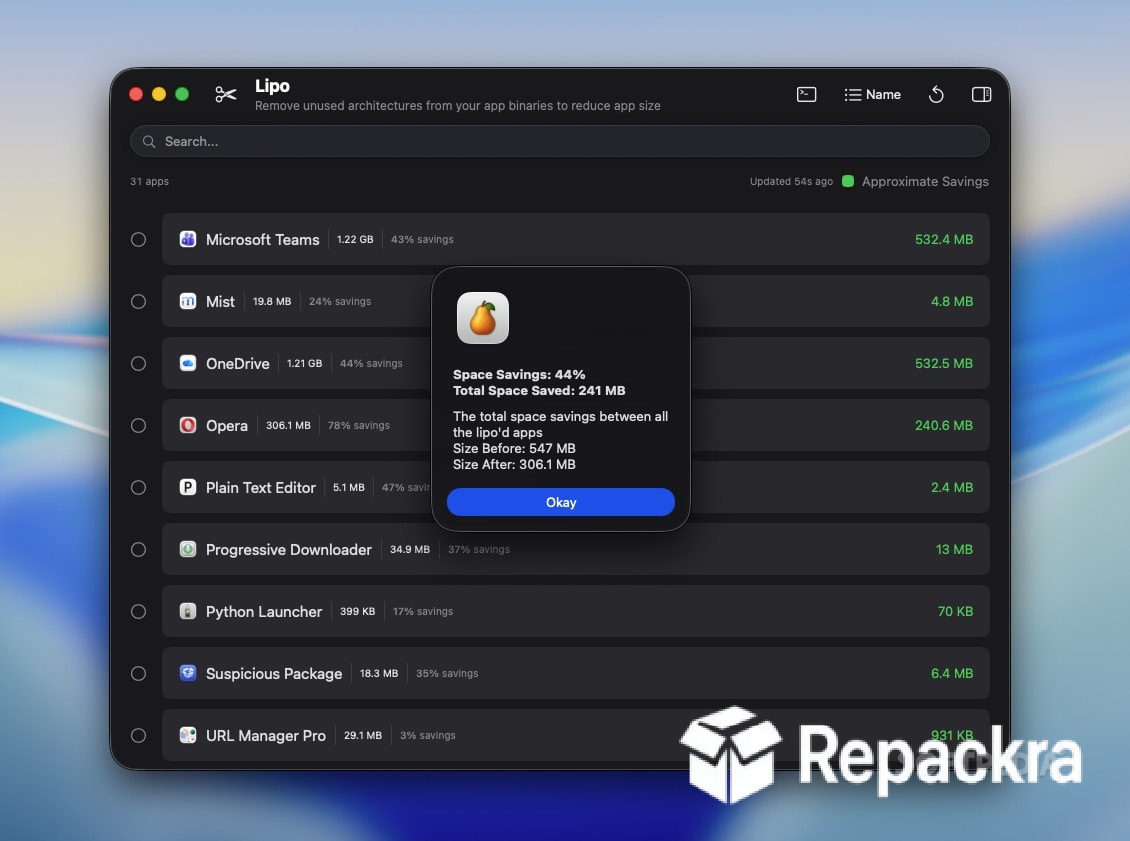
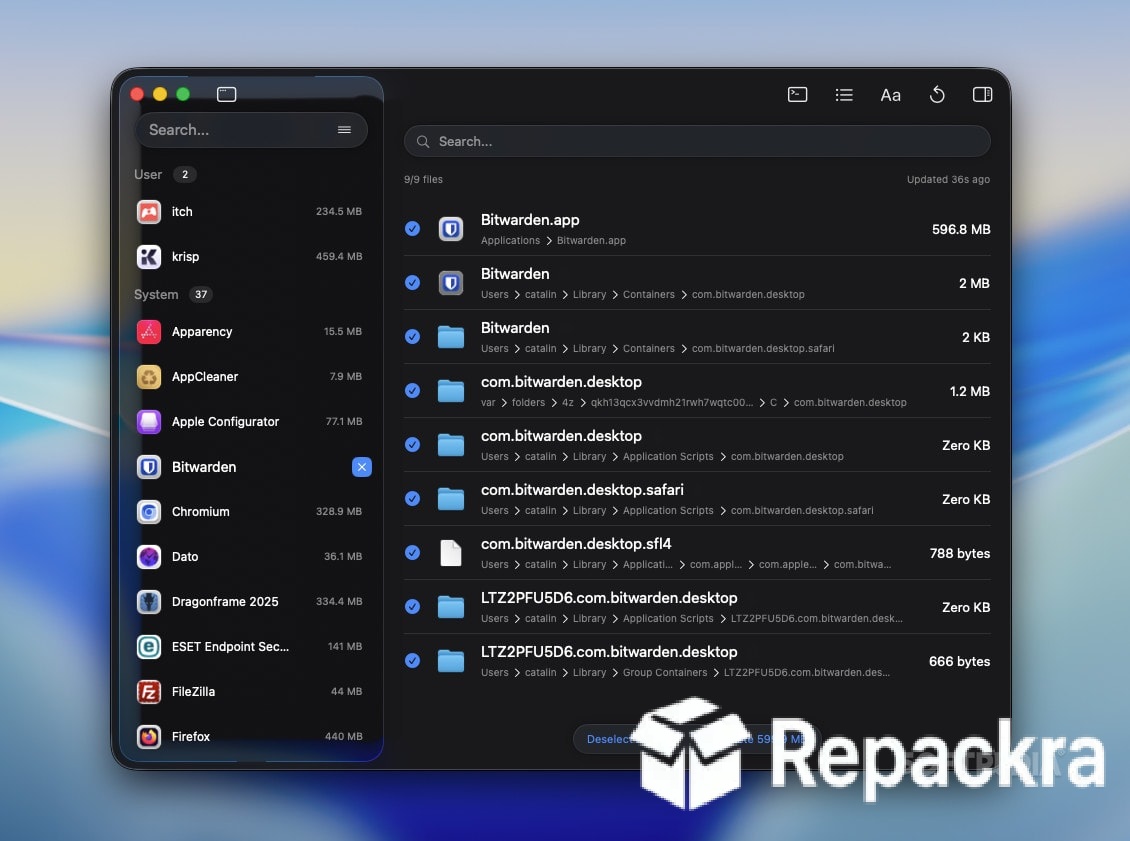
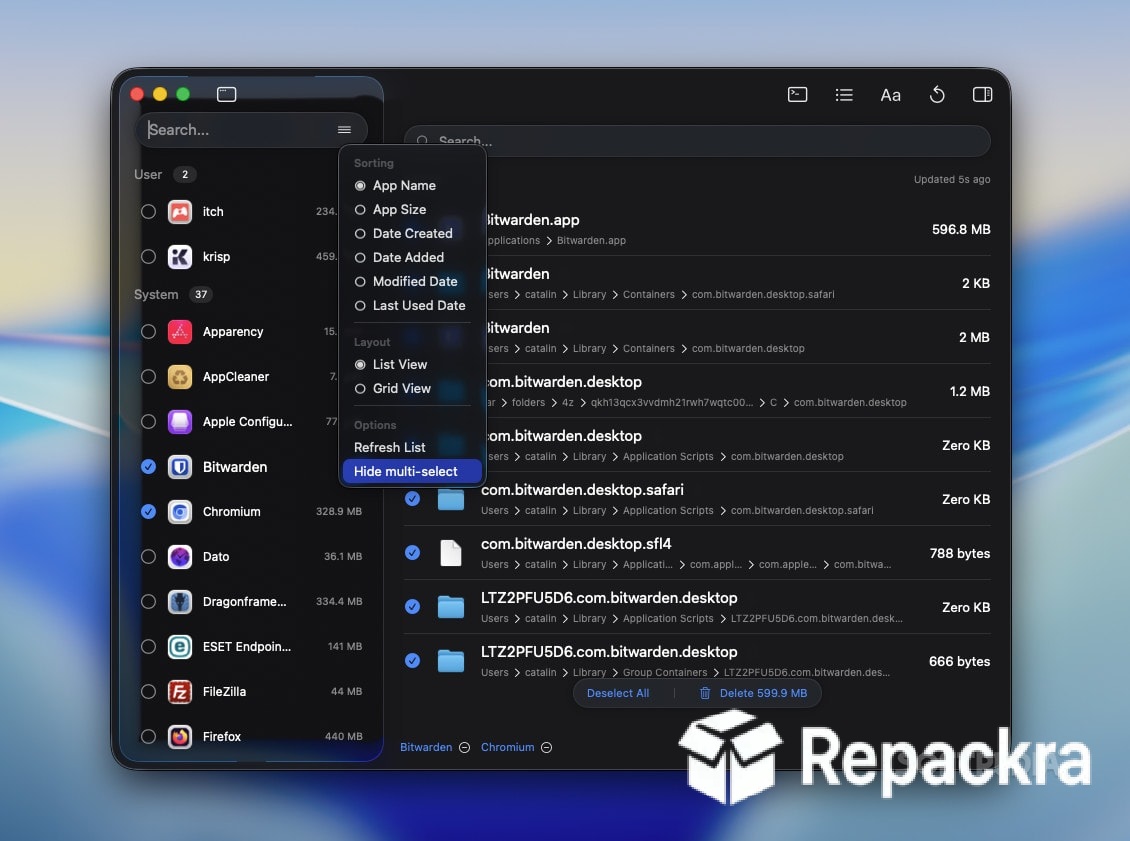
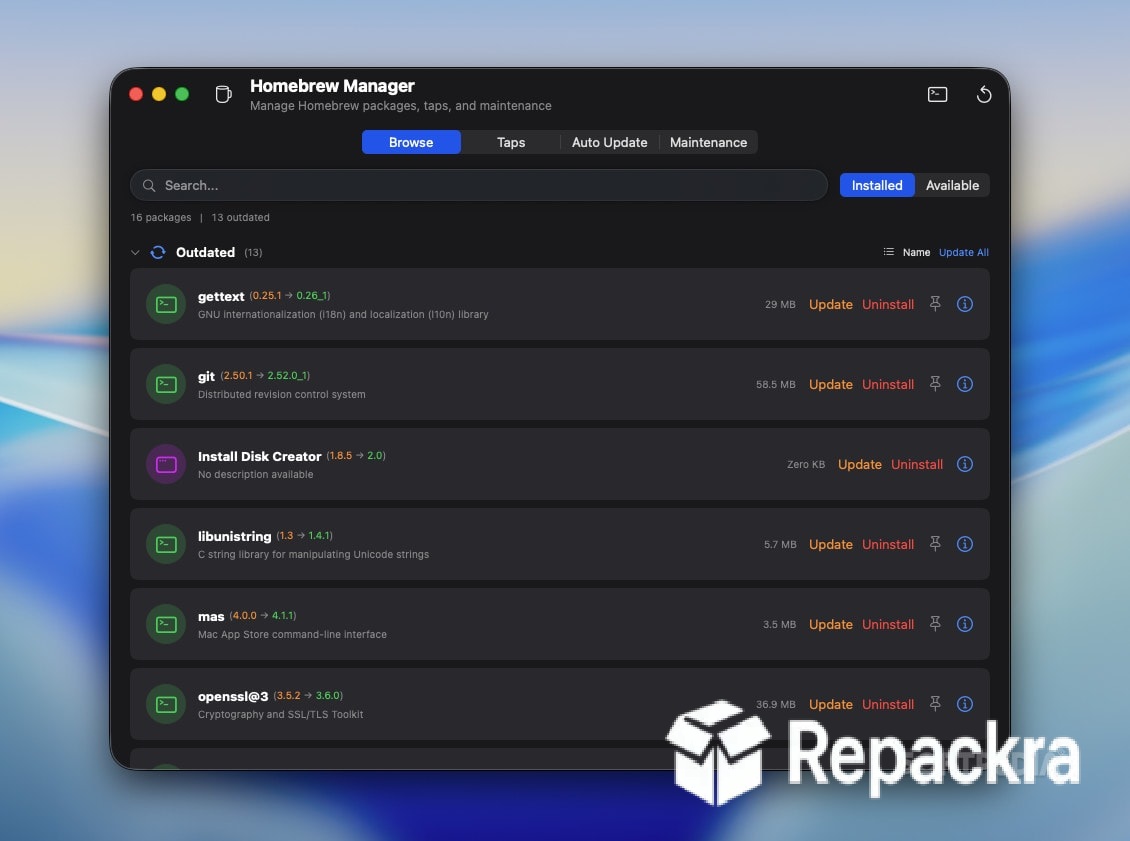
Pearcleaner for Mac is the app uninstaller that actually finishes the job rather than leaving half the app scattered across your system after you drag it to the trash. Version 5.4.3 brings a more refined and thorough experience for anyone who takes their Mac’s storage and cleanliness seriously.
I use it every time I remove an app because the amount of leftover support files, caches, and preference files that accumulate silently over time is consistently more than most people realize.
Pearcleaner Overview
Pearcleaner for Mac is a free and open source application uninstaller that finds and removes every file associated with an app including the hidden support files, caches, logs, and preference files that macOS leaves behind when you simply drag an app to the trash. It presents everything it finds clearly before removing anything so you always know exactly what’s going to be deleted.
Pearcleaner for Mac is one of the cleanest and most transparent uninstaller tools available for macOS right now. Anyone who wants that same level of thoroughness applied to overall system maintenance rather than just app removal will find OnyX for Mac a natural companion, handling the deeper cache clearing and system checks that sit outside what an uninstaller is built to do.
And for users who want a broader spring cleaning pass across their whole drive once apps are gone, BleachBit for Mac rounds things out by digging through the temporary files and system clutter that pile up well beyond individual applications.
Key Features
- Complete app removal including all associated files
- Orphaned file scanner for leftover files from deleted apps
- Mini mode for quick drag and drop uninstalling
- Homebrew app detection and removal support
- File exclusion list for protecting specific items
- Detailed file list before any deletion occurs
- Export list of files found for review
- Completely free and open source
- Lightweight with minimal resource usage
- Fully optimized for macOS Sequoia
What’s New in Version 5.4.3
- Improved orphaned file detection accuracy
- Better Homebrew app file scanning
- macOS Sequoia compatibility fully resolved
- Several bug fixes and stability improvements
System Requirements
- macOS 13.0 or later
- 4 GB RAM minimum
- 20 MB storage space available
- Intel or Apple Silicon Mac supported
How to Install Pearcleaner on Mac
- Download Pearcleaner 5.4.3 for Mac.
- Open the DMG file.
- Drag Pearcleaner to your Applications folder.
- Launch Pearcleaner for Mac.
- Grant necessary permissions and start uninstalling apps cleanly.
How to Download Pearcleaner for Mac
- Visit the official Pearcleaner GitHub page or website.
- Click the Download button for the latest release.
- Wait for the DMG file to finish downloading.
- Open Downloads and open the DMG file.
- Drag to Applications and launch.
Supported Websites
- Pearcleaner GitHub Official Page
- Pearcleaner Official Website
- MacUpdate
- Softpedia
- Fosshub
- Filehorse
- 1000+ other trusted sources
Why Use Pearcleaner for Mac?
What makes Pearcleaner for Mac genuinely worth using over the basic trash method is how much it reveals about what apps actually leave behind. The orphaned file scanner is particularly eye opening because it surfaces leftover files from apps you deleted months or even years ago that have been quietly sitting on your drive ever since.
The fact that everything is shown to you before deletion means you’re never removing something blindly, and the exclusion list lets you protect any specific files you want to keep even if they’re associated with an app you’re removing.
People who like keeping their whole system this tidy often pair it with CCleaner Free for Mac, which handles the general disk cleanup and junk file removal side of things that falls outside what a dedicated uninstaller covers. For anyone who installs and removes apps regularly and cares about keeping their Mac storage genuinely clean, Pearcleaner for Mac is one of the most honest and effective tools available.
Pearcleaner vs Other Mac Uninstallers
| Feature | Pearcleaner | Others |
|---|---|---|
| Orphaned File Detection | Yes | Limited |
| Homebrew App Support | Yes | Limited |
| File List Before Deletion | Yes | Limited |
| Completely Free and Open Source | Yes | No |
| Mac Optimized | Yes | No |








