

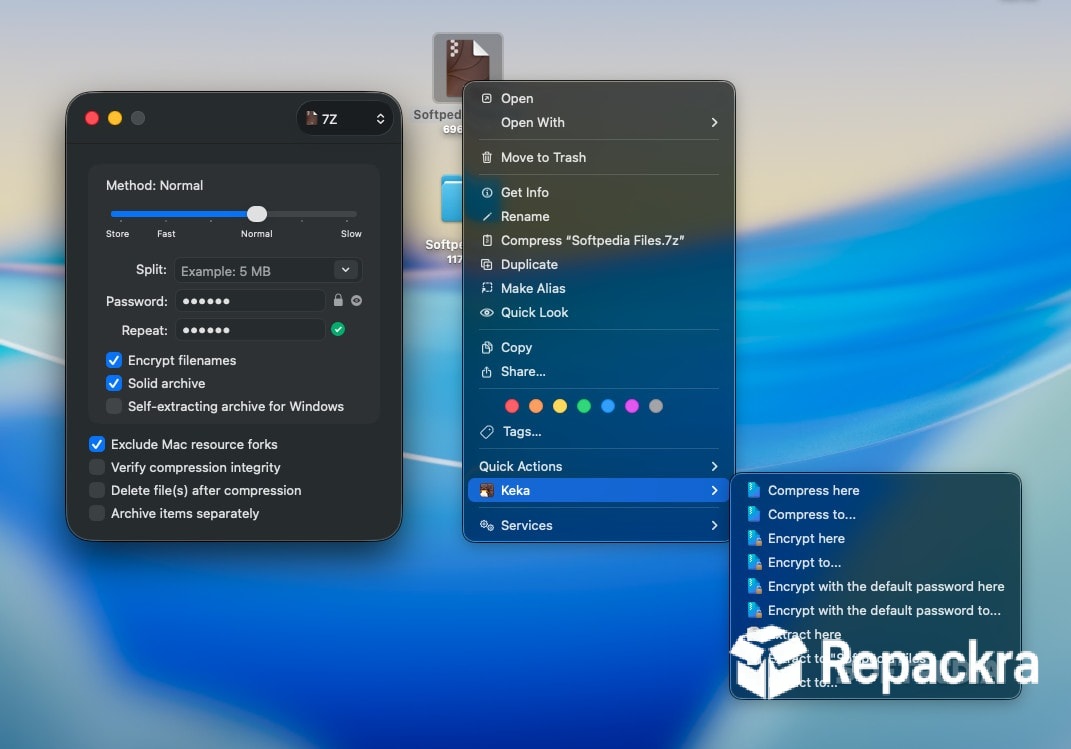
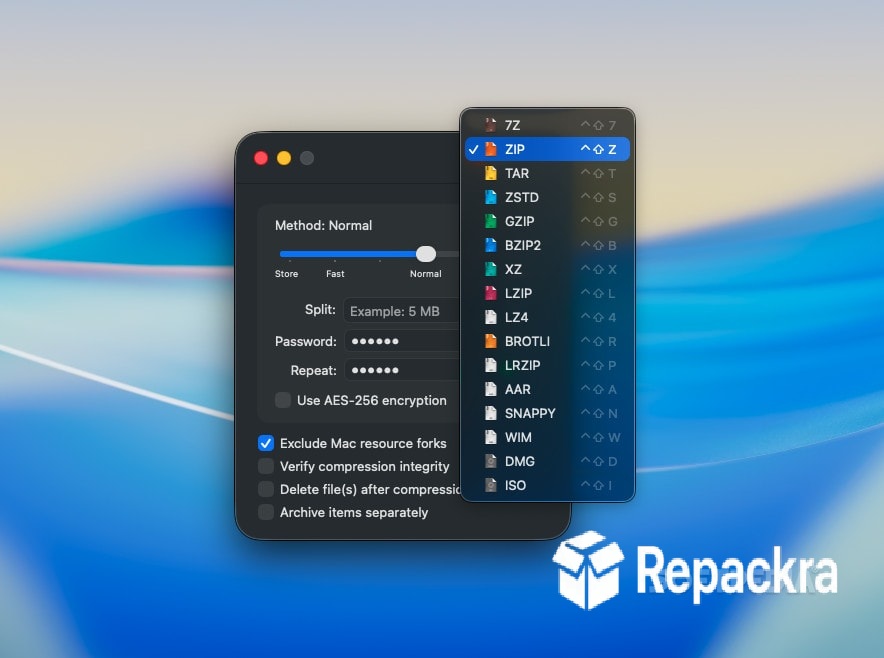
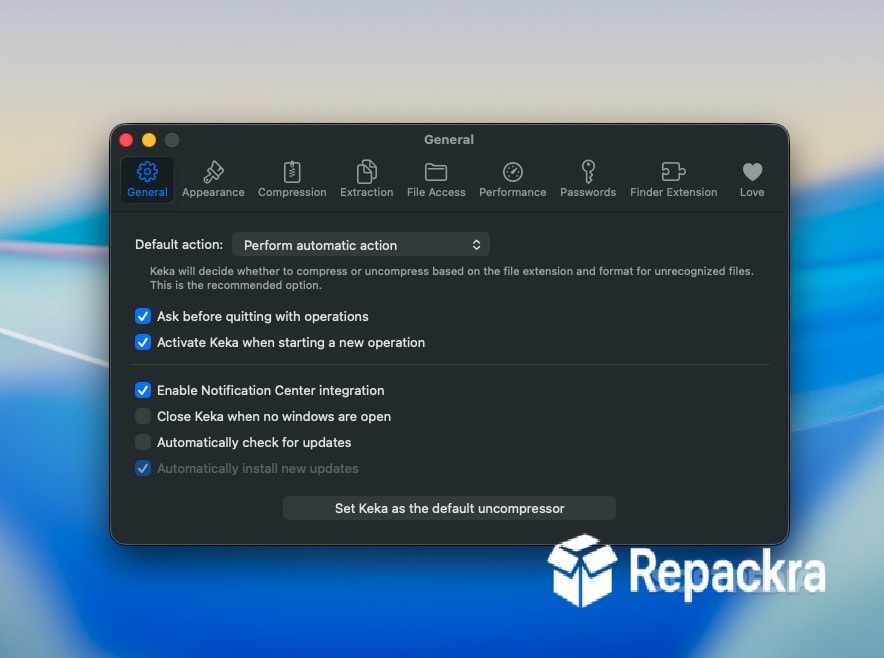
Keka for Mac is the file archiver that finally makes compression and extraction on Mac feel as natural and well designed as everything else on the platform. Version 1.6.7 brings a more refined and reliable experience for anyone who regularly works with compressed files and has been
frustrated by the limitations of the built in Archive Utility that macOS ships with. I keep it as my default archiver because it handles every format I encounter cleanly and the drag and drop workflow fits into how I already work without requiring any adjustment.
Keka Overview
Keka for Mac is a fast and capable file archiver that supports a wide range of compression and archive formats and integrates seamlessly into the macOS Finder workflow through a menu bar app and right click context menu options. It handles everything from creating password protected ZIP files to extracting obscure archive formats that Archive Utility simply refuses to touch,
all from an interface that feels genuinely Mac native rather than ported over from another platform. Keka for Mac is the archiver that Mac users reach for when they realize the built in tool isn’t enough. Windows users looking for that same level of format support and control over compression will find 7-Zip for PC a natural companion, covering the same broad archive handling on the Windows side that Keka brings to Mac.
Key Features:
- Create ZIP, 7Z, TAR, and more archive formats
- Extract RAR, 7Z, ZIP, TAR, and dozens more
- Password protection and AES256 encryption support
- Split archive creation for large file management
- Drag and drop compression from Finder
- Menu bar app for quick access
- Right click context menu integration
- Exclude hidden files from archives option
- Preserve file attributes and metadata
- Fully optimized for macOS Sequoia
What’s New in Version 1.6.7
- Improved RAR5 extraction compatibility
- Faster compression speeds on Apple Silicon
- macOS Sequoia compatibility fully resolved
- Several bug fixes and stability improvements
System Requirements
- macOS 11.0 or later
- 4 GB RAM minimum
- 100 MB storage space available
- Intel or Apple Silicon Mac supported
How to Install Keka on Mac
- Download Keka 1.6.7 for Mac.
- Open the DMG file.
- Drag Keka to your Applications folder.
- Launch Keka for Mac.
- Set it as your default archiver and start compressing and extracting files.
How to Download Keka for Mac
- Visit the official Keka website at keka.io.
- Click the Download button on the homepage.
- Wait for the DMG file to finish downloading.
- Open Downloads and open the DMG file.
- Drag to Applications and launch.
Supported Websites
- Keka Official Website
- Apple Mac App Store
- MacUpdate
- Softpedia
- Fosshub
- Filehorse
- 1000+ other trusted sources
Why Use Keka for Mac?
What makes Keka for Mac the obvious upgrade from Archive Utility is how much broader its format support is and how much more control it gives you over the compression process without making things complicated. Being able to create a password protected 7Z archive with one drag from Finder or extract a multi part RAR file that Archive Utility would refuse to touch are the kinds of everyday wins that make Keka for Mac,
feel like a meaningful improvement rather than a minor convenience. The menu bar presence means it’s always one click away without taking up dock space and the right click integration means you rarely even need to think about opening the app directly for most tasks. Users who split their work between Mac and Windows,
and want a lighter alternative with a similar interface often turn to PeaZip for PC for archiving on the Windows side, while others managing very large archives lean on NanaZip for PC for its modern take on the classic 7-Zip engine.
Keka vs Other Mac Archivers
| Feature | Keka | Others |
|---|---|---|
| RAR and RAR5 Extraction | Yes | Limited |
| AES256 Encryption | Yes | Limited |
| Split Archive Creation | Yes | Limited |
| Menu Bar Quick Access | Yes | No |
| Mac Optimized | Yes | No |








