

Optimizer for PC is the Windows privacy and performance tool that strips away the noise from a default Windows installation and gives you back control over your system in a way that feels genuinely empowering rather than technically intimidating.
Version 16.7 brings a more comprehensive and refined experience for anyone who wants a cleaner, faster, and more private Windows machine without spending hours researching which registry keys to modify manually. I use it on fresh Windows installations because the gap between a default Windows setup and one properly,
configured through Optimizer for PC is immediately obvious from the first use. For anyone who wants a slightly friendlier starting point before getting into this level of detail, WinToys for PC covers a lot of the same ground through a more visually guided interface.
Optimizer Overview
Optimizer for PC is a free and open source Windows system optimization and privacy tool that gives you straightforward control over telemetry, startup programs, visual effects, network settings, and a wide range of Windows behaviors that Microsoft never surfaces in a convenient place. It covers Windows 10 and Windows 11 with a clean interface that makes every option understandable without requiring deep technical knowledge.
For users who want even more granular explanations behind each setting before applying it, SophiApp for PC takes a similarly thorough approach but leans further into documenting exactly what each toggle changes. Optimizer for PC is built by someone who clearly uses it themselves and that shows in how practical and focused every included option is.
Key Features
- Comprehensive privacy and telemetry disabling options
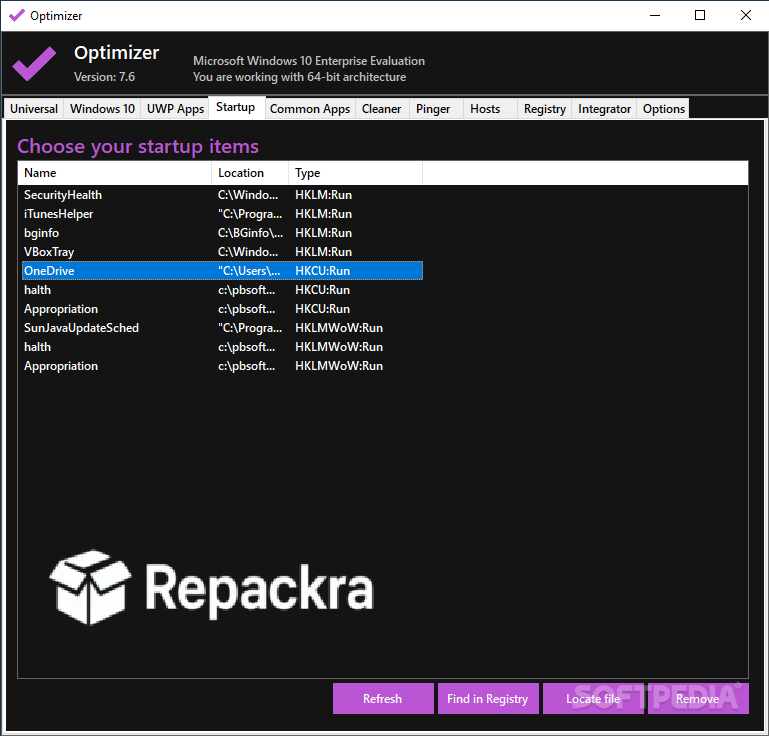
- Startup program management for faster boot times
- Visual effect optimization for performance
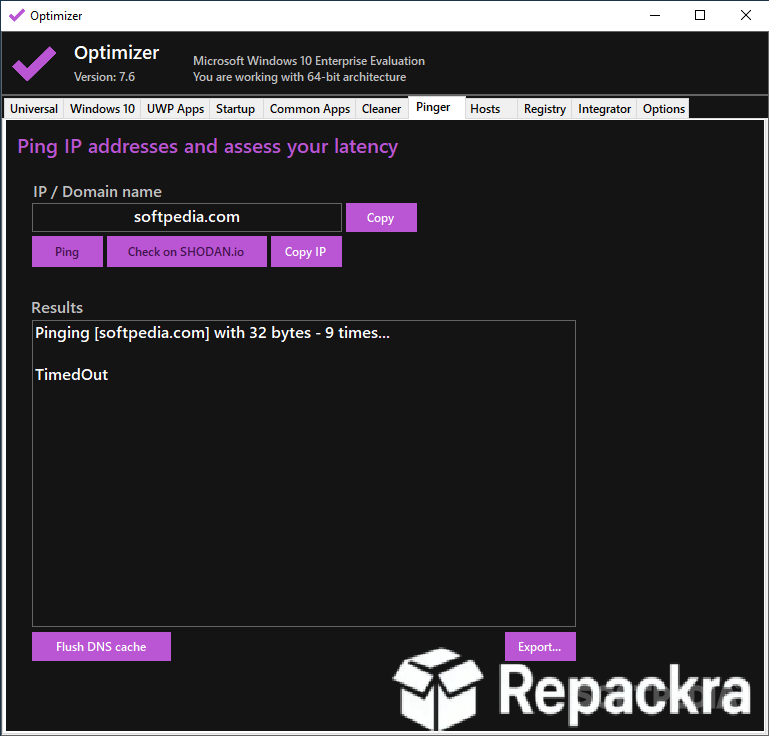
- Network and internet settings tweaks
- Windows Defender and security configuration options
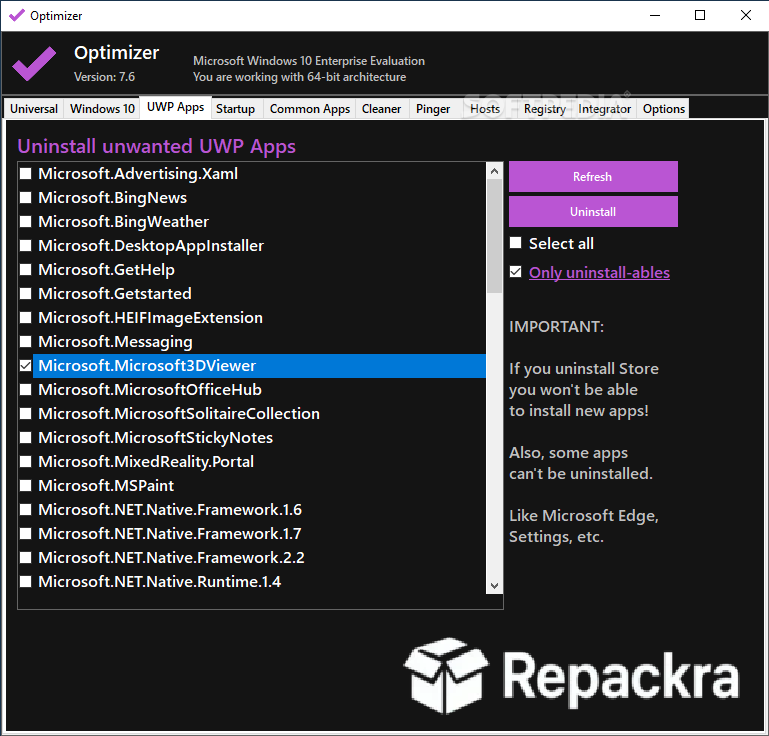
- Bloatware removal for cleaner installations
- Gaming mode optimization settings
- Process priority management
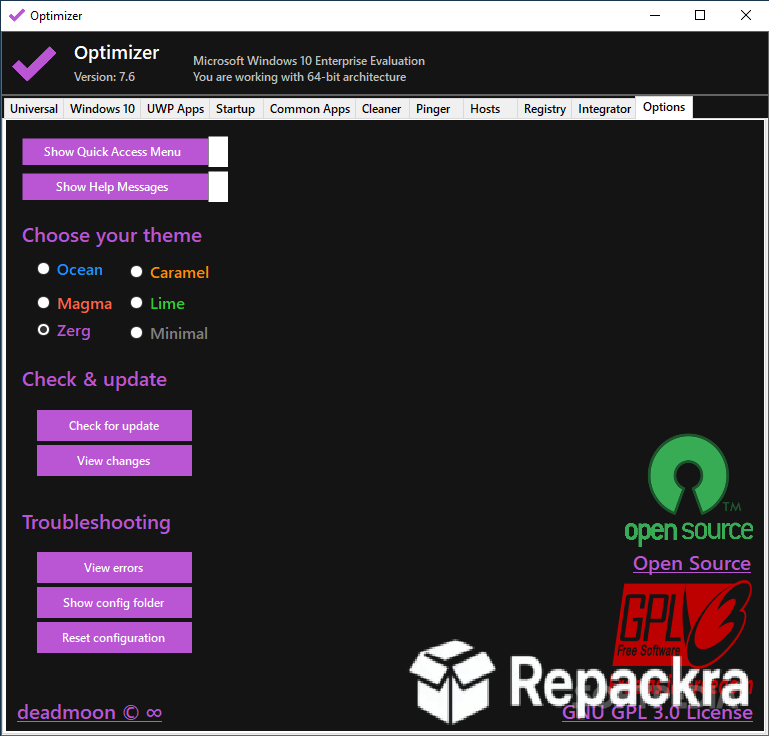
- Modern clean interface with category organization
- Fully open source with transparent development
What’s New in Version 16.7
- New tweaks added for Windows 11 24H2
- Improved bloatware detection accuracy
- Better compatibility with latest Windows builds
- Several bug fixes and stability improvements
System Requirements
- Windows 10 or later, 64-bit
- 4 GB RAM minimum
- 50 MB storage space available
- Intel or AMD dual core processor
- Administrator privileges required
How to Install Optimizer on PC
- Download Optimizer 16.7 for PC.
- Extract the downloaded file.
- Run the executable as Administrator.
- Browse through the categories and apply your preferred settings.
- Restart your PC when prompted to complete changes.
How to Download Optimizer for PC
- Visit the official Optimizer GitHub page.
- Click the latest release download link.
- Wait for the file to finish downloading.
- Extract the downloaded archive.
- Run as Administrator to begin.
Supported Websites
- Optimizer GitHub Official Page
- Softpedia
- MajorGeeks
- FileHippo
- Fosshub
- Filehorse
- 1000+ other trusted sources
Why Use Optimizer for PC?
What makes Optimizer for PC stand out from the crowded field of Windows tweaking tools is how focused and practical every included option feels. There is no padding with obscure settings that affect nothing meaningful and no upselling toward features you don’t need. Every option in Optimizer for PC addresses something real that affects either your privacy,
your performance, or how your system behaves day to day. The bloatware removal is particularly satisfying on a fresh Windows installation where the default setup includes apps and services that consume resources without providing any value to most users.
Once the system itself is tuned the way I want it, Microsoft PowerToys for PC and Chris Titus Tech Utility (CTT) are usually what round out the setup, covering the day to day convenience features and quick scripted checklists that Optimizer doesn’t really focus on.
For anyone who wants a Windows machine that feels genuinely optimized for their use rather than configured around Microsoft’s interests, Optimizer for PC is one of the most honest and effective tools available for getting there.
Optimizer vs Other Windows Tweaking Tools
| Feature | Optimizer | Others |
|---|---|---|
| Focused Practical Options | Yes | Limited |
| Comprehensive Telemetry Control | Yes | Limited |
| Bloatware Removal Built In | Yes | Limited |
| Open Source and Transparent | Yes | No |
| Windows Optimized | Yes | No |








