

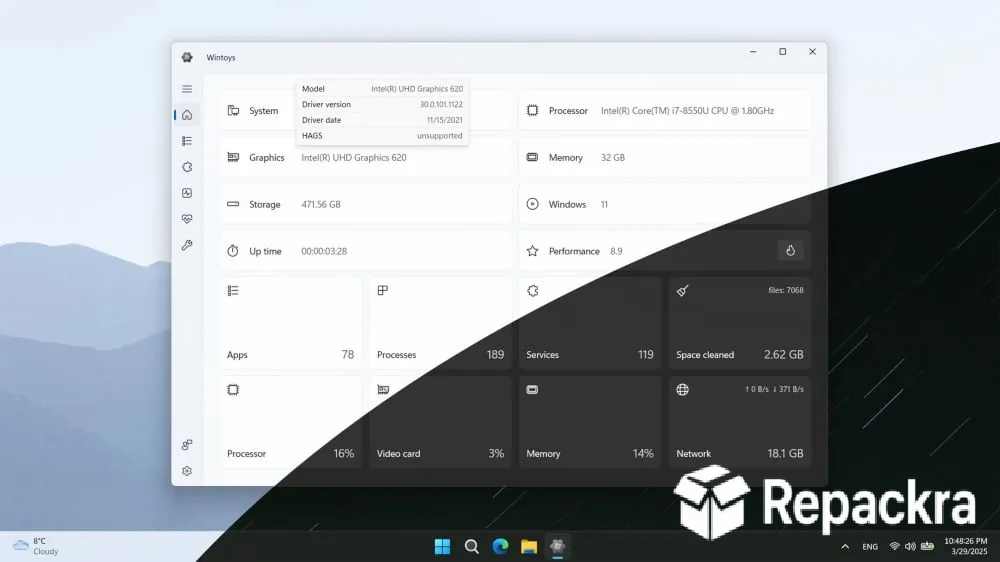
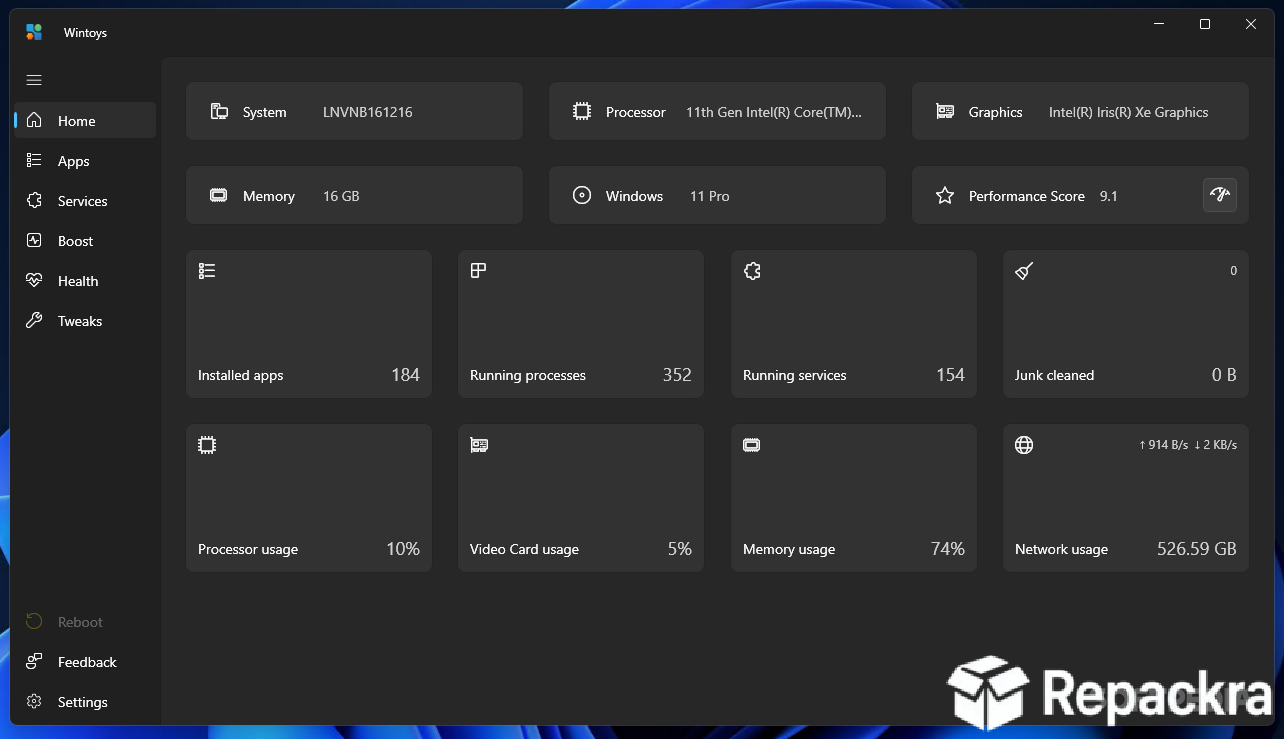
WinToys for PC is the Windows optimization and customization tool that makes tweaking your system feel genuinely approachable rather than like a trip through obscure registry paths and buried settings menus. Version 2.6.69.0 brings a more refined and capable experience for anyone who wants to tune their Windows machine without, needing to know where every hidden setting lives.
I keep it installed because having all the meaningful Windows tweaks organized in one clean modern interface saves an enormous amount of time compared to hunting through System Settings or editing the registry manually. Alongside it, Microsoft PowerToys for PC covers a slightly different set of daily conveniences like window snapping and a better file preview, so the two end up complementing each other rather than overlapping.
WinToys Overview
WinToys for PC is a free Windows utility built with a modern Fluent Design interface that gives you easy access to system tweaks, performance optimizations, privacy settings, startup management, and app controls all from one organized and visually clean dashboard. It surfaces settings that Microsoft buries or hides entirely and presents them in a way that makes sense without requiring any technical background to use confidently.
For anyone who wants to go noticeably deeper into debloating and privacy hardening than WinToys attempts, SophiApp for PC is worth knowing about, though it leans more toward advanced users comfortable reading through each toggle carefully before applying it. WinToys for PC is the kind of tool that makes Windows feel more like your own system and less like something configured for the lowest common denominator.
Key Features
- System performance and visual effect tweaks
- Privacy settings management in one place
- Startup program manager for faster boot times
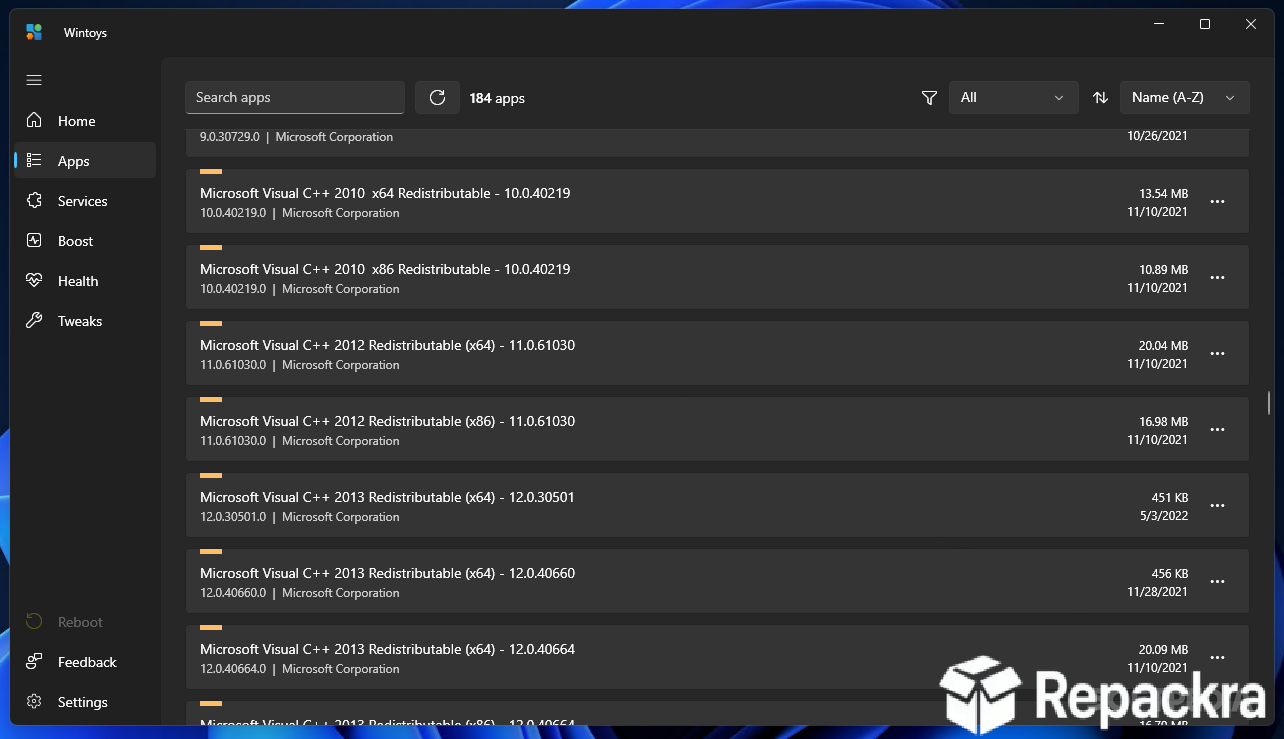
- Installed app manager and uninstaller
- Windows Update control and management
- Gaming mode and focus assist optimization
- Taskbar and Start menu customization options
- Disk cleanup and maintenance tools
- Modern Fluent Design interface
- Fully compatible with Windows 10 and Windows 11
What’s New in Version 2.6.69.0
- New tweaks added for Windows 11 24H2
- Improved startup manager reliability
- Better privacy setting detection accuracy
- Several bug fixes and stability improvements
System Requirements
- Windows 10 or later, 64-bit
- 4 GB RAM minimum
- 100 MB storage space available
- Intel or AMD dual core processor
- Active internet connection for updates
How to Install WinToys on PC
- Download WinToys 2.6.69.0 for PC.
- Run the installer file.
- Follow the on screen installation steps.
- Launch WinToys for PC.
- Browse the categories and start tweaking your system.
How to Download WinToys for PC
- Visit the official WinToys page on the Microsoft Store.
- Click the Get or Download button.
- Wait for the installation to finish.
- Launch WinToys for PC from the Start menu.
- Complete any initial setup prompts.
Supported Websites
- Microsoft Store Official Page
- WinToys Official Website
- Softpedia
- MajorGeeks
- FileHippo
- Fosshub
- 1000+ other trusted sources
Why Use WinToys for PC?
What makes WinToys for PC genuinely useful compared to manually searching for each Windows setting is the sheer convenience of having everything meaningful in one organized place. The privacy settings section alone covers more in one screen than most people would find across an hour of navigating through System Settings manually and the performance,
tweaks are explained clearly enough that you understand what you’re changing rather than blindly flipping switches. The startup manager gives you a clear picture of everything loading at boot and the impact each item has which makes it significantly easier to make informed decisions about what actually needs to be there.
For anyone setting up a brand new machine and wanting to batch through a whole checklist of tweaks in one pass, Optimizer for PC and Chris Titus Tech Utility (CTT) are both worth having on standby as well, since they take a more script driven approach that some people find faster than clicking through a GUI one setting at a time.
For anyone who wants a well tuned Windows machine without spending time becoming a Windows power user, WinToys for PC makes that genuinely achievable.
WinToys vs Other Windows Tweaking Tools
| Feature | WinToys | Others |
|---|---|---|
| Modern Fluent Design Interface | Yes | No |
| Privacy Settings Dashboard | Yes | Limited |
| Startup Impact Visibility | Yes | Limited |
| Gaming Mode Optimization | Yes | Limited |
| Windows Optimized | Yes | No |








