

PowerShell for Windows is the command line shell and scripting environment that system administrators and developers keep reaching for when they need to actually get things done efficiently at scale. Version 7.6.3 brings a more stable and capable release that continues building on the cross platform foundation Microsoft established with the modern PowerShell line.
I use it daily because once you get comfortable with it, managing systems and automating repetitive tasks through a GUI starts to feel genuinely inefficient by comparison.
PowerShell Overview
PowerShell for Windows is a modern command line shell and scripting language built around the .NET runtime, giving you deep access to Windows systems, files, services, and APIs all from one consistent environment. Unlike the old Command Prompt, PowerShell for Windows works with objects rather than plain text,
which makes piping commands together and processing output significantly more powerful and flexible. It’s the tool that IT professionals rely on for everything from simple file operations to complex automated deployment pipelines.
Developers who use PowerShell as part of their daily workflow and need a dedicated environment for building and testing Android applications will find Android Studio for Windows the natural next tool in their kit, giving them a full featured IDE with emulator support and build automation that integrates cleanly into scripted development workflows.
Key Features:
- Object based pipeline for powerful command chaining
- Full .NET runtime integration and API access
- Cross platform support for Windows, Linux, and macOS
- Remote management with SSH and WinRM support
- Comprehensive module system with PowerShell Gallery
- Integrated scripting environment compatibility
- Parallel job execution for faster automation
- Error handling and debugging tools built in
- Active Directory and Azure module support
- Regular updates with long term support options
What’s New in 7.6.3
- Several security patches applied across core modules
- Improved performance on large data pipeline operations
- Better error messaging for common scripting mistakes
- General stability improvements throughout
System Requirements
- Windows 10 or later, 64-bit recommended
- 2 GB RAM minimum, 4 GB recommended
- 200 MB storage space available
- Intel or AMD dual core processor
- Active internet connection for module downloads
How to Install PowerShell on Windows
- Download PowerShell 7.6.3 for Windows.
- Run the installer file.
- Follow the on screen installation steps.
- Launch PowerShell for Windows.
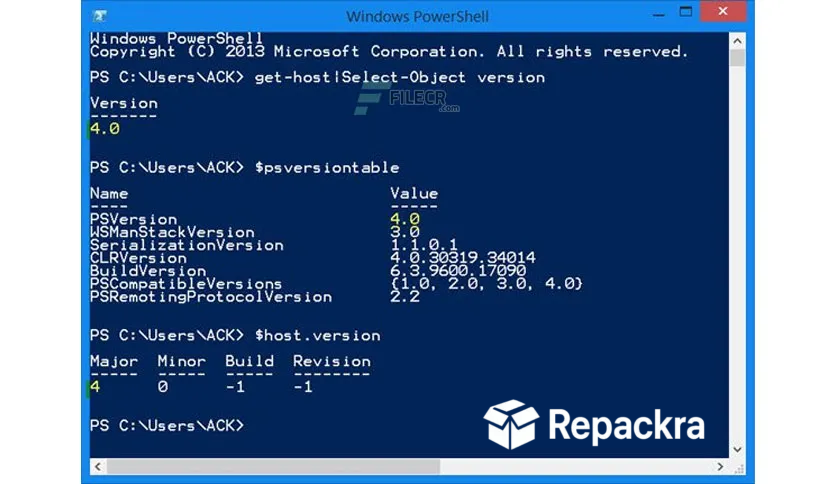
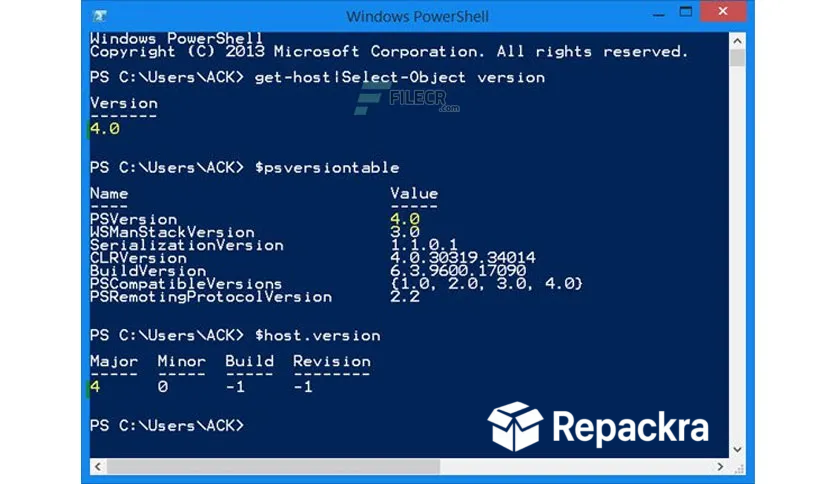
- Run your first command and verify the version with dollar sign PSVersionTable.
How to Download PowerShell for Windows
- Visit the official PowerShell GitHub releases page.
- Click the Windows installer download link.
- Wait for the installer to finish downloading.
- Open Downloads and run the installer.
- Follow the setup steps to complete installation.
Supported Websites
- PowerShell GitHub Official Page
- Microsoft Official Website
- Softpedia
- MajorGeeks
- FileHippo
- Fosshub
- 1000+ other trusted sources
Why Use PowerShell for Windows?
What makes PowerShell for Windows genuinely powerful is how it treats everything as an object rather than a string of text. When you pull a list of running processes or query Active Directory users, you get real structured data back that you can filter, sort, and act on with precision rather than trying to parse plain text output.
The module ecosystem through PowerShell Gallery means there’s almost certainly an existing module for whatever system or service you need to manage, so you’re rarely starting from scratch. Once you build up a library of scripts for your common tasks, the time savings compared to doing things manually through a GUI become very hard to give up.
Windows users who want a clean graphical layer on top of that same package management power will find UniGetUI for PC a natural companion, bringing Winget, Scoop, and Chocolatey together into one organized dashboard for the moments when a GUI is simply faster than typing commands.
PowerShell vs Other Command Line Tools
| Feature | PowerShell | Others |
|---|---|---|
| Object Based Pipeline | Yes | No |
| Cross Platform Support | Yes | Limited |
| .NET Runtime Integration | Yes | No |
| Remote Management Built In | Yes | Limited |
| PowerShell Gallery Modules | Yes | No |








