

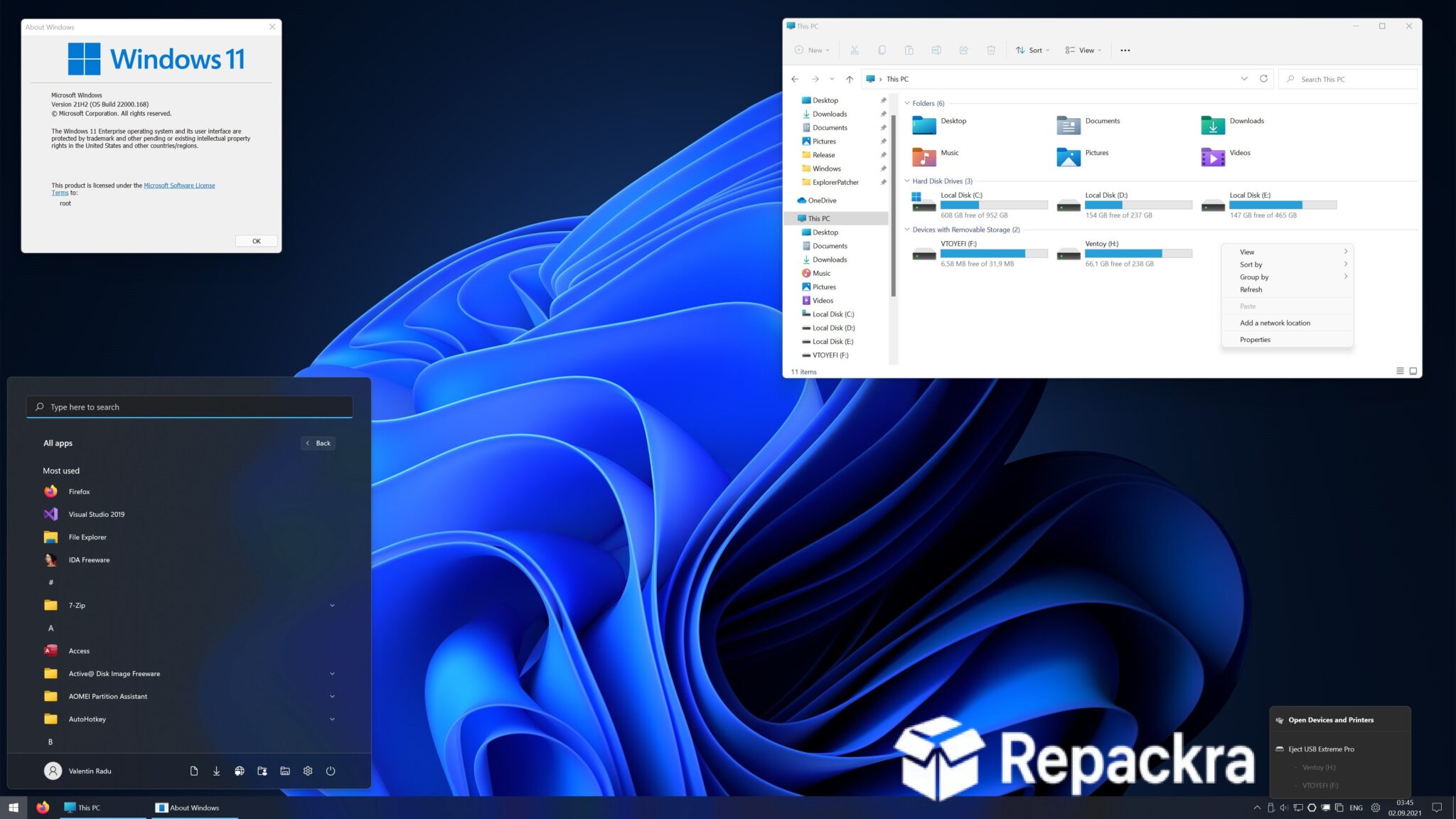
Explorer Patcher for Windows 11 is the tool that lets you take back control of a taskbar and Start menu that Microsoft decided to redesign in ways that not everyone asked for or wanted. Build 26100 brings continued compatibility improvements for anyone who prefers the more functional and familiar Windows 10 style interface without leaving Windows 11 entirely. I keep it installed because having a taskbar that actually behaves the way I expect it to makes a genuine daily difference that’s hard to give up once you’ve experienced it.
Explorer Patcher Overview
Explorer Patcher for Windows 11 is an open source utility that patches Windows Explorer to restore classic interface elements including the Windows 10 style taskbar, Start menu, context menus, and system tray behavior on Windows 11.
It requires no subscription and no ongoing account and integrates directly into the Windows shell without replacing any core system files. Explorer Patcher for Windows 11 is the most widely used and respected tool of its kind for a reason. For the right click context menu specifically, I usually pair it with Nilesoft Shell for Windows, which lets you rebuild the menu entirely from scratch rather than just restoring the old Windows 10 layout.
If you’re also looking to manage your drives and folders more efficiently alongside this restored interface, this files app for Windows is worth checking out too. Explorer Patcher for Windows 11 is the most widely used and respected tool of its kind for a reason.
Key Features:
- Restore Windows 10 style taskbar on Windows 11
- Classic Start menu and Start button options
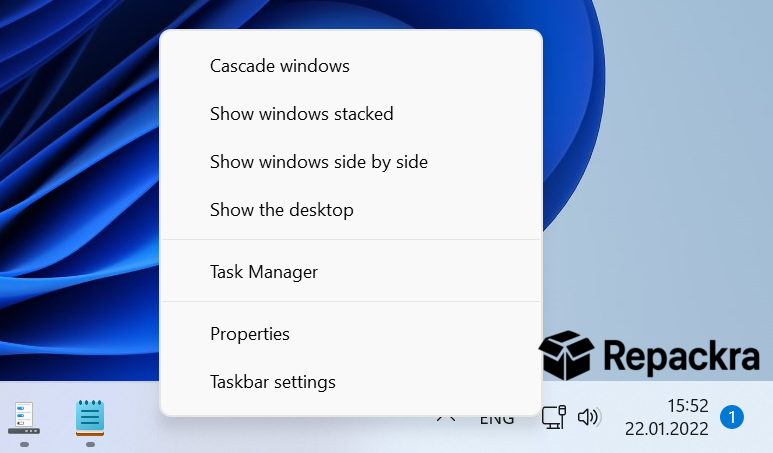
- Old style right click context menus
- Taskbar position and behavior customization
- System tray and notification area controls
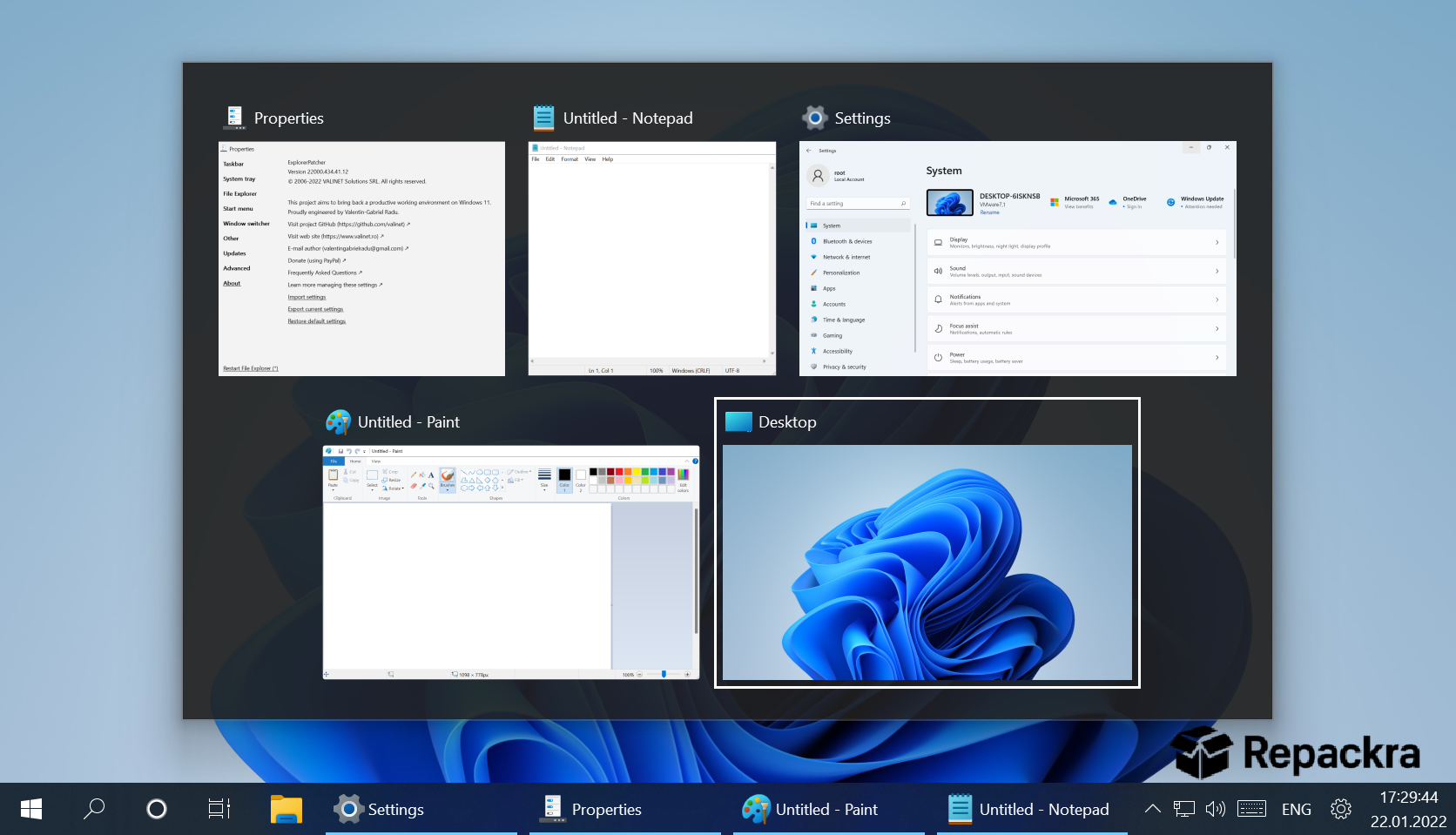
- Classic Alt Tab switcher option
- File Explorer ribbon restoration
- Weather and news widget disabling
- Open source with transparent development
- Regular updates for Windows 11 compatibility
What’s New in Build 26100
- Improved compatibility with Windows 11 24H2 updates
- Better taskbar rendering stability
- Several interface element fixes throughout
- General stability improvements across components
System Requirements
- Windows 11 64-bit
- 4 GB RAM minimum
- 10 MB storage for the application itself
- Intel or AMD processor
- Administrator privileges required for installation
How to Install Explorer Patcher on Windows 11
- Download Explorer Patcher Build 26100 for Windows 11.
- Run the installer file as Administrator.
- Wait for Explorer to restart automatically.
- Right click the taskbar to access Explorer Patcher settings.
- Customize your interface preferences and apply changes.
How to Download Explorer Patcher for Windows 11
- Visit the official Explorer Patcher GitHub page.
- Click the latest release download link.
- Wait for the installer to finish downloading.
- Open Downloads and run the installer as Administrator.
- Follow any setup prompts to complete installation.
Supported Websites
- Explorer Patcher GitHub Official Page
- Softpedia
- MajorGeeks
- FileHippo
- Fosshub
- Filehorse
- 1000+ other trusted sources
Why Use Explorer Patcher for Windows 11?
What makes Explorer Patcher for Windows 11 worth using is how much of the frustration with Windows 11’s interface decisions it quietly resolves in one installation. The centered taskbar that you can’t move, the stripped down right click context menu that hides common options behind an extra click, and the Start menu that prioritizes recommendations over your actual pinned apps are all things that Explorer Patcher for Windows 11 addresses directly.
The Windows 10 taskbar restoration alone is reason enough for many users and the additional options for context menus and Alt Tab behavior make the overall Windows 11 experience feel significantly more efficient for anyone who spent years building muscle memory around the previous interface.
Once the interface feels right again, Microsoft PowerToys is usually the next install for anyone who wants to keep tuning their workflow with things like window snapping and a better file preview pane.
Explorer Patcher vs Other Windows Customization Tools
| Feature | Explorer Patcher | Others |
|---|---|---|
| Taskbar Style Restoration | Yes | Limited |
| Classic Context Menu Support | Yes | Limited |
| Open Source and Transparent | Yes | No |
| No System File Replacement | Yes | No |
| Regular Windows 11 Updates | Yes | Limited |








